What Is an Interactive Flat Panel Display?
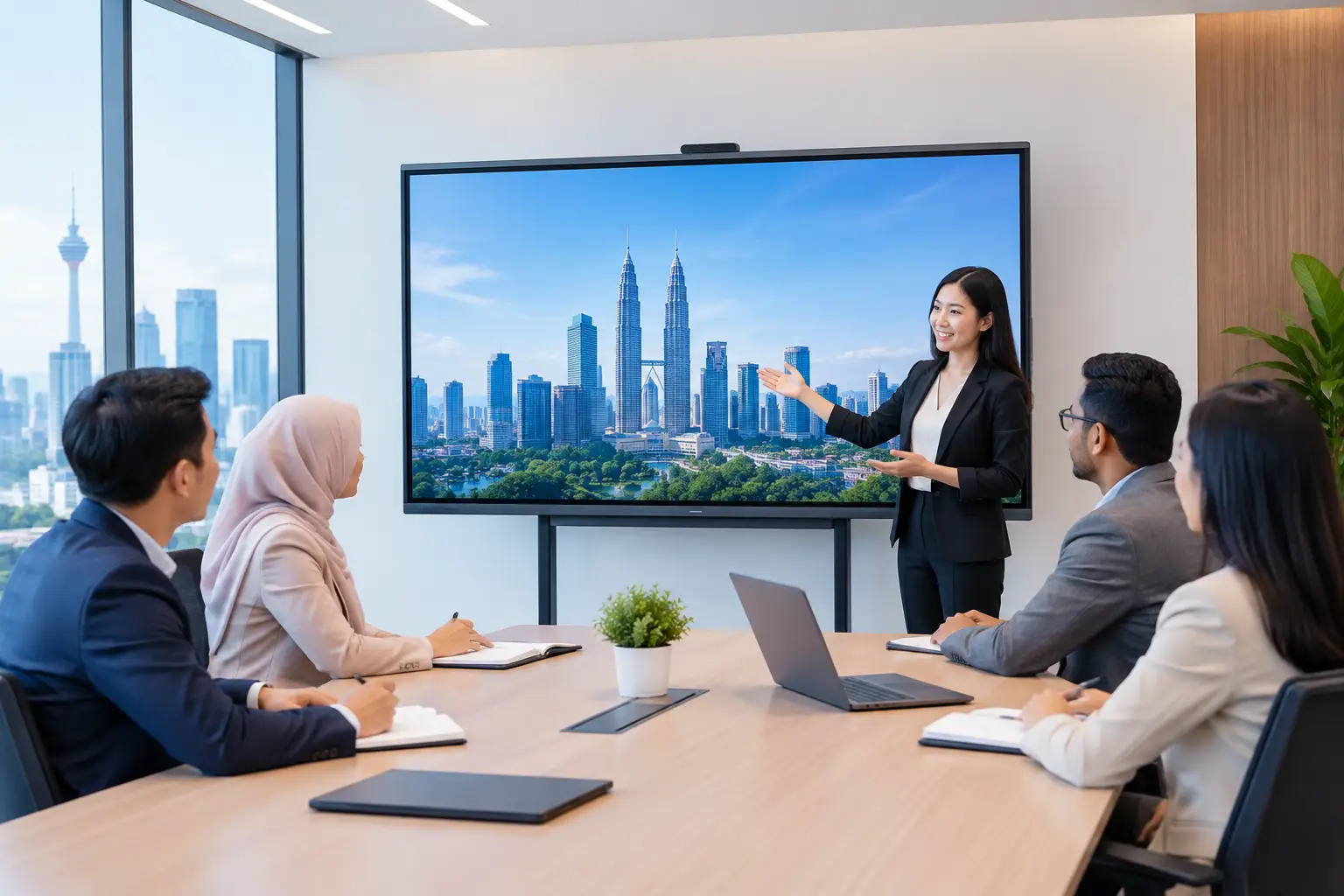
An interactive flat panel display is a large touchscreen for shared meetings and training. It can combine a presentation screen, digital whiteboard and video-call display in one clear working surface, helping staff present, annotate and join calls without losing the first ten minutes to cables and projector settings.
What is an interactive flat panel display used for?
Most buyers are trying to fix a familiar room problem. The projector is dim, the whiteboard is full, someone cannot connect a laptop, and remote attendees can see neither the presenter nor the notes. An interactive flat panel display puts those tasks on one screen that people can use standing at the front of the room or seated at the table.
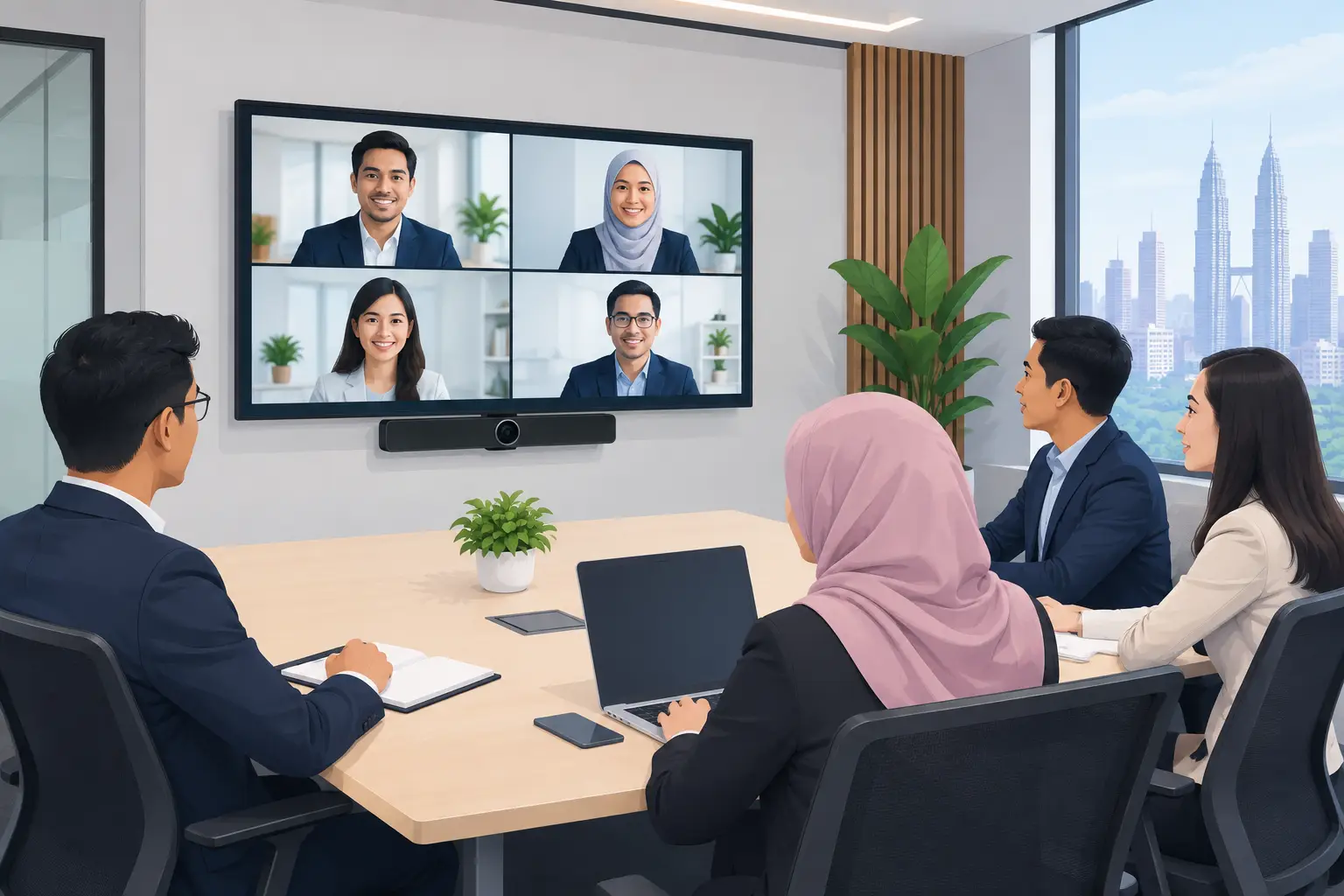
In a boardroom, it gives directors and managers a clearer way to review proposals, mark up figures and switch between presentations. For a Zoom or Microsoft Teams room, the panel provides a large shared display for video participants and content. A separate camera and microphone may still be needed for a room that regularly hosts hybrid meetings, but the display becomes the focal point.
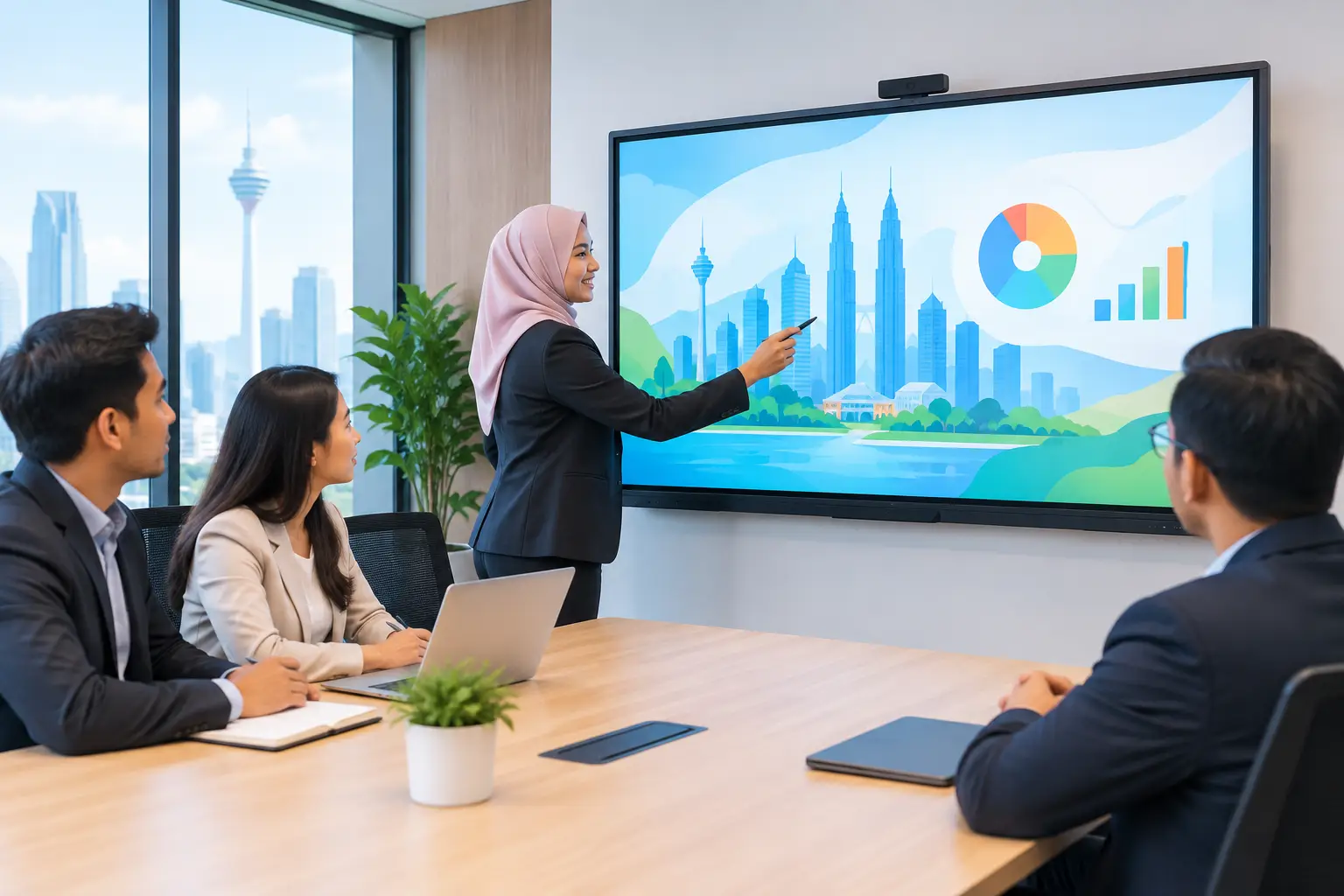
For HR and learning teams, the value is more practical. Trainers can write directly on slides, save annotations and use interactive exercises instead of printing handouts for every session. Schools and tuition centres can use the same approach for lesson content, diagrams and group activities.
Interactive flat panel display vs projector
A projector can still suit a large hall or a temporary event where the audience sits far from the screen. In a normal meeting room, however, a panel usually removes several daily frustrations: blocked images, changing lamp brightness, shadowing and the need to darken the room.
| Consideration | Interactive flat panel display | Projector | |---|---|---| | Image in a bright room | Clear, consistent picture | Can look washed out without light control | | Writing and annotation | Direct touchscreen input | Usually needs an extra interactive system | | Daily set-up | Screen is ready at the wall | May require alignment, cabling and warm-up | | Best fit | Meeting rooms, training rooms and classrooms | Halls, large venues and occasional presentations | | Ongoing attention | Cleaning and normal software management | Lamp or laser life, filters, alignment and screen condition |
The trade-off is screen size. A panel is excellent for a typical 6 to 20-person room, but a very large training hall may need a projector or LED display wall to ensure every participant can read the content. The right answer depends on viewing distance, room lighting and whether people need to write on the screen.
What screen size should you choose?
Screen size should follow the room, not just the budget. A 65-inch panel is often practical for a small meeting room or huddle space. A 75-inch screen suits many standard boardrooms, while an 86-inch panel is better for larger training rooms and classrooms where participants sit further back.
Start with the furthest regular seat. If staff need to read detailed spreadsheets, small diagrams or training material from that position, a bigger display is usually more useful than adding extra software features. A site survey also checks wall strength, power points, cable routes, glare from windows and whether the panel needs to move on a trolley.
Do not choose a large screen simply because it fills the wall. A screen that is too large for a close meeting table can be tiring to view, while an undersized screen makes people bring laptops closer rather than collaborate around the display.
Which features matter in an interactive flat panel display?
Buyers often focus first on resolution and touch points. They matter, but the daily experience is shaped by simpler details: how quickly a user can share a laptop screen, whether the whiteboard is easy to save, how well the panel works with existing meeting-room equipment, and whether staff know what to do when a setting changes.
A MAXHUB interactive flat panel display is a strong fit where a business wants polished collaboration and regular video meetings. For organisations with a tighter budget, Hikvision panels can be a sensible option for presentation, annotation and classroom use. The right model depends on the room's purpose, the number of users and how often the screen will be used for hybrid calls.
Check compatibility with the platforms your staff already use. A room built around Microsoft Teams has different requirements from a training room where participants mainly cast slides and write on a digital whiteboard. Avoid paying for features that will sit unused, but do not overlook the connectivity your IT team needs to manage the room properly.
How much does an interactive flat panel display cost in Malaysia?
The purchase decision is not only about the panel. Allow for mounting or a mobile stand, installation, room cabling, any camera and audio equipment, and user training. These details determine whether the room works well on Monday morning rather than merely looking good on handover day.
Interactive flat panels can be bought outright or arranged on a 36-month instalment plan from about RM203 a month. That can help an office, school or department budget for an upgraded training or meeting space without delaying a needed replacement.
Ask for a recommendation based on the full room use case. A panel for weekly management meetings needs a different set-up from one used all day for training. A clear proposal should state what is included, where the equipment will sit and who will support users after installation.
Can an interactive flat panel display be HRDC claimable?
Interactive flat panels may be claimable through HRD Corp's Training Facilities and Renovation Scheme, known as ALAT, when they are used in an approved training venue for training purposes. This applies to the panel, subject to HRD Corp approval and the scheme conditions. Delivery and installation by themselves are not claimable.
The employer must apply before buying. If the panel is purchased before approval, the purchase is not claimable. Once approval is received, the organisation must buy within six months, place the panel in the training venue and submit its claim after purchase.
The yearly cap is 50% of the levy balance as at 1 January. HRD Corp decides each application, so it is wise to confirm eligibility and timing before placing an order. Hytech can help customers prepare for the HRDC claim process, but is not an HRD Corp training provider.
Why installation and training affect the result
A good display can still become an expensive television if the room is poorly planned or staff are left to figure it out themselves. The panel should be mounted at a comfortable height, connected cleanly and tested with the laptops and meeting platforms people use every day.
User training is equally useful. A short session can show teams how to share content, annotate a document, save a whiteboard and start a video call. That lowers support requests and gives the organisation a better return from the equipment.
For Kuala Lumpur and Selangor workplaces, Hytech provides site surveys, delivery, installation and user training. If support is needed later, customers receive a response within four working hours.
Frequently asked questions
Do we need a separate computer for the panel?
Not always. Many panels have built-in functions for whiteboarding, basic presentations and screen sharing, while a connected laptop is often used for business applications and video calls. The preferred arrangement depends on your IT policy and the software staff use.
Can staff use it with their own laptops?
Yes, that is a common requirement. The recommended connection method should be agreed during planning so users can present quickly without searching for the right adaptor or changing room settings.
Is a 75-inch screen large enough for a boardroom?
For many standard boardrooms, yes. It depends on the room depth and the type of content being viewed, because detailed financial sheets need more readable space than a simple slide deck.
Will it work for Zoom and Microsoft Teams?
Yes, when the room is designed with the right camera, microphone, speaker and connection set-up. The display handles the shared visual workspace, while the wider system needs to match the size of the room and number of remote participants.
Can we move the panel between rooms?
Yes, a mobile trolley can make sense for organisations with several smaller rooms or changing training needs. A wall-mounted panel is usually better for a boardroom that needs a permanent, tidy set-up.
See the panel in a real boardroom
Before deciding from a specification sheet, book a showroom demo at the Maxsmart Experience Centre in Corporate Tower 2, Pavilion Damansara Heights, Kuala Lumpur. Bring the presentation or meeting scenario your team uses most, and an Office Solutions Specialist can show how the screen, sharing and video-meeting set-up work in practice.