MAXHUB versus Hikvision: Which IFPD Fits?
Choosing MAXHUB versus Hikvision comes down to more than panel price. MAXHUB suits organisations that want a polished, meeting-ready interactive flat panel display (IFPD) with stronger collaboration options. Hikvision can be the sensible choice for straightforward teaching or presentation rooms where the budget is tighter and the required workflow is simpler.
A panel may look similar on a quotation, yet staff experience can be very different after installation. The right decision depends on who uses the room, how often they join video calls, what devices they bring, and whether the panel is expected to support training as well as daily presentations.
MAXHUB versus Hikvision: what is the practical difference?
Both brands provide touchscreen displays that replace a projector, whiteboard and presentation screen in one room system. Both can suit meeting rooms, training rooms and classrooms. The real difference is usually in the level of collaboration experience, the software ecosystem, available room solutions and the budget assigned to the project.
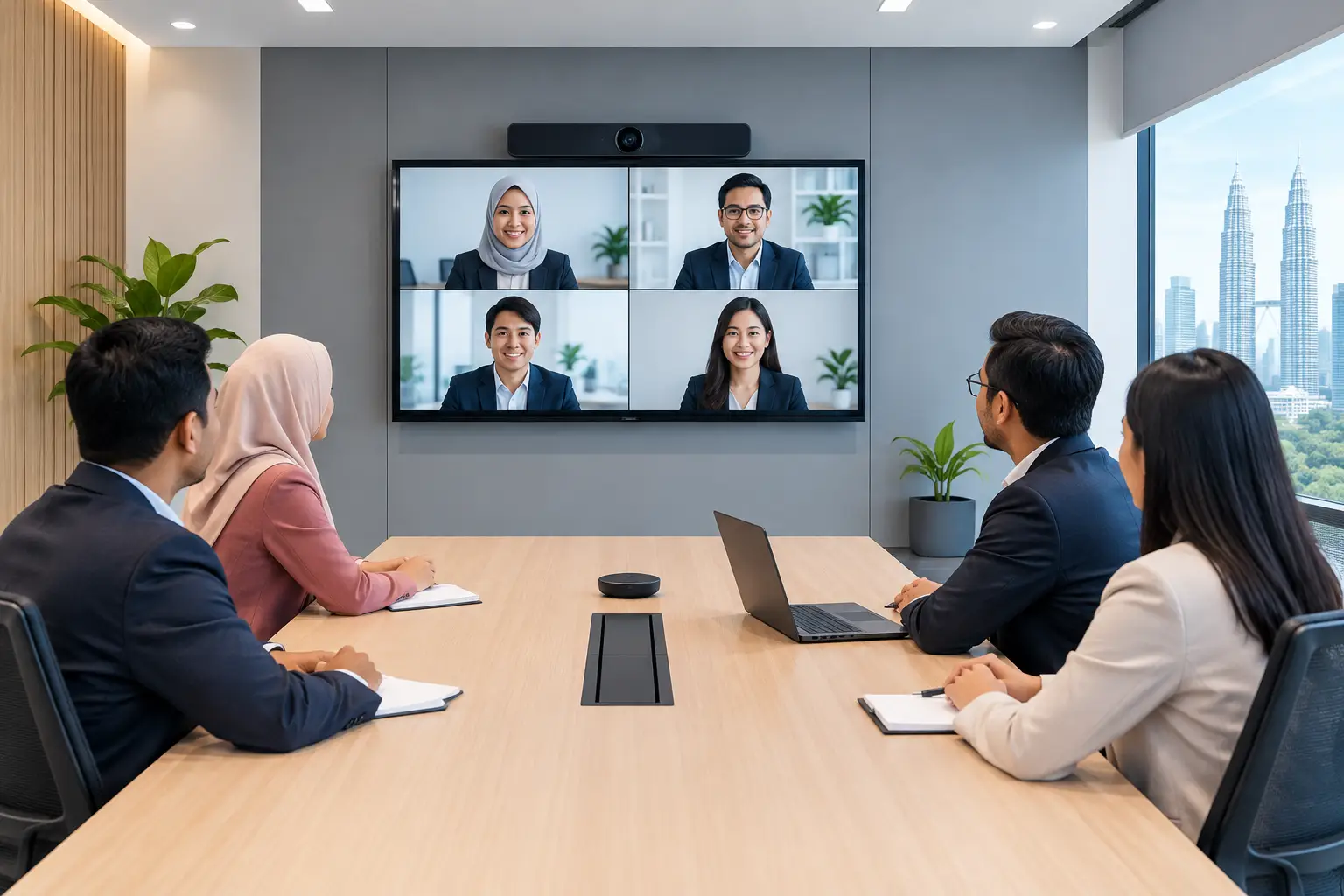
MAXHUB is generally the stronger fit where the panel is central to how people meet. A management team may need to annotate documents, share a laptop screen quickly, open a video call and save meeting notes without turning the room into an IT support exercise. That is where a more complete collaboration platform earns its cost.
Hikvision IFPDs are often considered where the requirement is more focused. A school may need a large touch display for lesson content. An office may need a clear presentation screen for a small meeting room. If advanced video conferencing integration and frequent multi-user collaboration are not priorities, a Hikvision option can keep the project within budget.
| Buyer consideration | MAXHUB IFPD | Hikvision IFPD |
|---|---|---|
| Typical fit | Active meeting rooms, training spaces and leadership rooms | Budget-conscious classrooms and presentation rooms |
| Collaboration needs | Better suited to frequent annotation, content sharing and meeting workflows | Suitable for core touchscreen presentation and teaching tasks |
| Video conferencing role | A stronger choice when Zoom or Microsoft Teams room use is a key requirement | Depends on the model and the room setup required |
| Buying priority | User experience, room standardisation and wider collaboration capability | Essential IFPD functions at a tighter project budget |
| Long-term approach | Useful where rooms are being upgraded as part of a workplace technology plan | Practical where a simple, clear display upgrade is the main aim |
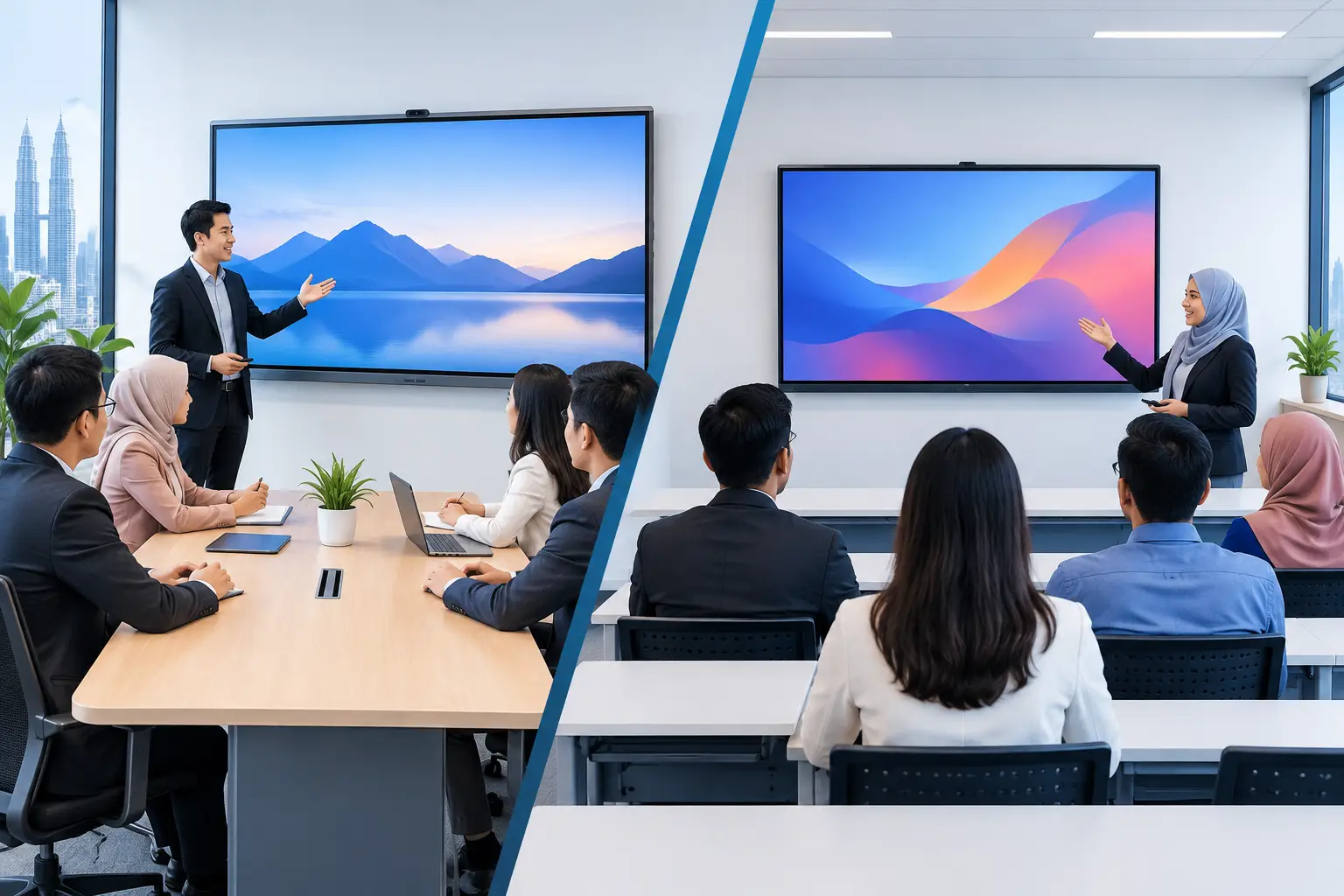
This is not a rule that MAXHUB always belongs in a boardroom and Hikvision always belongs in a classroom. A well-specified Hikvision panel can work well in many offices. Equally, a MAXHUB panel can be valuable in a training room where presenters regularly use digital whiteboarding and remote participants join sessions.
Which IFPD is better for meeting rooms?
For meeting rooms, start with the meeting itself rather than the screen size. If users regularly bring different laptops, present spreadsheets, mark up proposals, and join hybrid calls with colleagues or customers, the IFPD needs to reduce steps. A panel that looks good but requires adapters, separate remotes and repeated assistance will quickly become underused.
MAXHUB is usually the more suitable option for rooms that are used intensively by mixed teams. It is particularly relevant for organisations standardising meeting spaces across Kuala Lumpur and Selangor, where executives expect a consistent experience from one room to the next. The benefit is not simply a larger display. It is fewer awkward minutes at the beginning of each meeting.
Ask whether the panel needs to work as part of a Zoom or Microsoft Teams room. If the answer is yes, assess the full room setup, including camera position, microphone coverage, speaker performance and control method. Do not choose an IFPD in isolation and assume every video conferencing requirement will be solved by the panel alone.
For a small room used mainly for face-to-face presentations, Hikvision may be entirely adequate. The savings can be redirected to suitable mounting, cabling or a better camera and audio setup where those elements matter more.
Which IFPD is better for schools and training rooms?
Education and corporate learning teams should focus on how trainers prepare and deliver sessions. A touchscreen is useful when it lets the presenter annotate slides, bring up web content, compare documents and keep participants involved. It is less useful if it becomes another device requiring a separate training session for every instructor.
Hikvision can be a practical choice for rooms that need reliable touchscreen teaching and content display without a large feature requirement. This may suit standard classrooms, tuition centres or internal briefing rooms with a defined presentation routine.
MAXHUB is worth considering when training sessions are interactive, repeated across departments or delivered to both room-based and remote participants. HR and learning leaders may also have a funding consideration. Interactive flat panels are the only Hytech product that may be HRDC claimable under HRD Corp's Training Facilities and Renovation Scheme (ALAT), subject to approval and scheme conditions.
The employer must apply before buying, purchase within six months of approval, and place the panel in a training venue for training use only. The annual cap is 50% of the levy balance as at 1 January. Delivery and installation alone are not claimable, and HRD Corp decides whether an application is approved.
How should you compare the real cost?
The lowest panel price is not always the lowest room cost. A cheaper display can become expensive if staff need extra peripherals, recurring call-outs or a replacement plan sooner than expected. On the other hand, paying for advanced functions that nobody uses is equally poor procurement.
Compare the complete installed solution: panel size, wall mount or trolley, cabling, device connectivity, video conferencing requirements, installation, user training and after-sales support. Screen size should match the room depth and viewing distance. A 65-inch panel may be suitable for a smaller room, while larger rooms may require 75-inch, 86-inch or larger options so participants can read detailed figures without moving closer.
For organisations that prefer to manage cash flow, interactive flat panels can be bought outright or placed on a 36-month instalment plan from about RM203 a month. The appropriate arrangement depends on the model, accessories and project scope.
Support should also be part of the comparison. Hytech Office Automation is the MAXHUB Authorised Business Partner and Official Distributor in Malaysia, with site survey, delivery, installation and user training available. When support is required, the service commitment is a response within 4 working hours.
What should procurement ask before approving either brand?
Procurement teams can avoid a poor fit by asking operational questions early. Who will use the room? What content will they show? Will they join external video calls? Does IT need a standard platform across several locations? Is the room used for HRDC-supported training?
Then ask the Office Solutions Specialist to demonstrate the actual workflow. A live test should include connecting a laptop, writing on the screen, sharing content, starting a video call and switching between presenters. A specification sheet cannot show whether the controls make sense to an administrator who is under pressure to start a meeting on time.
Frequently asked questions
Is MAXHUB more expensive than Hikvision?
MAXHUB is often positioned for buyers who need a broader collaboration and meeting-room experience, which can affect project cost. Hikvision can be a better-value option where the requirement is a straightforward IFPD for teaching or presentations.
Can Hikvision be used in a corporate meeting room?
Yes. Hikvision can work well in smaller rooms and presentation spaces where touch interaction and clear display are the main needs. Confirm the required connectivity, camera, microphone and platform compatibility before finalising the room design.
Is MAXHUB suitable for Microsoft Teams and Zoom rooms?
MAXHUB is a strong option when video conferencing is a major part of the room workflow. The right result still depends on selecting the appropriate camera, audio equipment and room configuration, rather than treating the display as the entire solution.
Are interactive flat panels HRDC claimable?
Interactive flat panels may be claimable through HRD Corp ALAT when the employer meets the scheme requirements and receives approval before purchase. Other products such as projectors, LED walls, photocopiers and video conferencing equipment should not be treated as HRDC claimable under this arrangement.
Should we choose a 65-inch, 75-inch or 86-inch IFPD?
Choose according to room size, viewing distance and the type of content shown. Financial tables, detailed drawings and training materials often need a larger screen than standard slide presentations, especially when people sit further from the panel.
See the difference in a real boardroom
Book a showroom demo at the Maxsmart Experience Centre in Pavilion Damansara Heights and test MAXHUB and Hikvision workflows before committing. Bring the laptop, meeting format or training material your team actually uses, because the right IFPD is the one your people can operate confidently from their first session.