
Hybrid Calls Where Everyone Is Seen & Heard
A laptop webcam in a 12-seat room means remote attendees watch a blur and hear an echo. Proper room conferencing puts a camera that frames everyone and audio that reaches every chair behind a single tap-to-join.
 Zoom, Teams and Google Meet
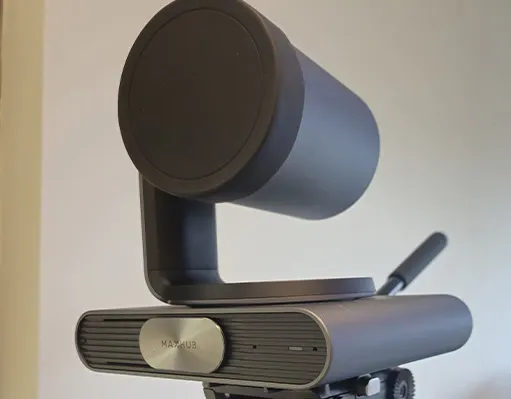
Tuned to the room, not bolted on.
Hytech matches cameras, microphones, and speakers to your room's size and shape, then configures one-touch join for the platform your company runs on. The result: hybrid meetings that feel like meetings.
- 4K cameras with auto-framing for the whole table
- Microphones and speakers that cover every seat
- One-touch join for Zoom, Teams & Google Meet
- Works with smart panels or standard displays
The parts of a room that works
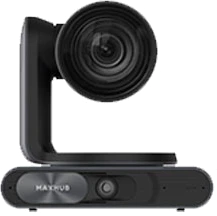
PTZ camera
Auto-framing for the whole table.

Video bar
Camera, mics and speaker in one, for huddle rooms.
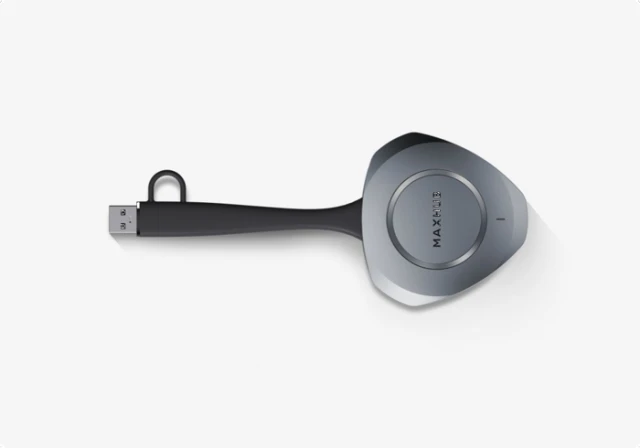
Wireless dongle
One tap to share a laptop screen.
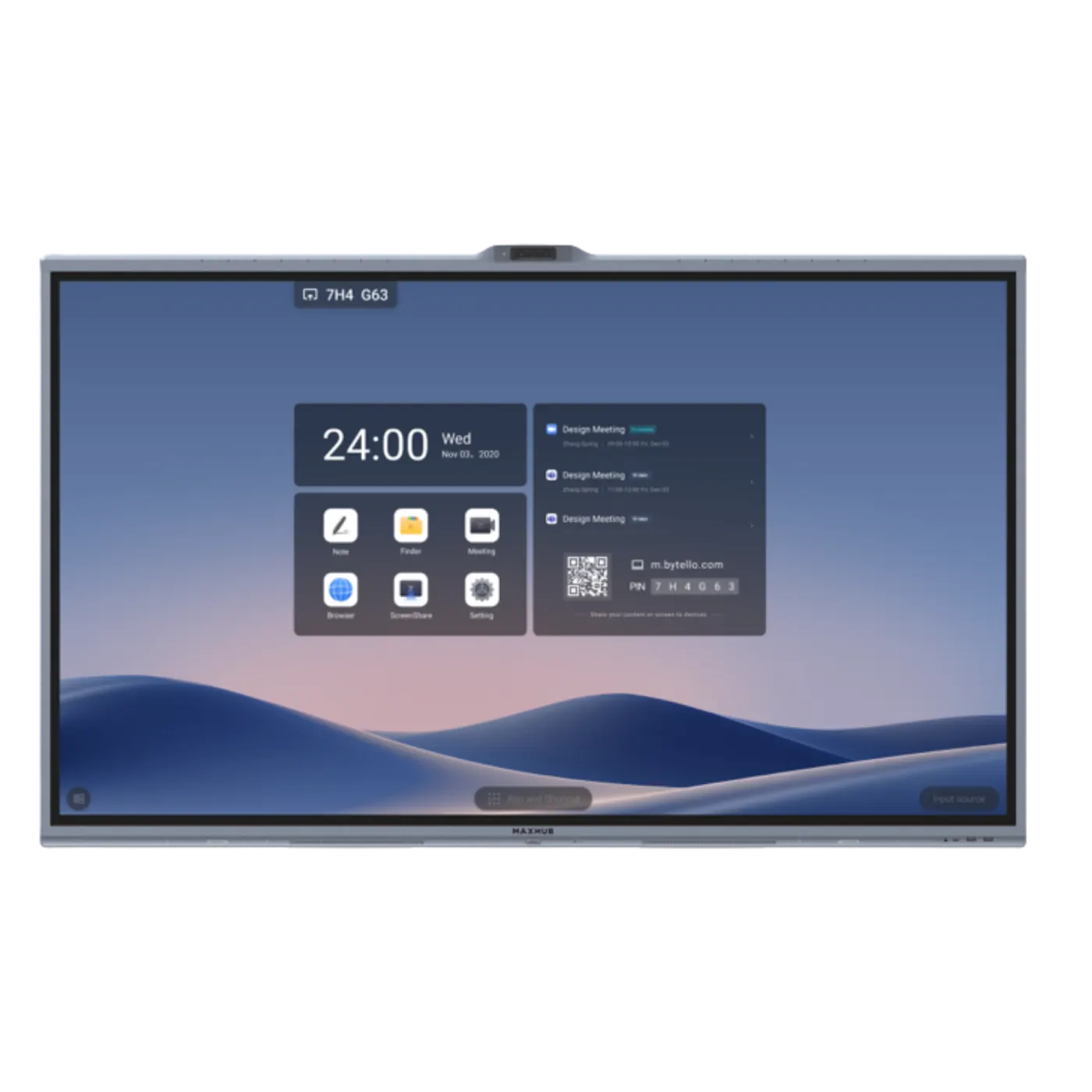
Interactive panel
The display, whiteboard and call screen.
What proper room AV fixes
Everyone In Frame
- Auto-framing cameras follow the conversation instead of showing one end of the table.
No More “Can You Repeat That?”
- Room microphones tuned for the space end the echo-and-mumble cycle on hybrid calls.
One Tap To Join
- Scheduled meetings appear on the room controller; one tap and you're live.
Platform Flexible
- Native rooms for your main platform, guest-join for everything else.
Rooms we equip
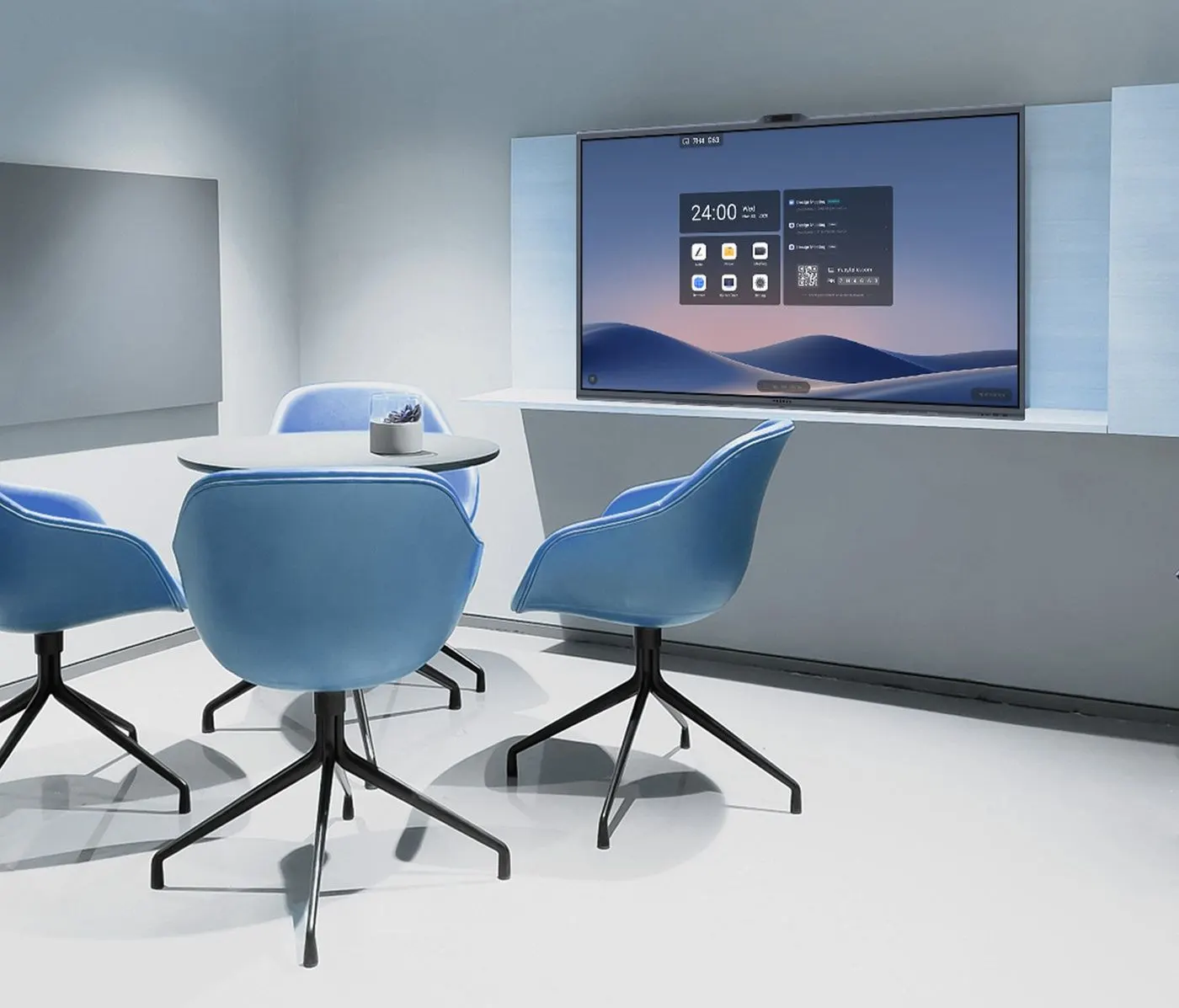
Huddle Rooms
All-in-one video bars that turn small rooms hybrid in a day.
Boardrooms
Premium cameras, ceiling mics, and clean integration with the room display.
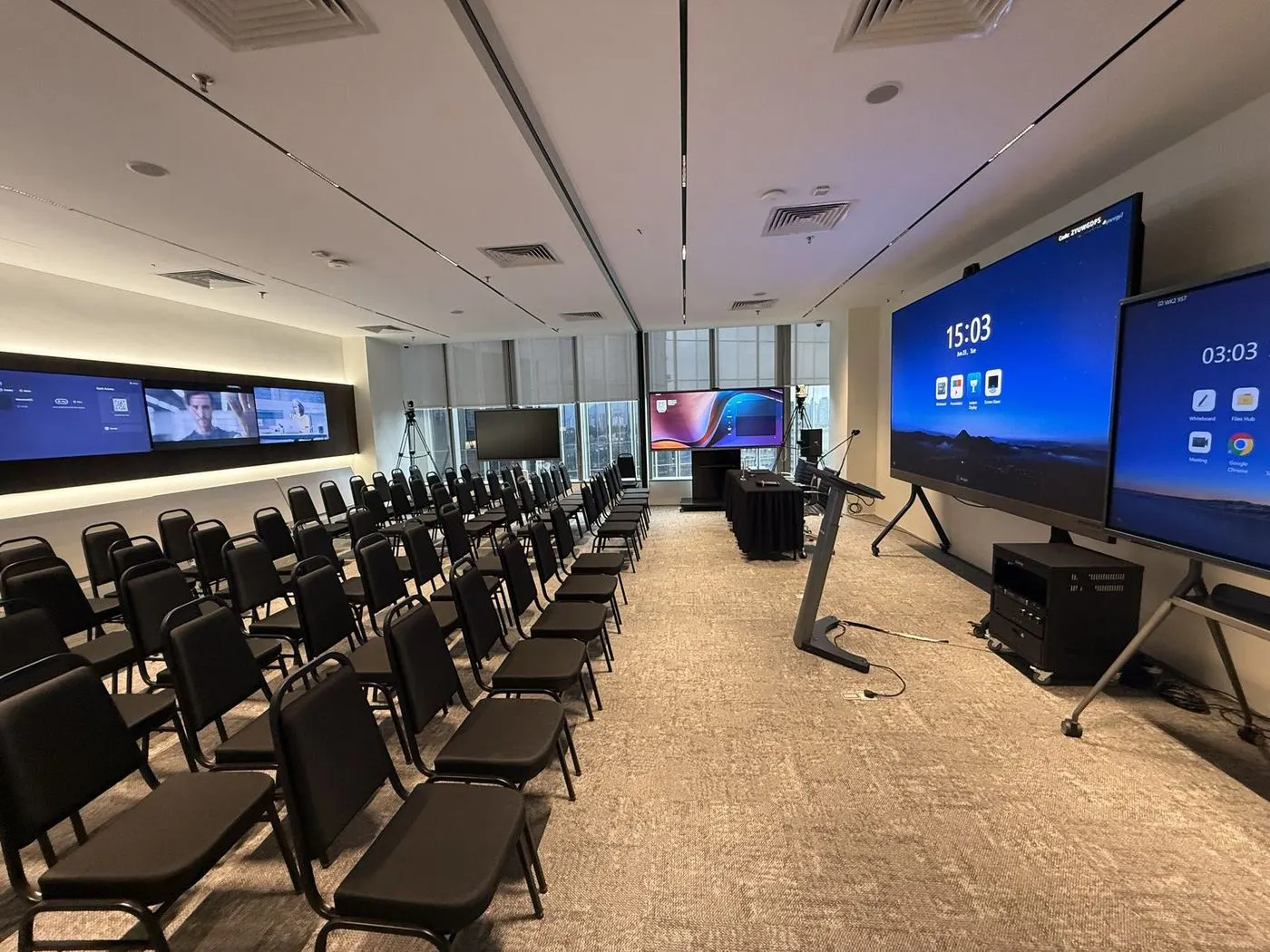
Training Rooms
Capture the presenter and the room for remote trainees and recordings.
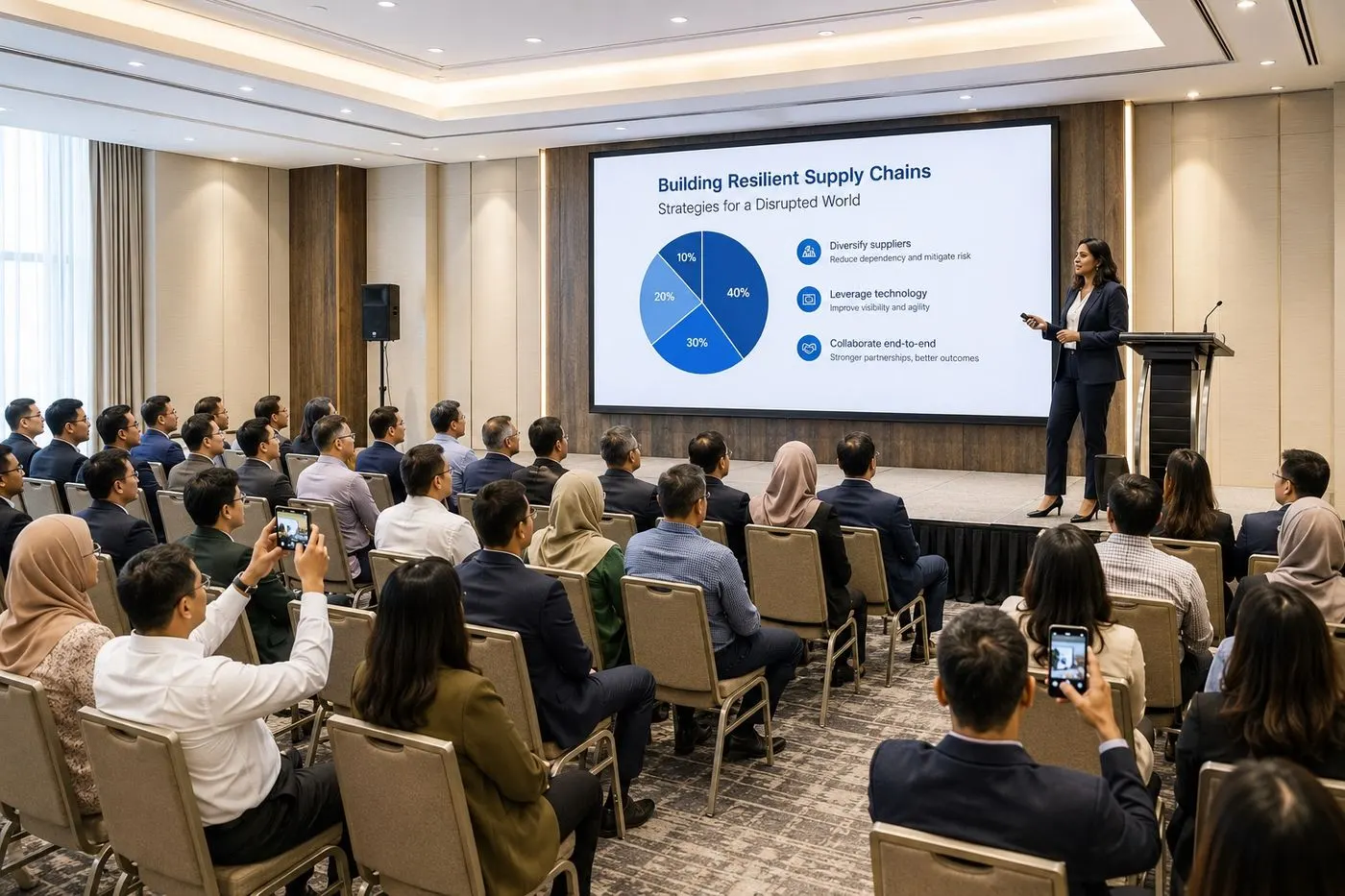
Townhalls
Reinforced audio and multi-camera coverage for company-wide sessions.
Before You Get Started
What equipment do I need for a video conferencing room?
Can you set up Microsoft Teams Rooms or Zoom Rooms?
Will conferencing equipment work with our existing display?
How can I test the experience before committing?
Looking for a specific model? See all 10 MAXHUB video conferencing models with specs →
See It Working Before You Decide
Book a 30-minute showroom demo at Pavilion Damansara Heights. Bring your room size and your budget. Leave with a plan and a price.
Book a Showroom DemoContact Us Now
No 4, Jalan Sayang 3, Taman Rasa Sayang,
43200 Cheras, Selangor, Malaysia
Prefer to talk first? Reach us on any channel. We usually respond within the same business day.