What Is Touchscreen Training Eligibility in Malaysia?
Touchscreen training eligibility refers to whether an interactive flat panel display (IFPD) purchase can be claimed through HRD Corp’s Training Facilities and Renovation Scheme, known as ALAT. For Malaysian employers, eligibility depends on application timing, levy balance, equipment use and where the IFPD is installed.
Does a touchscreen qualify for HRD Corp training claims?
A touchscreen does not qualify simply because it is used for presentations or meetings. Under the HRD Corp ALAT scheme, the relevant equipment is an interactive flat panel display (IFPD) purchased for a training venue and used for training purposes.
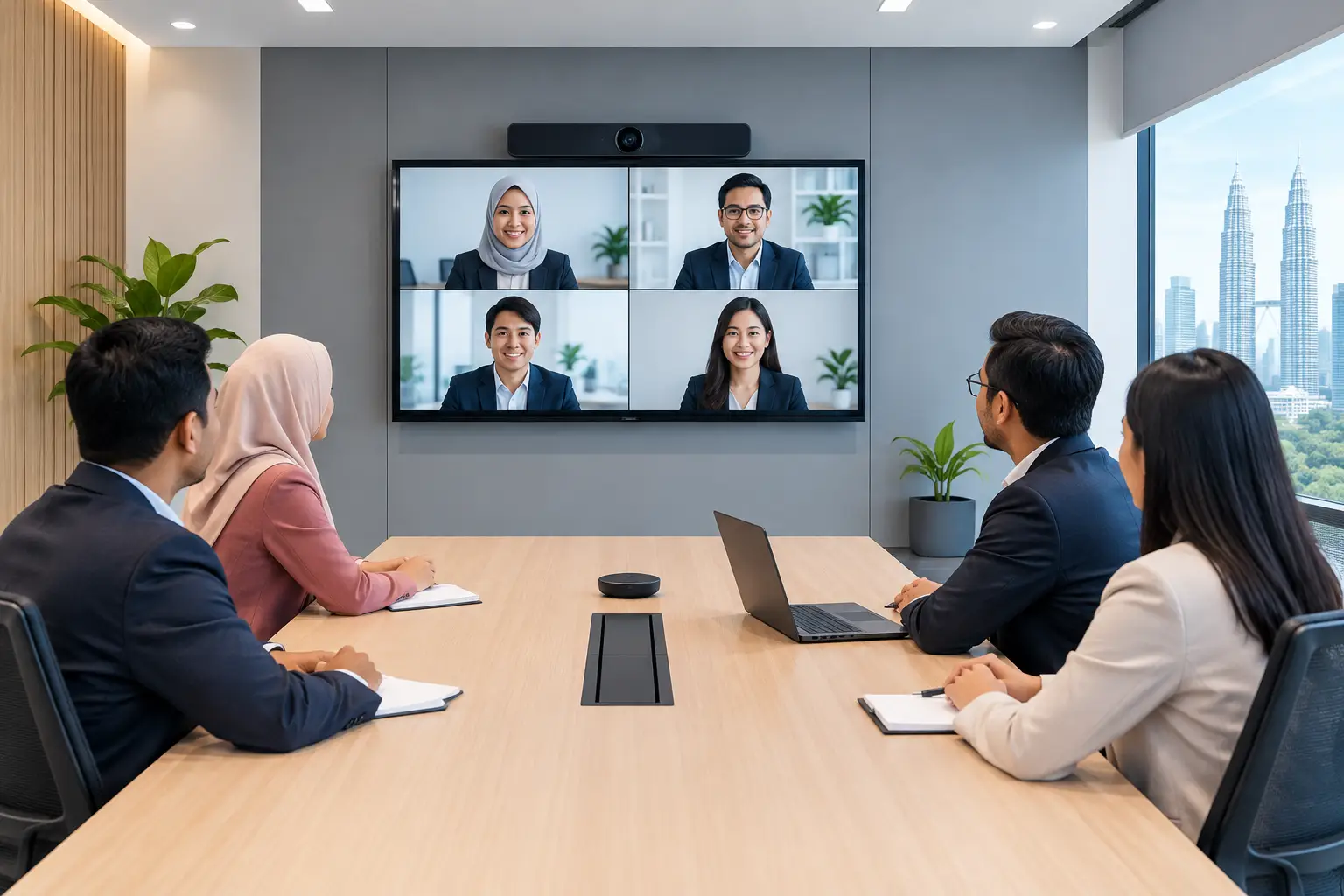
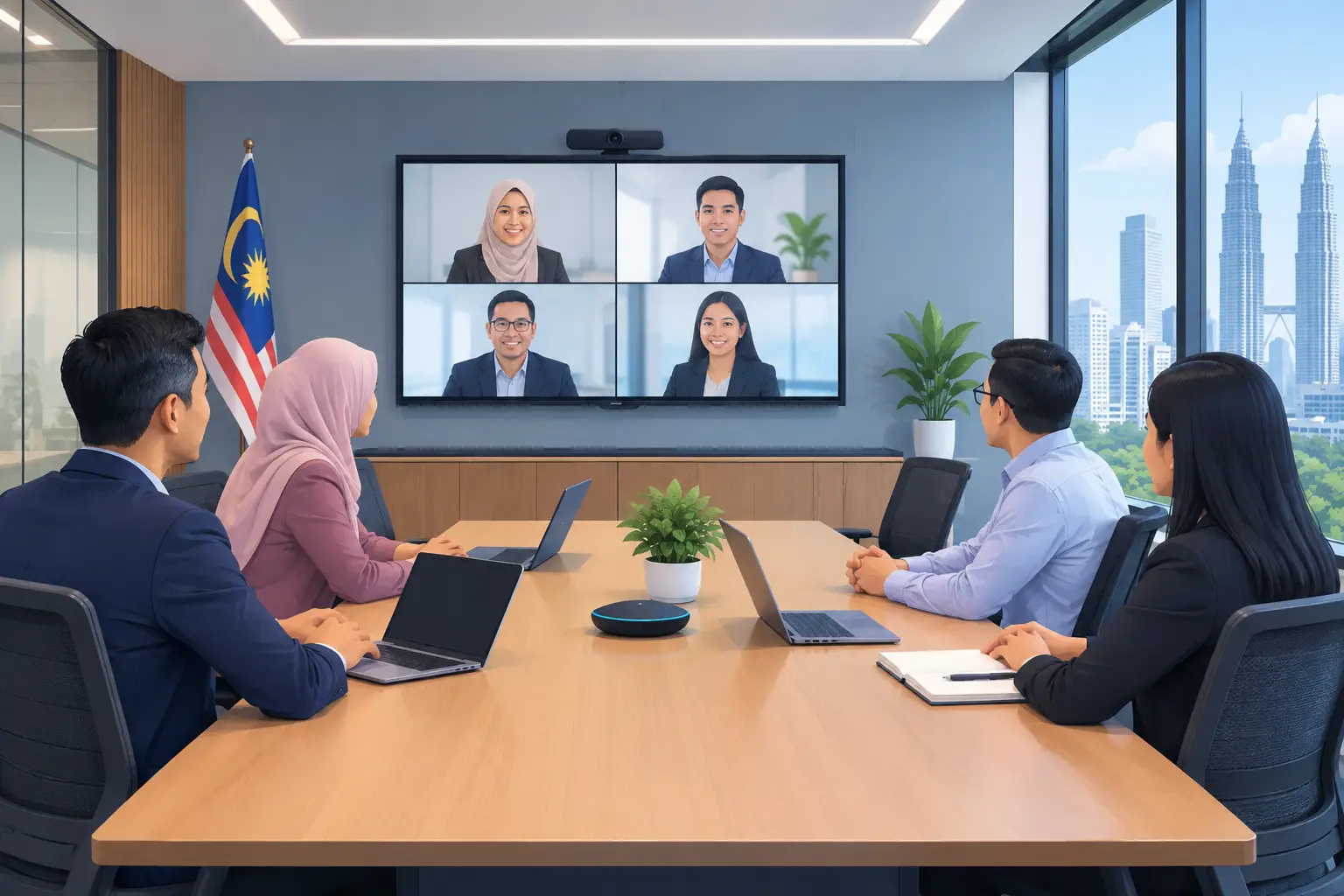
This matters when a company is planning a new training room, upgrading an internal learning space, or replacing a projector and whiteboard setup that staff no longer use effectively. An IFPD lets trainers annotate materials directly on screen, run interactive workshops and display content clearly to participants in the room or on a video call.
For touchscreen training eligibility, the IFPD must be the item claimed. Other workplace technology supplied for a meeting or training room, including photocopiers, projectors, LED display walls, kiosks, digital signage and video conferencing systems, is not HRDC claimable under this arrangement.
Touchscreen training eligibility requirements
The practical rules are straightforward, but the order of events is critical. The employer must apply to HRD Corp before buying the IFPD. A panel purchased before approval is not claimable, even if it is later placed in a training room.
Once HRD Corp approves the application, the organisation has six months to make the purchase. The IFPD must then be installed in the stated training venue and retained for training use. A screen bought mainly for a managing director’s boardroom, reception area or general digital signage would not meet the intended use requirement.
The claim is made after the purchase. HRD Corp decides whether an application is approved, so it is sensible to check the plan, venue and budget before placing an order rather than treating the claim as automatic.
| Eligibility point | What it means for the buyer |
|---|---|
| Application timing | Apply to HRD Corp before purchasing the IFPD. |
| Approved purchase window | Buy the panel within six months of approval. |
| Training venue | Install it in the training venue identified in the application. |
| Intended use | Use the IFPD for training, not as general office equipment. |
| Annual funding limit | The cap is 50% of the levy balance as at 1 January. |
| Claimable scope | The IFPD purchase may qualify. Delivery and installation alone do not. |
These conditions are based on HRD Corp’s Allowable Cost Matrix dated September 2025. Requirements and approvals remain subject to HRD Corp’s current rules and assessment.
How much can your organisation claim for an IFPD?
The yearly cap is 50% of your organisation’s levy balance as at 1 January. That figure may be different from the balance visible later in the year, so HR and finance teams should verify the applicable amount before choosing screen size, quantity and room rollout.
The scheme can support an IFPD purchase, but it does not turn every project cost into a claimable cost. Delivery and installation by themselves are not claimable. This distinction is useful when comparing quotations, because the equipment, site requirements and support work should be budgeted clearly rather than bundled into an assumed grant amount.
An IFPD can also be bought outright or through a 36-month instalment plan from about RM203 a month. The right route depends on your cash flow and internal procurement policy. Either way, HRD Corp approval needs to come first if you intend to claim under ALAT.
Which IFPD setup suits a training room?
Eligibility is only one part of the decision. The screen must also suit the room, training style and number of participants. A small internal room may need a different IFPD size from a learning centre that runs weekly inductions for 20 people.
Start with viewing distance and room layout. If people at the back struggle to read spreadsheets, diagrams or safety procedures, the screen is too small or positioned poorly. Trainers also need enough space to write, move between content and annotations, and connect their own laptop when required.
Consider how training is actually delivered. A compliance briefing may need reliable screen sharing and document annotation. Product training may need split-screen content, browser access and video conferencing for remote trainers. A school or tuition centre may place more value on multi-touch writing and lesson content.
A site survey helps prevent a common mistake: selecting a panel based on price or screen size alone, then discovering that wall position, power points, network access or room lighting make the setup awkward. The equipment should work for the people using it at 9am on a busy training day, not only in a specification sheet.
What buyers often get wrong before applying
The biggest error is buying first and asking about touchscreen training eligibility afterwards. The purchase must follow approval, not the other way round. Even a well-planned training room can lose its claim position if the sequence is wrong.
Another issue is describing the screen too broadly. “For meetings and training” may reflect real workplace use, but the application should clearly support the case for a training venue and training use. Keep the room plan, training purpose and equipment decision aligned.
Some organisations also overlook the levy cap. A multi-room rollout can be commercially sensible, but the available claim amount may not cover every panel in the first phase. It may be better to prioritise the main training venue first, then expand after staff have adopted the new format.
Finally, do not confuse supplier support with training-provider status. Hytech Office Automation can help customers understand the HRDC claim process for an IFPD purchase, alongside site survey, delivery, installation and user training. Hytech is not an HRD Corp training provider, and HRD Corp makes the approval decision.
Frequently asked questions
Is every touchscreen HRDC claimable?
No. For this scheme, the relevant equipment is an interactive flat panel display (IFPD) used in a training venue for training purposes. Other touchscreen or display products may serve useful workplace roles but are not automatically eligible under ALAT.
Can we buy the IFPD before applying to HRD Corp?
No. The employer must apply before buying the IFPD. A purchase made before approval is not claimable, even if the panel is later installed in a training room.
Can installation be included in the claim?
Delivery and installation alone are not claimable under the stated ALAT conditions. Ask for a clear breakdown of the IFPD and related services so your team can budget accurately.
How long do we have to buy after approval?
The IFPD must be purchased within six months of HRD Corp approval. Build in enough time for internal purchase orders, room preparation and installation scheduling.
Can an IFPD be used for meetings as well as training?
The scheme requires the panel to be placed in the training venue for training use. If a room has mixed use, discuss the planned setup carefully before applying so the training purpose is properly supported.
See the right IFPD before you apply
Before committing budget or submitting an application, arrange a showroom demo at the Maxsmart Experience Centre at Corporate Tower 2, Pavilion Damansara Heights, Kuala Lumpur. An Office Solutions Specialist can show how an IFPD works in a real boardroom setting and help you match the panel, room and training plan before you buy.