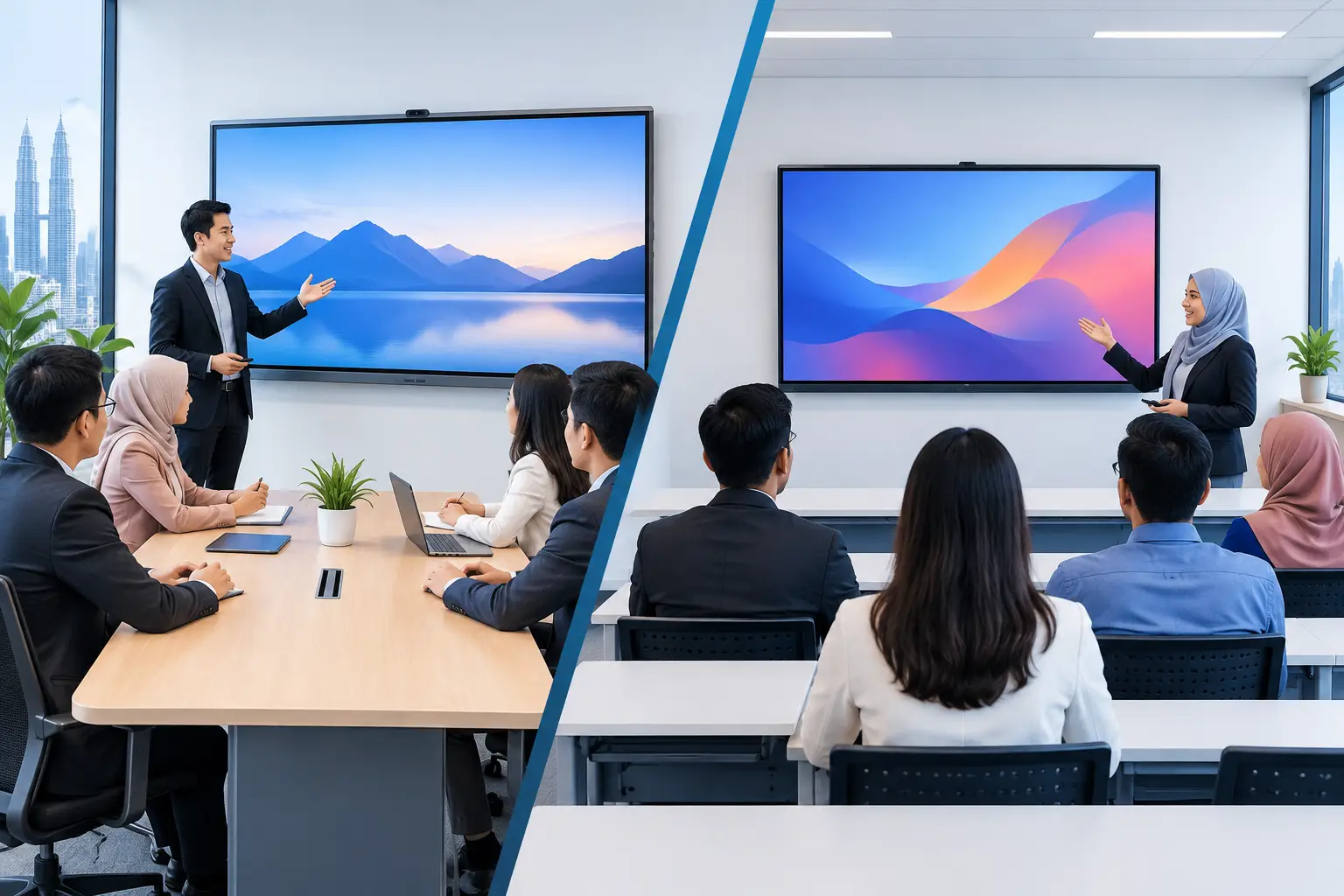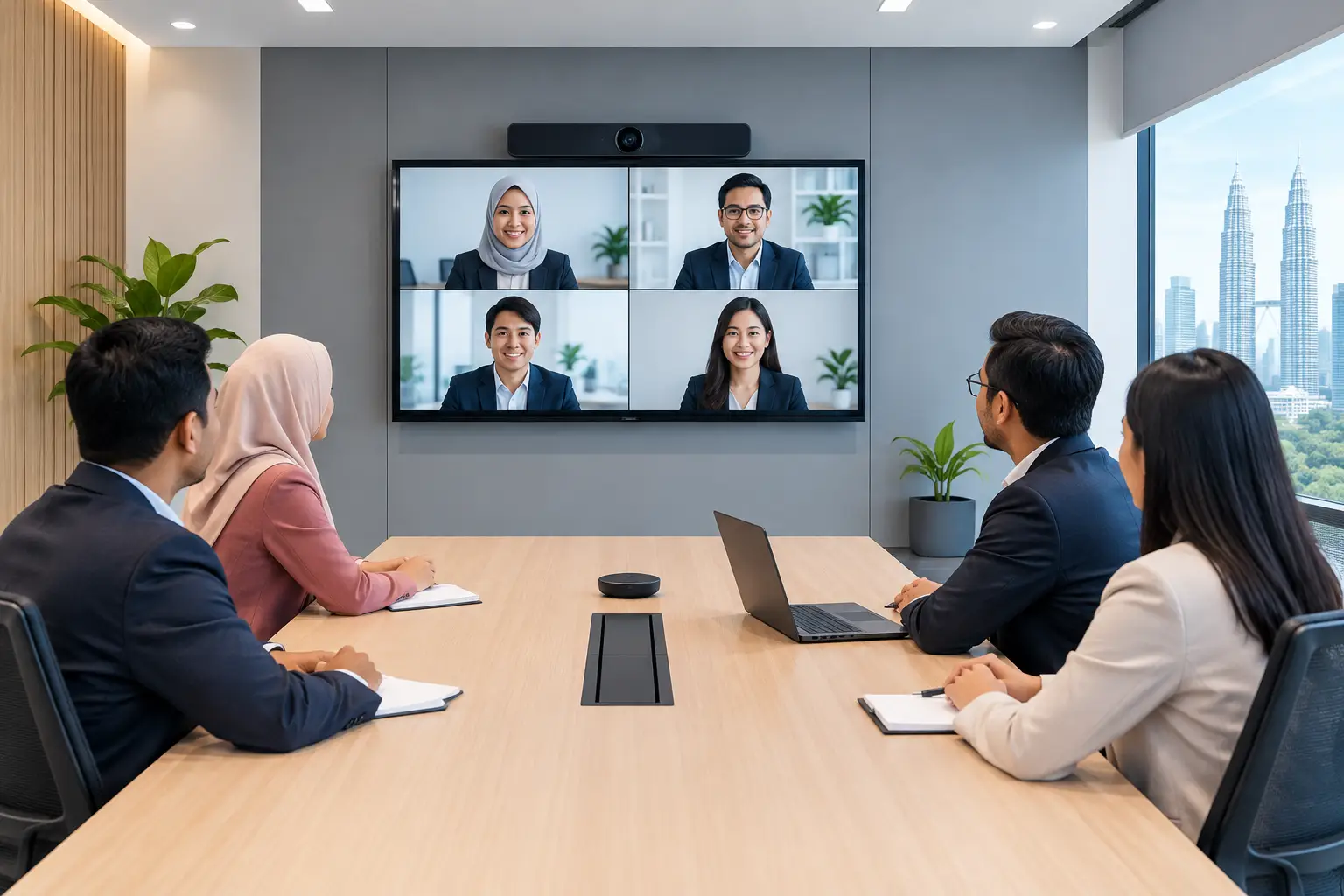
Are MAXHUB Panels Right for Meetings and Training?
MAXHUB panels suit organisations that need staff to present, write, share video calls and run training from one screen. They reduce delays caused by projectors, cables and separate whiteboards, but the right screen size, room layout and support plan matter as much as the display itself.
What are MAXHUB panels used for?
A MAXHUB panel is an interactive flat panel display (IFPD): a large touchscreen built for meeting rooms, training rooms and classrooms. Instead of switching between a projector, whiteboard, laptop adapter and video conferencing device, users work from a single shared screen.
For a management meeting, this can mean opening a presentation, marking up figures on screen and bringing a remote colleague into the discussion without moving everyone between devices. For HR and learning teams, it gives trainers a practical way to annotate course material, save notes and keep participants involved.
The value is not simply that the screen is touch-enabled. It is that meetings start with fewer small failures: the missing HDMI adapter, faint projector image, whiteboard notes that disappear after the session, or a video call where half the room cannot be heard or seen.
MAXHUB panels are particularly useful where the same room is used by different teams. A boardroom may host client presentations in the morning, Microsoft Teams calls after lunch and staff training in the afternoon. The equipment needs to be simple enough for the next person to use without waiting for IT.
Should you choose a MAXHUB panel or a projector?
A projector can still be suitable for a large room with controlled lighting and a limited budget. It is a familiar choice for presentation-only use. However, it normally needs more supporting equipment if you want touchscreen collaboration, clear video calls and a dependable image in a bright room.
An IFPD has a higher upfront commitment, but it combines more functions in one installed display. The decision should be based on how people actually use the room, not only on screen size.
| Requirement | MAXHUB panel | Projector setup |
|---|---|---|
| Bright meeting room | Clear image without darkening the room | Image may look washed out in daylight |
| Writing and annotation | Write directly on the touchscreen | Usually needs a separate interactive solution |
| Video meetings | Can be configured for Zoom or Microsoft Teams rooms | Often requires separate camera, speaker and control equipment |
| Daily shared-room use | Designed for quick, repeatable use | Depends on lamp condition, alignment and connected devices |
| Initial budget | Higher initial purchase cost | Often lower for basic presentation needs |
A projector may be the better fit for an occasional presentation room. A MAXHUB panel is usually the stronger option when the room is expected to support active discussion, hybrid meetings and regular training.
Which MAXHUB panel size is right for your room?
Screen size should follow viewing distance and room use. A panel that looks impressive in a showroom can be too large for a compact meeting room, while a small screen leaves people at the back unable to read financial tables, spreadsheets or training material.
For a small discussion room, a 55-inch or 65-inch panel can work well when attendees sit close to the screen. A 75-inch display is a common choice for standard meeting rooms and training spaces. For larger boardrooms, 86-inch or 98-inch options give better visibility for people seated further away.
Do not choose by room capacity alone. A room for 12 people may need a larger display if the table is long. It may need a smaller display if participants sit in a tight U-shape. Ceiling lights, glass walls, power points, network access and mounting position also affect the result.
This is why a site survey is useful before confirming the model. It identifies where the panel should sit, how cables should be managed and whether a mobile stand, wall mount, camera or additional audio is needed.
What should be included with MAXHUB panel installation?
Buying the display is only one part of the project. The installation should be planned around the people who will use the room every day.
A proper implementation begins with a site survey and room assessment. Delivery, mounting, cable routing and basic configuration then need to be completed without leaving the room difficult to maintain. For video conferencing spaces, the camera, microphone and speaker setup must suit the room shape and number of participants.
User training is equally practical. Office administrators, IT staff and frequent presenters should know how to start a meeting, connect a laptop, use the whiteboard tools and handle basic troubleshooting. A feature that nobody understands will not improve productivity.
Hytech Office Automation is a MAXHUB Authorised Business Partner and Official Distributor in Malaysia. Its team provides site survey, delivery, installation, user training and after-sales service, with a response within 4 working hours. That local accountability matters when a meeting room is heavily used and the equipment needs attention.
Can MAXHUB panels be paid by instalment?
Yes. Interactive flat panels can be purchased outright or taken on a 36-month instalment plan from about RM203 a month. The final configuration depends on screen size, mounting method, video conferencing requirements and the room itself.
A lower monthly figure can help departments plan a project without delaying an urgent training or meeting-room upgrade. However, buyers should still assess the full setup rather than selecting only the lowest screen price. A panel placed at the wrong height, with poor audio coverage or no user training, will create avoidable frustration.
For organisations comparing lower-cost alternatives, Hikvision interactive flat panels may suit tighter budgets. The practical question is whether the chosen display, support arrangement and meeting-room accessories match the expected level of use.
Are MAXHUB panels HRDC claimable?
Interactive flat panels are the only Hytech product category that may be HRDC claimable under HRD Corp's Training Facilities and Renovation Scheme, known as ALAT. This can be relevant for employers improving a dedicated training venue, but eligibility is subject to HRD Corp approval and scheme conditions.
The employer must apply before buying the panel. A purchase made before approval is not claimable. Once approved, the panel must be bought within six months, placed in the training venue and used for training purposes only.
The annual cap is 50% of the employer's levy balance as at 1 January. Installation and delivery by themselves are not claimable. Hytech is not an HRD Corp training provider, but an Office Solutions Specialist can help customers understand the claim process and prepare for the purchase after approval.
Frequently asked questions
Can staff use their own laptops with a MAXHUB panel?
Yes, staff can connect laptops for presentations and collaboration. The most suitable connection method depends on the room setup, security requirements and whether users regularly bring different devices into the room.
Do MAXHUB panels work with Zoom and Microsoft Teams?
They can be configured as part of a Zoom or Microsoft Teams room solution. The panel alone is not the whole answer: camera position, room audio and network reliability also determine the call experience.
How long does installation take?
Timing depends on the panel size, wall condition, cable route and whether video conferencing equipment is included. A site survey helps avoid delays caused by hidden cabling, unsuitable mounting surfaces or missing power and network points.
Is a touchscreen panel suitable for a classroom?
Yes. Teachers and trainers can write over lesson content, display media and involve participants directly at the screen. The right size should be selected based on the furthest viewing position, not only the size of the teaching area.
What support is available after installation?
Users receive training so they can operate the panel confidently from the start. If support is required later, Hytech provides a response within 4 working hours during office hours, Monday to Friday, 8:30am to 5:30pm.
See the room setup before you decide
A screen specification cannot show how a panel will feel in your own meeting. Book a showroom demo at the Maxsmart Experience Centre in Corporate Tower 2, Pavilion Damansara Heights, Kuala Lumpur, and test a MAXHUB panel in a real boardroom before committing your budget.