Is an HRDC Claimable Interactive Flat Panel Worth It?
Yes, an HRDC claimable interactive flat panel can be a sensible training-room purchase when your organisation runs regular workshops, inductions or skills sessions. It can reduce the levy-funded cost, but approval must come before purchase and the panel must remain in the approved training venue for training use.
What is an HRDC claimable interactive flat panel?
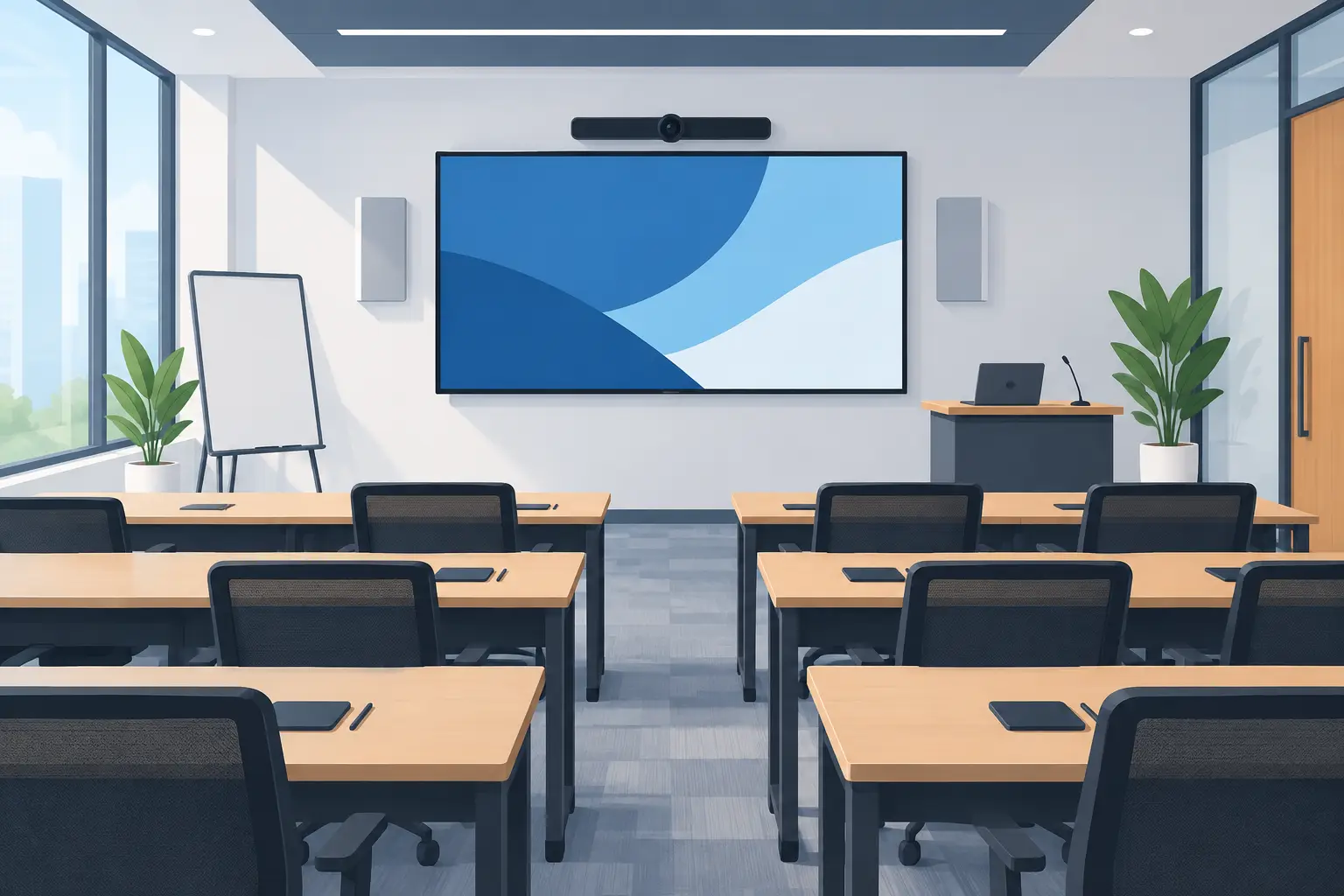
An interactive flat panel is a large touch-enabled display used for presenting, annotating, sharing content and running collaborative sessions. In a training room, it replaces the usual mix of projector, whiteboard, marker pens and separate video display with one practical screen.
For eligible Malaysian employers, an interactive flat panel may be claimed through HRD Corp's Training Facilities and Renovation Scheme, known as ALAT. This applies to the panel as a training facility purchase. It does not make every office technology purchase claimable.
That distinction matters. Photocopiers, projectors, LED display walls, kiosks, digital signage and video conferencing systems are not covered by this HRDC claim route. If your main purpose is a boardroom refresh or reception display, rather than a dedicated training venue, it may not fit the intended use of the scheme.
The decision should start with how your people learn. If trainers repeatedly lose time connecting laptops, rewriting notes after a session or asking staff to photograph a whiteboard, a touch display can solve a real operating problem. If training happens only once or twice a year, a smaller upgrade may be more sensible.
Can your company claim an interactive flat panel through HRDC?
Your employer must apply to HRD Corp before buying the panel. A purchase made before approval is not claimable, even if the panel would otherwise be suitable for training.
Once approved, the purchase must be completed within six months. The panel must be placed in the training venue and used for training purposes. After purchase, the employer submits the claim according to HRD Corp's process.
The annual cap is up to 50% of the levy balance as at 1 January of that year. That means two organisations buying the same screen can have very different available claim amounts. Check the levy balance early, particularly if your HR team also plans other levy-funded training activity.
HRD Corp decides each application. Approval is not automatic, so treat the claim as part of your purchase planning rather than a discount to assume after the order is placed. These conditions reflect the HRD Corp Allowable Cost Matrix, September 2025.
What costs can be included under the ALAT claim?
The interactive flat panel is the central item being considered under the Training Facilities and Renovation Scheme. Delivery and installation on their own are not claimable. Keep this clear when reviewing a quotation and when preparing internal approval papers.
There is also a practical difference between buying equipment for a training venue and buying it for general office convenience. A screen installed in a room used by facilitators for employee development has a stronger training purpose than one moved between meeting rooms for occasional presentations.
Before submitting an application, document the room, the intended users and the training activity it will support. For example, a 75-inch screen in a 20-person learning room for onboarding, compliance briefings and product knowledge sessions gives procurement, HR and finance a clear common reference point.
Which screen size suits a training room?
Screen size affects whether participants can actually read a spreadsheet, process diagram or training slide from the back of the room. A screen that looks generous in a showroom can feel too small once 15 people are seated around tables.
| Training room situation | Usually worth considering | Why it suits the room | |---|---:|---| | Small room for 6 to 10 people | 65-inch panel | A practical size where participants sit close to the screen. | | Standard training room for 12 to 20 people | 75-inch panel | Gives clearer visibility for slides, annotation and shared documents. | | Larger room or combined sessions | 86-inch panel | Better for groups seated further back or where detailed content is shown. |
These are starting points, not fixed rules. Room depth, seating layout, window glare and the size of your content all matter. A 75-inch panel may be right for a narrow room with 20 seats, while an 86-inch model may be necessary in a deeper room with classroom-style seating.
A site survey is useful where the room has glass walls, strong daylight or existing cabling to work around. It avoids buying based on diagonal screen size alone.
Should you buy outright or use a 36-month instalment plan?
Some organisations prefer an upfront capital purchase. Others want to preserve cash flow while fitting out a training room, especially where several rooms are being improved at the same time. Interactive flat panels are available on a 36-month instalment plan from about RM203 a month.
The funding method should be considered alongside the HRDC process, not separately from it. Your finance team should confirm the purchase structure, claim documentation and timing before committing. Most importantly, do not place an order first and ask about claim eligibility later.
| Buying approach | May suit | Point to check | |---|---|---| | Outright purchase | Organisations with approved capital budget | Ensure HRDC approval is received before the purchase is made. | | 36-month instalment plan | Organisations managing monthly cash flow | Confirm the documentation and claim treatment with HRD Corp before proceeding. |
The lowest monthly figure is not always the deciding factor. Consider the screen's expected use over several years, who will support staff after installation, and whether the room needs to handle laptop sharing, annotation and remote participants.
What should be included in the installation plan?
A useful panel is not simply delivered and switched on. It needs the right wall position or mobile stand, safe power access, sensible cable routing and enough space for a trainer to work at the screen without blocking the audience.
User training is equally important. Facilitators should know how to connect a laptop, write over content, save annotations and return the room to a ready state for the next session. Otherwise, staff often fall back to using the panel as an expensive television.
For organisations in Kuala Lumpur and Selangor, Hytech Office Automation can assess the room, supply and install the panel, and train users after handover. As Malaysia's MAXHUB Authorised Business Partner and Official Distributor, the team can also recommend Hikvision options when budget is the main constraint. After-sales enquiries receive a response within four working hours.
Frequently asked questions
Is every interactive flat panel HRDC claimable?
No. The claim depends on the employer's application, HRD Corp approval and compliance with the scheme conditions. The panel must be for an approved training venue and training use.
Can we buy the panel first and claim later?
No. The employer must apply and receive approval before buying. A panel purchased before approval is not claimable under this route.
How much can we claim from HRDC?
The yearly cap is 50% of your levy balance as at 1 January. The amount available therefore depends on your organisation's own levy position and HRD Corp's decision.
Are delivery and installation claimable?
Delivery and installation alone are not claimable. Ask for clear cost details in the quotation so your team can prepare the application and purchase records properly.
Can the panel be used for normal meetings too?
The panel must be located in the approved training venue and used for training purposes. If a room is mainly a general boardroom, discuss the intended use with HRD Corp before making assumptions about eligibility.
How long do we have to buy after approval?
The purchase must be made within six months of approval. Build in time for internal purchase orders, room preparation and installation scheduling.
See the screen in a real training setup
The sensible next step is to test the screen with the people who will use it. Visit the Maxsmart Experience Centre at Corporate Tower 2, Pavilion Damansara Heights, Kuala Lumpur, for a showroom demo in a real boardroom setting. Bring a typical training slide deck or laptop, and an Office Solutions Specialist can help you judge the right screen size, room layout and purchase timing before you submit your HRDC application.