Smart Board for Classroom Malaysia Buying Guide
A smart board for classroom Malaysia should make lessons easier to see, teach and manage, not add another device staff avoid using. Choose the screen size for the room, check daily teaching tools, and insist on installation, training and local support before approving a purchase.
What should a smart board do in a classroom?
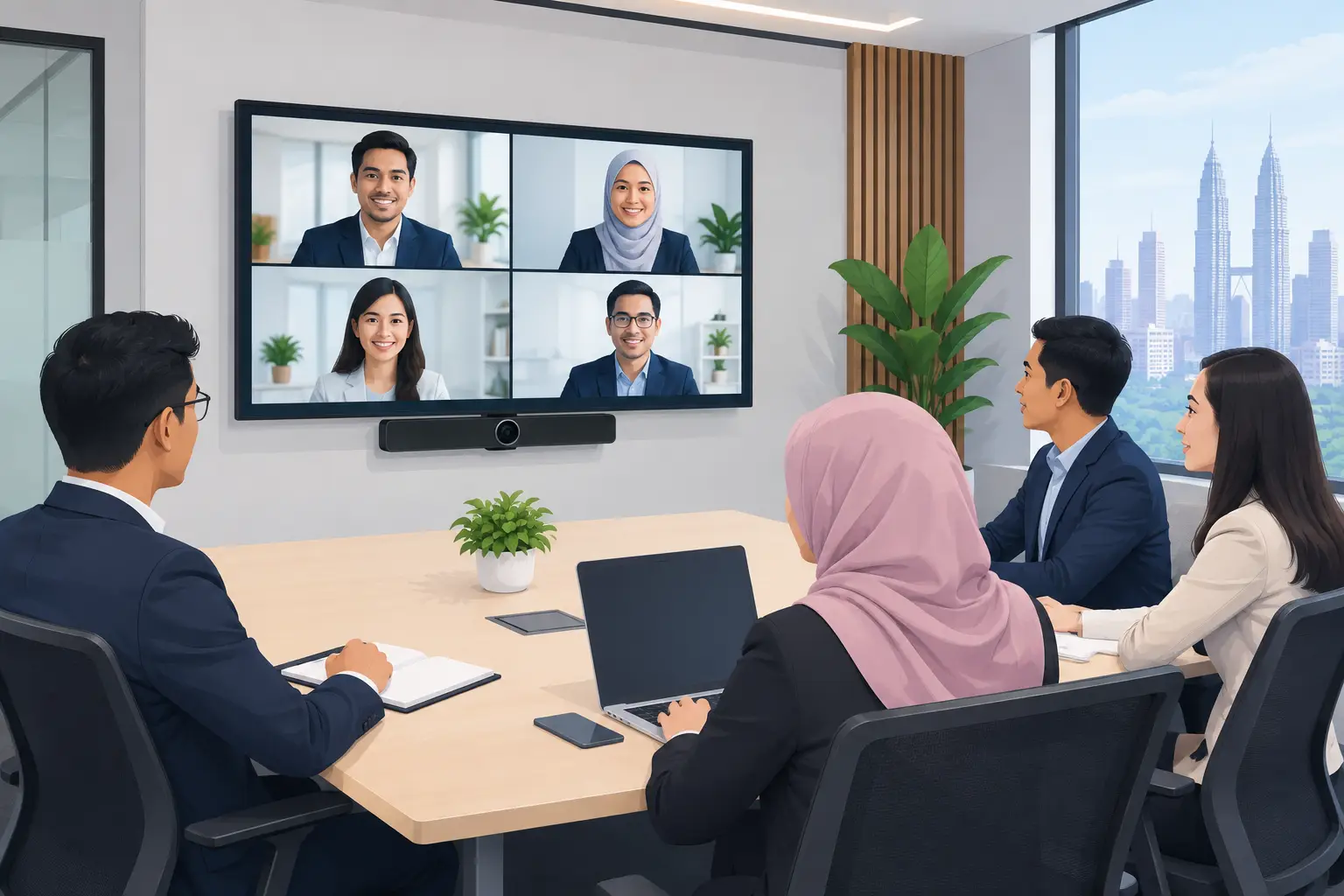
A classroom display has a simple job: help teachers explain ideas clearly while keeping students involved. A good interactive flat panel lets a teacher write over slides, annotate documents, play video, display a laptop screen and save notes for later.
This matters when a class moves quickly. Instead of turning towards a whiteboard, then back to a projector screen, the teacher works from one large display. Students can follow diagrams, calculations and shared material from the same place.
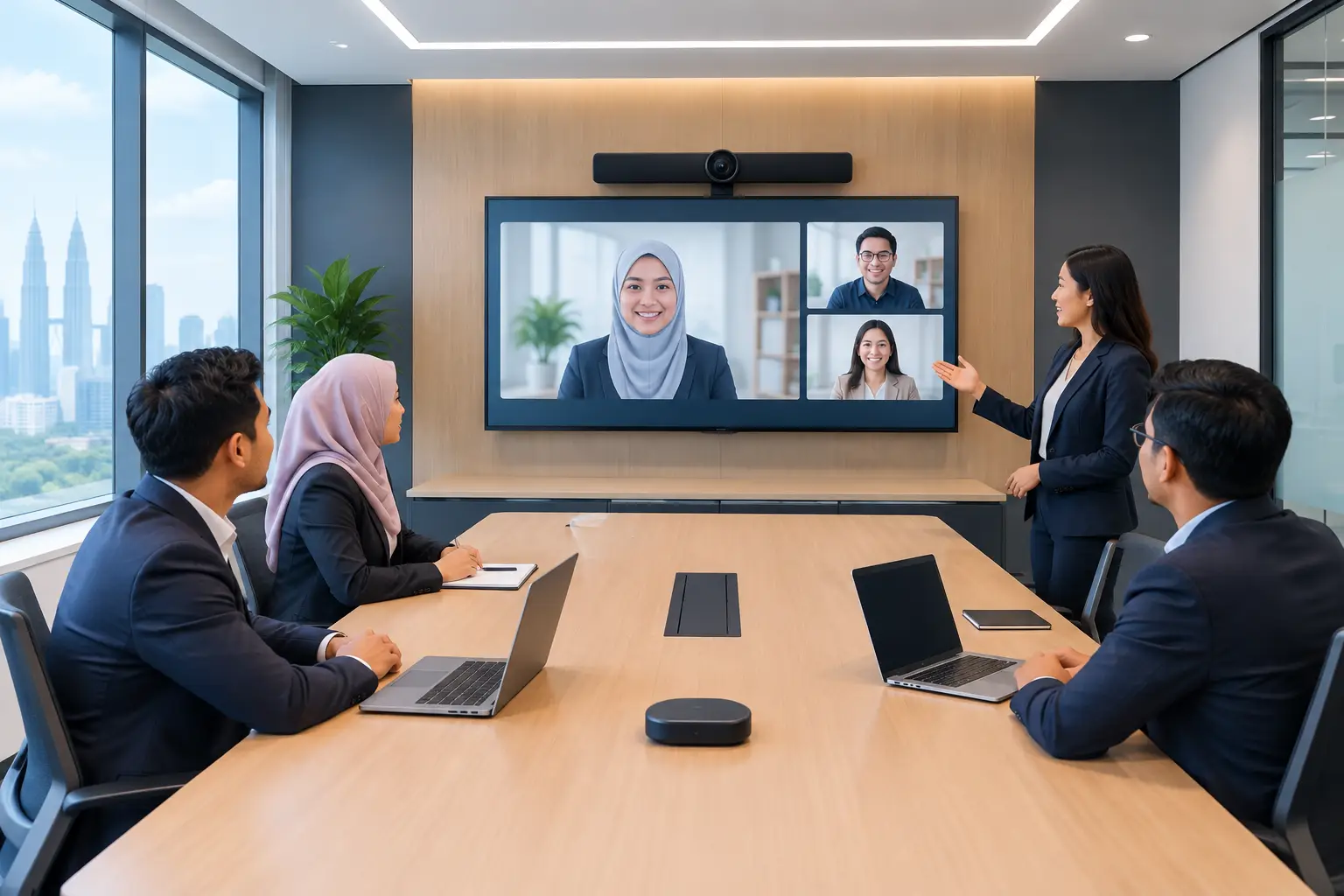
For training rooms, the same panel can support induction sessions, skills workshops and internal presentations. That makes it useful for private colleges, corporate learning teams, GLC training venues and healthcare organisations, not only schools.
The panel itself is only part of the decision. Staff need a setup they can start without calling IT for every lesson. Clear touch response, legible writing, easy input switching and straightforward screen sharing usually matter more than a long specification sheet.
Which screen size is right for your room?
Screen size should follow the viewing distance and room layout. Buying too small is a common mistake, especially when the panel replaces a projector used in a large classroom. A screen may look impressive in a showroom but still be difficult to read from the last row.
For a small tutorial room or meeting space, a 55-inch or 65-inch interactive flat panel can be suitable. A standard classroom often needs 75 inches. For larger rooms, lecture spaces or training venues with several rows of seating, an 86-inch panel gives better visibility.
Mounting height also affects usability. The lower part of the screen must be reachable for teachers and students, while the whole display remains visible over desks. A site survey should consider wall strength, power points, network access, cable routes, windows and room lighting before installation.
| Room type | Typical panel size | What to check before buying | |---|---:|---| | Tutorial room or small meeting room | 55 to 65 inches | Seating distance, wall space and laptop connectivity | | Standard classroom | 75 inches | Visibility from the back row and reachable touch height | | Large classroom or training room | 86 inches | Viewing angles, wall loading and audio coverage | | Boardroom used for training | 75 to 86 inches | Video conferencing use, camera position and cable management |
A brighter room may need more than a larger screen. If sunlight hits the display directly, review blinds and screen placement. If students at the back cannot hear videos clearly, add suitable audio rather than assuming the built-in speakers will cover every room.
Smart board for classroom Malaysia: what features matter?
Start with the daily lesson, not the product brochure. Teachers commonly need whiteboarding, file annotation, browser access, wireless presentation and a way to connect existing laptops. These are practical functions that reduce time lost at the start of class.
Touch performance matters when several people use the panel. Writing should feel natural enough for formulas, labels and diagrams. Multi-touch capability is useful for group activities, but it is less valuable if teachers mainly present from the front. Buy for the way your staff teach now, while allowing for reasonable future use.
Compatibility is another decision point. Check whether the panel works with the Windows devices, document cameras and video platforms already used by your organisation. If classes are delivered remotely as well as in person, the display should fit into a working Zoom or Microsoft Teams room setup rather than become a separate system.
A built-in operating system can be useful for quick lessons without a laptop. However, some schools prefer to use their existing managed computers for account control and familiar applications. Neither approach is automatically better. The right choice depends on IT policy, teaching materials and who is responsible for updating devices.
Why installation and training affect classroom use
An interactive panel can underperform when it is installed as though it were an ordinary television. Cables left exposed, poorly positioned cameras, weak Wi-Fi and an unsuitable mounting height all create frustration that teachers remember.
Installation should include proper mounting, device connection and a check that the panel works with the room. User training is equally important. Teachers and administrators should know how to start a lesson, connect a laptop, annotate content, save notes and resolve basic issues without waiting for technical support.
Hytech Office Automation provides site surveys, delivery, installation and user training for interactive flat panels in Kuala Lumpur and Selangor. An Office Solutions Specialist can also advise where a fixed wall mount, mobile stand or video conferencing setup makes most sense. After-sales support should be part of the purchase conversation, with a response within 4 working hours.
Should you buy outright or use a 36-month instalment plan?
Budget structure often decides how quickly a school or organisation can upgrade multiple rooms. Interactive flat panels can be bought outright or obtained on a 36-month instalment plan from about RM203 a month. The final arrangement depends on the panel size, required accessories and installation scope.
Do not compare monthly figures alone. Ask what is included: mounting, delivery, installation, training, warranty coverage and ongoing support all affect the practical cost of ownership. A lower equipment price can become expensive if staff are left to coordinate installers, IT setup and user training separately.
If you are planning a phased upgrade, begin with the rooms that have the highest teaching or training use. A pilot classroom can help your team agree on screen size, teaching workflow and installation standards before committing to several locations.
Can an interactive flat panel be HRDC claimable?
Interactive flat panels are the only Hytech product category that may be HRDC claimable, through HRD Corp's Training Facilities and Renovation Scheme, known as ALAT. This can be relevant for employers setting up a dedicated training venue for staff development.
The employer must apply before buying. A panel purchased before approval is not claimable, and HRD Corp decides each application. Once approved, the purchase must be made within six months, and the panel must be placed in the training venue for training use only.
The annual cap is 50% of the levy balance as at 1 January. Delivery and installation on their own are not claimable. Hytech is not an HRD Corp training provider, but an Office Solutions Specialist can help customers understand the product and documentation needed for their claim process.
Frequently asked questions
Is a smart board better than a projector for a classroom?
It depends on the room and teaching style. An interactive flat panel gives a brighter, touch-enabled surface without projector lamp changes or shadows on the screen, while a projector may still suit very large spaces with specific viewing requirements.
Can teachers use their own laptops with the panel?
Yes, provided the required connections are planned during installation. Check the laptops used by staff, available ports and whether wired or wireless screen sharing is more reliable for your environment.
What size smart board suits a classroom of 30 students?
A 75-inch panel is often a sensible starting point for a standard classroom of this size. The final choice should account for room depth, desk layout, sightlines and whether students at the back need to read detailed text or diagrams.
Are interactive flat panels suitable for corporate training?
Yes. They are useful for workshops, onboarding, compliance briefings and collaborative planning sessions because trainers can present, annotate and save discussion points on one screen.
Can we claim HRDC after we have paid for the panel?
No, the employer needs approval before making the purchase for the item to be eligible under the ALAT scheme. Approval is not guaranteed, and the panel must meet the scheme's training-venue conditions.
How quickly can support be provided if there is a problem?
Support arrangements should be confirmed before purchase. Hytech commits to a response within 4 working hours, helping schools and organisations address issues without leaving a room unused for long.
Before selecting a model from a catalogue, see how staff will actually use it. Book a showroom demo at the Maxsmart Experience Centre in Corporate Tower 2, Pavilion Damansara Heights, Kuala Lumpur, and test the writing, sharing and presentation workflow in a real boardroom setting.