Hybrid Meeting Room Solutions That Staff Use
Hybrid meeting room solutions work when the room removes small delays: joining calls, sharing a laptop, hearing remote colleagues and writing decisions down. Start with the meetings people actually run, then match the screen, camera, audio and control method to the room. Buy support and training with the equipment, not afterwards.
What should hybrid meeting room solutions include?
A hybrid room is not simply a large screen with a webcam on top. It is a meeting space designed for people in the room and people joining remotely to take part properly.
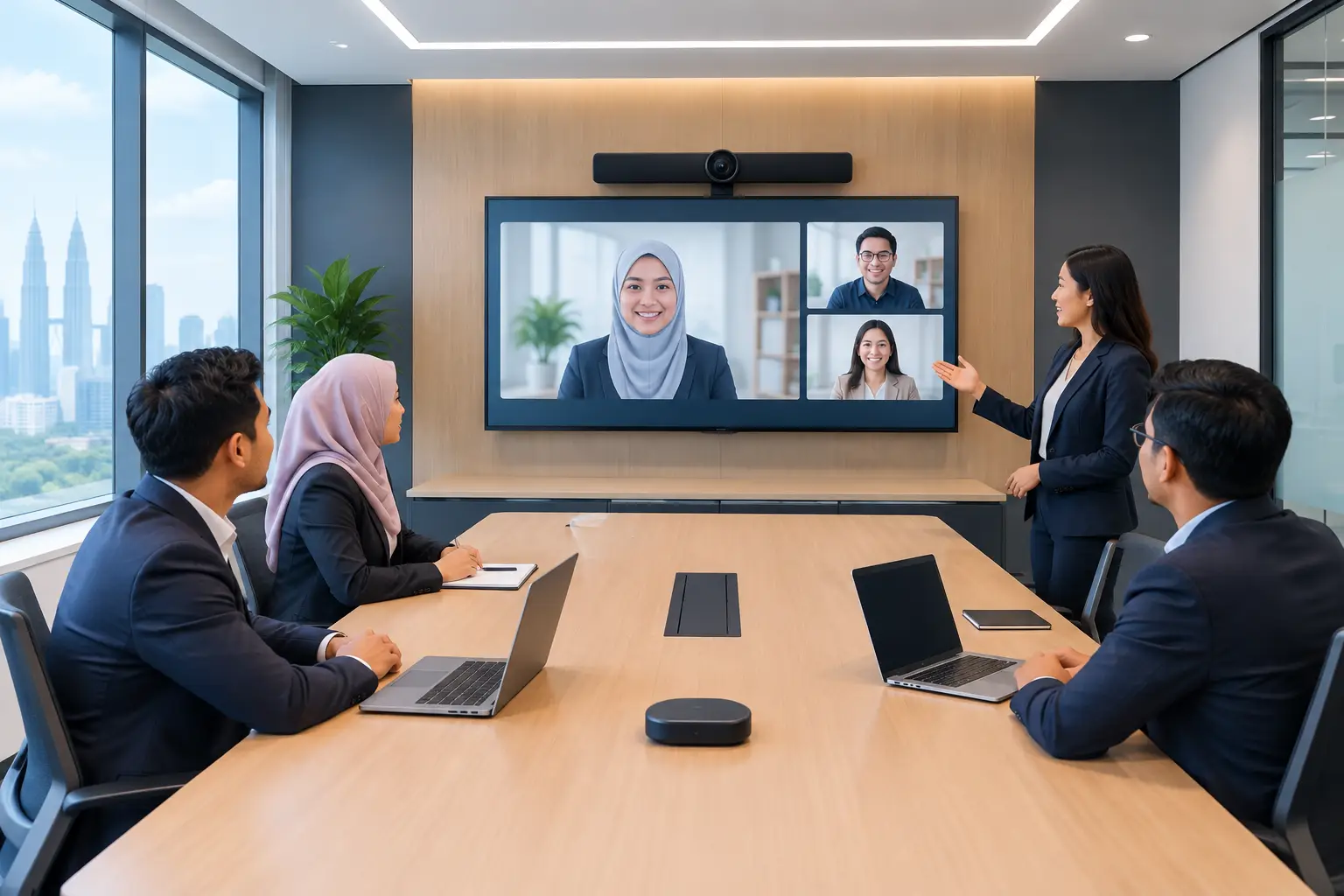
For most Malaysian offices, the practical starting point is an interactive flat panel or professional display, a camera, microphones, speakers and a dedicated Zoom or Microsoft Teams room system. Staff should be able to walk in, press one clear control, join the scheduled meeting and share content without calling IT.
The right equipment depends on the room. A six-person huddle room has different needs from a 16-seat boardroom in Kuala Lumpur, and a training room needs different tools again. Overspending on a complex system for a small room wastes budget. Under-specifying a boardroom means remote participants cannot see faces, follow discussion or read the screen.
Why do hybrid meetings fail even with good equipment?
Most complaints are not caused by a single faulty device. They come from poor room design and unclear ownership. The camera may show only half the table, ceiling noise may overwhelm voices, or staff may need three remote controls just to start a call.
The other common problem is treating every room the same. A compact room with four people needs a camera with a wide field of view and clear audio at short range. A long boardroom needs camera framing that reaches the person furthest from the screen, plus microphones positioned to pick up normal conversation.
A meeting room also needs a simple way to share content. When a presenter must search for the right cable, install a driver or hand their laptop around, the meeting starts badly. Wireless sharing can help, but it should be tested with the laptops, network policies and video platforms your organisation actually uses.
How to choose equipment for each meeting room
Begin with a short audit of how the room is used over a typical week. Count the usual number of participants, identify whether calls are mainly Zoom or Microsoft Teams, and note whether people present spreadsheets, mark up documents or run training sessions.
Then assess the room itself. Measure the viewing distance to the screen, table layout, window light, ceiling height and existing network points. A screen that looks impressive in a catalogue may be too small for the last row. A camera may be technically capable but placed at an unhelpful angle.
| Room type | Typical use | Practical setup | Main priority | |---|---|---|---| | Huddle room, 2-6 people | Quick team calls and client check-ins | 55-inch or 65-inch display, wide-angle camera, integrated audio | Fast joining and simple laptop sharing | | Meeting room, 6-10 people | Regular internal and external meetings | 65-inch or 75-inch interactive panel or display, dedicated camera and microphones | Everyone can be seen and heard | | Boardroom, 10-20 people | Management meetings, presentations and formal calls | 75-inch or 86-inch screen, higher-quality camera, expanded microphone coverage | Clear framing, reliable audio and professional presentation | | Training room | Workshops, onboarding and collaborative sessions | Interactive flat panel, camera, room audio and annotation tools | Participation, content sharing and trainer control |
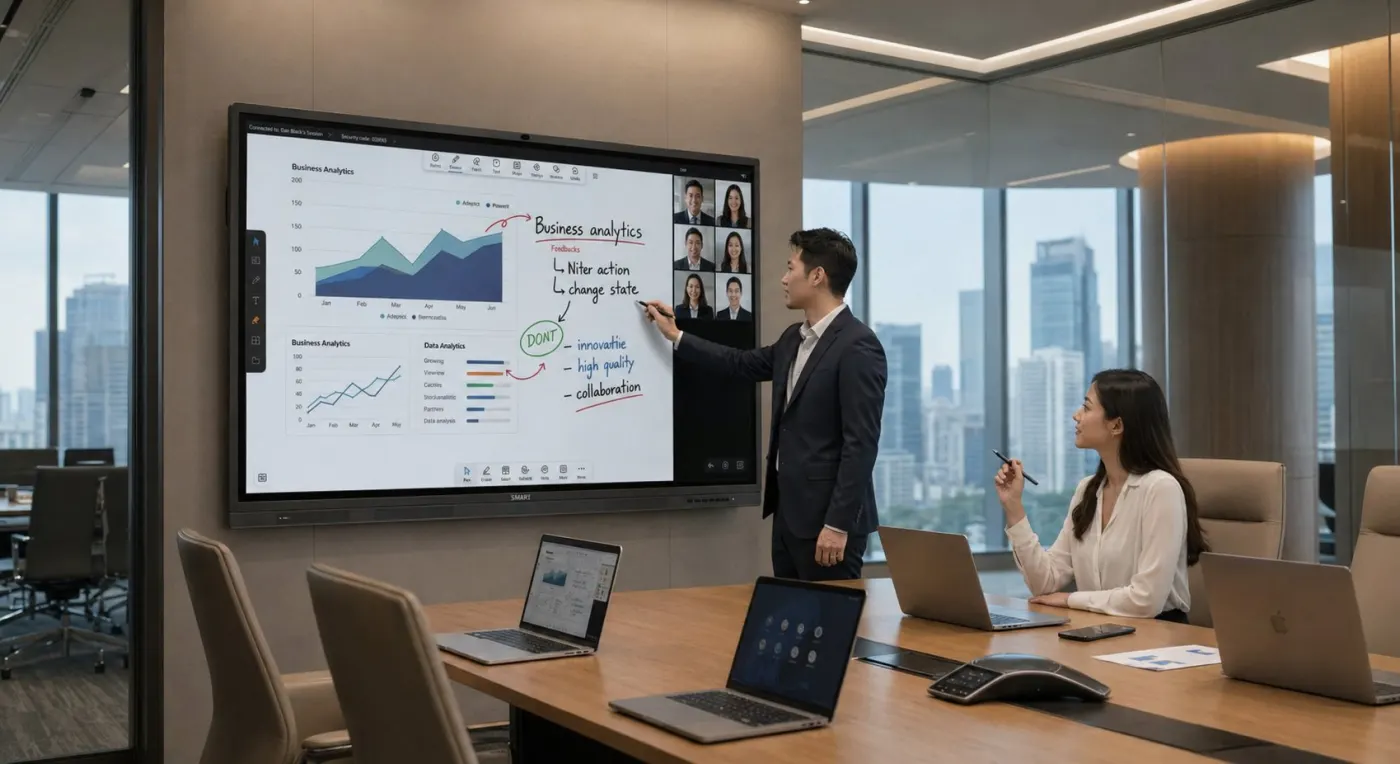
Interactive flat panels are particularly useful where people need to annotate documents, write on a whiteboard or save meeting notes. They can be bought outright or through a 36-month instalment plan from about RM203 a month. The panel is the right choice when interactivity will be used regularly, rather than as an expensive replacement for a display that only shows slides.
Zoom Rooms or Microsoft Teams Rooms: which should you choose?
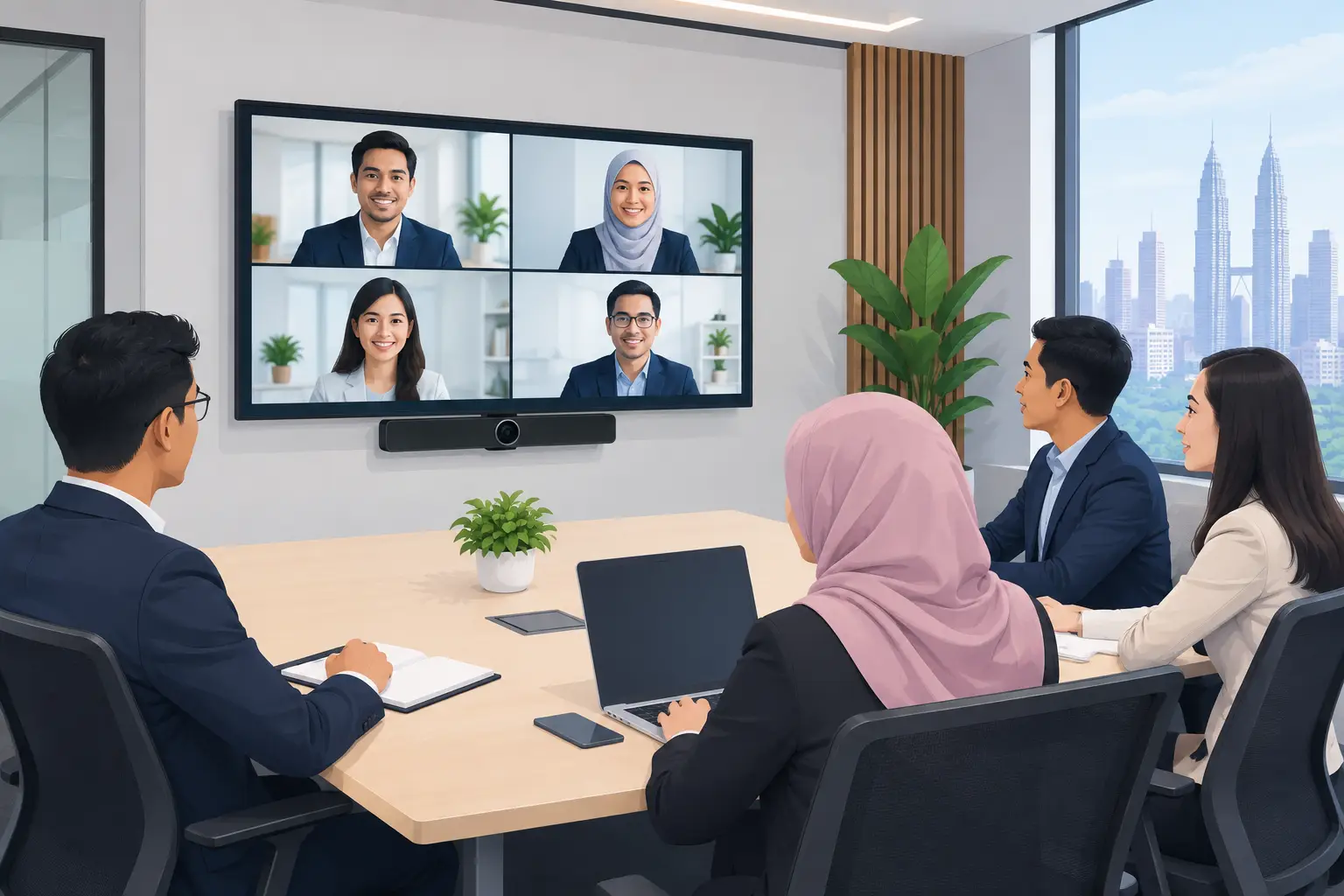
Choose the platform that your organisation already uses for scheduled meetings, identity management and collaboration. A dedicated room system reduces the number of steps needed to join calls, but it should fit your existing licences and IT policies.
Zoom Rooms may suit organisations where Zoom is already the standard for external meetings. Microsoft Teams Rooms is often the more natural route where staff work daily in Microsoft 365 and Teams. Both can support professional room cameras, touch controls, screen sharing and calendar-based joining.
The key decision is less about brand preference and more about consistency. If every important room works differently, staff will avoid the technology or rely on personal laptops. Standardising room controls, cables and user instructions makes support easier and meetings less stressful.
What support should be included with a meeting room installation?
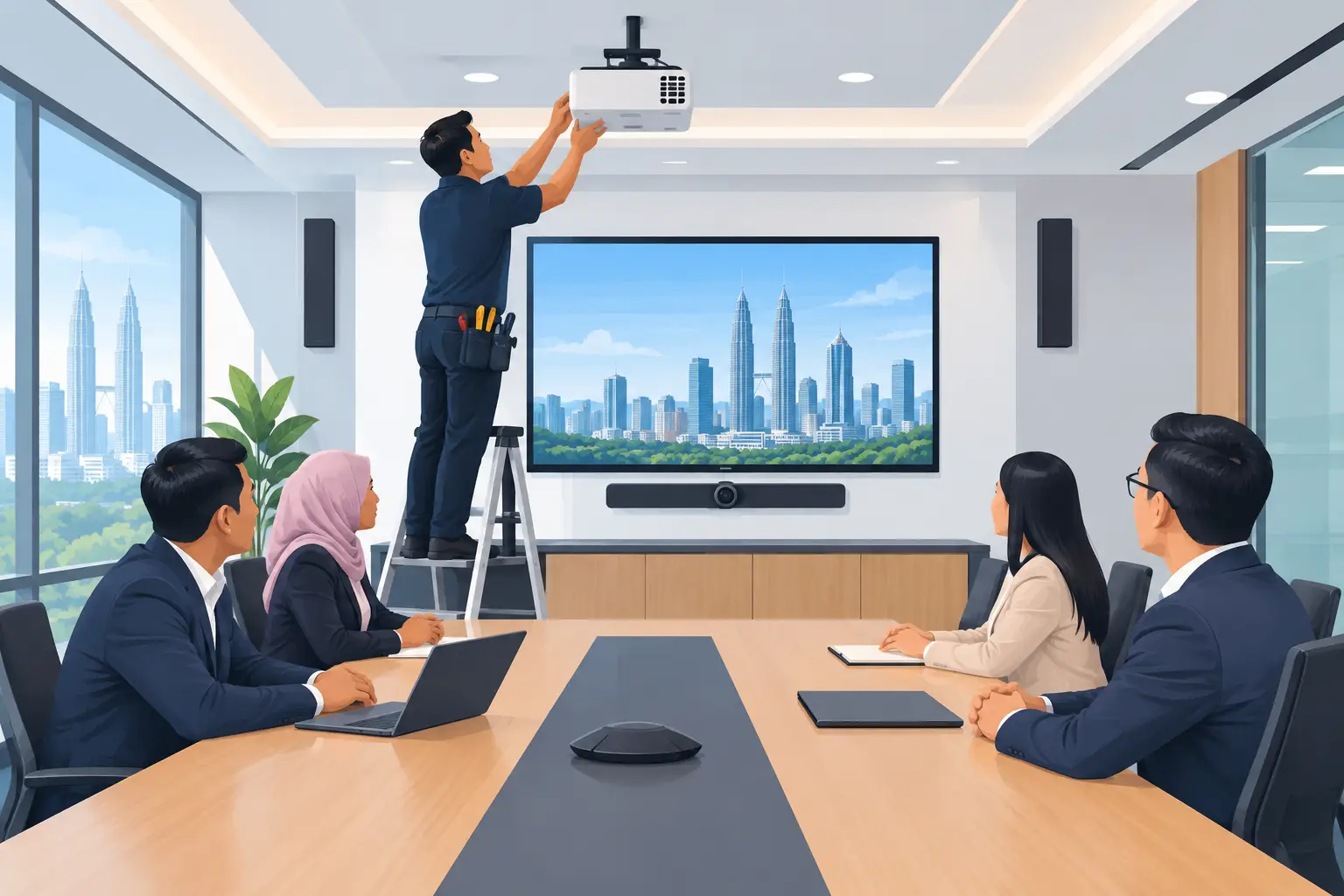
Meeting room equipment should not arrive as a collection of boxes. A proper project starts with a site survey, particularly for boardrooms, training rooms and spaces with unusual acoustics or wall construction. The survey should confirm screen position, camera angle, power, cabling, network access and mounting requirements before installation day.
Installation should be followed by user training. Reception staff, office administrators, IT personnel and frequent room hosts often need slightly different guidance. A two-minute quick-start process is useful, but someone should also know how to switch sources, recover from a disconnected call and request support.
For organisations in Kuala Lumpur and Selangor, Hytech Office Automation can provide site survey, delivery, installation and user training, with a response within four working hours for after-sales support. This is valuable when the meeting room is used for customer presentations, management reviews or remote training that cannot wait for a distant support team.
Can interactive panels support HRDC-funded training rooms?
Interactive flat panels may be HRDC claimable through HRD Corp's Training Facilities and Renovation Scheme, known as ALAT. This applies to the panel for use in an approved training venue, not to video conferencing systems, projectors, LED walls, digital signage or installation and delivery alone.
The employer must apply before buying, and HRD Corp decides whether an application is approved. Once approved, the panel must be purchased within six months, placed in the training venue for training use and claimed after purchase. The yearly cap is 50% of the levy balance as at 1 January.
This can be worthwhile for HR and learning teams building a dedicated training space. It should not drive the technical decision on its own. First confirm that an interactive panel will genuinely improve the way trainers deliver sessions and participants work with content.
Frequently asked questions
How much does a hybrid meeting room cost?
The cost depends on room size, screen size, camera and microphone coverage, mounting work and whether a dedicated Zoom or Teams room system is needed. A site survey is the sensible way to scope the room before setting a budget, especially where cabling or network changes are involved.
Do we need an interactive flat panel in every room?
No. A standard professional display may be enough for rooms used mainly for video calls and slide presentations. Choose an interactive flat panel where teams will annotate, brainstorm, teach or work directly on documents.
Can staff join meetings from their own laptops?
Yes, many rooms can support laptop content sharing alongside a dedicated room system. The exact setup depends on your security requirements, preferred connection method and whether wireless sharing is permitted on the corporate network.
What screen size is suitable for a boardroom?
A 75-inch or 86-inch screen is often appropriate for a boardroom, but viewing distance and room layout matter more than a simple rule. People at the furthest seats should be able to read normal presentation text without straining.
Who should manage the meeting room after installation?
IT should usually own the network, user accounts and platform settings, while facilities or office administration may manage room booking and physical access. Clear ownership prevents simple issues, such as missing cables or changed room layouts, from becoming recurring meeting problems.
A meeting room should help people make decisions, not test their patience. The useful next step is a showroom demo at the Maxsmart Experience Centre in Pavilion Damansara Heights, where your Office Solutions Specialist can show how the equipment works in a real boardroom before you commit.