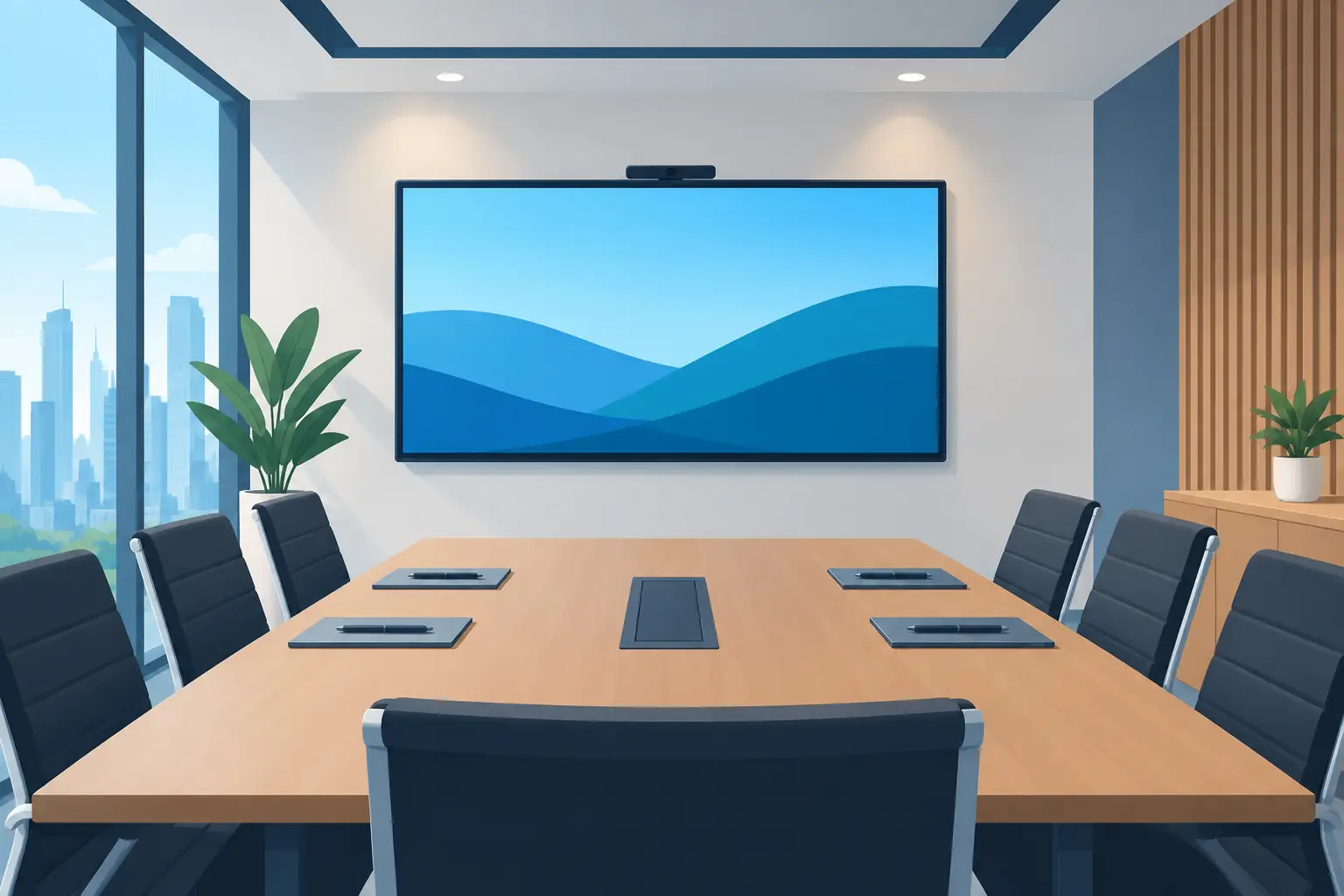
How to Choose a Boardroom Display That Works
A boardroom display is often expected to solve problems that started long before the screen was purchased: unreadable slides, cables that do not work, remote participants who cannot see the room, and meetings delayed while someone searches for the correct input. Knowing how to choose a boardroom display means looking beyond screen size and focusing on how people actually meet, present and make decisions in that room.
For Malaysian businesses, the right choice should be clear to use on day one and dependable over years of daily meetings. It also needs to fit the room, work with existing laptops and video-conferencing platforms, and come with accountable installation and support.
Start with the boardroom's real purpose
A formal boardroom used for director meetings has different requirements from a project room used for daily hybrid discussions. Before comparing display models, establish who uses the space, how frequently they meet and what they need to share.
If the room is mainly used for polished presentations, financial reviews and client briefings, a large commercial display may be the most practical choice. It delivers a professional image, handles regular operation and keeps presentations easy to read. If teams regularly mark up documents, brainstorm on-screen or run training sessions, an interactive flat panel can add greater value through touch, annotation and whiteboarding functions.
Hybrid working changes the decision again. A display is only one part of the experience. Remote attendees need to see shared content clearly, while people in the room need to hear and be heard without leaning towards a laptop. Consider the display alongside the camera, microphones, speakers and conferencing platform rather than treating each component as a separate purchase.
It is also worth asking whether the boardroom has a second role. A space that becomes a training venue, town-hall room or customer presentation area may need a larger screen, easier content sharing and more flexible control than a room used only by a small leadership team.
How to choose a boardroom display by room size
Screen size should be based on viewing distance, not simply the largest model that fits the wall. A display that looks impressive in a showroom can become uncomfortable in a compact boardroom, while an undersized screen forces attendees at the far end of the table to strain to read figures, spreadsheets and detailed diagrams.
As a practical starting point, measure the distance from the display wall to the furthest regular seat. For typical presentation content, the furthest viewer should be able to read standard text and data without relying on zooming. A 65-inch display can suit a smaller meeting room, while 75-inch, 86-inch or larger options are often more appropriate for medium and large boardrooms. The final choice depends on the room layout, seating positions and the detail of the material being presented.
Resolution matters too. A 4K display gives sharper text and clearer charts, particularly on larger screens. However, picture quality will still be limited if staff share low-resolution files or use unsuitable wireless connections. The system should be designed around the way content reaches the screen, not just the panel specification.
Room lighting is another common oversight. Boardrooms with large windows, glass partitions or strong ceiling lighting need a display with sufficient brightness and a low-reflection surface. Otherwise, bright daylight can wash out slides and make video calls tiring to follow. A site survey helps identify glare before equipment is installed in the wrong location.
Choose the right display type
There is no single best boardroom display. The practical choice depends on usage, room design and the level of interaction required.
Commercial display panels
Commercial displays are well suited to boardrooms that need reliable, high-quality presentation viewing. They are designed for business use and can be installed neatly on a wall or mobile stand. They are typically straightforward for visitors and staff: connect, share content and begin the meeting.
For spaces where the screen will also show corporate messages, schedules or welcome content outside meeting hours, a commercial display may also support digital signage use. This can make better use of a high-visibility room, although it should not complicate the meeting experience.
Interactive flat panels
Interactive flat panels are a strong fit where collaboration is active rather than passive. Teams can annotate a proposal, capture workshop notes, compare designs and work through training materials directly on-screen. This is especially useful for HR and learning teams, education providers and departments that need decisions documented during the meeting.
The trade-off is that interactive functions require user confidence. The panel should be configured simply, and staff should receive practical training. A feature-packed screen that nobody knows how to operate will not improve collaboration.
LED displays and projection systems
For very large rooms, premium client spaces or auditorium-style environments, an LED display may offer the scale and impact that a standard flat panel cannot. It can be an effective choice where viewing distances are long or the display must become a visual focal point.
Projectors still have a role in selected spaces, particularly where wall size is a priority or installation constraints make a large panel unsuitable. Yet they require careful consideration of ambient light, image alignment, maintenance and the condition of the projection surface. In a brightly lit boardroom, a commercial display will often deliver a more consistent result.
Make content sharing simple and secure
Most boardroom frustration begins at the connection point. Staff may bring Windows laptops, Macs, tablets or visitor devices. If sharing content requires multiple adapters, manual input switching or an unfamiliar app, meetings lose momentum.
Look for practical connectivity that matches your users. USB-C can carry video, audio, touch control and laptop charging through one cable when supported by the system. HDMI remains useful for broad compatibility. Wireless presentation can reduce table clutter and make it easier for several participants to take turns sharing, but it should be secure, responsive and simple to use.
For organisations with regular external visitors, guest access deserves particular attention. The system should allow controlled presentation sharing without giving unknown devices access to the corporate network. IT teams may also need central management, firmware updates and the ability to apply security policies across multiple rooms.
Do not assume that a display alone provides a complete video-conferencing experience. Confirm how it will work with Microsoft Teams, Zoom, Google Meet or the platform your organisation uses. In some rooms, a dedicated conferencing system offers a more reliable and consistent experience than connecting a different laptop each time.
Plan the complete room, not just the screen
A boardroom display must be placed where everyone can see it and where the camera can capture the room naturally. The table position, wall construction, power points, network access, cable routes and speaker location all affect the final outcome.
Mounting height is particularly important. A screen installed too high may appear elegant on an empty wall but becomes uncomfortable during a 90-minute meeting. Likewise, visible cables and loosely placed equipment can undermine the professional standard of a boardroom intended for clients, leadership teams or investors.
A well-designed installation considers the full signal path from laptop to display, camera and audio equipment. It also accounts for control. Users should not need to operate several remotes or guess which device is active. A straightforward control method, clearly labelled inputs and a reliable start-up process reduce dependence on IT support.
Assess reliability, warranty and local support
The purchase price is only one part of the cost. A lower-cost consumer television may appear attractive, but it may not be designed for extended business use, commercial warranty requirements or integration with meeting-room equipment. When a boardroom display fails before an important presentation, the savings quickly lose their value.
Ask what happens after installation. Who will configure the room, test the connections and train the users? Is there a warranty process, replacement arrangement and local technical support if the equipment develops a fault? Can one provider take responsibility for the display, conferencing equipment, installation and ongoing maintenance?
This is where an end-to-end approach reduces operational burden. Hytech Office Automation can assess the room, recommend a suitable display solution, complete installation and provide user training and after-sales support. A hands-on showroom demo at the Maxsmart Experience Centre also gives decision-makers the chance to compare display types and meeting-room workflows before committing to a configuration.
Set a budget around business value
A sensible budget should include the display, mounting, cabling, installation, conferencing peripherals, training and support. Leaving these items outside the initial quotation often creates surprises later, especially when a room needs new power, network or cable-management work.
Prioritise the capabilities your teams will use every week. A clear 4K screen, dependable content sharing and good audio will usually deliver more value than advanced features that sit unused. Conversely, if workshops and training are central to the room's purpose, investing in interactive tools may save time and improve participation.
Frequently asked questions
What size display does a boardroom need?
Pick the size from the distance to the furthest seat. Hytech supplies 65, 75, 86 and 98-inch panels, and a site survey confirms which size the back row can read.
Is an interactive flat panel better than a projector for a boardroom?
In most boardrooms, yes. A panel stays bright with the lights on, works as a touch whiteboard and has a built-in camera and microphones for video calls. A projector still suits large halls that need an image bigger than 98 inches.
Does a boardroom panel work with Microsoft Teams and Zoom?
Yes. Hytech's panels have a built-in camera and microphones, so they join Zoom, Google Meet, Microsoft Teams and Webex calls without an external webcam.
Can we try the display before we buy?
Yes. Book a showroom demo at the Maxsmart Experience Centre in Damansara Heights to test the panels in a working boardroom. You can also ask for a complimentary on-site consult at your office.
The best boardroom display is the one that allows people to walk in, connect quickly and focus on the conversation. When the room is planned around real working habits and supported properly after installation, the technology becomes a dependable part of better decisions rather than another item for staff to troubleshoot.