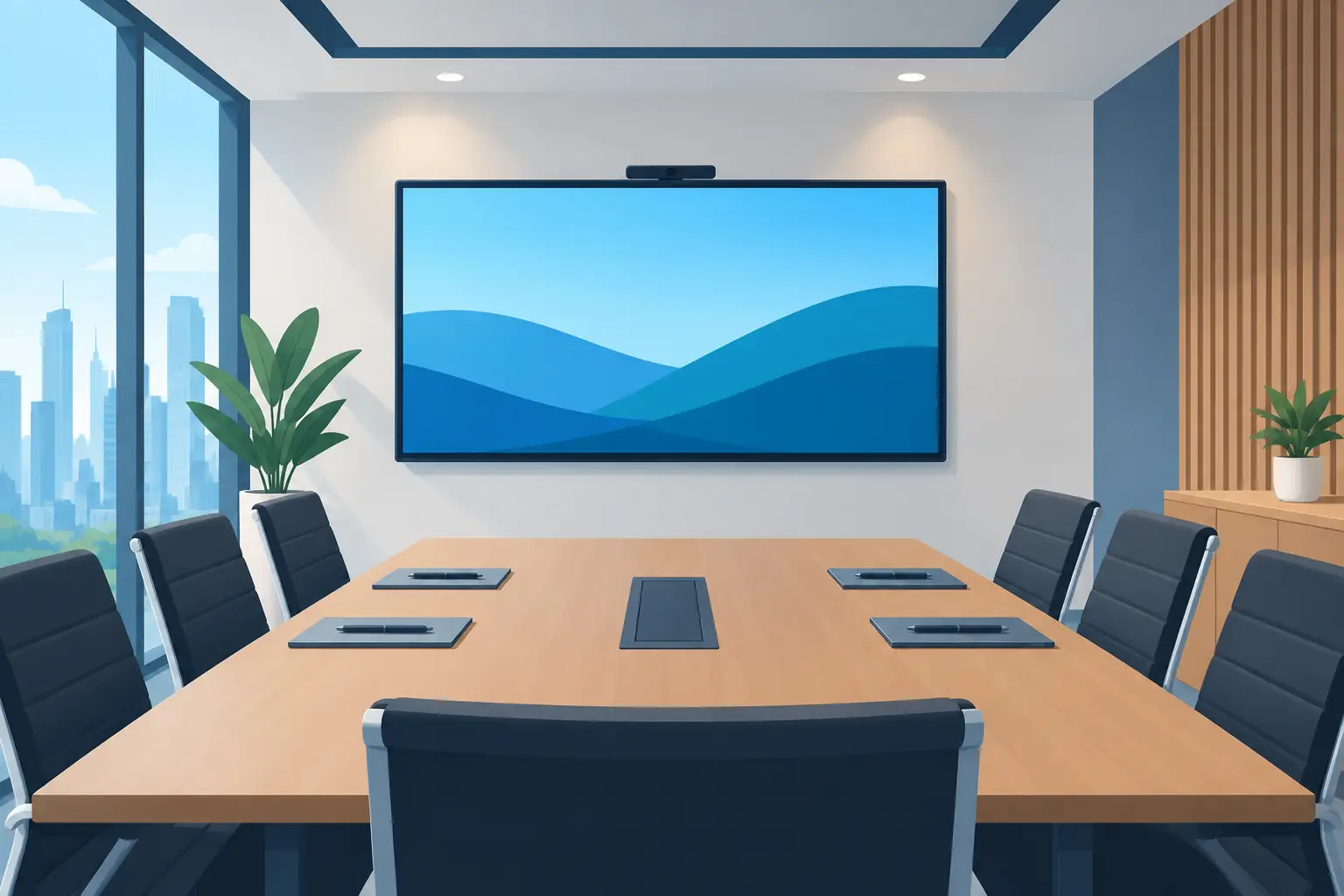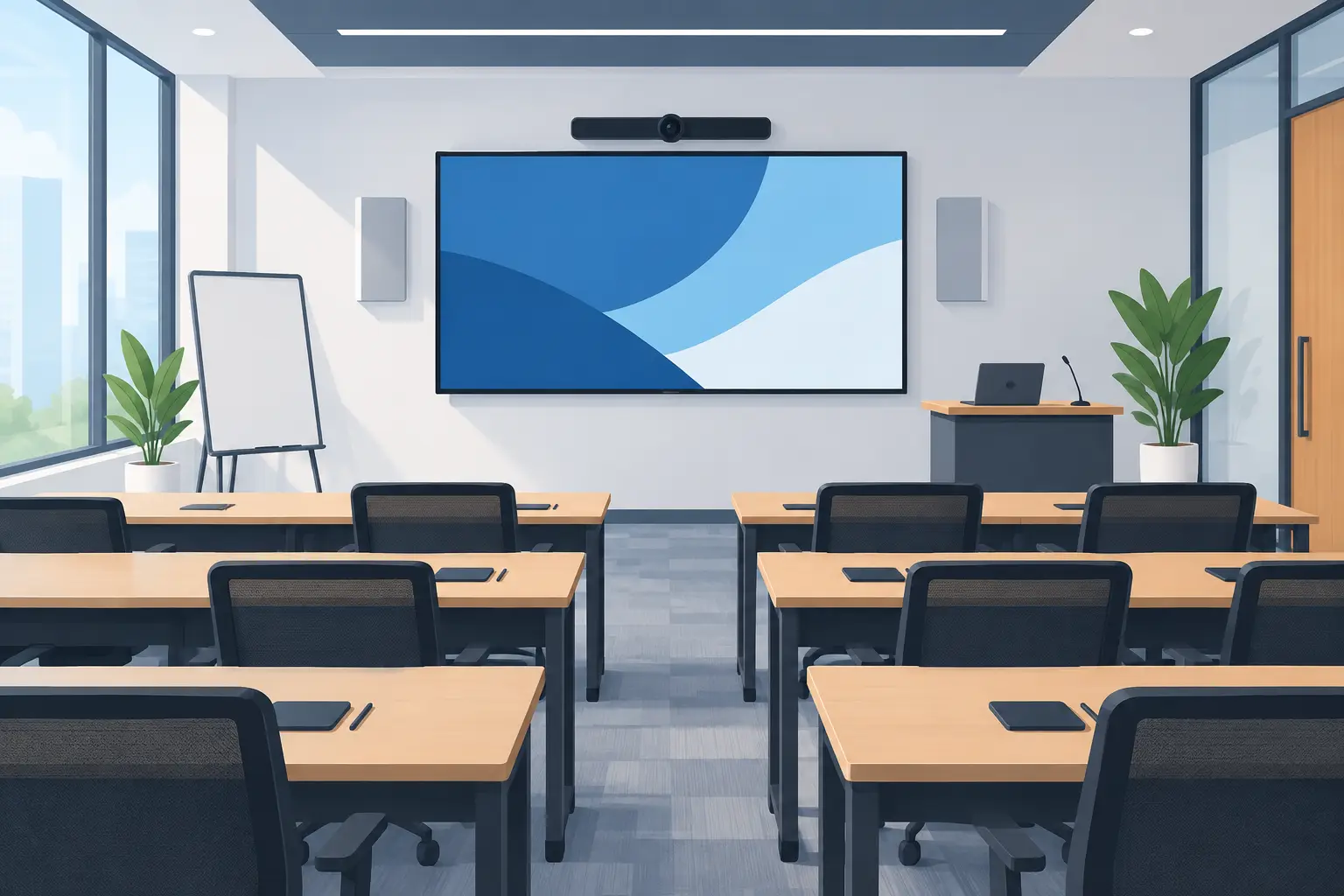
Training Room Technology Design That Gets Used
A training room can have a large display, quality audio and plenty of seats, yet still fail the moment a facilitator has to call IT to start a session. Effective training room technology design starts with the real teaching experience: how presenters arrive, connect, share content, involve the room and finish on time. The equipment matters, but only when it works together without creating another task for the trainer.
For Malaysian businesses, colleges, healthcare providers and professional organisations, a well-planned room supports more consistent onboarding, compliance training, product briefings and skills development. It also protects the investment in trainers and staff time. A room that is difficult to operate will be avoided, regardless of its specifications.
Start with the training activity, not the equipment list
The first question is not whether to choose an interactive flat panel or a projector. It is what participants and facilitators must be able to do in the room. A boardroom-style induction for 12 people has different requirements from a 40-person sales workshop, a clinical demonstration or a hybrid lesson delivered to several branches.
Consider the usual room capacity, seating layout and the type of material being taught. Slide-led sessions need clear presentation visibility. Hands-on instruction may need an interactive display, document camera or a secondary confidence monitor for the facilitator. Group exercises benefit from digital whiteboarding and simple wireless sharing, while external trainers may need straightforward guest connections without access to the corporate network.
This discovery stage should also account for how the space is used between sessions. Some rooms double as meeting rooms, interview spaces or town-hall venues. Designing for flexibility can be sensible, but trying to accommodate every possible scenario can make the system harder to use. The right balance depends on the activities that generate the most value for the organisation.
Build training room technology design around sightlines
A display that looks impressive in a showroom can be ineffective when participants at the back of a deep room cannot read the smallest text. Screen selection should follow room dimensions, viewing distance, ambient light and content type, rather than a standard specification applied to every site.
Interactive flat panels suit many modern training rooms because they provide bright, detailed images and allow trainers to annotate presentations, diagrams and documents directly. They work particularly well for collaborative training where teams need to contribute, mark up information or save notes after the session. For larger rooms, an LED display can provide the scale and brightness needed for wide viewing angles.
Projectors still have a place. They can be a practical choice where a very large image is required, where room design calls for a recessed installation, or where budgets must be managed carefully. However, projector performance is more affected by room lighting, screen quality and maintenance. If the room is used in daylight with blinds left open, a display solution may provide more dependable results.
A useful design test is simple: can the person furthest from the screen read typical slides, spreadsheets and training videos without straining? If not, increasing screen size alone may not resolve the issue. Seating position, font standards and whether a second display is needed should be considered together.
Make every trainer connection simple
A trainer should not need to search for cables, install software or change display settings in front of a room full of people. Provide the connections your users actually need, typically HDMI and USB-C at an accessible table position or wall plate. Wireless presentation can reduce cable clutter and help groups share quickly, but it should complement rather than replace a reliable wired option.
A single, clearly labelled control point is better than several remote controls. The trainer should be able to turn on the display, select a source and adjust volume in a few steps. Where the room includes video conferencing, the camera, microphone and display should be ready from the same interface wherever possible.
Audio is a learning requirement, not an add-on
Poor audio damages comprehension faster than a less-than-perfect image. Participants may tolerate a modest screen size, but they will disengage when they cannot hear instructions, video clips or remote speakers clearly.
For smaller rooms, the display's integrated speakers may be sufficient if the room is quiet and the training is mainly slide based. Larger spaces, rooms with hard surfaces, or sessions involving video calls usually require dedicated speakers and properly positioned microphones. Ceiling microphones can keep tables clear, while wireless lapel or handheld microphones give facilitators freedom to move. Each option has trade-offs in cost, installation complexity and how the room is used.
Acoustics deserve attention as well. Glass walls, tiled floors and bare ceilings can create echo that no microphone can fully solve. Basic acoustic treatment, curtains or revised speaker placement may make a greater difference than buying a more expensive microphone. A site survey helps identify these issues before installation.
Design for hybrid sessions without making the room complicated
Hybrid training is now routine for organisations with regional offices, remote employees or external subject specialists. The aim is not simply to add a camera. Remote attendees must be able to see the trainer, hear discussion and view shared material without being treated as passive observers.
Camera choice depends on room size and training style. A fixed wide-angle camera may suit a compact room, while a pan-tilt-zoom camera is more appropriate when trainers move around or when the system must frame different speakers. Microphones should capture participant questions, not just the person at the front.
Avoid placing the main display where the trainer must constantly turn away from the room to look at remote attendees. A second screen can be worthwhile in larger hybrid rooms: one display carries presentation content, while the other shows remote participants. It is an additional cost, but it creates a more natural training experience and reduces missed questions.
Plan the infrastructure people do not see
The visible equipment is only part of the system. Cable routes, power capacity, network access, ventilation, mounting structure and equipment locations determine whether the finished room is tidy, safe and maintainable.
A professional design keeps cables protected and labelled, leaving access for future servicing. It provides sufficient power where laptops, charging points and AV devices will be used, rather than relying on extension leads across a training floor. It also considers whether the organisation's network and security policies allow wireless presentation, video conferencing or visitor devices.
This is where fragmented purchasing often causes problems. A display supplier, electrical contractor and IT team may each complete their own portion, while no one owns the final user experience. Working with one accountable integration partner helps coordinate the design, installation, testing and handover as one outcome.
Standardise where it improves confidence
If an organisation has several training rooms, consistent controls and connection points reduce the learning curve for facilitators. A trainer who can use one room confidently should be able to walk into another site and begin with minimal preparation. Standardisation also helps IT teams support rooms, stock appropriate spares and document common procedures.
That does not mean every room must be identical. A large training suite may need more advanced audio, cameras and display capacity than a small departmental room. The goal is a familiar operating experience with technology scaled to the room's purpose.
Reliability should also be designed into the support model. Consider warranty terms, response expectations, preventative maintenance and a clear route for reporting faults. A room that supports essential staff training cannot be treated as an isolated hardware purchase. It is operational infrastructure.
Installation is only complete when users are confident
The final handover should include more than equipment manuals. Facilitators, administrators and IT contacts need practical instruction based on the sessions they will run. They should know how to connect a laptop, start a hybrid session, use interactive features, recover from a common issue and request support when needed.
Testing should reflect real use. Run a video call, test wired and wireless sharing, check audio from the back row and confirm that the room works with typical staff devices. This is also the time to agree simple room guidance, such as the preferred connection method and shutdown process.
For organisations in Kuala Lumpur and Selangor, an in-person consultation or showroom Experience Tour can make these decisions easier. Hytech Office Automation can demonstrate how displays, collaboration tools and room controls work as an integrated environment, then manage site assessment, installation, user training and ongoing support.
The best training room does not draw attention to its technology. It gives facilitators the confidence to focus on people, content and outcomes - which is exactly what the room was built to support.