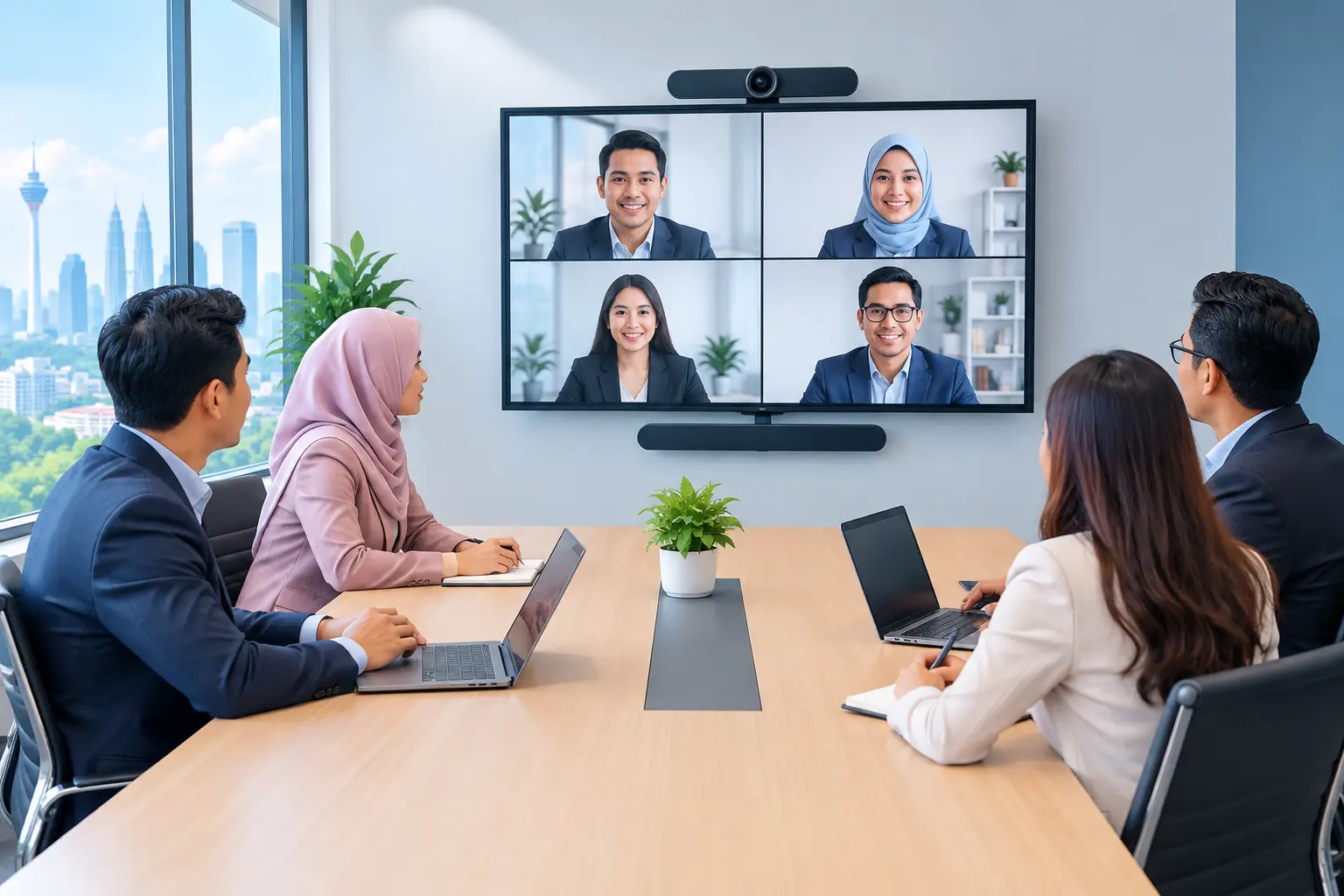
Which Boardroom Displays Suit Your Meetings?
A meeting loses pace when someone is looking for the right cable, squinting at small text or asking remote colleagues whether they can see the slide. The right boardroom displays make sharing, video calls and decision-making easier. For most meeting rooms, an interactive flat panel is the practical choice, but screen size and room use matter more than the badge on the frame.
What are boardroom displays used for?
A boardroom display is the main screen used to share presentations, dashboards, documents and video calls in a meeting room. It may be a standard commercial display, a projector, an LED wall or an interactive flat panel with a built-in touchscreen.
The job is not simply to show an image. A useful display should let staff start a meeting without calling IT, allow people at the table to read the content clearly, and help remote attendees follow the discussion. If the room is also used for management workshops, staff training or client presentations, annotation and whiteboarding become valuable as well.
This is why a consumer television is rarely the right long-term answer for a busy meeting space. It may look economical at first, but it is not designed around business connectivity, regular commercial use, central management or meeting-room support.
Which type of boardroom display should you buy?
The right option depends on what happens in the room most often. A six-seat room used for short Microsoft Teams calls has different needs from a 20-person training room where participants mark up plans together.
| Display type | Suits | Main advantage | Consider before buying | |---|---|---|---| | Commercial display | Slide sharing and standard video calls | Clear, professional screen for straightforward meetings | You will need separate tools for whiteboarding and collaboration | | Interactive flat panel | Meetings, workshops and training | Touch control, annotation, wireless sharing and digital whiteboard in one screen | Costs more than a basic display and needs user orientation | | Projector | Large rooms with controlled lighting | Large image without a very large panel | Bright rooms reduce image clarity and lamps or maintenance may add work | | LED display wall | Large boardrooms, auditoriums and high-visibility spaces | Can create very large, bright displays | Requires careful design, installation and a higher budget |
For many offices, schools and GLC meeting rooms, an interactive flat panel provides the most useful balance. A MAXHUB panel can combine a 4K display, touchscreen, whiteboard and video-conferencing-ready workspace in one unit. It reduces the pile of equipment that tends to build up around a table.
That does not mean every room needs touch. If people only show slides and use a dedicated video bar, a commercial display may be the more sensible spend. Buying features that no one uses is not good procurement.
What screen size do you need for a boardroom?
Screen size should follow the viewing distance, not just the size that looks impressive on a showroom wall. A panel that is too small forces people at the back to lean forward. One that is too large can dominate a compact room and make camera placement awkward.
As a practical starting point, 55-inch and 65-inch screens suit huddle rooms and small meeting rooms. A 75-inch panel is often a strong fit for a typical boardroom of eight to 12 people. For larger rooms, 86-inch or 98-inch screens may be appropriate, particularly where detailed spreadsheets, drawings or training materials are presented.
There is no single formula because font size changes the answer. A finance team reviewing dense reports needs more legible space than a team showing a few large images. Room lighting, seating layout and whether participants join by video also affect the choice.
A site survey is useful before a decision is made. It checks sightlines, wall construction, power points, network access and where the camera should sit. These details determine whether the finished room feels organised or becomes another source of meeting delays.
Do you need touchscreens in a meeting room?
Touch is worth paying for when your team works through content together. During a planning session, people can annotate a proposal, move items around a digital whiteboard and save notes rather than photographing a flip chart. In training, a facilitator can pull up a document and mark it up in front of the group.
It is also helpful when meeting hosts need to start quickly. Instead of connecting a laptop for every task, they can open the whiteboard, display a browser-based resource or join a prepared video call from the panel. The exact workflow should still be agreed with your IT team, especially where security policies limit guest access or cloud services.
For rooms used mainly by senior management, keep the experience simple. The technology should support the chairperson, not turn them into the room technician. Basic training after installation is as important as the hardware itself.
How should boardroom displays work with Teams and Zoom?
A screen alone does not create a good hybrid meeting. Remote participants need to see the people in the room, hear each speaker and view the shared content without constant changes to cables or camera settings.
For Microsoft Teams and Zoom rooms, plan the display with a suitable camera, microphones, speakers and room controller. A wide-angle camera may be enough for a small room, while a larger boardroom may need intelligent framing or speaker tracking. Microphone coverage matters just as much as picture quality. A sharp screen cannot fix muffled audio.
Ask who will host calls, how guests will share content and whether the room needs a dedicated Teams or Zoom setup. A bring-your-own-device room offers flexibility, but it relies on users connecting their own laptop. A dedicated room system is more consistent, but needs proper configuration and support.
What should be included in the installation?
Do not treat delivery as the end of the purchase. A boardroom display needs safe mounting, correct height, cable routing, network setup where required and testing with the actual conferencing platform your staff use.
The handover should include practical user training. Staff need to know how to share a screen, start a whiteboard, use the camera and recover quickly if a connection fails. Facilities and IT teams should also know who to contact when there is a problem.
Hytech Office Automation can carry out a site survey, delivery, installation and user training for customers in Kuala Lumpur and Selangor. After installation, an Office Solutions Specialist coordinates support with a response within 4 working hours. That accountability matters when the room is booked for management reviews or external presentations.
Can interactive flat panels support HRDC claims?
Interactive flat panels are the only relevant display product that may be HRDC claimable through HRD Corp's Training Facilities and Renovation Scheme, also known as ALAT. This can be relevant for organisations buying a panel for a dedicated training venue, not simply for general boardroom use.
The employer must apply before buying, and HRD Corp decides whether an application is approved. If approval is given, the panel must be bought within six months and placed in the training venue for training use only. The yearly cap is 50% of the levy balance as at 1 January.
Delivery and installation on their own are not claimable. Hytech can help customers with the claim process, but it is not an HRD Corp training provider and cannot promise approval. For businesses that prefer to spread the cost, interactive flat panels are also available on a 36-month instalment plan from about RM203 a month.
Frequently asked questions
Are 4K boardroom displays necessary?
For most new meeting rooms, 4K is a sensible standard because it keeps text, spreadsheets and video content clear on larger screens. Its benefit is most noticeable on 75-inch panels and above, or when people sit further from the display.
Can staff share from Windows, Mac and mobile devices?
Usually, yes, but the method depends on the panel, room system and your organisation's security rules. Check wired and wireless sharing requirements during the site survey so staff are not dependent on an adaptor that goes missing.
Is a 75-inch screen large enough for 12 people?
Often it is, particularly in a standard-sized boardroom with sensible seating distance. If the room is deep, brightly lit or used for detailed technical documents, an 86-inch panel may be the better choice.
How long does installation take?
Timing depends on wall preparation, cabling, network access and whether video conferencing equipment is being added. A proper survey identifies these requirements before installation day and avoids last-minute changes.
Should we choose a budget panel or a premium interactive flat panel?
Choose based on frequency of use, collaboration needs and support expectations. A tighter-budget Hikvision panel can suit simpler rooms, while a MAXHUB interactive flat panel is better suited to regular workshops, training and active boardroom collaboration.
Book a showroom demo at the Maxsmart Experience Centre in Corporate Tower 2, Pavilion Damansara Heights. Bring a typical presentation or meeting scenario, try it in a real boardroom, and see which screen size and setup feels right before your team commits.