Conference Room Technology Guide for Malaysia
A conference room technology guide should start with how people actually meet: in-person, hybrid, training or client presentations. Then choose a display, video system, audio and controls that fit the room, network and support capacity. Good equipment removes meeting delays; it should not create more of them.
A meeting that starts ten minutes late because someone cannot share a screen is not a small inconvenience. Across a busy office, it becomes lost time, frustrated staff and an unprofessional experience for visitors.
The common mistake is buying equipment by specification alone. A large screen, premium camera and wireless sharing tool may all look right on paper, yet still perform poorly if the room has glare, weak Wi-Fi, bad acoustics or no clear owner for support.
Conference room technology guide: start with the room
Before selecting brands or screen sizes, classify the room by its job. A four-person huddle room needs fast joining and simple content sharing. A boardroom hosting leadership meetings and client presentations needs clear faces, intelligible speech and reliable connections for Zoom or Microsoft Teams.
Look at the room at the time it is normally used. Windows in a Kuala Lumpur office can create heavy glare in the afternoon. Hard walls, glass partitions and tiled floors can make voices echo. A site survey should identify these conditions before installation, not after the first difficult video call.
Also ask who uses the room. IT may manage accounts and networks, but reception staff, department heads and visiting presenters must be able to start a meeting without specialist help. The right system has a clear, repeatable routine: enter the room, join the call, share content and begin.
What technology does a meeting room need?
Most rooms need four connected elements: a display, a video conferencing system, audio and a practical way to control or share content. The exact mix depends on room size and meeting style.
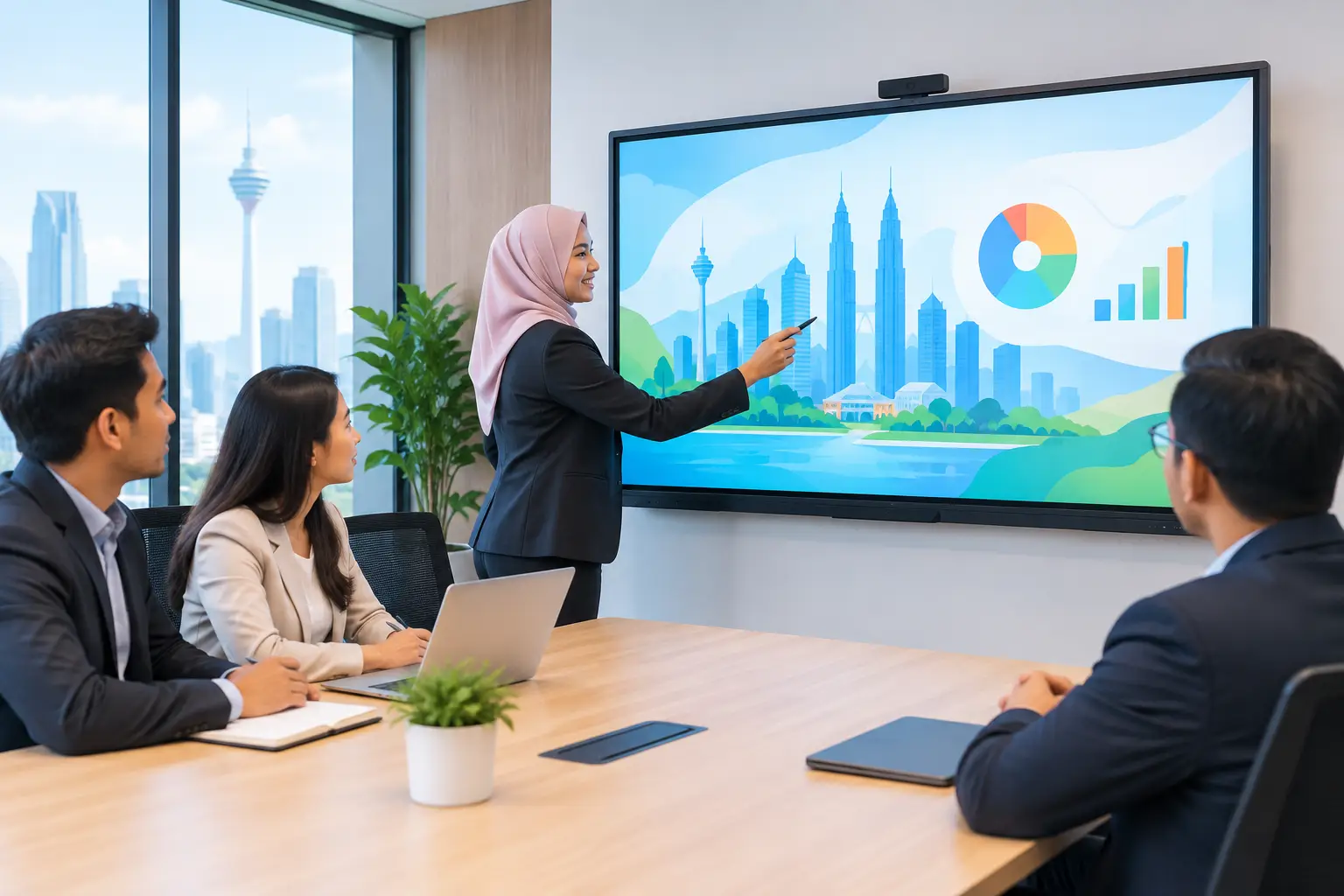
An interactive flat panel suits rooms that combine meetings with workshops, planning sessions or training. Staff can annotate documents, use a whiteboard function and save discussion points instead of photographing a flip chart. For organisations running regular internal learning, eligible interactive flat panels may be HRDC claimable through HRD Corp's Training Facilities and Renovation Scheme (ALAT), subject to approval before purchase and the scheme conditions.
A commercial display may be sufficient where the screen is mainly for presentations and video calls. It is usually the simpler choice for a room with limited interaction. Where a screen needs to be visible to a larger audience or across an open area, an LED display wall may be more suitable, although it requires more planning for viewing distance, wall structure and content management.
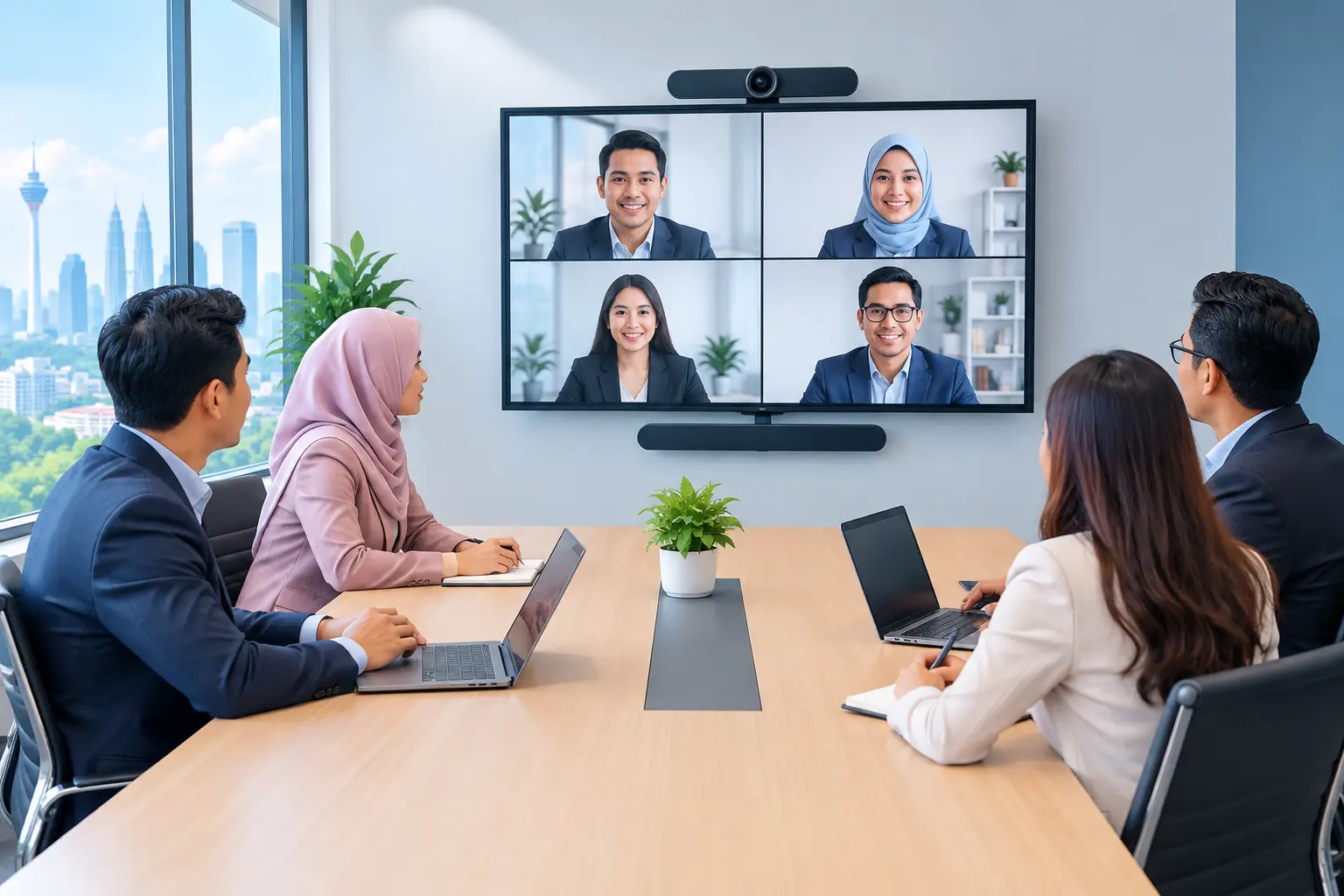
For video meetings, the camera should frame everyone in the room rather than focusing only on the person nearest the screen. Audio matters just as much. A good picture cannot compensate for voices that remote participants cannot hear. In a larger room, microphone placement and speaker coverage need proper assessment.
| Room type | Typical use | Suitable starting setup | Main consideration | |---|---|---|---| | Huddle room, 2-6 people | Quick team calls and screen sharing | 55-65 inch display or panel, all-in-one video bar | Keep joining and sharing simple | | Meeting room, 6-12 people | Hybrid meetings and presentations | 65-75 inch interactive panel, camera and room audio | Manage glare and microphone reach | | Boardroom, 12+ people | Leadership, client and formal meetings | 75-98 inch display or panel, dedicated camera and audio | Plan seating, sightlines and cable routing | | Training room | Workshops and learning sessions | Interactive flat panel, wireless sharing and video system | Allow space for annotation and trainer movement |
Interactive flat panel or projector for a meeting room?
This decision often comes down to room conditions and how the screen will be used. An interactive flat panel gives a bright, fixed display with touch capability. It works well in rooms where people annotate, brainstorm or train, and where lights need to stay on for note-taking.
A projector remains useful where a very large image is needed and the room can control ambient light. An Epson projector can be a practical fit for training rooms or spaces with a prepared projection surface. However, lamp or light-source considerations, shadows and image visibility need to be discussed early.
For many standard meeting rooms, a 65-inch or 75-inch interactive flat panel is easier for staff to use every day. Panels can be bought outright or through a 36-month instalment plan from about RM203 a month. Price should not be the only deciding factor: a panel that is too small for the far end of a boardroom will quickly become a false economy.
How do you choose Zoom or Microsoft Teams room equipment?
Start with the platform your organisation already uses. A room built around Zoom should make joining a Zoom meeting straightforward. A Microsoft Teams room should do the same for Teams. Trying to force staff through several apps, adapters or login steps is how meeting-room frustration starts.
Then consider whether the room needs a dedicated conferencing system or simply a camera and speakerphone connected to a user’s laptop. Laptop-based meetings cost less initially and suit occasional calls. Dedicated rooms provide a more consistent experience for heavily used rooms, especially where multiple departments share the space.
Your IT team should confirm network rules, account management, guest access and security requirements before hardware is installed. Facilities should confirm power points, cable routes, furniture positions and mounting options. When these teams make decisions separately, the installation often has avoidable gaps.
What should you check before installation?
A proper site survey turns an equipment list into a working room. Check the wall type before mounting a heavy display. Measure viewing distance rather than guessing screen size. Confirm whether power and data points are available where the equipment will sit.
Test Wi-Fi where participants actually sit, not just at the doorway. Check whether the room needs wired sharing for visitors, wireless sharing for staff, or both. Consider what happens when a guest brings a different laptop or has no access to the corporate network.
Training is also part of the installation. A polished room can still fail if users do not know how to switch sources, start a call or get help. Hytech Office Automation provides delivery, installation and user training, with a response within four working hours for after-sales service requests.
How do you keep meeting room technology reliable?
Assign a room owner, even if several teams use the space. This person does not need to fix technical faults, but should report issues, keep accessories where they belong and flag recurring user problems.
Set a simple standard for every room where possible. If one room uses a different joining process, remote control or cable arrangement from the next, staff waste time relearning basic tasks. Standardisation also makes support and training easier.
Finally, review the room after a few weeks of real use. If people regularly move chairs to hear better, stand near the camera to be seen, or avoid wireless sharing because it fails, the setup needs adjustment. The aim is not more technology. It is a room people will use confidently.
Frequently asked questions
What screen size is right for a conference room?
Screen size depends on viewing distance, room layout and the type of content being shown. A 65-inch screen may suit a smaller room, while boardrooms often need 75 inches, 86 inches or larger so text remains readable from the back.
Do we need an interactive flat panel for every meeting room?
No. An interactive flat panel is most useful where teams annotate, collaborate visually or run training. A standard commercial display may be enough for rooms used mainly for video calls and slide presentations.
Can an interactive flat panel be claimed under HRDC?
Interactive flat panels are the only relevant product category that may be HRDC claimable under the ALAT scheme. The employer must apply before buying, use the approved panel in a training venue for training purposes, and purchase within six months of approval. HRD Corp decides each application.
Is wireless screen sharing reliable enough for visitors?
It can be, provided the chosen system works with the organisation’s security rules and the room network is tested properly. Keeping a wired connection available is often sensible for important client meetings or users with restricted devices.
How long does a conference room installation take?
The timeline depends on room readiness, wall work, cabling and the complexity of the video system. A site survey helps identify these requirements early, so installation can be planned with less disruption to your office.
Book a showroom demo at the Maxsmart Experience Centre in Corporate Tower 2, Pavilion Damansara Heights, Kuala Lumpur. Bring your typical meeting scenario, and an Office Solutions Specialist can show how the equipment works in a real boardroom before you decide.