Which Smart Meeting Room Solution Malaysia Fits?
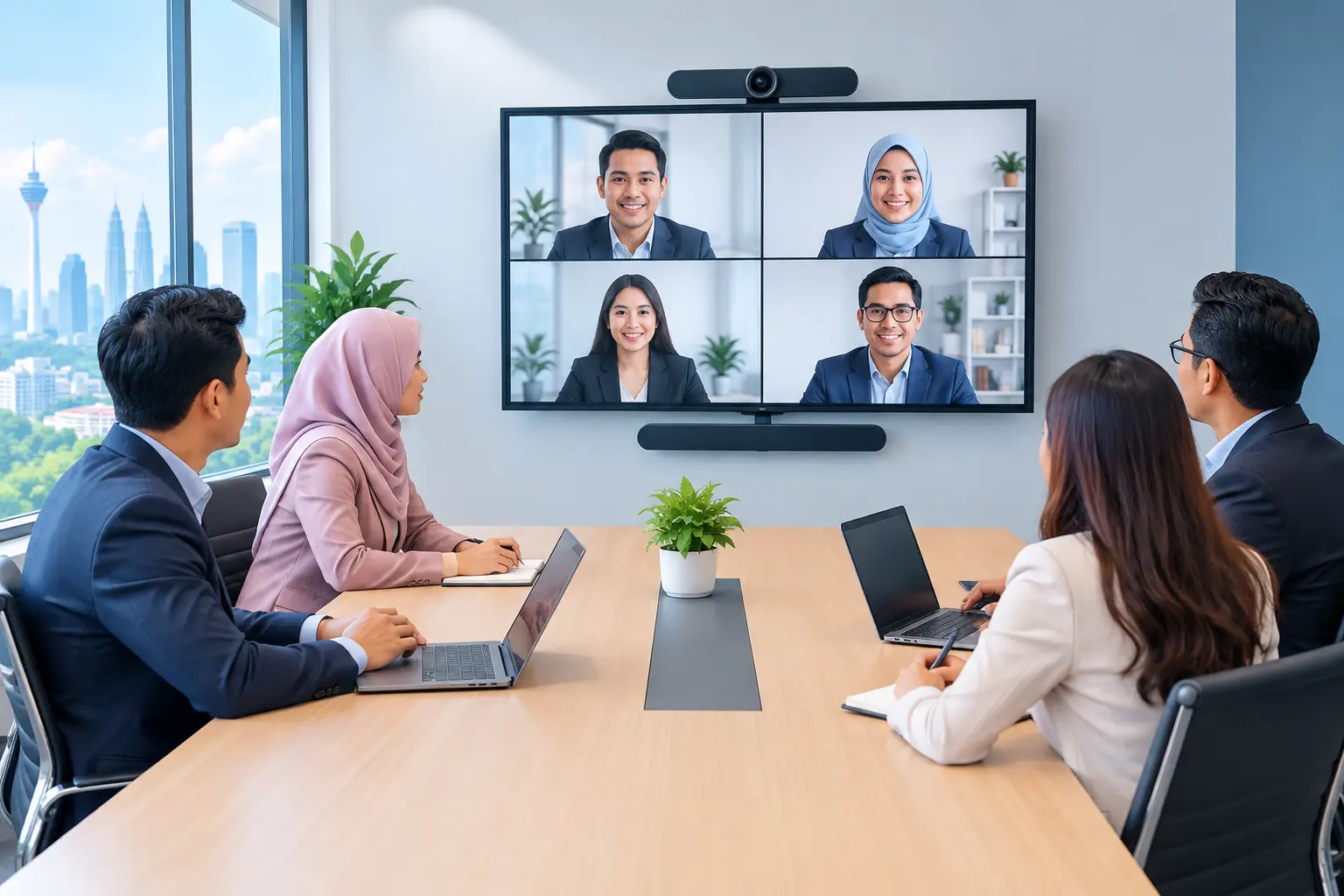
A smart meeting room solution Malaysia organisations can rely on is not simply a large screen and a camera. It is a room where staff can join Zoom or Microsoft Teams, share content and start meetings without calling IT. The right setup depends on room size, meeting habits and support needs.
Why meeting rooms still waste time
The meeting begins at 10:00am, but somebody is looking for an HDMI adapter, the camera is pointed at the ceiling, and remote attendees cannot hear the discussion. Ten minutes disappear before the agenda starts. When this happens repeatedly, the problem is not staff discipline. It is an unreliable room setup.
Many Malaysian offices have acquired meeting-room equipment one item at a time. A projector came first, then a separate video camera, then a speakerphone and a wireless sharing device. Each product may work on its own, but staff must know the right order, cables and remote controls. New employees often avoid the room because they do not want a technical delay in front of clients or senior management.
A properly planned smart meeting room brings the main functions into one usable system. The aim is simple: people walk in, start or join a meeting, present clearly and leave the room ready for the next group.
What should a smart meeting room include?
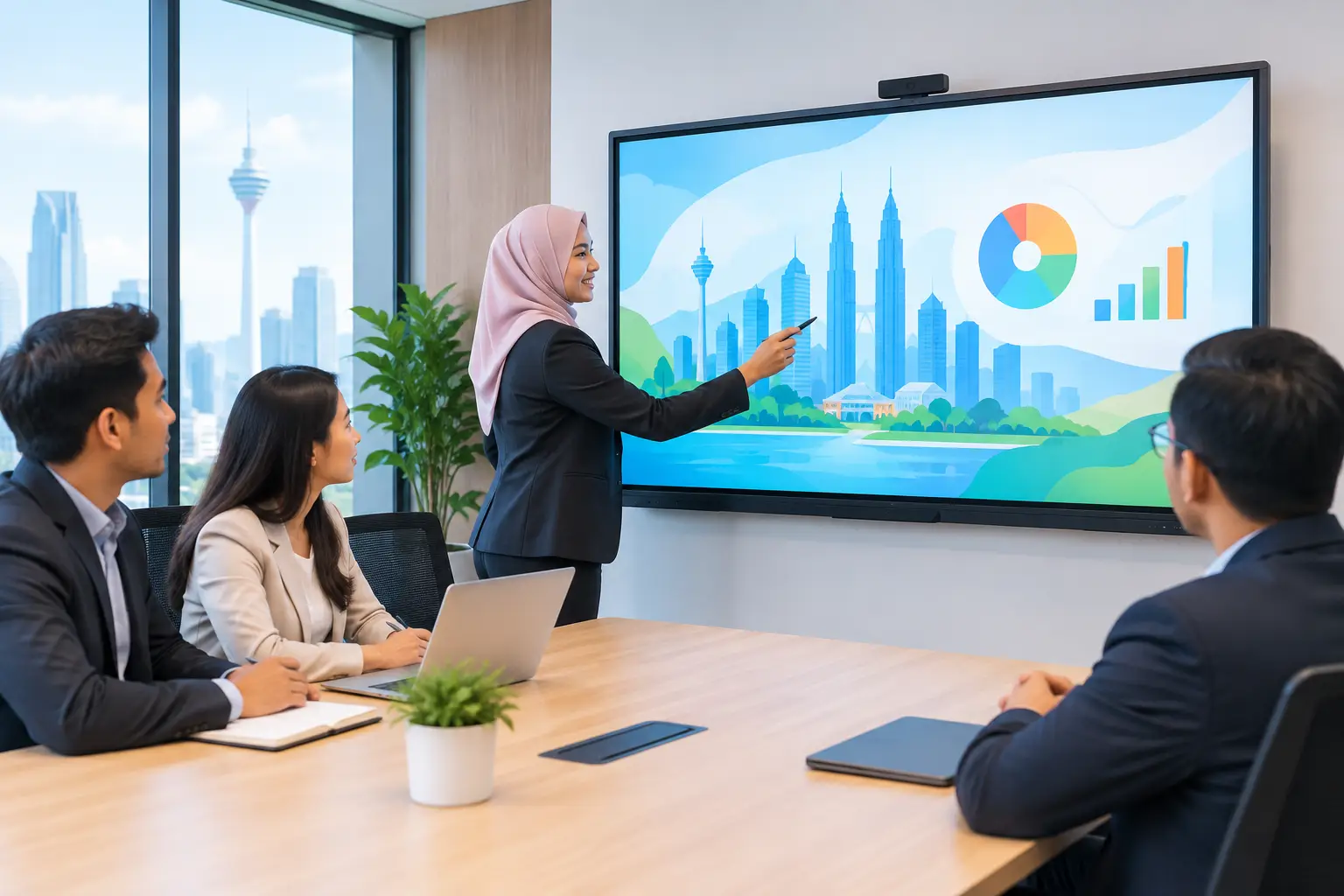
For most boardrooms and discussion rooms, an interactive flat panel is the practical starting point. It provides a bright display for presentations, a touch surface for annotation and a shared workspace for workshops or training. A 65-inch panel may suit a compact room, while 75-inch and 86-inch screens are more comfortable where more people sit further from the display.
Video meetings need more than a screen. The room also needs a camera with an appropriate field of view, microphones that capture voices around the table, speakers people can hear clearly, and a conferencing setup configured for Zoom or Microsoft Teams. The best arrangement depends on whether meetings are mostly internal huddles, formal client presentations or hybrid sessions with several remote participants.
Wireless content sharing is useful, but it should not be the only way to present. A good room still gives users a straightforward wired option. This matters when a visitor has strict laptop security settings, when Wi-Fi is busy or when a presentation cannot wait for troubleshooting.
Digital signage, an LED display wall or a room booking display can also make sense in larger offices. They are not automatic requirements. Add them when they solve a real operational issue, such as a busy reception area, a divisional town hall or meeting rooms that are regularly double-booked.
Smart meeting room solution Malaysia: choose by room type
Buying the largest screen available is not always the right decision. A screen that overwhelms a six-seat room can be uncomfortable to use. Equally, a small display in a 16-seat boardroom means people at the far end cannot read financial figures or detailed drawings.
Use the room purpose first, then select the equipment. This comparison gives a sensible starting point for planning.
| Room type | Typical use | Suitable setup | What to prioritise | |---|---|---|---| | Small huddle room, 2-6 people | Quick team calls and laptop presentations | 65-inch interactive flat panel, compact camera and speaker system | Fast joining and easy content sharing | | Meeting room, 6-12 people | Client meetings, weekly management calls and workshops | 75-inch interactive flat panel, wider camera coverage and table or ceiling microphones | Clear audio for all seats and simple Zoom or Teams access | | Boardroom, 12-20 people | Formal presentations, hybrid meetings and leadership sessions | 86-inch panel or larger display arrangement, dedicated conferencing camera and professional audio | Legibility at distance, camera framing and dependable installation | | Training room | Internal learning, induction and interactive sessions | Interactive flat panel with touch and annotation tools | Trainer visibility, participant interaction and repeatable setup |
Room dimensions, window glare and seating position can change the recommendation. A site survey is worthwhile before ordering, especially for a boardroom with glass walls, a long table or a display position opposite strong daylight.
Interactive panels or projectors for meetings?
A projector remains suitable for some large spaces, particularly where the display must be very large and lighting can be controlled. Epson projectors are a practical option for lecture-style training rooms and halls. However, projectors need a suitable projection surface, careful positioning and attention to ambient light.
For everyday office meetings, an interactive flat panel is usually easier to operate. Its image stays bright in a normally lit room, there is no lamp replacement to manage, and users can write or mark up documents directly on screen. It also creates a cleaner room layout because the display, annotation tools and presentation functions sit in one place.
MAXHUB interactive flat panels are suited to organisations that want a well-equipped collaboration room. Where budgets are tighter, Hikvision interactive panels can be considered for a more cost-conscious setup. The decision should be based on meeting requirements, expected usage and the features staff will actually use, not just the purchase figure.
Interactive flat panels can be purchased outright or through a 36-month instalment plan from about RM203 a month. They are also the only Hytech product category that may be HRDC claimable under HRD Corp's Training Facilities and Renovation Scheme, known as ALAT.
The employer must apply before purchase, use the panel in a training venue for training purposes and buy within six months of approval. HRD Corp decides each application, and the yearly cap is 50% of the levy balance as at 1 January. Delivery and installation alone are not claimable.
How to avoid a meeting room nobody can use
The most common mistake is designing the room around specifications rather than user behaviour. If most users arrive with laptops, ask how they will connect. If the managing director hosts overseas calls, test how clearly remote attendees can hear people at both ends of the table. If HR runs training, check whether facilitators can annotate documents without stopping the session.
Keep the controls simple. Staff should not need to choose between three remotes or work through a laminated instruction sheet before every call. Where possible, set up a consistent approach across rooms. A user who learns the small meeting room should feel familiar with the larger boardroom.
Installation quality also matters. Camera height, microphone placement, cable routes and screen position affect the experience every day. A poorly placed camera can make a polished boardroom look unprofessional on a client call. Loose cables and exposed power extensions create maintenance and safety issues that should have been resolved during planning.
Finally, schedule user training after installation. A short practical session for administrators, IT staff and frequent room users prevents avoidable support calls. It also helps the organisation establish simple rules for room booking, device use and reporting faults.
What local support should you expect?
Meeting-room technology is part of daily operations. When a screen, camera or conferencing system fails, the disruption is immediate. Look for a supplier that can survey the site, install the equipment, configure the room, train users and provide a clear after-sales process.
Hytech Office Automation has supplied office technology to more than 2,500 companies and schools since 1999. Its Office Solutions Specialists can assess meeting-room requirements, while its team provides delivery, installation and user training. For support issues, Hytech commits to a response within 4 working hours.
This local accountability is particularly useful for Kuala Lumpur and Selangor organisations managing several rooms or supporting staff who are not AV specialists. It reduces the effort of coordinating separate display, conferencing and installation suppliers when a room needs attention.
Frequently asked questions
What is the right screen size for a meeting room?
It depends on the room depth, seating layout and the type of material being shown. A 65-inch screen often works for smaller rooms, while 75-inch or 86-inch panels are better where people sit further away or need to read detailed documents.
Can one room support both Zoom and Microsoft Teams?
Yes, a video conferencing system can be planned for Zoom and Microsoft Teams rooms. The exact configuration should reflect your organisation's accounts, meeting workflow and whether users join from a room device or their own laptop.
Do we need an interactive screen for every room?
No. A standard professional display may be sufficient for a room used only for basic video calls and presentations. Interactive flat panels make more sense where teams annotate, brainstorm, train staff or run workshops regularly.
Is wireless presentation reliable enough on its own?
Wireless presentation is convenient for routine use, but a wired connection remains sensible as a backup. It gives visiting presenters and users with restricted laptops a dependable way to share content.
Can an interactive flat panel be claimed through HRDC?
It may be claimable through HRD Corp's ALAT scheme when the employer applies and receives approval before buying, then uses the panel in an approved training venue. Approval is not guaranteed, and other Hytech products such as video conferencing systems, projectors and LED walls are not covered by this claim.
How long does installation take?
Timing depends on the number of rooms, site readiness, mounting requirements and network preparation. A site survey identifies practical issues early, so installation can be planned around your office operations.
Try the room before you commit
Bring the people who will use the room to a showroom demo at the Maxsmart Experience Centre, Corporate Tower 2, Pavilion Damansara Heights. Test the screen, camera and meeting controls in a real boardroom setting, then let an Office Solutions Specialist recommend a setup that staff can use confidently from day one.