What to Plan for Meeting Room AV Installation
A meeting room AV installation should make joining a call, sharing a screen and hearing every speaker straightforward. The right setup starts with the room, not a catalogue. Screen position, table layout, daylight, cabling and the meeting platform all affect whether people use the room confidently or avoid it.
What should a meeting room AV installation include?
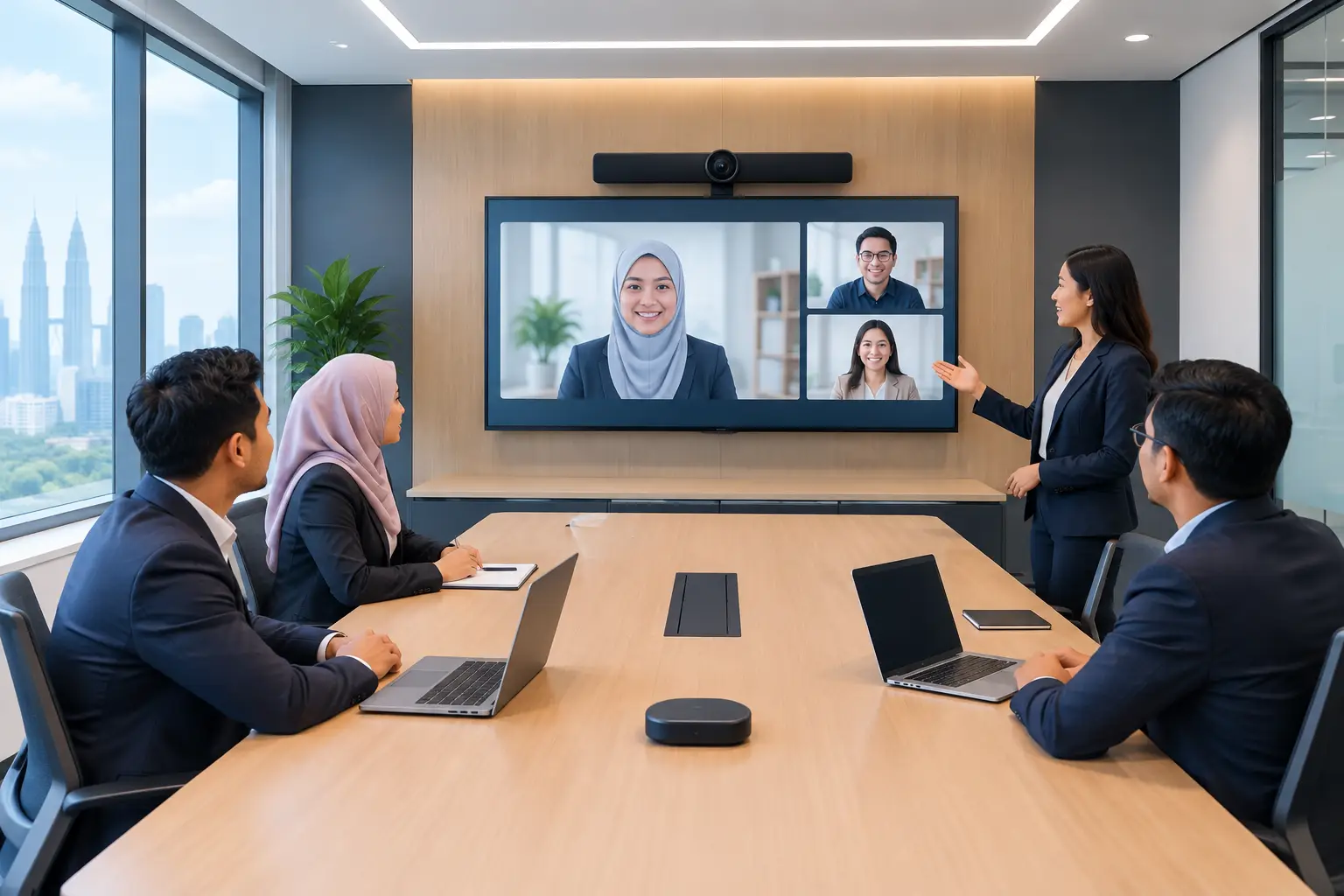
Most meeting rooms need four things working together: a display, a way to present content, clear audio and video conferencing that suits the organisation's usual platform. For some rooms, that means an interactive flat panel with a camera and speaker system. For others, a large display or Epson projector is the more sensible choice.
The requirement changes with the room's purpose. A six-person huddle room used for short Microsoft Teams calls does not need the same equipment as a 20-seat boardroom hosting client presentations. A training room may need annotation, whiteboarding and multiple input options, while a management room may prioritise camera framing and speech clarity.
Buying each item separately can look cheaper at first. The risk is that the screen, camera, cables and control method do not behave as one usable room. Staff should not need to find three remotes, swap adapters or call IT just to start a meeting.
How do you choose the right screen size for a meeting room?
Screen size should follow viewing distance and content, not just the largest wall that is available. If participants mainly read spreadsheets, dashboards or detailed drawings, they need a larger display than a room used only for face-to-face video calls.
As a practical starting point, a 55-inch or 65-inch display often suits a small room. A 75-inch or 86-inch interactive flat panel is usually more comfortable in a standard meeting room where people sit further from the screen. Larger rooms may require an LED display wall, dual displays or a projector solution, depending on the wall, ambient light and budget.
A room with strong daylight from windows in Kuala Lumpur can make projection less effective unless lighting and screen placement are planned properly. A bright interactive flat panel or commercial display may be the better fit. Conversely, a projector can make good sense in a larger training space where a very large image is needed and light can be controlled.
| Room use | Typical starting point | What matters most | |---|---|---| | Huddle room for 2 to 6 people | 55-inch or 65-inch display | Fast screen sharing and a wide-angle camera | | Meeting room for 6 to 12 people | 65-inch, 75-inch or 86-inch panel | Readable content, clear voices and simple controls | | Boardroom for 12 to 20 people | 86-inch panel, dual displays or LED wall | Viewing distance, camera coverage and cable planning | | Training room | 75-inch or 86-inch interactive flat panel, or projector | Annotation, content visibility and trainer mobility |
These are starting points, not fixed rules. A site survey is useful because the position of the table, windows, doors and power points can change the recommendation.
Should you use an interactive flat panel or a projector?
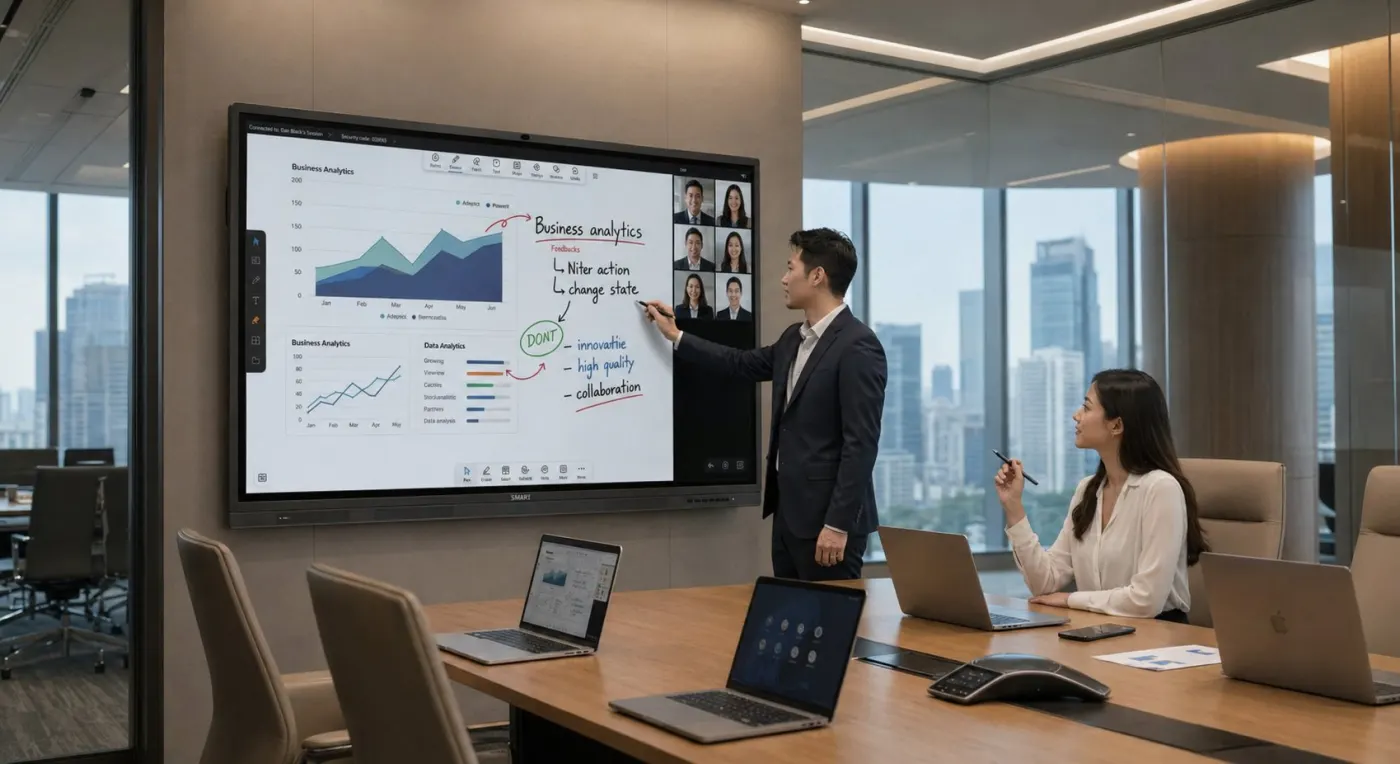
An interactive flat panel is a strong option when teams need to write on screen, mark up documents, run workshops or train staff. It combines a large display with touch capability, and many organisations prefer it because there are no projector lamps to replace and the image remains clear in brighter rooms.
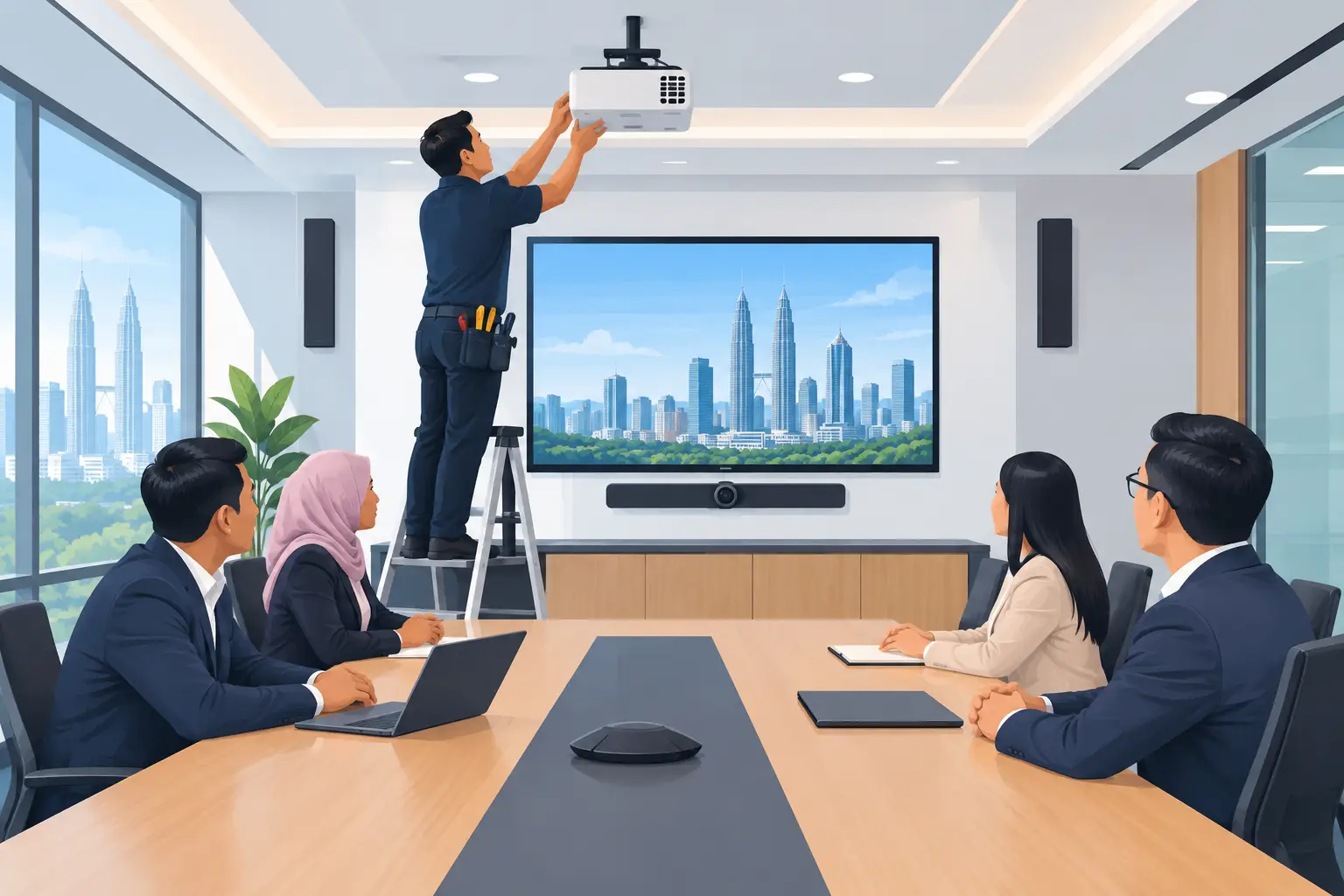
A projector remains useful where the room needs a much larger image, particularly in training rooms and presentation spaces. It can also suit rooms where a wall-mounted flat panel is impractical. The trade-off is that room lighting, projection distance and maintenance need more attention.
For organisations that need a familiar meeting-room experience, MAXHUB interactive flat panels can be configured with video conferencing equipment for Zoom or Microsoft Teams rooms. Where budget is tighter, a Hikvision interactive flat panel may be appropriate. The right decision depends on how people will actually work in the room, rather than which specification sheet looks more impressive.
Interactive flat panels can be purchased outright or through a 36-month instalment plan from about RM203 a month. They are also the only Hytech product category that may be HRDC claimable through HRD Corp's Training Facilities and Renovation Scheme, known as ALAT.
The employer must apply before purchase, buy within six months of approval and place the panel in a training venue for training use only. HRD Corp decides whether an application is approved. Delivery and installation by themselves are not claimable, and the yearly cap is 50% of the levy balance as at 1 January.
What causes meeting room AV problems after installation?
The common problems are rarely caused by one faulty product. More often, the room was installed without considering daily use. A camera may be mounted too high, making everyone look small on screen. Ceiling speakers may be placed without testing speech clarity. Cables may be hidden, but there may be no easy way to connect a visitor's laptop.
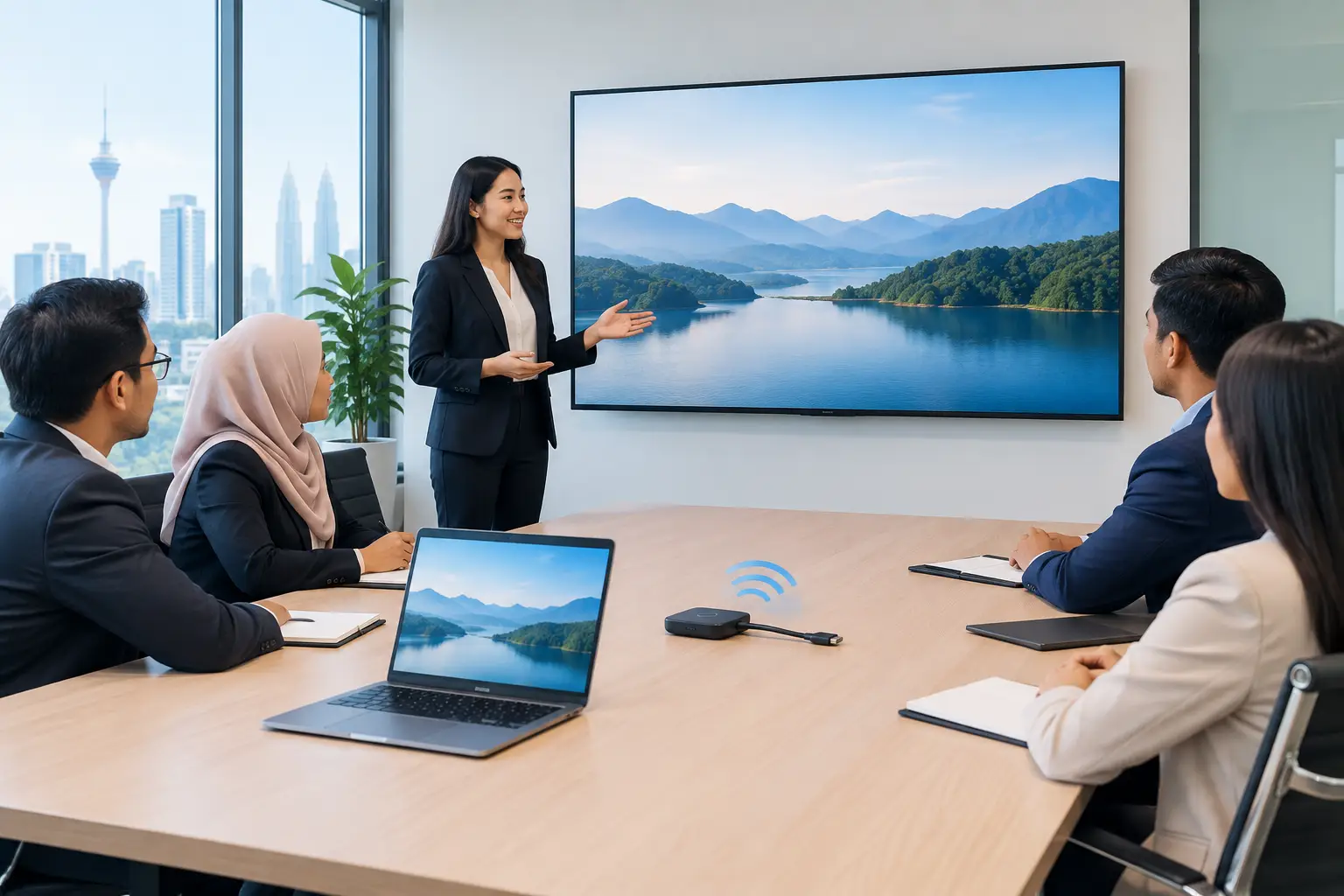
Another issue is platform mismatch. If most staff schedule Teams meetings but the room system is set up around a different workflow, people will bypass it. The same applies to wireless sharing. It needs to work reliably with the laptops, network rules and visitor access policy already in place.
Good cable management matters, but it should not prevent maintenance. AV equipment needs accessible service points and labelled connections. This saves time when IT teams change a laptop, update a camera or troubleshoot a connection months later.
Why a site survey matters before AV installation
A site survey turns a general request such as “we need a better meeting room” into a workable plan. The installer can assess wall strength, power supply, network points, lighting, ceiling height, table position and cable routes before equipment is ordered.
It also helps avoid surprises on installation day. For example, a panel may need reinforcement behind a partition wall, or a camera may require a different mounting position to capture all seats. Planning this early is less disruptive than reopening walls or rerouting trunking after the room is finished.
For offices in Cheras, Kuala Lumpur and Selangor, site conditions vary widely between older premises, new towers and refurbished shop offices. A practical survey gives the facilities, IT and procurement teams one shared plan instead of separate assumptions.
What should happen on installation day?
Installation should be organised around the room's availability and the work that must be completed on site. The team mounts the display or projector, connects cameras and audio, manages cabling, tests the system and checks that the room can join a real meeting.
Testing should cover more than whether the screen turns on. Check camera framing from every seat, microphone pickup at normal speaking volume, audio from remote participants, screen sharing, touch response where relevant, and the method for switching between a room PC and a laptop.
User training is equally important. Reception, office administrators, IT staff and frequent hosts should know how to start a meeting, share content, select the right input and get help. A short handover prevents the expensive room from becoming a display that nobody is comfortable using.
Hytech Office Automation provides site survey, delivery, installation and user training, followed by after-sales service with a response within four working hours. That continuity is useful when one team needs to coordinate the room from planning through daily use.
How do you plan AV support after the room goes live?
Assign a room owner, usually from facilities or IT, and keep a simple record of the equipment, connections and support contact. Staff also need a clear way to report an issue before an important meeting starts.
A quick monthly check can catch avoidable problems: test the camera, confirm wireless sharing works, update the room PC where applicable and make sure cables have not gone missing. If the room is heavily used, review whether its original layout still fits the way teams meet.
Frequently asked questions
How long does a meeting room AV installation take?
The timing depends on room size, wall work, cabling and whether network preparation is complete. A site survey allows the installation schedule to be planned properly and reduces delays caused by missing power points or unsuitable mounting surfaces.
Can one room support both Zoom and Microsoft Teams?
Yes, but the setup must suit how your teams host and join meetings. An Office Solutions Specialist can recommend a workflow that avoids unnecessary switching between devices and accounts.
Do we need an interactive flat panel for every meeting room?
No. A standard commercial display with a camera and speaker system may be sufficient for rooms used mainly for video calls. Interactive panels make more sense where annotation, training and collaborative workshops are regular activities.
Can visitors share their own laptop screen?
Usually, yes. The method may be wired, wireless or both, depending on your network policy and the room equipment. It should be tested with common laptop types before handover.
Is HRDC available for a meeting room setup?
Only interactive flat panels may qualify under the stated HRD Corp ALAT conditions. Projectors, video conferencing systems, LED walls, delivery and installation are not covered simply because they are part of a meeting room project.
What support is available after installation?
Support should cover the installed system and practical user issues, not only product faults. Hytech provides a response within four working hours, so your team has a local route for follow-up assistance.
See the setup before you decide
Bring your usual meeting room challenge to a complimentary on-site consult with an Office Solutions Specialist. If you prefer to compare the experience first, arrange a showroom demo at the Maxsmart Experience Centre in Pavilion Damansara Heights and try the equipment in a real boardroom before committing to a room design.