MAXHUB Display Review for Malaysian Meeting Rooms
A MAXHUB interactive flat panel display (IFPD) is a strong choice when meetings and training suffer from unreliable projectors, tangled cables or screens that staff avoid using. It combines a large touchscreen, presentation display and collaboration tools in one unit. The right model, however, depends on room size, users and support expectations.
What does a MAXHUB display do in a meeting room?
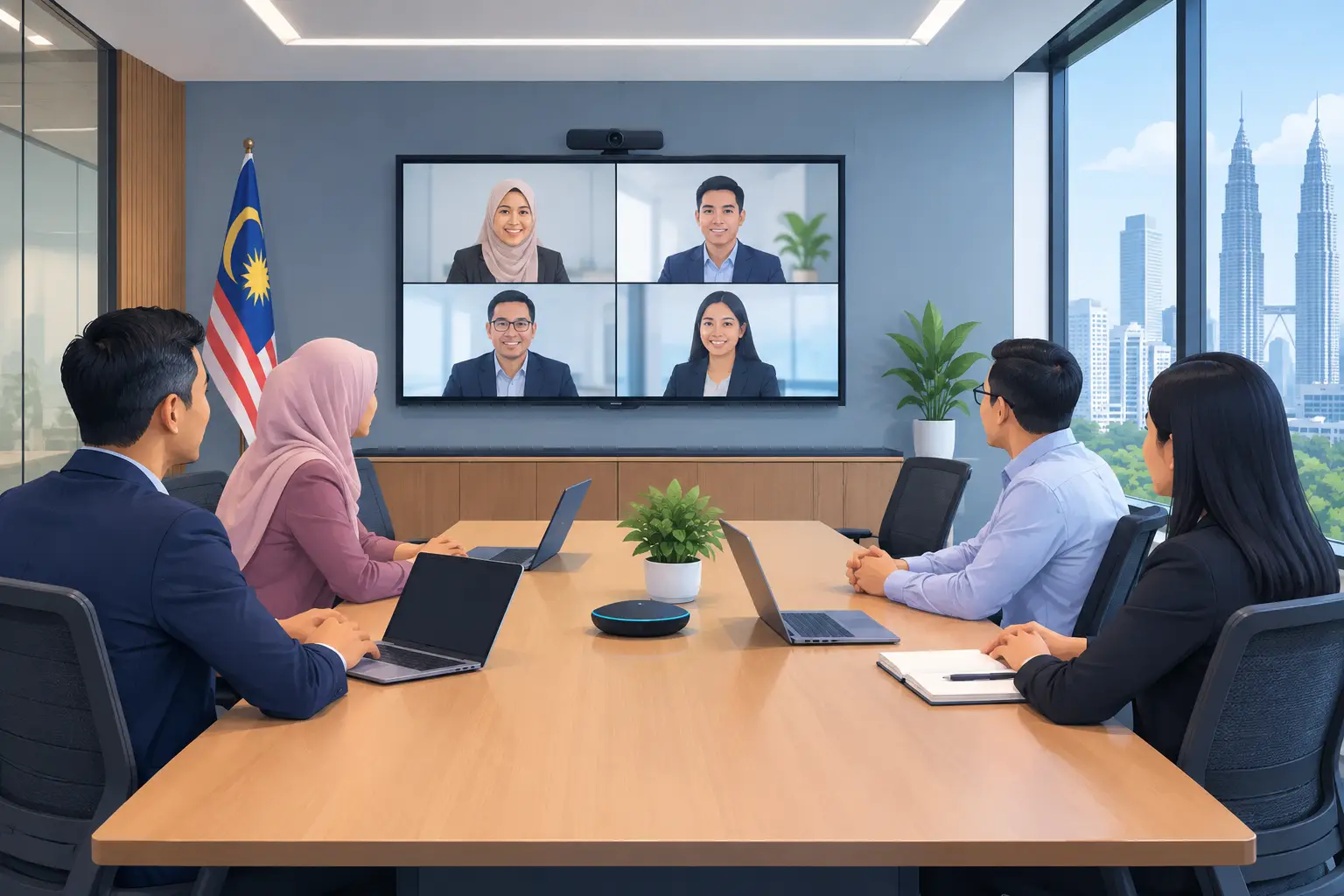
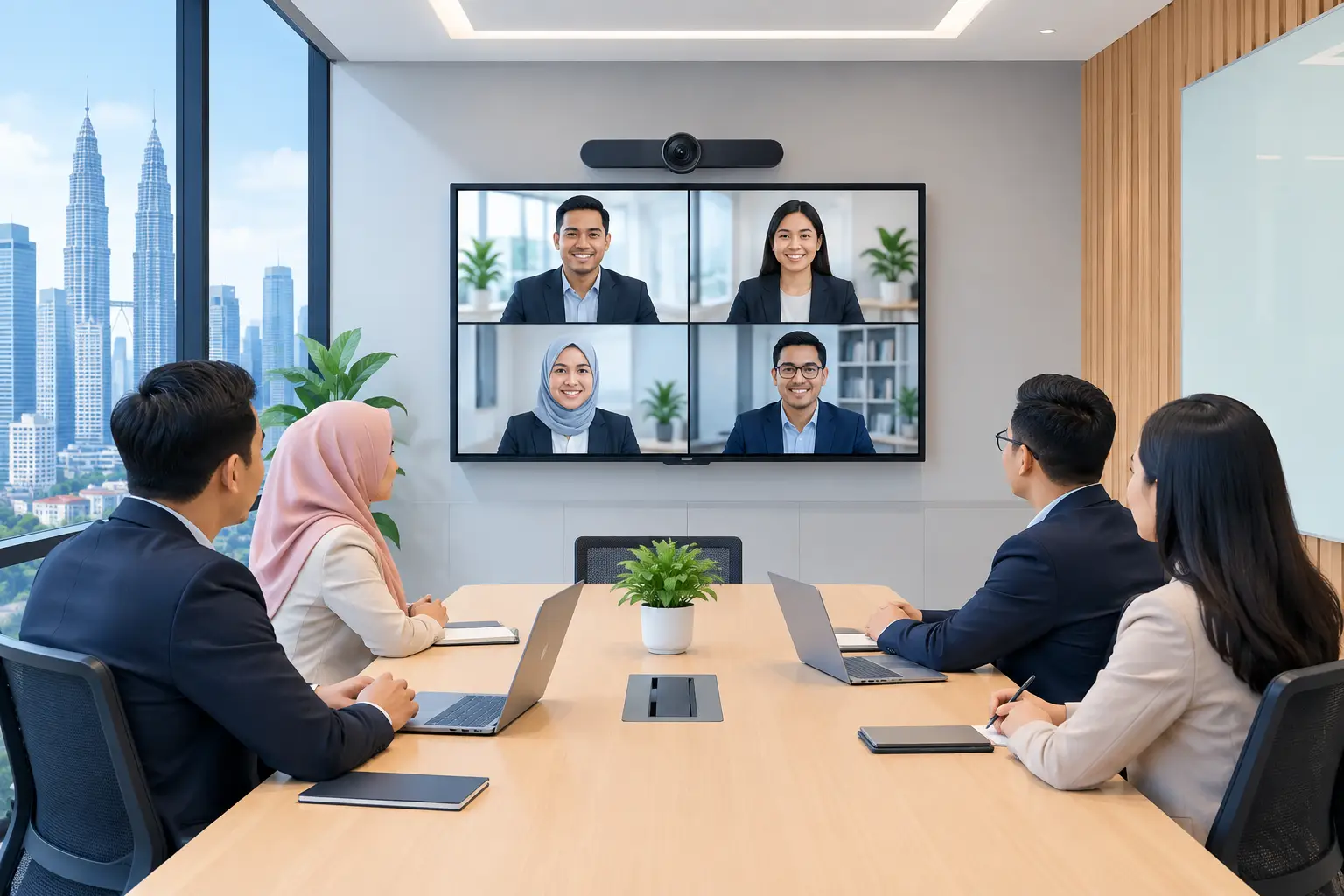
A MAXHUB display replaces the familiar mix of projector, whiteboard, speakerphone and separate video camera with one central screen. Staff can present from a laptop, annotate documents, write on the screen and run video meetings without rebuilding the room each time.
That matters most in rooms where people lose the first 10 minutes connecting cables or adjusting a projector. A good IFPD makes the working session more visible and more practical. The presenter can mark up a sales proposal, HR can run a training session, and remote participants can follow the same material.
For many Malaysian offices, the appeal is not a longer feature list. It is fewer devices to manage and a room that different teams can use with less IT assistance.
MAXHUB display review: where it performs well
MAXHUB IFPDs suit boardrooms, huddle spaces, training rooms and classrooms where people need to interact with content, not only watch it. Common sizes range from 55 inches for smaller rooms to 65, 75, 86 and 98 inches for larger groups. Choosing by room size is more useful than choosing the biggest screen your budget allows.
In a small six-person meeting room, a 55-inch or 65-inch unit may be easier to view comfortably and leave enough wall space. A 75-inch screen often suits a standard boardroom. For training rooms with 20 or more attendees, 86 inches or above may be the more sensible starting point, depending on seating distance and room layout.
The touchscreen is the key difference from a conventional commercial display. It gives the facilitator a reason to stand at the screen: circle an issue on a plan, move items during a workshop, or write notes that everyone can see. That can make sessions more focused, provided staff are trained to use it properly.
MAXHUB also fits organisations using Zoom or Microsoft Teams rooms. The display can become the visual centre of a properly planned video conferencing setup. But buyers should not assume every room needs the same camera, microphone or control arrangement. A small room and a long boardroom have very different audio needs.
Is a MAXHUB IFPD better than a projector?
For daylight meeting rooms and regular collaboration, an IFPD is usually the simpler option. It produces a consistent image without a replacement lamp, shadows from a presenter or the repeated alignment checks associated with some projector installations.
A projector may still make sense where an exceptionally large image is required, the audience sits far from the screen, or the room has a specific ceiling and wall arrangement. Epson projectors remain useful for lecture-style spaces where touch interaction is not the priority.
The comparison below helps clarify the practical difference.
| Buyer consideration | MAXHUB IFPD | Projector | |---|---|---| | Best for | Meetings, training and interactive workshops | Presentations and larger viewing areas | | Daylight performance | Strong in normal office lighting | Depends heavily on brightness and room lighting | | Interaction | Touch annotation and whiteboard use | Usually presentation-led | | Setup at the start of a meeting | Typically fewer separate devices | May involve source, remote and image adjustments | | Ongoing attention | Screen and software use need managing | Alignment, filters and lamp or laser considerations may apply | | Budget decision | Higher initial equipment cost for an all-in-one room tool | Can be suitable where interaction is not needed |
The better choice depends on how the room is actually used. Buying an IFPD for a room used only once a month for slide presentations may not give the expected return. Putting a projector into a busy training room where people need to annotate live documents can create the opposite problem.
What should you check before buying a MAXHUB display?
Start with the room, not the brochure. Measure the wall, note where participants sit, check glare from windows and identify the location of power and network points. A screen that looks appropriate in a catalogue can feel too small when viewed from the last row.
Then consider the people operating it. If senior management, trainers and visiting clients will use the room, the process should be straightforward: walk in, connect, present and start the meeting. If the setup requires a particular person from IT every time, the room will not be used as intended.
Connectivity deserves attention as well. Decide whether staff mainly connect laptops by cable, use wireless presentation, or join scheduled video calls. Confirm whether the screen will be wall-mounted or placed on a mobile stand. A mobile stand is useful for shared training spaces, but a fixed installation often gives a cleaner, more permanent boardroom result.
Finally, ask who will support the system after installation. Software updates, user questions and meeting-room faults are normal operational matters. A local supplier should explain the handover process, train users and give a clear support route rather than leaving the office manager to work it out alone.
Are MAXHUB displays suitable for training rooms?
Yes, particularly where training includes discussion, documents, diagrams or group exercises. An interactive flat panel display lets a trainer display content and capture notes in the same place. That is more useful than writing on a flip chart while slides sit on a separate wall.
There is a financial point worth checking for eligible employers. MAXHUB interactive flat panels may be HRDC claimable through HRD Corp's Training Facilities and Renovation Scheme (ALAT). This applies only to IFPDs used in the training venue for training purposes, not to other office technology products.
The employer must apply before buying. A purchase made before approval is not claimable, and HRD Corp decides each application. Once approved, the panel must be bought within six months, with the annual cap set at 50% of the levy balance as at 1 January. Delivery and installation on their own are not claimable.
For organisations managing cash flow, an IFPD can be purchased outright or arranged on a 36-month instalment plan from about RM203 a month. The correct arrangement should be discussed after the required screen size, installation work and room use are clear.
What are the limits of a MAXHUB display?
A MAXHUB display cannot fix poor meeting habits on its own. If staff arrive without an agenda, use weak internet connectivity or never learn the basic controls, the room will still feel inefficient. The display is a tool, not a substitute for preparation.
It also needs the right installation height. Mounting a large touch display too high makes annotation uncomfortable. Mounting it too low can block the view of seated participants. The wall structure, cable route and camera position all need checking before delivery.
Large screens are not automatically better either. A 98-inch unit in a compact room can dominate the space and cost more than necessary. Conversely, a 65-inch display in a deep training room can leave people at the back straining to read small text.
Why local installation and training matter
An IFPD is not a boxed consumer television. It becomes part of the room infrastructure, alongside furniture, power, networking and video conferencing equipment. A proper site survey reduces surprises on installation day, including unsuitable walls, missing cable paths and poor sightlines.
Hytech Office Automation is a MAXHUB Authorised Business Partner and Official Distributor in Malaysia. Its Office Solutions Specialists can assess the room, arrange delivery and installation, train users and provide a response within four working hours when support is needed.
That support is especially relevant for organisations with several teams using the same room. The aim is not to make every employee an AV technician. It is to give them a meeting space they can operate with confidence.
Frequently asked questions
Which MAXHUB screen size should I buy?
Choose based on the distance from the screen to the last seated participant, not only the number of people in the room. A site assessment can confirm whether 65, 75, 86 or 98 inches is appropriate for your layout.
Can staff use their own laptops with a MAXHUB display?
Yes, that is a common use case. The best connection method depends on your laptops, network policy and whether users need wired or wireless presentation.
Does a MAXHUB display work with Microsoft Teams and Zoom?
It can form part of a Teams or Zoom meeting room setup. The camera, microphone and room design should be selected for the size and acoustics of the space.
Is the interactive flat panel display HRDC claimable?
An eligible IFPD purchase may be claimable under HRD Corp ALAT when the employer applies before purchase and meets the scheme conditions. Approval is decided by HRD Corp, and the panel must be used in the training venue for training purposes.
How quickly can I get help after installation?
Hytech provides a response within four working hours. The right support method will depend on the issue, site access and whether remote guidance or an on-site visit is required.
See the screen before you decide
Bring your usual laptop, presentation file and meeting-room questions to a showroom demo at the Maxsmart Experience Centre in Corporate Tower 2, Pavilion Damansara Heights, Kuala Lumpur. An Office Solutions Specialist can show how a MAXHUB IFPD works in a real boardroom setting, so you can judge the screen size, touch experience and meeting workflow before committing.