Microsoft Teams Room Guide for Malaysian Offices
A Microsoft Teams Room gives staff one clear way to start, join and share in hybrid meetings. The right setup depends on room size, sightlines, acoustics and how people actually meet. This Microsoft Teams room guide helps Malaysian organisations avoid equipment that looks good on paper but frustrates users in the room.
What is a Microsoft Teams Room?
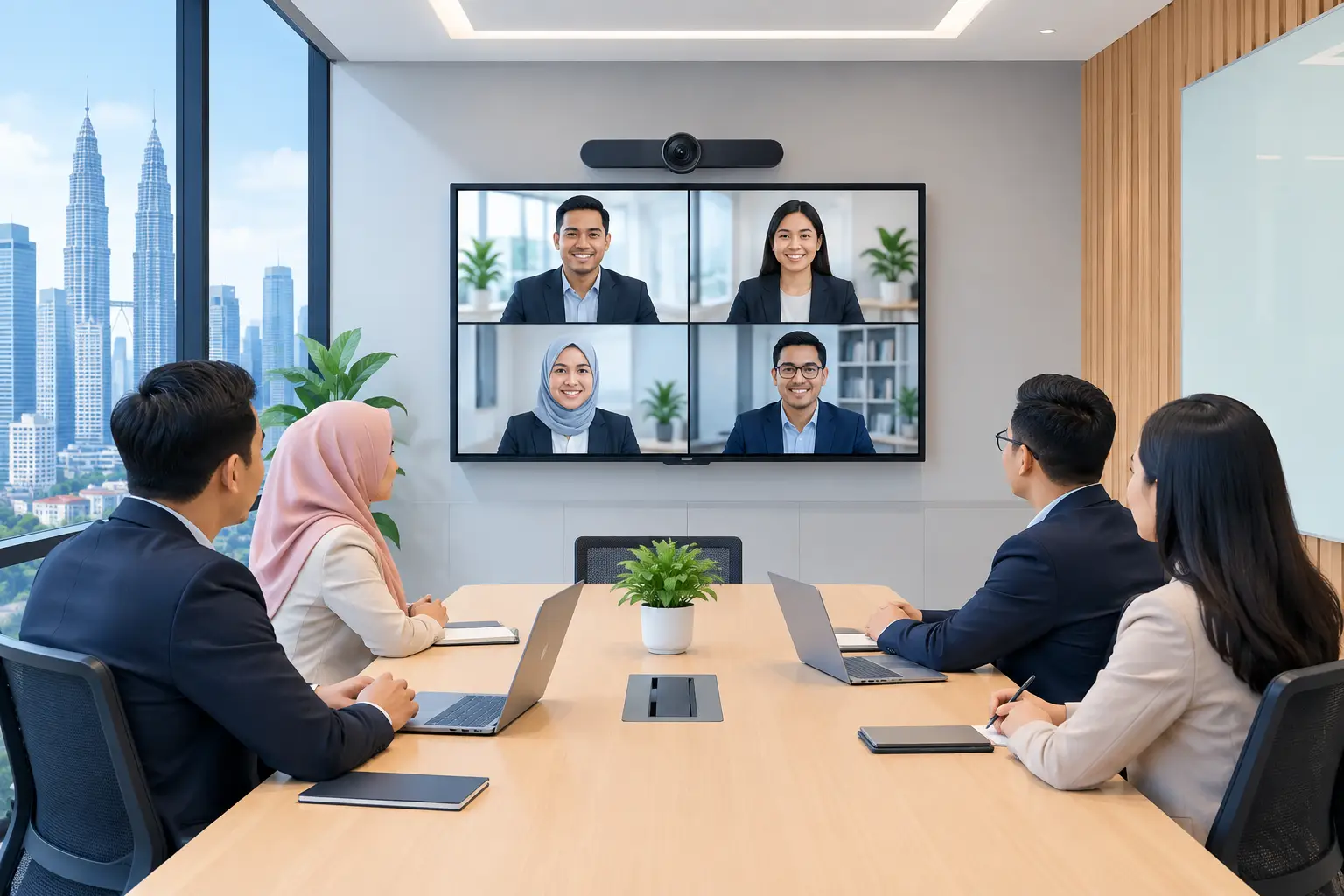
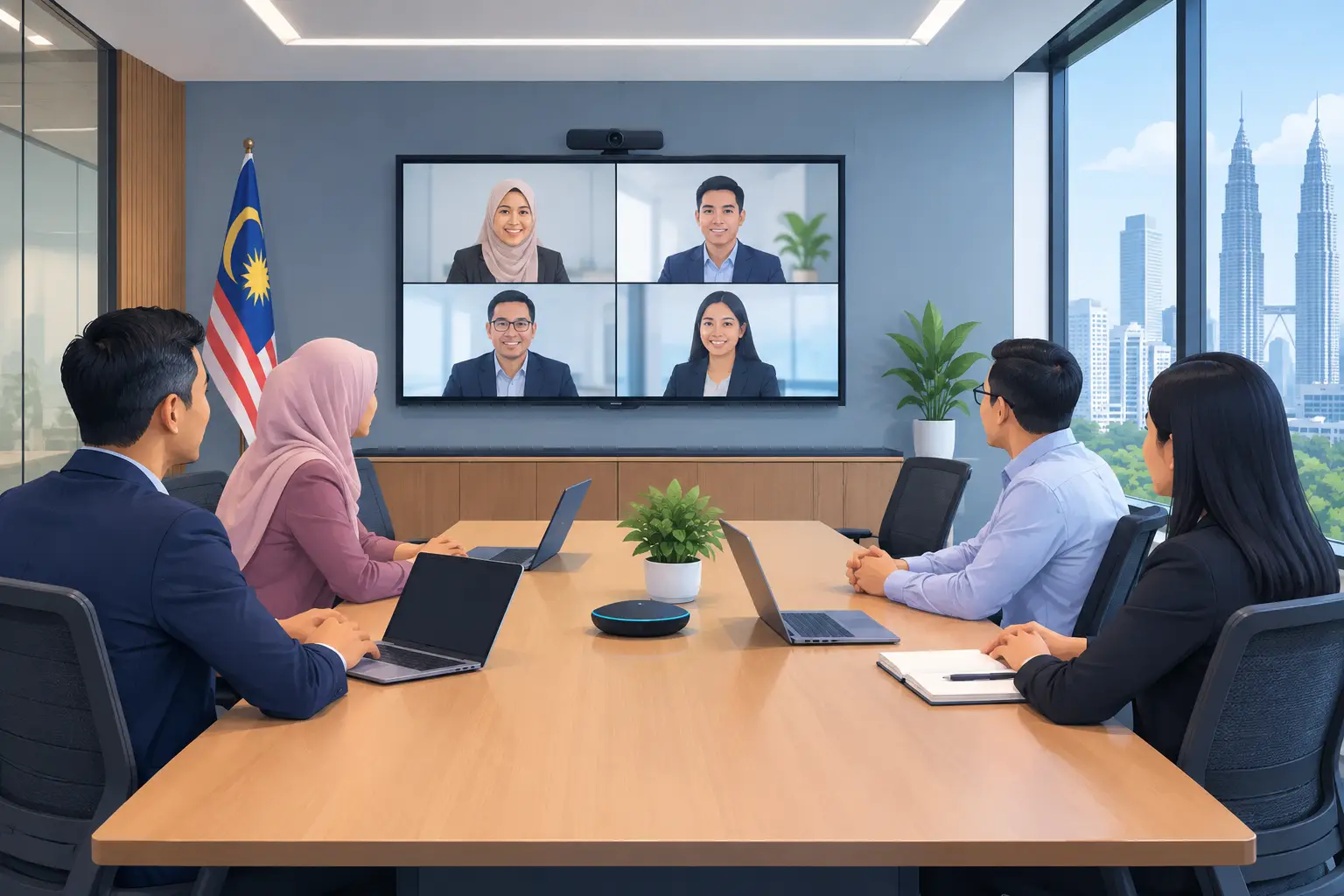
A Microsoft Teams Room is a dedicated meeting-room system built to run Teams meetings from a shared display, camera, microphone and touch controller. Instead of one employee connecting a laptop, attendees walk in, tap the meeting on the controller and join.
That simple change removes common delays. No searching for the correct HDMI cable. No asking who owns the room laptop. No joining a meeting twice because the camera and audio are connected to different devices.
For an IT manager, it also creates a more consistent support model. Every room can have the same joining process, screen-sharing method and user guidance. For office managers, it means fewer meetings starting late because someone is trying to make the technology work.
Which Microsoft Teams Room setup suits your meeting room?
Start with the room, not the product brochure. A four-person huddle room needs a different camera angle, speaker coverage and screen size from a 16-seat boardroom. Buying too much equipment wastes budget. Buying too little creates complaints that are difficult to solve after installation.
| Room type | Typical use | Suitable display and room approach | What to prioritise | |---|---|---|---| | Huddle room, 2-6 people | Quick check-ins and online calls | 55-inch or 65-inch display with an all-in-one video bar | Wide camera view, simple touch control, clear audio close to the table | | Small meeting room, 6-10 people | Client calls, team meetings and presentations | 65-inch or 75-inch display with a dedicated camera and microphone solution | Eye-level camera placement, content sharing and reliable voice pickup | | Boardroom, 10-20 people | Management meetings, formal presentations and hybrid workshops | 75-inch to 98-inch display, or a larger LED display where viewing distance requires it | Multiple microphone coverage, camera framing and room control | | Training room or multipurpose space | Staff training, town halls and presentations | 86-inch or 98-inch interactive flat panel display (IFPD), or projector and screen where appropriate | Presenter visibility, annotation, content sharing and flexible room layouts |
Screen size is not only about making a room look impressive. It must be readable from the furthest seat. In many boardrooms, a 75-inch screen is adequate for video calls but too small for spreadsheets, detailed drawings or training materials. A site survey helps confirm viewing distance before equipment is selected.
Microsoft Teams Room guide: what equipment do you need?
A working room needs more than a large screen. The core system normally includes a Teams Rooms compute unit, touch controller, display, camera, microphones and speakers. In smaller rooms, some of these functions may sit inside one video bar. In larger spaces, they are usually separate components designed for wider coverage.
The display is where remote participants and shared content are viewed. A commercial-grade display or IFPD is generally better suited to frequent office use than a consumer television, especially where the system runs throughout the working day. An IFPD can also suit rooms that switch between Teams calls and face-to-face workshops because users can annotate directly on screen.
The camera must show the people in the room, not just the nearest two seats. Auto-framing can be useful, but it cannot correct a camera mounted too high, too low or behind an unsuitable seating layout. In longer boardrooms, consider whether one camera can genuinely capture faces at both ends of the table.
Audio deserves the most attention. People may forgive a slightly imperfect image, but they will not tolerate a meeting where remote colleagues cannot hear them. Glass walls, bare floors and open ceilings can create echo. Air-conditioning noise and a large table can also affect microphone performance. A proper room assessment should include a check of these practical issues.
Do you need an IFPD or a standard display for Teams meetings?
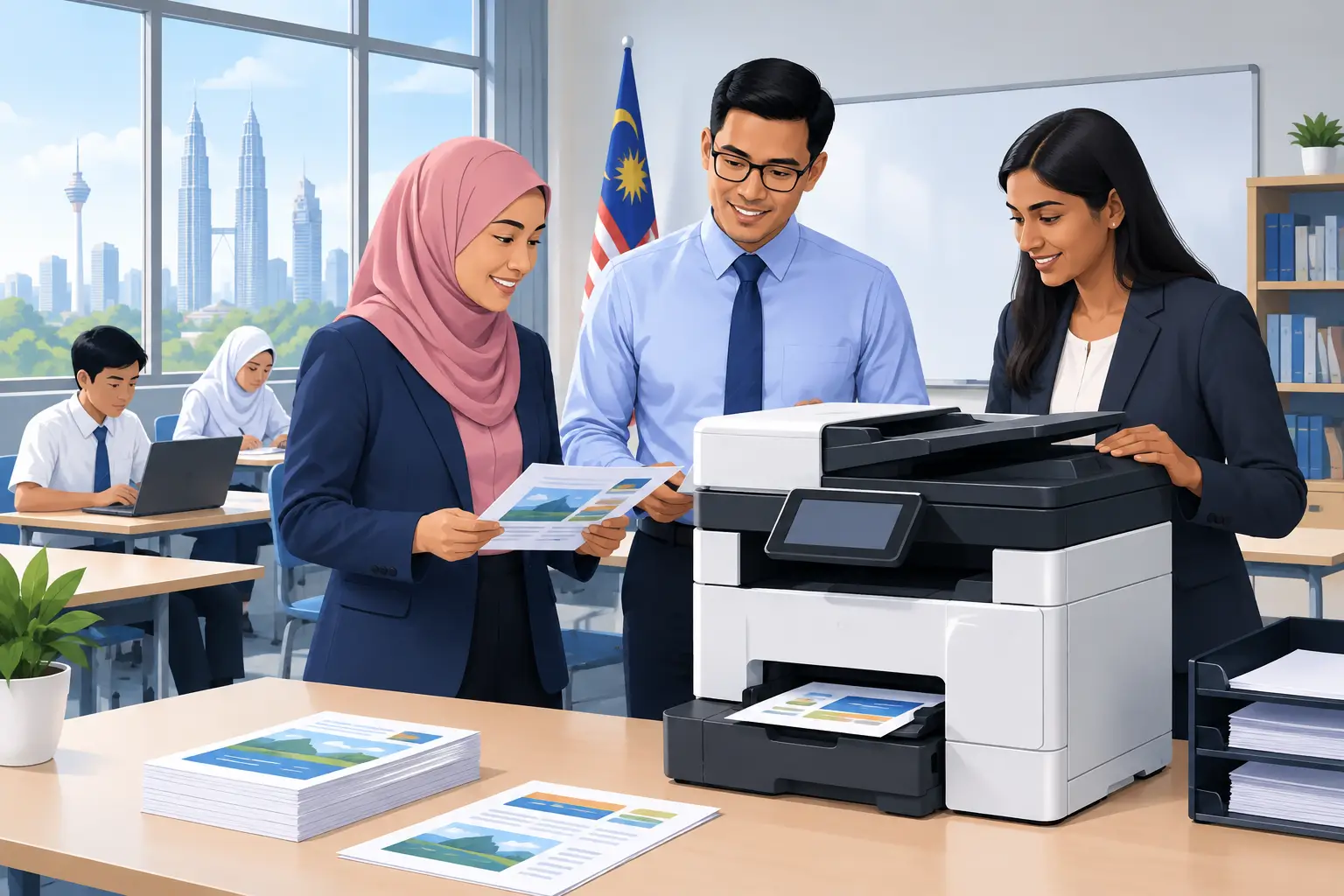
Choose an IFPD when the room is used for interactive work as well as video meetings. An interactive flat panel display lets staff write, mark up documents and run training activities without bringing in a separate whiteboard. This is useful for HR sessions, planning meetings, design reviews and school classrooms.
Choose a standard display when the room is mainly for video calls and presentation viewing. It can be the more focused and cost-effective choice for a formal boardroom where people rarely need to write on screen.
The trade-off is user behaviour. An IFPD provides more capability, but staff need a short orientation so they know when to use its whiteboard and annotation tools. If the room only needs one-tap joining and screen sharing, a standard display may be easier to manage.
Interactive flat panel displays can be bought outright or through a 36-month instalment plan from about RM 203 a month. They may also be HRDC claimable through HRD Corp's Training Facilities and Renovation Scheme (ALAT), subject to approval and the scheme conditions. The employer must apply before purchase, use the panel in a training venue for training purposes, buy within six months of approval and submit the claim after purchase. HRD Corp decides each application.
How should you plan a Teams Room installation?
Begin by identifying the meeting problems that cost your people time. It may be poor audio in a KL boardroom, inconsistent screen sharing in several Selangor branches, or a training room that needs both Teams calls and interactive teaching.
Then document the room dimensions, table position, power points, network points and display wall. Check whether the chosen display can be mounted safely and whether the touch controller can sit within easy reach of the meeting host. Cable routes should be planned before furniture is fixed in place, not after staff have moved in.
Your IT team should also confirm network access, Teams Rooms licensing, device management requirements and guest-sharing rules. The AV equipment may be ready, but a missing network setting can still prevent the room from joining meetings on launch day.
Finally, decide who owns first-line support. In a small office, that may be an administrator who can restart the system and report a fault clearly. In a larger organisation, it may sit with IT or facilities. Give users a short, room-specific briefing after installation. Most avoidable support calls come from people not knowing how to share content or end a meeting correctly.
What support should you expect after installation?
A Teams Room is not a fit-and-forget purchase. Software updates, meeting-platform changes and room-layout changes can all affect the experience. Your supplier should explain what is included in installation, what staff training covers and how faults will be handled.
Hytech Office Automation can carry out a site survey, delivery, installation and user training for Teams meeting spaces. After-sales enquiries receive a response within 4 working hours. This matters when a boardroom is used every day and an unresolved issue affects management meetings, client calls or training schedules.
Ask for the installed system to be tested from both sides of a real Teams call. Check that remote attendees can hear quiet speakers, see people at the far end of the table and read shared content. A camera image on the room display is not enough proof that the full meeting experience works.
Frequently asked questions
Can staff join a Teams meeting without using their laptop?
Yes. A dedicated Teams Room allows users to join scheduled meetings from the room touch controller. They may still use a laptop for certain content-sharing tasks, depending on the room configuration and company policy.
Can one Teams Room support Zoom meetings too?
It depends on the chosen hardware, Teams Rooms configuration and your organisation's meeting policy. Discuss the platforms your teams use before selection, especially if external clients regularly send Zoom invitations.
What screen size is suitable for a 12-person boardroom?
Many 12-person rooms suit a 75-inch or 86-inch display, but viewing distance and content type matter more than headcount alone. A room used for detailed financial tables or training material may need a larger screen than one used mainly for video calls.
Why is meeting-room audio often poor?
The usual causes are microphones placed too far from speakers, hard surfaces that create echo, air-conditioning noise and unsuitable speaker positioning. These issues are easier and less costly to address during a site survey than after installation.
Is an IFPD HRDC claimable?
An IFPD may be claimable under HRD Corp's ALAT scheme if the employer receives approval before buying and follows the relevant conditions. Installation and delivery alone are not claimable, and Hytech is not an HRD Corp training provider, but an Office Solutions Specialist can help customers prepare for the claim process.
Test the room setup before you commit
Arrange a showroom demo at the Maxsmart Experience Centre in Corporate Tower 2, Pavilion Damansara Heights, Kuala Lumpur. Bring a typical meeting agenda or presentation and test how your team would join, share and be heard. A meeting room should reduce hesitation at the start of every call, not create another task for your staff to manage.