Procurement Guide for Presentation Equipment
A procurement guide for presentation equipment should start with how people use the room, not a product brochure. Check the room size, content type, remote meeting needs and support requirements first. Then compare IFPDs, projectors and LED displays against the real cost of installation, training and ownership.
What presentation equipment does your room actually need?
A small huddle room with four to six people has different needs from a 30-seat training room or a reception area. Buying the largest screen available may look impressive, but it can waste budget and create a poor viewing experience if people sit too close.
Start by identifying the main job of the space. A boardroom may need wireless presenting, video calls and document annotation. A training room may need a large touch display that trainers can write on and save from. A lobby may need an LED display or digital signage that runs scheduled content all day.
Ask department heads what regularly goes wrong today. Common answers include staff bringing the wrong cable, poor projector brightness in daylight, remote attendees unable to hear discussion, and meetings delayed because nobody knows how to start the system. These are procurement issues, not simply user mistakes.
IFPD, projector or LED display: which should you buy?
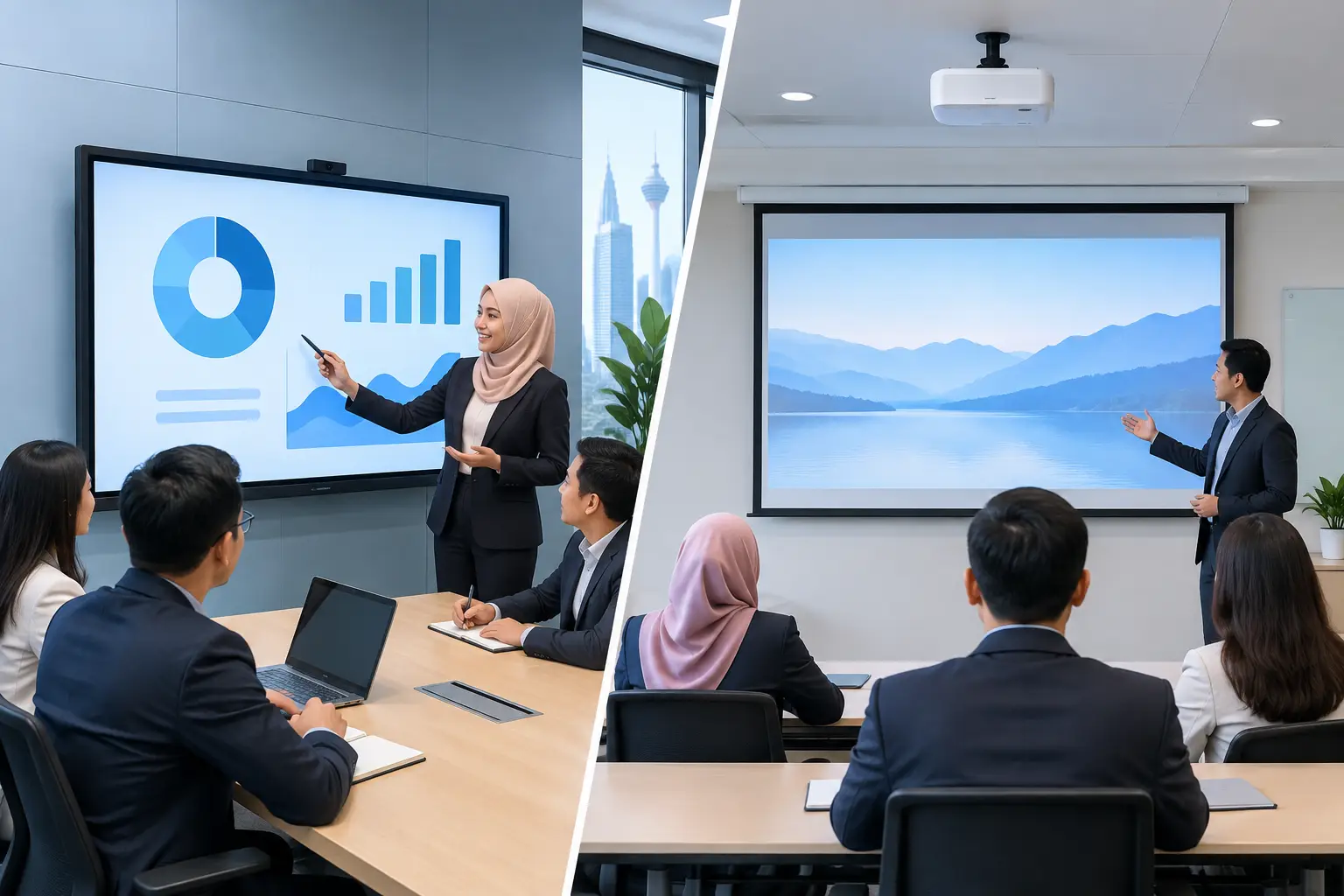
An interactive flat panel display (IFPD) is usually the practical choice for meeting rooms and training spaces. It combines a large display with touch capability, annotation tools and wireless sharing options. It suits organisations that want staff to present, mark up documents and collaborate without relying on a separate whiteboard.
An Epson projector can be a sensible option where a large image is needed at a lower initial equipment cost, particularly in a lecture room or hall. However, room lighting, projection distance, screen condition and maintenance should be considered carefully. A projector is less suitable where users need touch interaction or a bright image in an open, sunlit room.
LED displays are built for visual impact and larger viewing distances. They work well in corporate reception areas, command centres, auditoriums and spaces with strong ambient light. Their initial cost and installation requirements are higher, so they are generally chosen for permanent, high-visibility applications rather than a standard meeting room.
| Equipment type | Best suited to | Key strengths | Procurement watch-outs |
|---|---|---|---|
| IFPD | Meeting rooms, training rooms, classrooms | Touch interaction, annotation, wireless presenting | Confirm screen size, wall strength, network access and user training |
| Projector | Lecture rooms, halls, occasional large presentations | Large image, flexible placement | Check lighting, throw distance, screen quality and lamp or laser maintenance |
| LED display | Reception areas, auditoriums, command centres | Bright, high-impact viewing at scale | Plan structural works, content management, viewing distance and service access |
For a typical meeting room, screen size should be based on the farthest viewer, not the person sitting nearest the display. A 65-inch IFPD can suit a compact room, while 75-inch and 86-inch models are often more appropriate for larger meeting and training spaces. A site survey removes guesswork, especially where the room has glass walls, direct sunlight or fixed furniture.
What should be included in a presentation equipment specification?
A useful specification describes the outcome required, rather than copying a long list of technical features that nobody will use. State the room capacity, expected display size, content sources, video conferencing platform and accessibility needs.
For meeting rooms, include whether users need to connect laptops by cable, share wirelessly, or both. If the organisation uses Zoom or Microsoft Teams Rooms, specify whether the system must support a dedicated room device, a camera, microphones and speakers. One weak microphone can undermine an otherwise good boardroom installation.
For an IFPD, define the required touch points, built-in operating system needs, annotation and file-saving workflow. Also specify whether the panel will be used for external presentations, internal workshops or HR training. This matters when selecting accessories such as mobile stands, cameras and presentation peripherals.
Do not overlook physical requirements. Procurement should record wall location, power points, data points, ceiling height, cable routes and whether the display must be movable. A display placed too high becomes uncomfortable to use. Cables left exposed create an untidy room and make future support harder.
How do you compare suppliers beyond the equipment price?
The equipment price is only one part of the decision. A cheaper quote can become costly if it excludes mounting, cable management, configuration, training or post-installation support. Ask every supplier to state clearly what is included from survey through handover.
For Malaysian offices and schools, local response capability matters. If a meeting room display fails before a client presentation or a training session, the question is not just whether a warranty exists. You need to know who will respond, how quickly they will assess the issue, and whether users have someone to call after installation.
Hytech Office Automation provides site surveys, delivery, installation, user training and a response within 4 working hours. That scope helps procurement teams avoid dividing responsibility between an AV installer, IT vendor and equipment seller. It also gives users a clearer handover once the room is ready.
Request a demonstration using the content your staff actually present. Open a spreadsheet, share a laptop, join a video meeting and annotate a slide. A polished demonstration video does not show whether the system is straightforward for your receptionist, trainer, IT manager and visiting presenter.
Should you buy outright or use an instalment plan?
The right payment route depends on budget policy, approval limits and how urgently rooms need to be upgraded. Buying outright may suit organisations with approved capital expenditure and a defined replacement cycle. A 36-month instalment plan can spread the cost of an IFPD, with plans from about RM203 a month.
For training venues, an IFPD may also be HRDC claimable through HRD Corp's Training Facilities and Renovation Scheme, known as ALAT. This applies to interactive flat panels only, not projectors, LED displays, video conferencing equipment or other presentation products.
The employer must apply before buying, as a purchase made before approval is not claimable. If approved, the panel must be bought within six months, installed in the training venue and used for training. The yearly cap is 50% of the levy balance as at 1 January, and HRD Corp decides each application. Delivery and installation alone are not claimable.
How should procurement plan for installation and adoption?
Allow time for a site survey before issuing a purchase order. This is where the supplier checks measurements, wall condition, electrical supply, network access and the likely route for cables. It is much easier to resolve these details before equipment arrives than while a boardroom is unavailable.
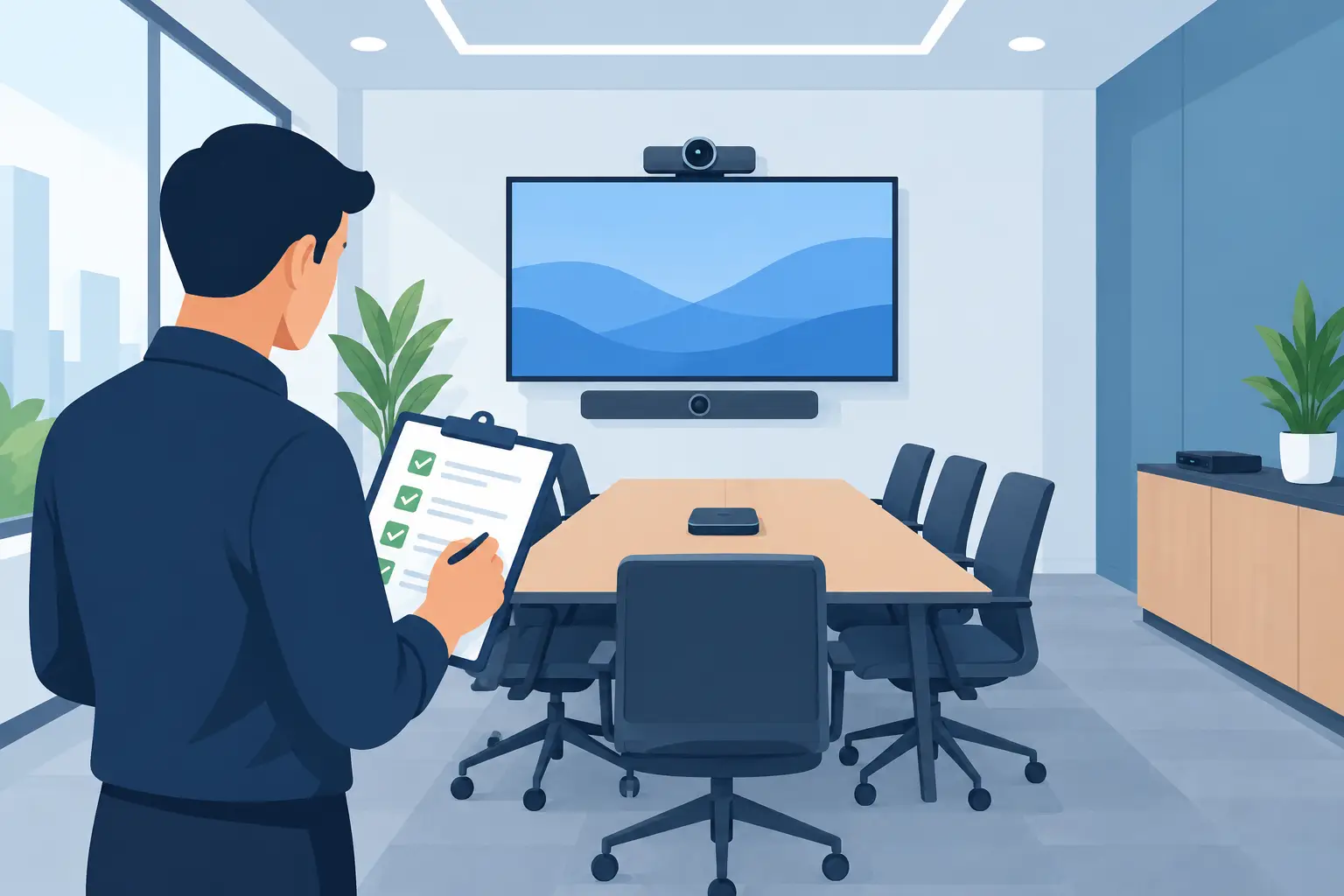
Set acceptance criteria before installation. For example, users should be able to power on the display, connect a laptop, present wirelessly where required, join a video call and hear remote participants clearly. The installer should test these functions with the room's actual network and devices, not a generic test setup.
Training should cover the people who use the room every day, not only the person who approved the purchase. A short, practical session reduces support calls and helps the investment deliver value from the first meeting. Keep a simple room guide nearby for occasional users and visitors.
Frequently asked questions
What is the best display size for a meeting room?
It depends on the room depth, seating layout and the type of content shown. A 65-inch IFPD may suit a small room, while 75-inch or 86-inch models give better visibility in larger rooms or training spaces.
Is an IFPD better than a projector?
An IFPD is usually better for frequent collaboration, annotation and bright meeting rooms. A projector can still be the sensible choice for a hall or lecture space where a very large image is needed and touch interaction is not required.
Can an IFPD be used for Zoom and Microsoft Teams meetings?
Yes, when specified with the right video conferencing setup. Procurement should confirm camera placement, microphone coverage, speakers, network requirements and whether the room will use Zoom, Microsoft Teams or both.
Are interactive flat panel displays HRDC claimable?
IFPDs may be claimable under HRD Corp's ALAT scheme when used in an approved training venue for training purposes. The employer must receive approval before purchase, and approval is not guaranteed.
What support should a supplier provide after installation?
Look for clear responsibility for installation, configuration, user training and fault response. A defined response commitment is more useful than a vague promise of after-sales support.
Should we see the equipment before approving it?
Yes, especially if staff will use it daily. Testing the display, touch response, wireless sharing and video call experience helps prevent a purchase that looks suitable on paper but frustrates users in practice.
Arrange a showroom demo at the Maxsmart Experience Centre at Corporate Tower 2, Pavilion Damansara Heights, Kuala Lumpur. Bring a typical presentation and let your team test the room setup before the purchase order is raised.