IFPD vs Projector for Meeting Rooms: Which Fits?
For most everyday boardrooms, an interactive flat panel display (IFPD) is the more reliable choice: it stays bright, starts quickly and supports annotation. A projector still makes sense where a very large image is needed, the room can be controlled for light, or an existing ceiling installation keeps the budget sensible.
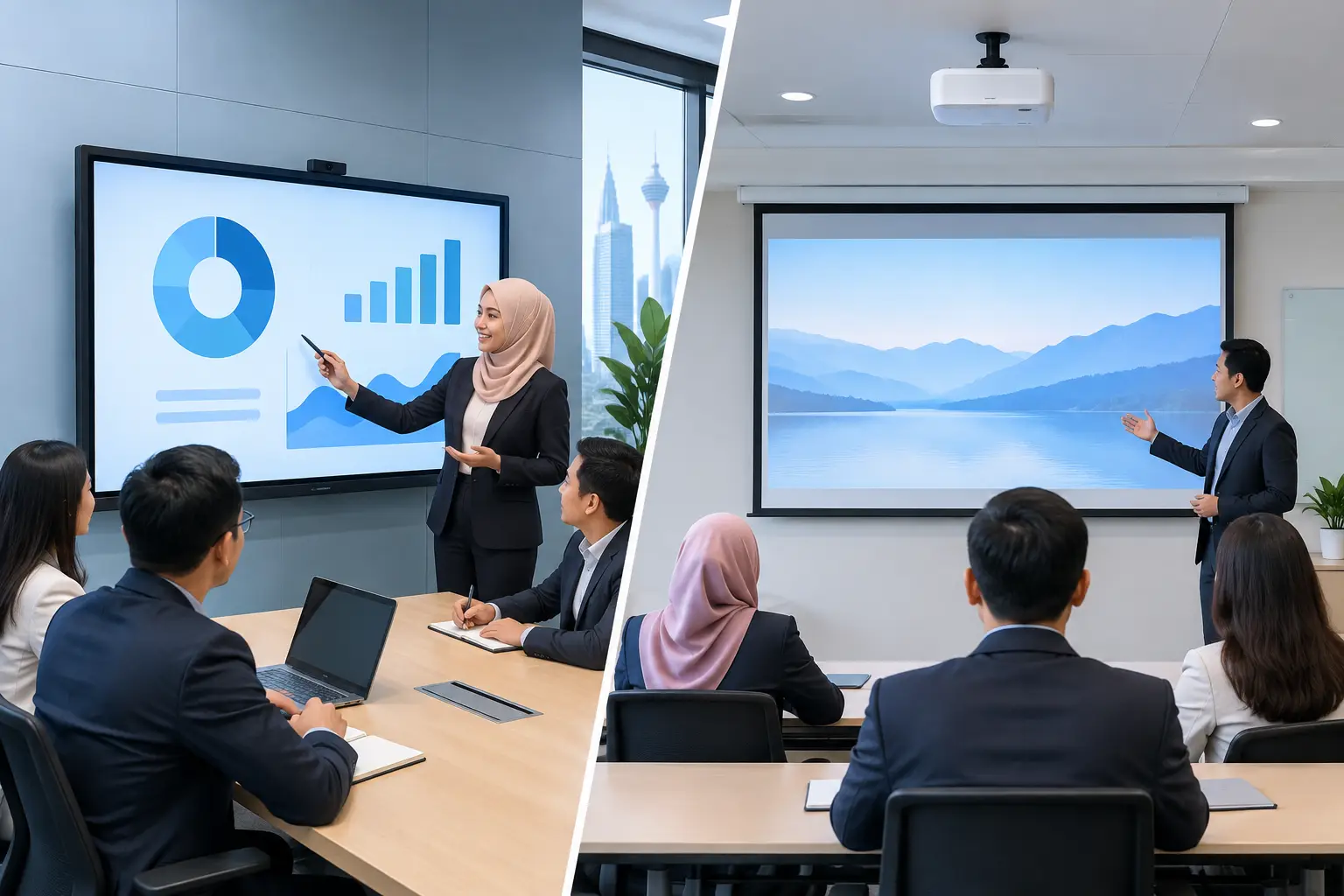
IFPD vs projector for meeting rooms: the practical difference
The trouble usually starts five minutes before a client meeting. Someone closes the blinds because the projected image looks washed out. Another person searches for the remote. The presenter cannot write on the screen, so notes go onto a flip chart instead. These small delays make a meeting room feel less professional than it should.
When comparing IFPD vs projector for meeting rooms, do not start with the screen size alone. Think about how often the room is used, how much daylight enters, whether teams need to annotate, and who will look after the equipment after installation.
An IFPD is an all-in-one display with a large touch screen, speakers and built-in collaboration tools. It is usually wall-mounted and operates much like a large tablet. A projector throws an image onto a screen or wall from a ceiling mount or tabletop position. It can create a bigger image for the money, but it relies more heavily on the room conditions being right.
| Meeting-room factor | IFPD | Projector | |---|---|---| | Daylight visibility | Clear image in normal office lighting | Can look faded unless the room is darkened | | Start-up | Ready in seconds | May need warm-up, source selection and remote control | | Touch and annotation | Built in on most business models | Requires separate interactive equipment | | Image size | Commonly 55 to 86 inches | Can suit very large screens | | Maintenance | No lamp and no filter cleaning | Varies by model, with alignment and servicing to consider | | Room appearance | Clean, fixed display on the wall | Ceiling mount, cabling and screen need careful planning |
Which is better for a bright meeting room?
An IFPD is usually the safer choice for rooms with windows, glass partitions or lights that stay on throughout the day. Its screen produces its own brightness, so staff can read spreadsheets, charts and video calls without turning the room into a dark theatre.
This matters in Kuala Lumpur offices where meeting rooms often sit beside open workspaces or external windows. Closing blinds for every presentation is not difficult once, but it becomes a recurring nuisance when the room hosts back-to-back meetings.
A projector can still work well in a controlled boardroom. If the room has effective blinds, planned lighting and a quality projection screen, the result can look polished. The key is to assess the actual room at the time it will be used, not just when it is empty and dim.
Do you need a touch screen for meetings?
If your meetings involve marking up drawings, reviewing contracts, mapping workflows or training staff, touch capability changes how people participate. With an IFPD, the presenter can write directly on the display, save notes and bring another person into the discussion without passing a laptop around.
For a management room used mainly for slide presentations and video conferencing, touch may be less essential. In that case, the decision comes down to image quality, ease of use and the size of image required.
A 65-inch IFPD suits many small meeting rooms. A 75-inch or 86-inch model is more comfortable when participants sit further away or when detailed financial sheets are regularly reviewed. The right size depends on viewing distance and room layout, not simply on choosing the largest panel available.
Is a projector cheaper than an IFPD?
The initial equipment cost does not tell the whole story. A basic projector may appear more affordable, particularly if a screen and ceiling bracket are already in place. However, installation, cabling, screen condition, future servicing and replacement parts all affect the ownership cost.
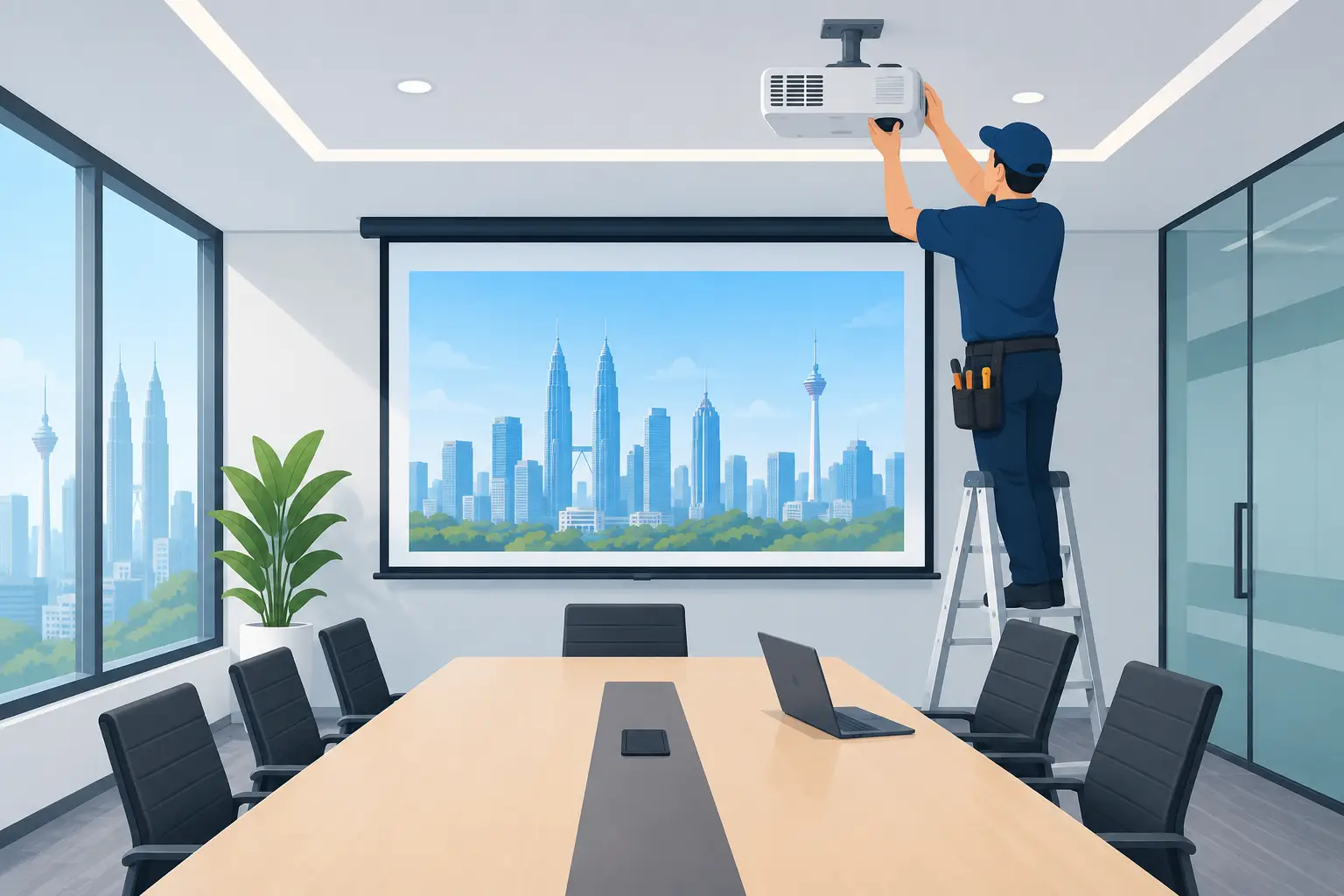
Projector maintenance varies by technology. Some models need more attention for lamps, filters, alignment or image quality over time. A poorly positioned projector can also create shadows when a presenter stands near the screen. Ceiling-mounted units need proper access for service, which should be planned before the installation is completed.
An IFPD has a higher visual presence in the room but fewer moving parts around the display area. It does not need a projection screen, and staff generally find it easier to operate without IT support. For organisations that use their rooms every day, that time saving can be worth more than a lower upfront figure.
IFPDs can be bought outright or through a 36-month instalment plan from about RM203 a month. For eligible employers, an IFPD may also be HRDC claimable under HRD Corp's Training Facilities and Renovation Scheme, subject to approval and scheme conditions. A projector is not covered by this claim route.
What works best for Teams and Zoom rooms?
Both display types can show content from Microsoft Teams or Zoom. The real difference is the meeting experience around the screen. An IFPD gives a sharper, more consistent view for shared documents and can sit neatly alongside a video conferencing camera and speaker system.
A projector may be appropriate for a larger training room where viewers sit far from the front wall. In that setting, a large projected image can help participants at the back see the presenter’s slides. It is less suitable if people need to read fine text, annotate frequently or meet in a bright space.
For hybrid meetings, consider the camera position as well. A display mounted at an appropriate height helps remote attendees see faces and content naturally. The room should be checked for glare, echo, cable routes and seating sightlines before selecting equipment.
What should be included in the installation?
A meeting-room display is not just a box delivered to reception. The screen height, wall strength, electrical points, network access and cable concealment all affect whether staff can use it comfortably on day one.
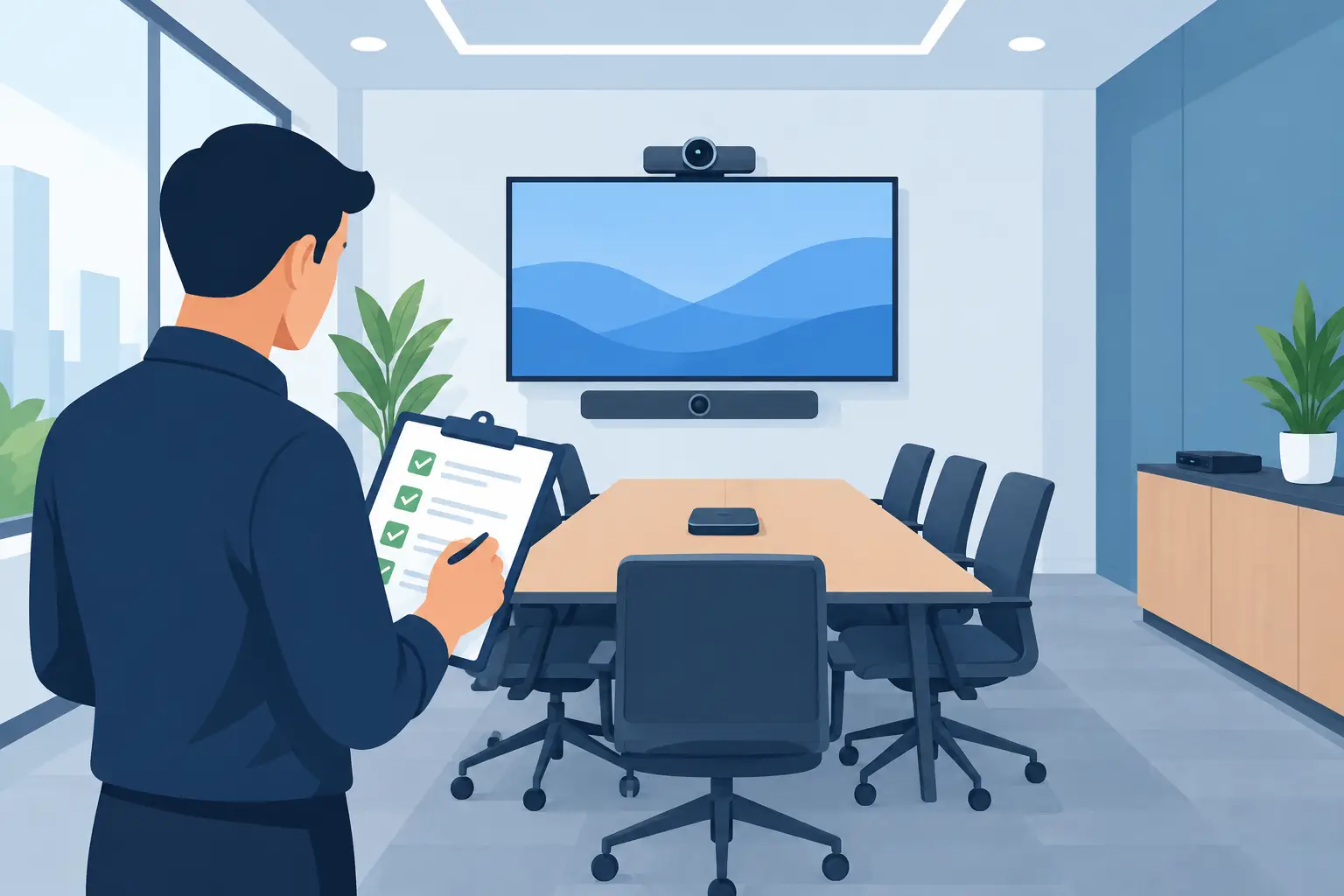
Ask whether the supplier will survey the site, install the equipment, connect it to the room’s video conferencing setup and train users. Clear training matters because even capable staff will avoid features they have not been shown. A working system should be simple enough for the first person entering the room at 8.30am, not only for the IT team.
Hytech Office Automation provides site surveys, delivery, installation and user training, with a response within four working hours for after-sales support. This is particularly useful when facilities, IT and procurement teams need one accountable party to coordinate the room setup.
Frequently asked questions
Is an IFPD better than a projector for a small meeting room?
Usually, yes. A 55-inch or 65-inch IFPD provides a clear image in ordinary lighting and does not require the extra throw distance a projector needs. It also keeps the table area free from a tabletop projector and its cables.
Can an IFPD replace a projector in an existing boardroom?
In many cases, yes, but the wall, viewing distance and current cabling should be checked first. An Office Solutions Specialist can confirm whether the existing screen position is suitable or whether a different display size would work better.
When should I keep a projector?
Keep or choose a projector when the room genuinely needs an image larger than an 86-inch display can provide, especially in a controlled training room or auditorium. It can also be sensible where a well-maintained ceiling installation already meets the team’s needs.
Are IFPDs HRDC claimable?
Eligible employers can apply for an IFPD under HRD Corp's Training Facilities and Renovation Scheme. The application must be approved before purchase, the panel must be bought within six months of approval and placed in a training venue for training use only.
Can delivery and installation be claimed under HRDC?
Delivery and installation alone are not claimable. HRD Corp makes the final decision on each application, and the annual cap is 50% of the levy balance as at 1 January.
See the difference in a real boardroom
The sensible next step is a showroom demo at the Maxsmart Experience Centre in Corporate Tower 2, Pavilion Damansara Heights. Bring the kind of laptop content your team actually uses, compare an IFPD with a projection setup, and ask an Office Solutions Specialist which option fits your room rather than buying on screen size alone.