Need an Office Automation Supplier in Malaysia?
If meetings start with cable hunting, print costs arrive as surprises and training rooms still rely on whiteboards, the problem is usually supplier selection. An office automation supplier in Malaysia should assess the whole workflow, install equipment properly, train staff and remain accountable when something needs attention.
What should an office automation supplier in Malaysia provide?
A supplier should do more than deliver a screen or photocopier. Your team needs equipment that fits the room, works with the platforms already in use and can be operated confidently by people who were not involved in choosing it.
For a meeting room, that may mean an interactive flat panel, a video conferencing camera and a sound solution configured for Zoom or Microsoft Teams. For an office floor, it could mean a metre-based photocopier rental arrangement that reflects actual print volume. For a reception area, it may be digital signage or an interactive kiosk that gives visitors clear information without adding work for front-desk staff.
The practical question is whether one Office Solutions Specialist can look at how each area is used, then coordinate the survey, recommendation, installation and handover. That reduces the risk of a meeting-room screen being installed at the wrong height, a projector being too dim for the room, or a photocopier contract that does not match your monthly usage.
How do I choose the right office technology supplier?
Start with the operational problem, not the product catalogue. A 65-inch interactive display may suit a small huddle room, while a 75-inch or 86-inch panel is often more appropriate for a boardroom or training space. Screen size is only one part of the decision. Room depth, seating layout, natural light, wall construction and the devices staff bring into meetings all matter.
For printing, ask for a realistic view of the base rental and per-copy charge. Photocopier rental is metre-based, not a single fixed monthly fee. Entry-level arrangements can start from RM 48 a month, but the right machine depends on colour versus mono output, expected volume, scanning needs and the number of users.
A good supplier will also explain the compromises. An Epson projector can be a sensible choice where a large image is needed and the room can be controlled for light. An LED display wall can create far stronger impact in a bright lobby or command centre, but it needs more planning around viewing distance, content and mounting.
Compare supplier support before you compare specifications
Specifications are useful, but they do not show how much internal effort a project will demand from your office manager, IT team or facilities team. Use this comparison when reviewing proposals.
| What to check | Basic equipment seller | Office automation supplier | |---|---|---| | Room and site assessment | May rely on customer measurements | Reviews room use, layout, mounting and connectivity needs | | Product recommendation | Often based on available stock | Matches the equipment to meetings, training, print or visitor communication | | Installation | May be an added coordination task | Handles delivery, installation and system setup | | Staff handover | Manual or brief product explanation | User training for the people operating the equipment | | Ongoing support | Varies by product and provider | Clear local service process and accountable follow-up |
Ask who will manage the project on installation day. This matters especially where an IT manager needs network access prepared, a facilities team needs to approve drilling or cable routes, and users need a working room by a fixed date.
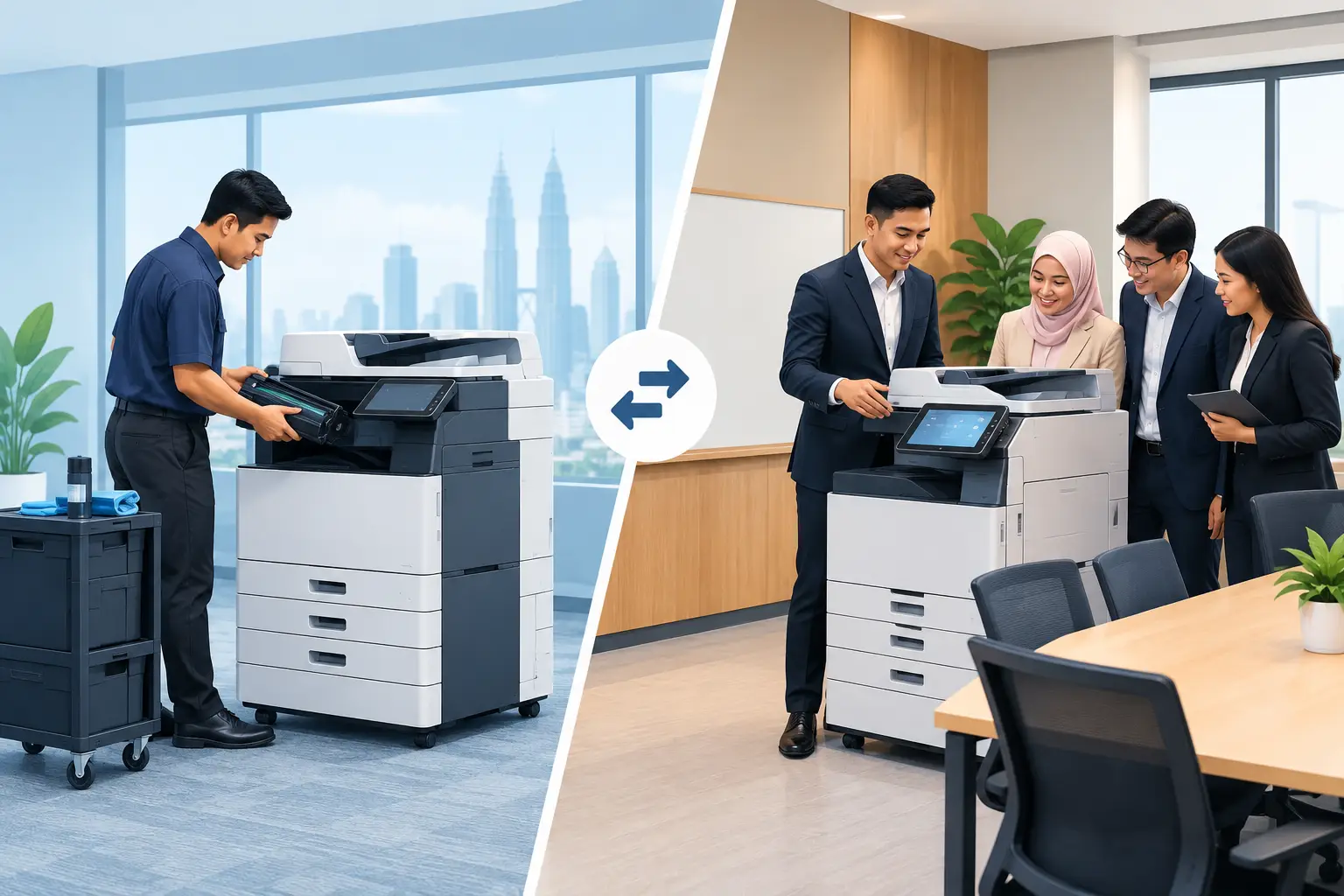
Hytech Office Automation (M) Sdn Bhd has served more than 2,500 companies and schools since 1999, with an Office Solutions Specialist coordinating the process from site survey through to training and after-sales service. Its service team responds within 4 working hours, helping organisations avoid long periods with an unusable meeting space or printing device.
Which equipment suits meetings, training and printing?
Interactive flat panels are usually the most flexible choice for collaboration and training. MAXHUB panels suit organisations that need active whiteboarding, wireless sharing and video meetings in one display. Hikvision interactive panels can be considered where budget is tighter and the core requirement is a capable presentation and collaboration screen.
Panels can be purchased outright or taken on a 36-month instalment plan from about RM 203 a month. They are also the only product category here that may be HRDC claimable, subject to HRD Corp approval and scheme conditions.
For HRDC claims under the Training Facilities and Renovation Scheme, the employer must apply before buying. The panel must be purchased within six months of approval and placed in a training venue for training use only. The annual cap is 50% of the levy balance as at 1 January, and delivery and installation alone are not claimable. HRD Corp decides each application, although an Office Solutions Specialist can help customers with the claim process.
For print-intensive teams, a FUJIFILM, Fuji Xerox, Canon or Ricoh photocopier rental arrangement can reduce upfront equipment cost while giving the business a machine suited to its real workload. Do not simply select the fastest model. A smaller workgroup with heavy scanning may need different functions from a finance department producing high-volume colour reports.
Why installation and training affect the result
Most workplace technology disappointments happen after the purchase order. A display can be technically correct but frustrating if staff cannot connect their laptops, camera framing is poor, or the remote control disappears into a drawer with no one knowing how to use it.
Installation should cover more than fixing hardware to a wall. It should include cable management, source connections, basic room configuration and checks with the actual devices users bring into the room. In a Kuala Lumpur boardroom, for example, a system may need to work equally well for a local client presentation and a Teams call with colleagues in another state.
Training should be short and practical. Users need to know how to start a meeting, share a screen, use the whiteboard, manage a video call and get help if something goes wrong. IT and facilities teams may need a separate handover covering routine checks and support arrangements.
Frequently asked questions
Is a photocopier rental suitable for a small office?
It can be, particularly where a business wants predictable access to a suitable machine without buying one outright. The right arrangement depends on monthly copy volume, colour requirements and scanning needs, because the cost includes a base rental plus per-copy charges.
Can we use an interactive flat panel with Zoom and Microsoft Teams?
Yes, when the room is specified and configured for the way your team meets. The panel is part of the solution, alongside the right camera, audio and connectivity setup for the room.
Are interactive flat panels HRDC claimable?
They may be claimable under HRD Corp's Training Facilities and Renovation Scheme, subject to approval and the applicable conditions. The employer must apply before purchase, use the panel in a training venue for training purposes and buy within six months of approval.
Should we choose a projector, flat panel or LED wall?
It depends on room size, ambient light, viewing distance and the purpose of the display. Projectors work well for large images in controlled-light rooms, flat panels suit interactive meetings and training, while LED walls are often better for high-visibility reception or presentation areas.
How quickly can we get support after installation?
Support processes differ between suppliers, so ask for a stated response commitment before you buy. Hytech provides a response within 4 working hours for after-sales service, giving your team a clear route when equipment needs attention.
See the equipment working before you decide
Bring your typical meeting-room challenge, training requirement or print workflow to a showroom demo at the Maxsmart Experience Centre in Corporate Tower 2, Pavilion Damansara Heights. Trying the equipment in a real boardroom gives your team a clearer decision than comparing specification sheets alone.