Managed Print Services Malaysia: Are They Worth It?
Managed print services Malaysia can reduce surprise repair bills, wasted toner and staff time when your office prints regularly. They are not automatically cheaper for every small team. The value comes from choosing the right machine, agreeing clear meter rates and having a supplier that responds when printing stops.
What are managed print services in Malaysia?
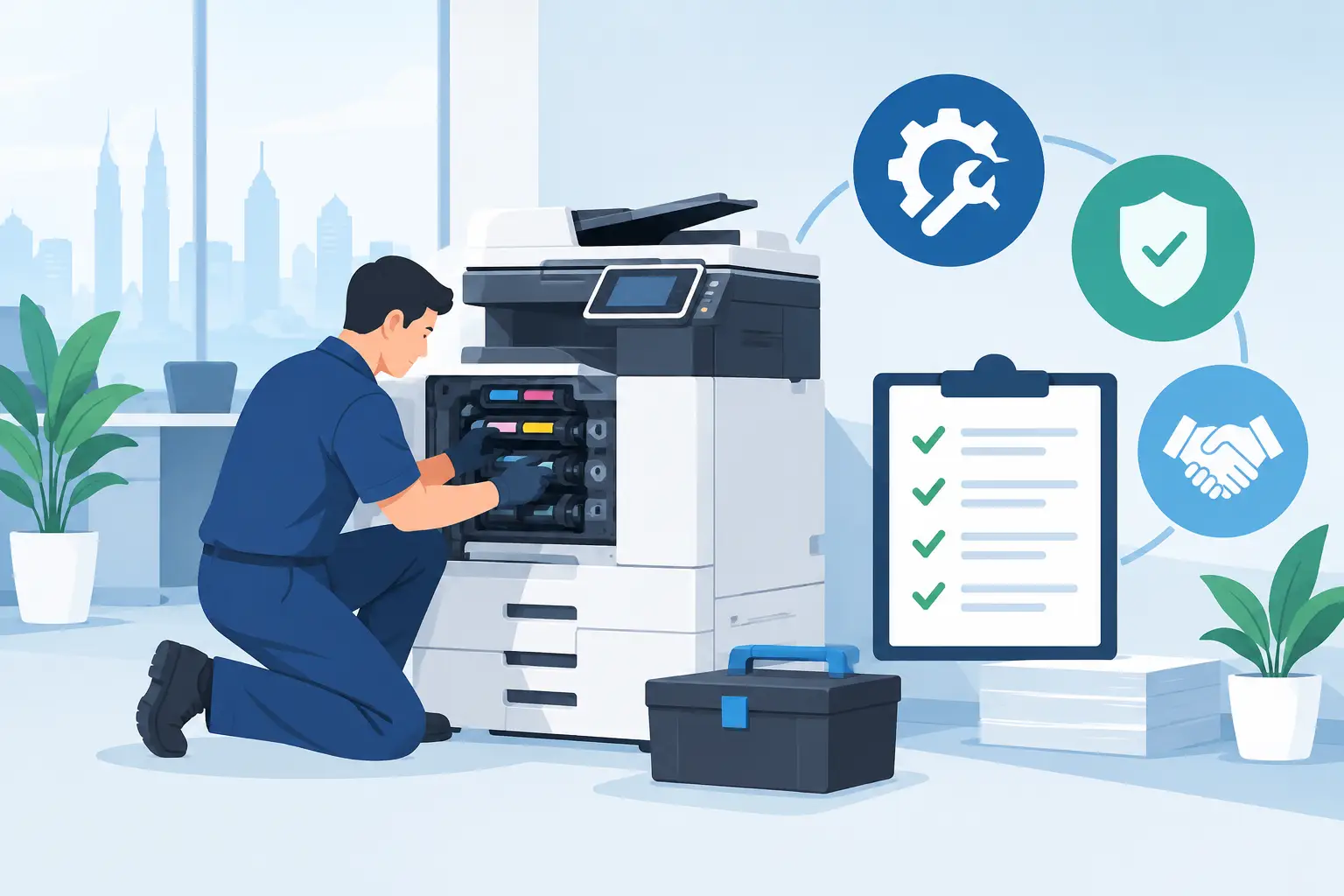
Managed print services put one supplier in charge of the practical parts of office printing: assessing your usage, supplying suitable photocopiers, maintaining equipment and managing consumables or meter readings under an agreed arrangement. Instead of reacting whenever a machine jams or toner runs out, your office has a clearer process for support and billing.
For many Malaysian organisations, the starting point is photocopier rental. This is usually meter-based, not one fixed monthly charge. You pay a base rental, plus a per-copy charge based on the pages printed. Hytech photocopier rental starts from RM48 a month, with the final cost depending on the machine, monthly volume and print requirements.
That distinction matters. A small legal practice producing high volumes of black-and-white documents needs a different arrangement from a tuition centre printing colour worksheets, or an accounts department scanning invoices every day. A managed service should fit the real workload, not an estimate made before staff begin using the machine.
When does a managed print service make financial sense?
The strongest case is usually an office with recurring print volume, more than one department using the same device, or no internal person responsible for printer issues. When staff buy toner ad hoc, call different repair companies and use personal desktop printers, the actual cost is hard to see. The photocopier may look inexpensive until downtime, emergency purchases and missed work are counted.
A meter-based arrangement gives procurement and finance teams a more consistent way to review spend. It also makes it easier to compare output month by month. If copies rise sharply after a new branch opens, a school term starts or a project team moves in, you have evidence to discuss whether the current device is still suitable.
It does not suit every situation. A five-person office that prints only a few documents each week may be better served by a simple compact printer. Paying for a larger multifunction photocopier simply because it has more features can create unnecessary cost and complexity.
The cost questions to ask before you sign
Ask for the base rental and the per-copy rate separately. Confirm whether black-and-white and colour pages are charged differently, what is included in routine service, and how meter readings are collected. You should also establish what happens if your actual usage is much lower or higher than expected.
Do not focus only on the lowest monthly figure. A machine that is too slow, frequently unavailable or unable to scan reliably can cost more in staff time than it saves in rental. The right decision balances running cost, paper output, scanning needs and service support.
Photocopier rental versus buying outright
The choice depends on cash flow, expected volume and how long you expect to use the equipment. Buying can work for organisations with predictable needs and capital available. A managed arrangement is often more practical when you want ongoing service responsibility and a simpler monthly operating structure.
| Consideration | Meter-based photocopier rental | Buying a photocopier outright | |---|---|---| | Upfront cost | Lower initial commitment, with base rental from RM48 a month | Higher upfront capital outlay | | Monthly cost | Base rental plus per-copy charge | Paper, toner, repairs and parts are managed separately unless covered by a service agreement | | Service planning | Usually arranged as part of the ongoing supply relationship | The buyer must confirm maintenance cover and response arrangements | | Best suited to | Offices needing flexibility and regular support | Organisations with stable needs and a clear equipment budget | | Usage visibility | Meter readings show how much the device is being used | Visibility depends on the reporting and processes you put in place |
Neither option is automatically better. A procurement team should compare total expected cost over the period they plan to keep the machine, while allowing for maintenance, consumables and the impact of downtime.
How to choose the right photocopier for your office
Start with behaviour, not the brochure. Look at how many pages your team prints in a normal month, but also identify peaks. Month-end reporting, school examinations, tender submissions and audit periods can place very different demands on the same machine.
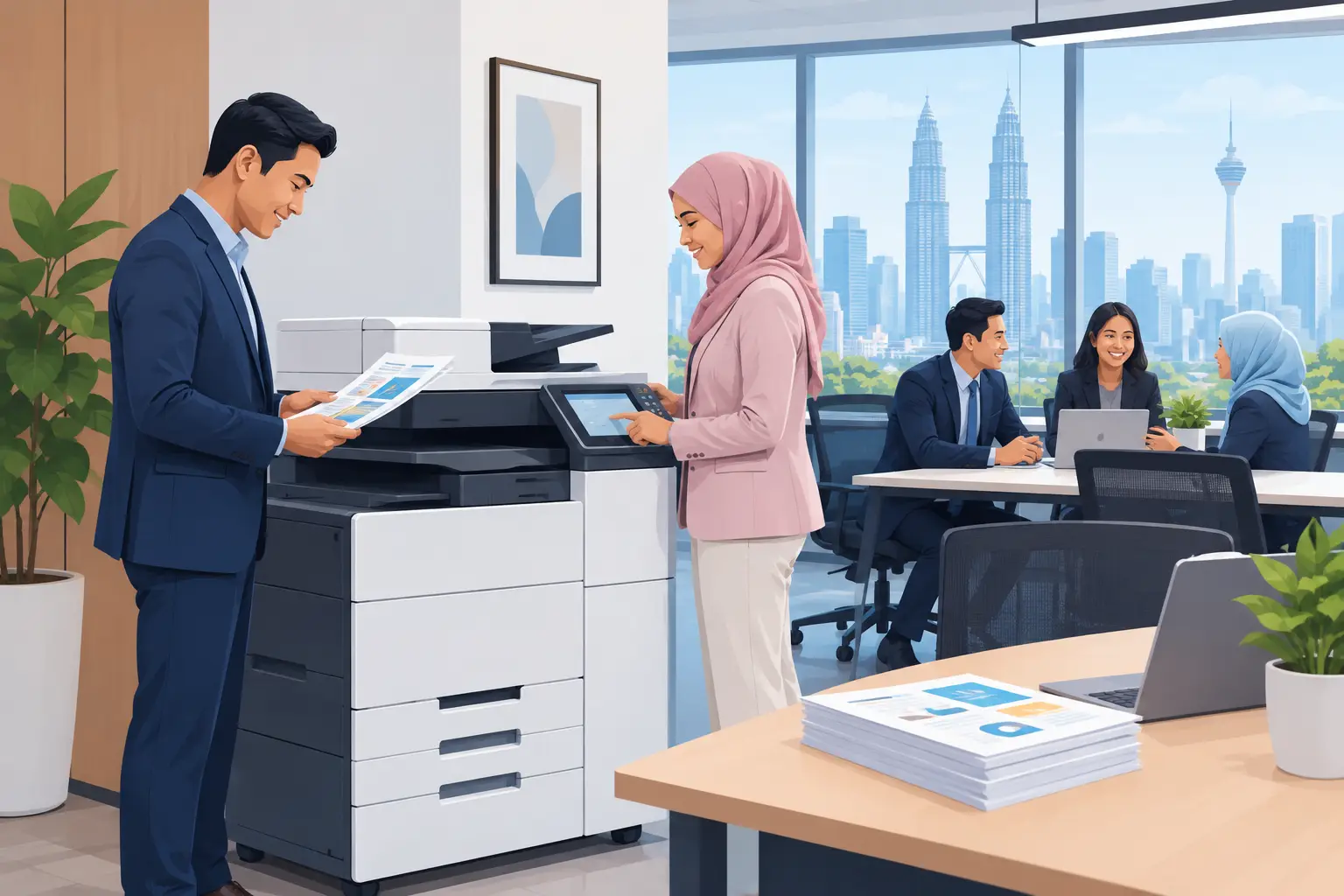
Then consider whether staff need more than printing. A multifunction photocopier can copy, scan and send documents to designated folders or email addresses. For a busy admin team, reliable scanning may be as valuable as fast printing. For a reception counter, ease of use and quick first-page output may matter more.
Colour output needs a practical conversation too. Colour brochures, training packs and client proposals may justify a colour device. If colour is only occasionally required, restricting access or setting sensible print rules can prevent avoidable costs without stopping staff from doing their jobs.
A site survey is useful where the machine will serve several teams, sit in a high-traffic area or need network access. The supplier should check physical access, power, network requirements and where the device can be placed without disrupting work. This avoids the common problem of selecting a machine first and discovering later that it does not fit the available space or workflow.
What support should be included?
Support is where managed print services become more than a photocopier supply arrangement. Ask who staff should contact, what information they need to provide when reporting a fault, and whether users will receive basic guidance after installation. A machine can have suitable specifications and still cause delays if nobody knows how to scan, clear common paper issues or request assistance.
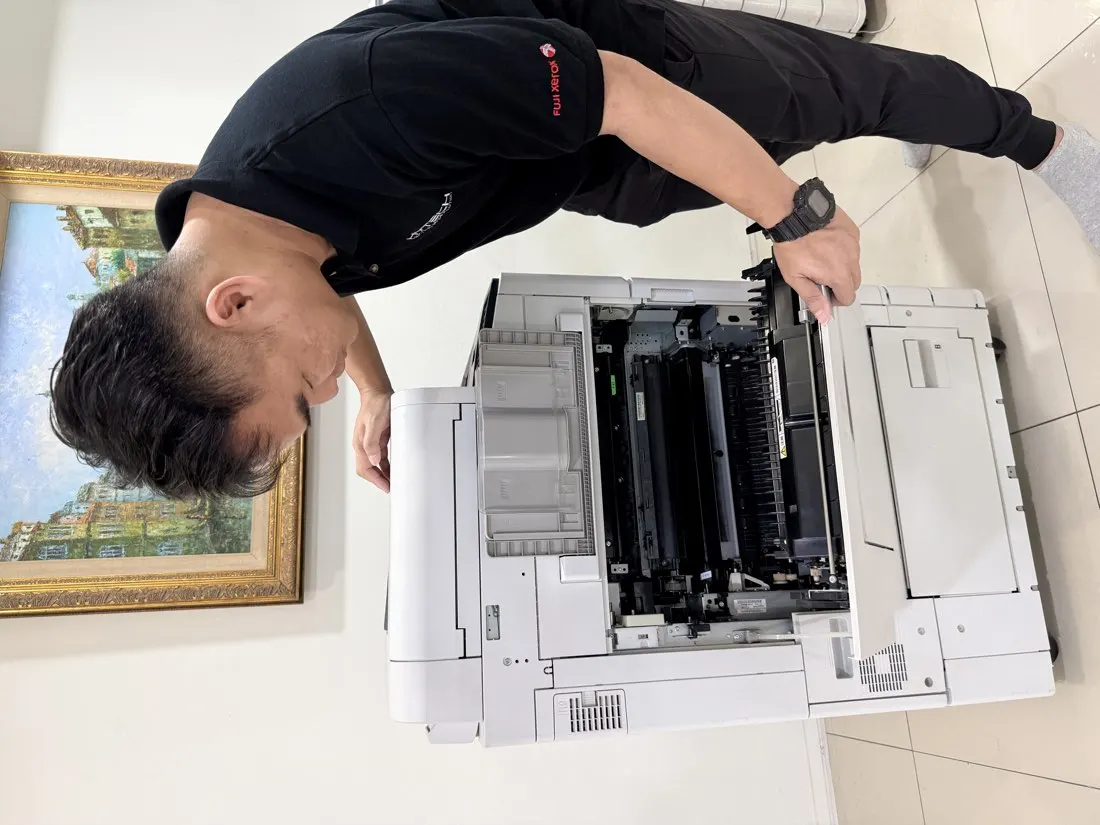
For offices in Kuala Lumpur and Selangor, local support can be especially useful when the photocopier is central to daily operations. Hytech Office Automation provides site survey, delivery, installation and user training, with a response within four working hours. That gives office managers a defined route when printing, copying or scanning is interrupted.
Also ask about consumable planning. Running out of toner is not a technical disaster, but it can still delay invoices, contracts and training materials. A clear process for meter readings and supply requests helps facilities and admin teams avoid last-minute chasing.
How can you reduce printing costs after installation?
The equipment is only one part of cost control. Set sensible defaults from day one, such as black-and-white printing and double-sided output for internal documents. Give colour printing access to staff who genuinely need it, rather than making it the default for every user.
Review your meter reports with the departments that print the most. The aim is not to police every page. It is to identify avoidable habits, such as printing draft documents repeatedly or using colour for routine internal notices. If scanning replaces some paper-based approvals, staff need a simple and agreed process so they do not print documents merely to obtain a signature.
Finally, match paper handling to actual demand. If teams frequently queue at one device, the answer may be a better-placed or higher-capacity photocopier, not another inexpensive desktop printer. Fragmented equipment often creates fragmented support costs as well.
Frequently asked questions
Is photocopier rental a fixed monthly fee?
No. Photocopier rental is meter-based, comprising a base rental and a per-copy charge. Your monthly amount changes with the number and type of pages printed.
What does a photocopier meter reading show?
A meter reading records the number of pages produced by the machine. It helps calculate per-copy charges and gives your organisation a clearer view of print usage over time.
Can a managed print arrangement include scanning?
Yes, if you choose a multifunction photocopier with scanning capability. Confirm the required scan destinations, such as email or network folders, before installation so the machine is configured for your staff's workflow.
How quickly can we get help when the machine has a fault?
Response arrangements vary by supplier and service area, so confirm them before committing. Hytech responds within four working hours for its after-sales service requests.
Is a colour photocopier necessary for every office?
No. It depends on what your teams produce and how often they need colour documents. A black-and-white device may be more economical for routine administration, while colour access can be reserved for client-facing or training material.
Should we replace desktop printers with one photocopier?
Sometimes, particularly when several staff print, copy and scan every day. However, a small printer may still have a role for confidential work or a separate work area, so assess each team's actual needs first.
See the equipment before deciding
Bring a recent print volume estimate and a few examples of the documents your teams produce to a showroom demo at the Maxsmart Experience Centre in Corporate Tower 2, Pavilion Damansara Heights. An Office Solutions Specialist can show how different photocopier options handle your everyday work, so your decision is based on use rather than promises.