Is Copier Leasing Right for Your Malaysian Office?
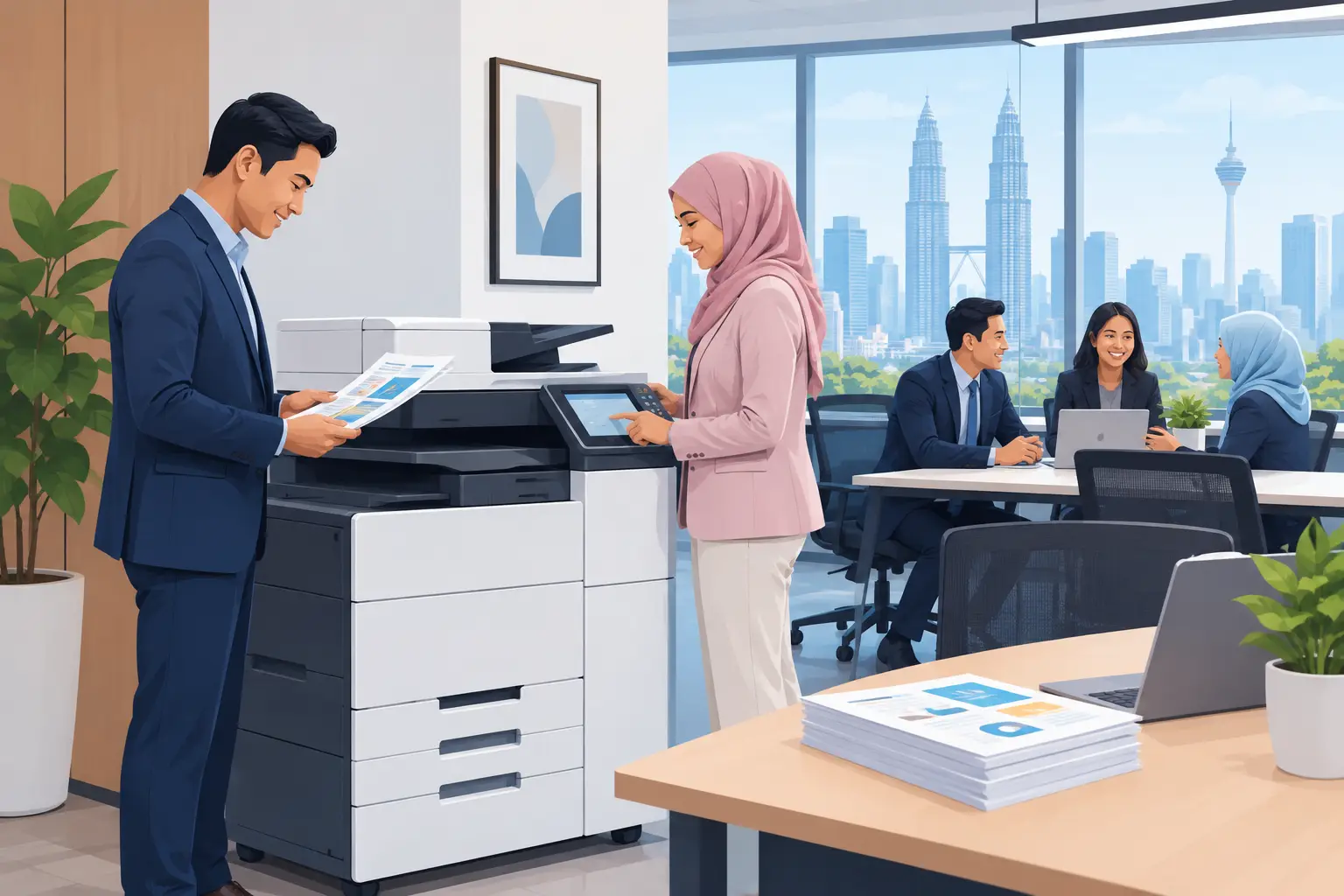
Copier leasing can spread the cost of a business machine, but it is not automatically the lowest-cost option. For many Malaysian offices, a meter-based photocopier rental - a base rental plus a per-copy charge - gives clearer day-to-day control, provided expected volume and service terms are checked properly.
What is copier leasing and how does it work?
Copier leasing usually means using a photocopier under a fixed contract for an agreed period, with regular payments rather than a large upfront purchase. The provider may include maintenance, toner, parts and service in the agreement, but the details vary considerably.
The key issue is not the monthly figure shown at the start. It is what happens when your team prints more than expected, needs an urgent repair, adds scanning workflows, or wants to change the machine before the contract ends.
For a small office printing invoices and delivery orders, a modest monochrome machine may be enough. A school administration office, insurance branch or legal practice may need fast duplex printing, secure user access, colour output and high-volume scanning. The right arrangement follows the work, not the other way round.
Copier leasing versus meter-based photocopier rental
Many buyers use the words interchangeably, yet the commercial structure can be different. A meter-based photocopier rental combines a base rental with a per-copy charge. This makes print usage visible and can be useful where monthly volume changes.
Hytech Office Automation offers photocopier rental from RM48 a month, structured on a meter-based basis. Your Office Solutions Specialist should first establish whether the figure suits your likely print volume, not simply whether it looks low on a quotation.
| Option | Best suited to | Main advantage | Point to check | |---|---|---|---| | Outright purchase | Stable, long-term print needs | You own the machine | Upfront cost, servicing and eventual replacement | | Copier leasing | Organisations wanting scheduled payments | Predictable contract budgeting | Contract length, early exit terms and inclusions | | Meter-based photocopier rental | Offices with changing or uncertain volume | Charges reflect actual printed output | Base rental, per-copy rates and minimum commitments |
A purchase can cost less over a long ownership period, especially if your needs are stable and the machine remains reliable. It also places more responsibility on your organisation to budget for maintenance, consumables and replacement.
A contract arrangement can simplify budgeting, but only where the agreement is transparent. Ask for the full picture before comparing offers: contract duration, mono and colour click rates, toner coverage, service response process, machine replacement policy and any charges that arise outside normal use.
How much printing does your office really do?
Print volume is the starting point for a sensible copier decision. Do not rely on a rough guess from one busy week. Review at least three months of current meter readings or supplier invoices, then identify what is driving the volume.
Some printing is routine: invoices, purchase orders, student materials and HR forms. Some is seasonal, such as exam papers, tender submissions, annual reports or campaign materials. A machine chosen only for the quiet months may become a bottleneck at the worst possible time.
Also separate black-and-white pages from colour pages. Colour printing generally costs more, and a team that prints colour presentations by default can change the monthly bill quickly. Setting sensible print rules and defaulting everyday documents to mono can reduce waste without making staff work harder.
Scanning deserves equal attention. Modern multifunction photocopiers can scan documents to email, network folders or supported workflows. If your finance or administration team handles large paper files, fast scanning and reliable document feeding may save more time than a small difference in print cost.
What should be included in a photocopier contract?
A business photocopier is an operational tool. When it is unavailable, accounts, reception, administration and teaching teams can all feel the effect. Service coverage matters as much as the hardware specification.
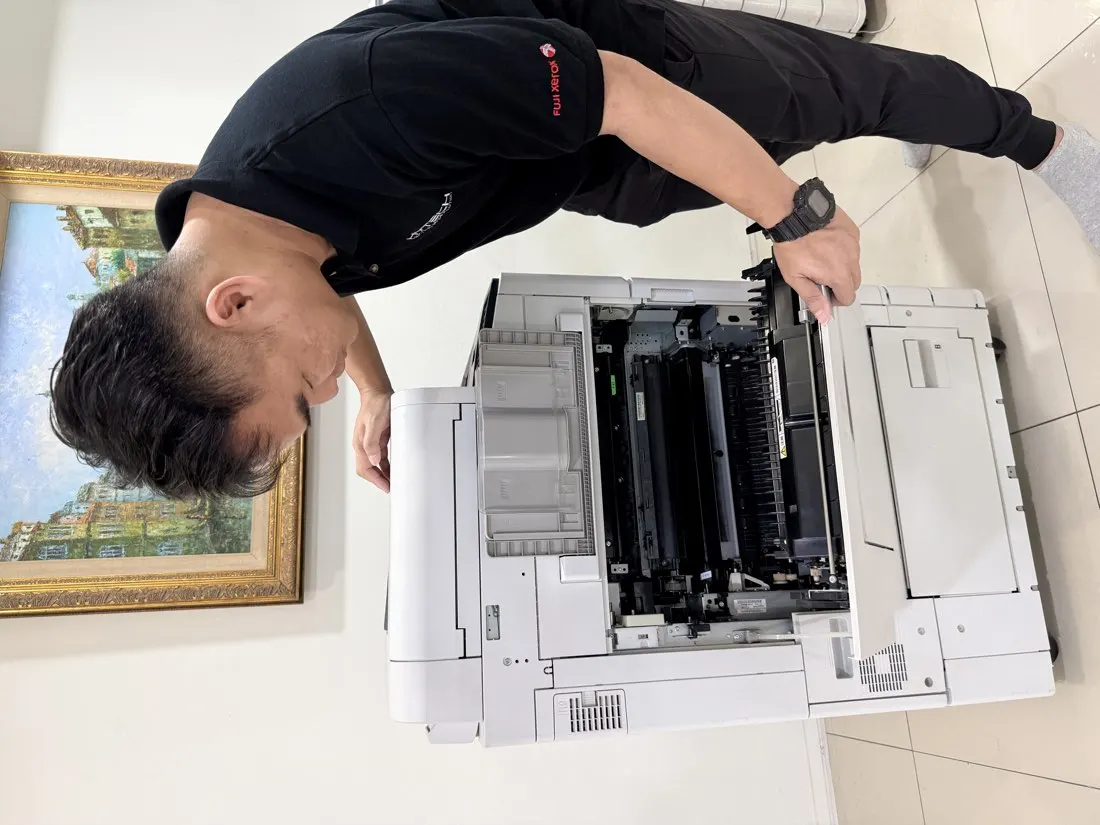
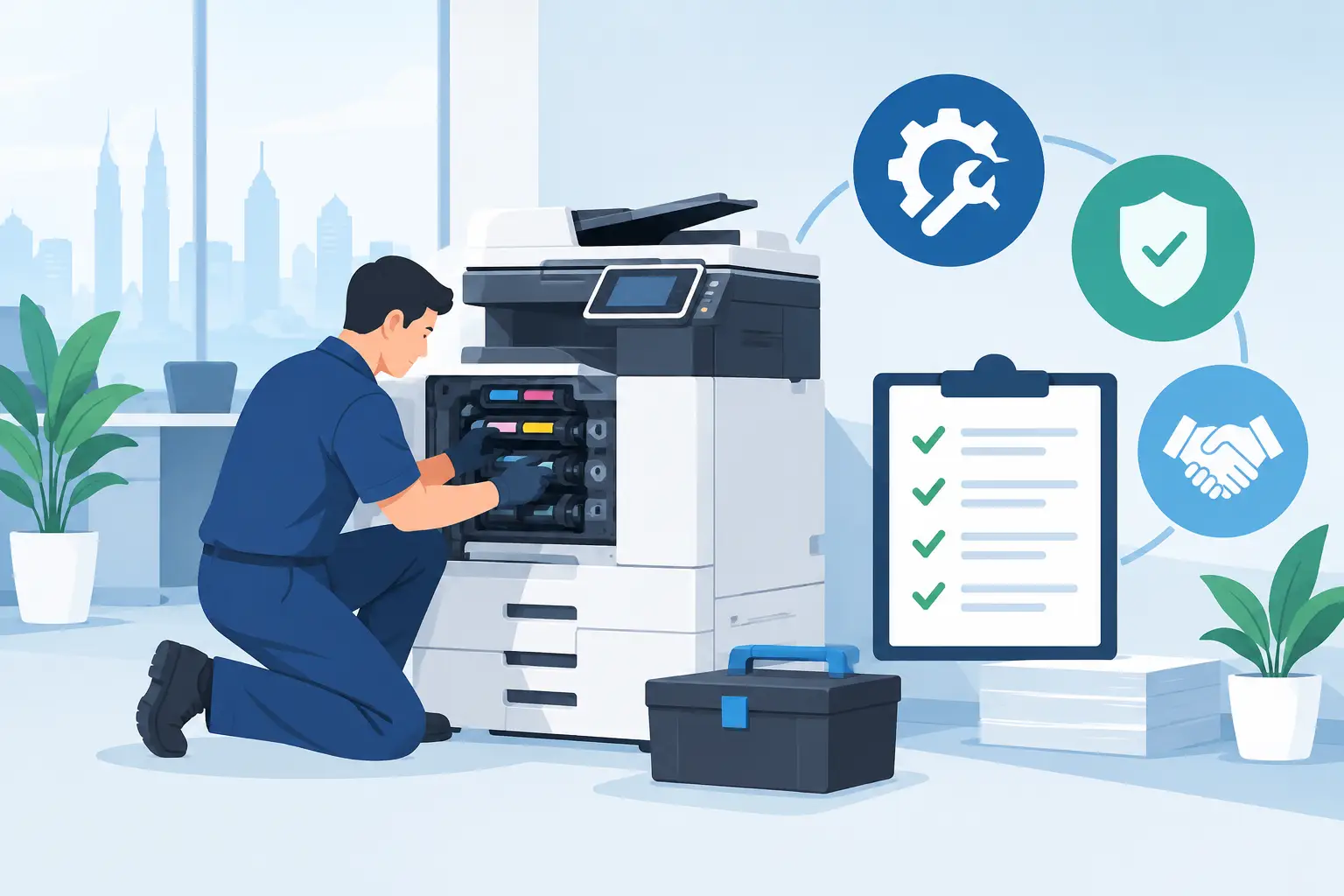
Clarify whether toner, routine maintenance, spare parts, labour and meter readings are included. Ask how faults are reported, who is responsible for basic checks, and what support is available when a machine cannot be repaired promptly.
For offices in Kuala Lumpur and Selangor, local support can make a practical difference. Hytech provides a response within four working hours, alongside delivery, installation, user training and after-sales service. That gives your staff a defined support route rather than a generic contact number after installation.
You should also ask about device security. A multifunction copier may store job data, connect to your network and scan sensitive documents. IT teams should confirm user authentication needs, address book controls, scan destinations and whether secure print release is appropriate.
Which photocopier features are worth paying for?
The answer depends on the people using it. A reception desk may value a compact machine that produces clean visitor documents. A procurement department may need automatic double-sided scanning for supplier paperwork. A school office may need dependable output during enrolment and examination periods.
Automatic document feeders are valuable for teams scanning multi-page documents every day. Duplex printing reduces paper use. Finishing options can help organisations that regularly produce stapled packs, but they add cost and are unnecessary for many offices.
Colour output should be chosen deliberately. It is useful for client proposals, learning materials, marketing documents and charts where colour aids understanding. It is less useful for routine internal forms. A clear colour-printing policy can protect your budget more effectively than choosing an oversized device.
Do not overlook placement. A machine placed too far from the users who print most often encourages desk printers, duplicate consumables and scattered support problems. During a site survey, consider network access, power points, paper storage, noise and how staff actually move through the office.
How to compare copier leasing quotations
A quotation should make comparison easier, not hide the real cost behind a headline figure. Put every proposal into the same format before deciding. Compare the contract period, base charge, mono per-copy charge, colour per-copy charge, included services and conditions at the end of the agreement.
Then test each quotation against three realistic monthly volumes: a quiet month, a normal month and a peak month. This is particularly useful for schools, project-based businesses and offices with month-end reporting peaks. A low base charge can become less attractive if higher-volume copy rates apply.
Check the machine model against your actual requirements. Faster is not always better if your team prints only a few hundred pages each month. Conversely, a low-capacity machine can create queues, paper jams and downtime when several departments share it.
Finally, involve the people who will live with the decision. Facilities may assess location and access, IT may review network requirements, finance may compare costs, and office administrators can explain the daily frustrations your current machine causes. A short discussion before signing is easier than managing a poor fit for several years.
Frequently asked questions
Is copier leasing cheaper than buying a photocopier?
It can be easier on cash flow because payments are spread over a contract period. Buying may cost less over the long term when usage is stable, but you must account for service, consumables and replacement costs.
Is meter-based photocopier rental a fixed monthly fee?
No. It includes a base rental plus a per-copy charge, so the monthly total depends partly on the pages your organisation prints. Confirm the mono and colour rates before you commit.
What happens if our printing volume changes?
Discuss expected low, normal and peak volumes before selecting a machine. If your usage is seasonal or likely to grow, choose a capacity and commercial arrangement that will not penalise normal business changes.
Are toner and repairs included?
They may be, but this depends on the agreement. Ask for a written breakdown covering toner, parts, labour, maintenance visits and the process for reporting faults.
How quickly can we get support for a photocopier fault?
Support commitments differ between suppliers and locations. Hytech provides a response within four working hours, helping offices plan around an issue rather than chasing an unclear service process.
Should we choose a colour photocopier?
Choose colour when it supports documents your staff or customers genuinely need to understand, such as proposals, training materials or charts. For routine internal printing, mono defaults can keep running costs under control.
A photocopier decision is easier when you see the equipment and discuss your real print patterns before accepting a quotation. Arrange a showroom demo at the Maxsmart Experience Centre in Corporate Tower 2, Pavilion Damansara Heights, and speak with an Office Solutions Specialist about the machine, workflow and support level your organisation needs.