Photocopier Rental vs Buying for Offices Compared
For most offices, photocopier rental suits variable printing, limited upfront budgets and teams that want service tied to usage. Buying suits organisations with stable, high-volume print needs, available capital and a plan to keep the machine for years. The right choice comes down to total cost, not the headline monthly figure.
Photocopier rental vs buying for offices: what changes?
A photocopier is rarely just a photocopier. It prints invoices, scans contracts, copies training materials and keeps administration moving when staff are busy. When it stops working, the disruption is immediate - especially for a school office, clinic, finance team or multi-department business.
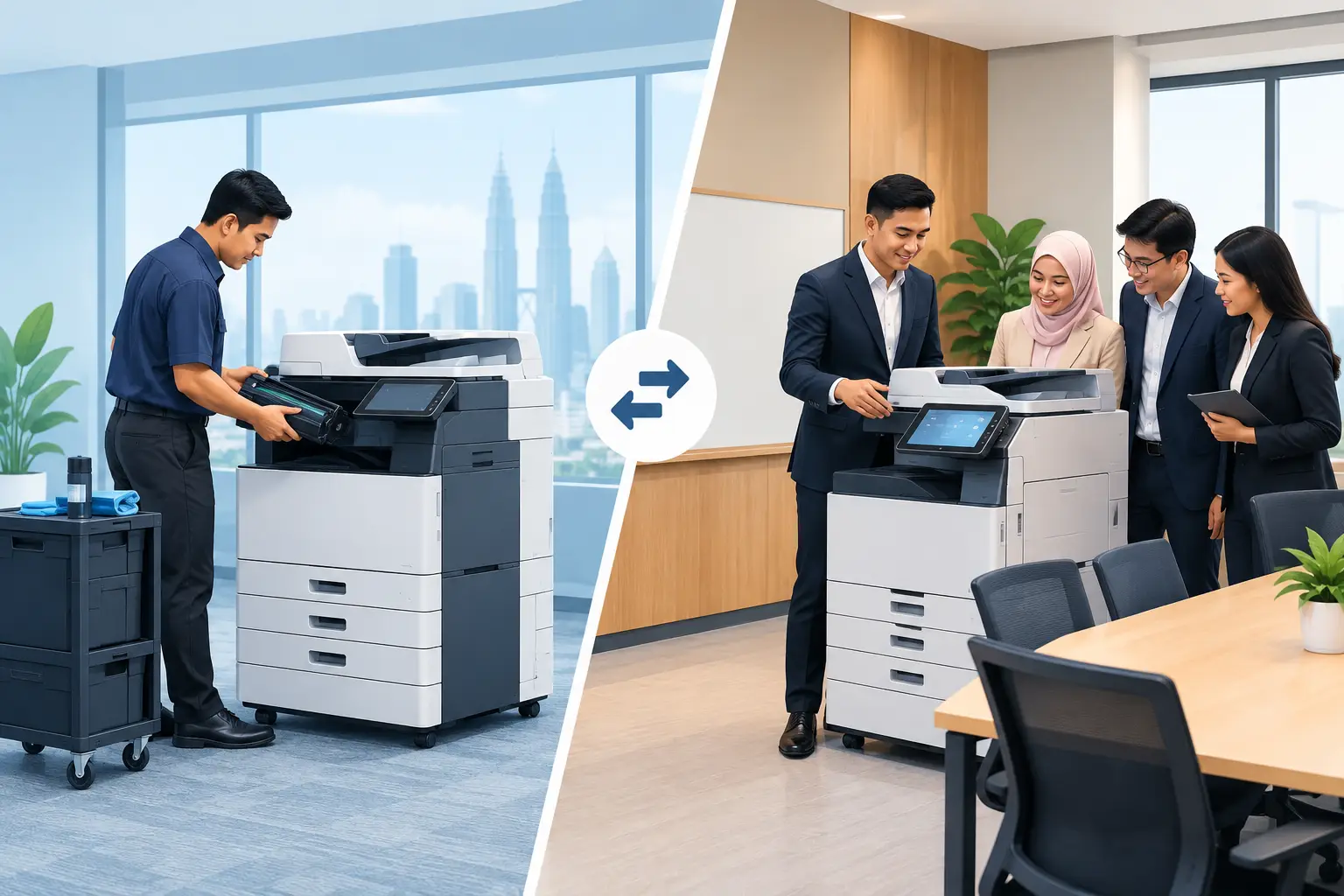
The main difference is where the financial and operational responsibility sits. With rental, the office pays a base rental plus a per-copy charge. The arrangement is meter-based, so the monthly bill reflects both access to the machine and how much the team prints.
With an outright purchase, the organisation pays for the equipment upfront. It then needs to budget separately for consumables, preventive maintenance, repairs and eventual replacement. This can work well, but only when the business is clear about its expected printing volume and how long it intends to use the machine.
| Decision area | Photocopier rental | Buying outright | |---|---|---| | Upfront cost | Lower initial commitment | Larger capital outlay at the start | | Monthly spending | Base rental plus per-copy charges | Lower routine cost may be possible, but service and supplies must be budgeted | | Usage changes | Better suited to fluctuating print volumes | Better suited to predictable, sustained usage | | Maintenance planning | Usually arranged as part of the rental service structure | Managed and paid for by the owner | | Equipment replacement | Easier to review requirements when the arrangement ends | Owner decides when to upgrade or replace | | Cash flow | Preserves capital for other office needs | Uses capital upfront, which may suit well-funded organisations |
When does photocopier rental make more sense?
Rental is often the practical answer when an office needs dependable printing without tying up capital in a machine. It can suit a growing SME in Kuala Lumpur, a project office with changing headcount, or a school department that prints heavily at certain times of year and lightly at others.
It also gives procurement and administration teams a clearer operational starting point. Photocopier rental can begin from RM48 a month, with the final monthly cost based on the base rental and per-copy charges. Before agreeing to anything, ask what the included service covers, how meter readings are collected, and whether black-and-white and colour copies are charged differently.
This model is useful when print demand is uncertain. A company moving to digital approval workflows may see print volumes fall over the next 12 months. Another organisation may be onboarding staff, opening a new branch or handling a temporary documentation-heavy project. In these cases, committing capital to a machine sized for today’s workload can be harder to justify.
Rental can also reduce the burden on internal IT or facilities teams. They still need a clear point of contact, but they are less likely to be sourcing ad hoc repairs or trying to compare toner prices when the machine is down.
When is buying a photocopier cheaper?
Buying may cost less over the long term when three conditions are present: print volumes are stable, the organisation has available capital, and the machine will remain suitable for several years. An established office with consistent monthly printing and a disciplined maintenance budget may prefer to own the asset.
The risk is assuming the purchase price is the whole cost. It is not. Toner, drums, parts, call-outs, maintenance visits and downtime all affect the real figure. A low purchase price can become expensive if the machine is unreliable, difficult to support or poorly matched to the office’s actual workload.
Think about the type of work being printed as well. A small legal practice may produce large sets of black-and-white documents. A marketing team may need colour brochures, proposals and presentation packs. A school may need fast scanning, secure staff access and high-volume copying at predictable periods. These needs affect the right machine specification and the cost per page.
Buying makes most sense when the organisation is prepared to manage the full equipment lifecycle. That includes selecting the right capacity at the start, training users, arranging service and deciding when older equipment is no longer worth repairing.
How do you compare the real monthly cost?
Start with six to twelve months of print data, rather than estimates based on a busy week. Check existing meter readings, toner orders and department printing records. Separate black-and-white pages from colour pages, because colour output usually has a different cost profile.
For a rental comparison, calculate the base rental plus the estimated monthly per-copy charges. Then test a low, normal and high-volume month. This gives finance teams a more realistic view than a single average.
For a purchase comparison, spread the equipment cost across the number of months you expect to keep it. Add estimated toner, maintenance, replacement parts and repair costs. It is sensible to include a contingency for downtime, particularly where staff cannot easily send urgent work to another device.
Do not overlook staff time. If an administrator spends hours chasing supplies, arranging repairs or moving print jobs between devices, that is a cost even when it does not appear on a supplier invoice. A well-managed print arrangement should make routine work less visible, not create another task list.
What should an office check before deciding?
The right decision usually becomes clearer after a short site review. Look at where people print, whether departments need secure release printing, the distance to the nearest machine and whether the office has enough space, power and network access for the proposed device.
Also ask what happens when the machine needs attention. A service commitment matters more than a feature list when payroll documents or meeting packs are waiting. Hytech Office Automation provides a response within four working hours, along with delivery, installation and user training, so staff know how to use the machine from day one.
It is worth checking future needs too. If your office is consolidating floors, adopting digital forms or adding a document management process, printing behaviour may change. A machine that is right for a 30-person office can be wrong after a restructure, even if it is still working perfectly.
Should small offices rent or buy a photocopier?
Small offices often benefit from rental because it limits upfront spending and keeps costs closer to actual usage. However, a small office with very low and steady printing may find that a straightforward purchased device is more economical over time.
The deciding factor is not headcount alone. It is the number of pages, colour requirements, scanning needs and the cost of staff downtime when equipment fails.
Frequently asked questions
Is photocopier rental a fixed monthly fee?
No. Photocopier rental is meter-based: there is a base rental and a per-copy charge. Your bill will therefore depend on the machine arrangement and the number of pages printed.
Can we rent a photocopier if our print volume changes each month?
Yes, this is one reason rental can suit growing businesses and offices with seasonal workloads. Review expected minimum and peak volumes with an Office Solutions Specialist so the machine is not undersized or unnecessarily expensive.
Does buying mean we have no ongoing photocopier costs?
No. Ownership still involves toner, parts, servicing and possible repairs. The organisation also carries the responsibility for replacing the machine when it is no longer economical to maintain.
How long should we keep a purchased photocopier?
Keep it while it remains reliable, properly supported and suitable for your print volume. If repair costs rise, staff regularly queue for the device or security and scanning needs have changed, it may be time to reassess.
What information should we prepare before requesting a quotation?
Prepare recent black-and-white and colour meter readings, the number of users, your main print and scan tasks, and any access or network requirements. Photos of the proposed location can also help identify delivery, space and power considerations before installation.
Arrange a complimentary on-site consult
A quick review of your current machine, meter readings and team workflow can show whether rental or buying is the more sensible commercial choice. An Office Solutions Specialist can assess the site, explain the meter-based costs clearly and recommend a machine capacity that fits the way your office actually works.
The best photocopier decision is usually the one that prevents avoidable costs and interruptions six months from now, not simply the one with the lowest figure on the first quotation.