Best Meeting Room Cameras Malaysia for Your Office
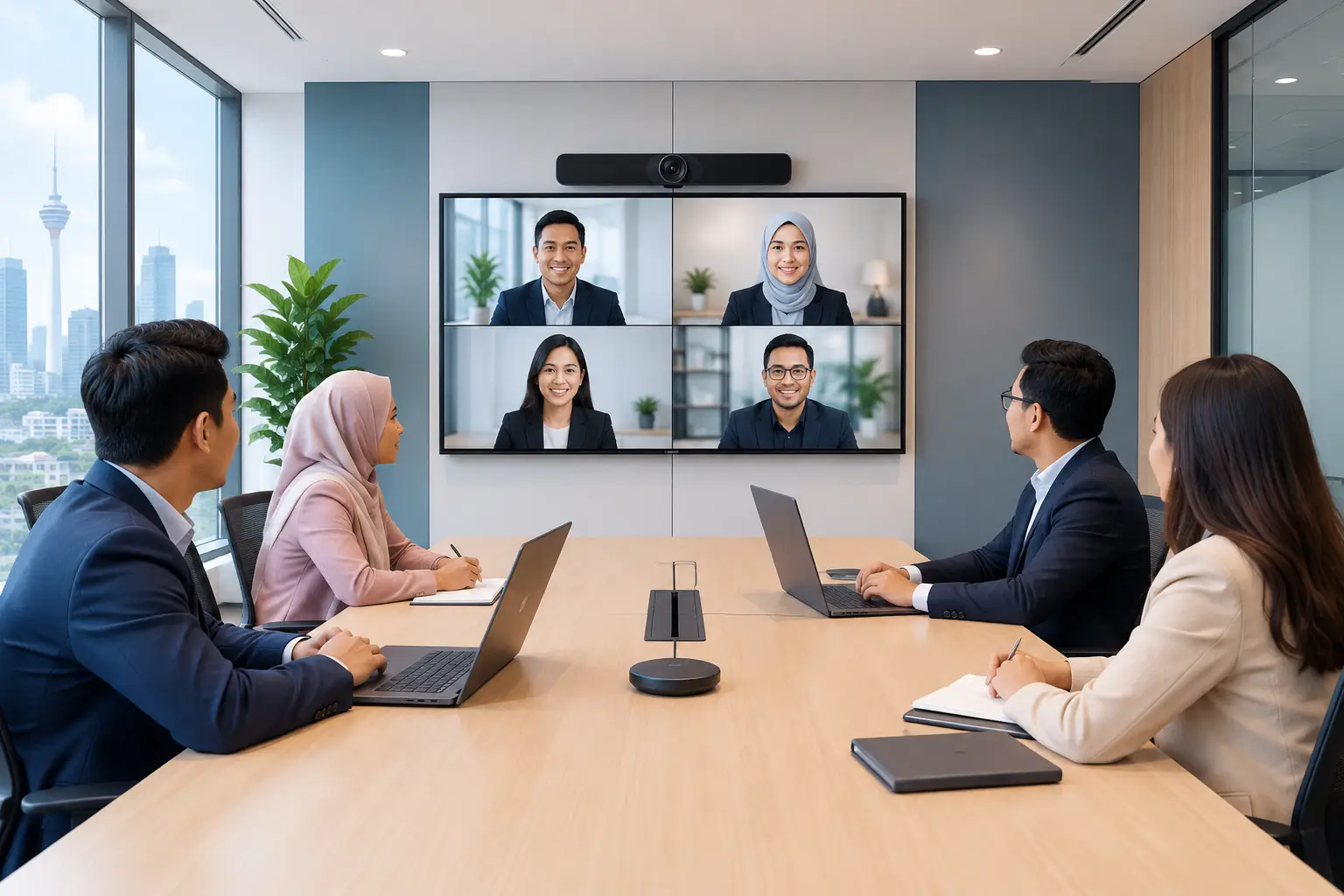
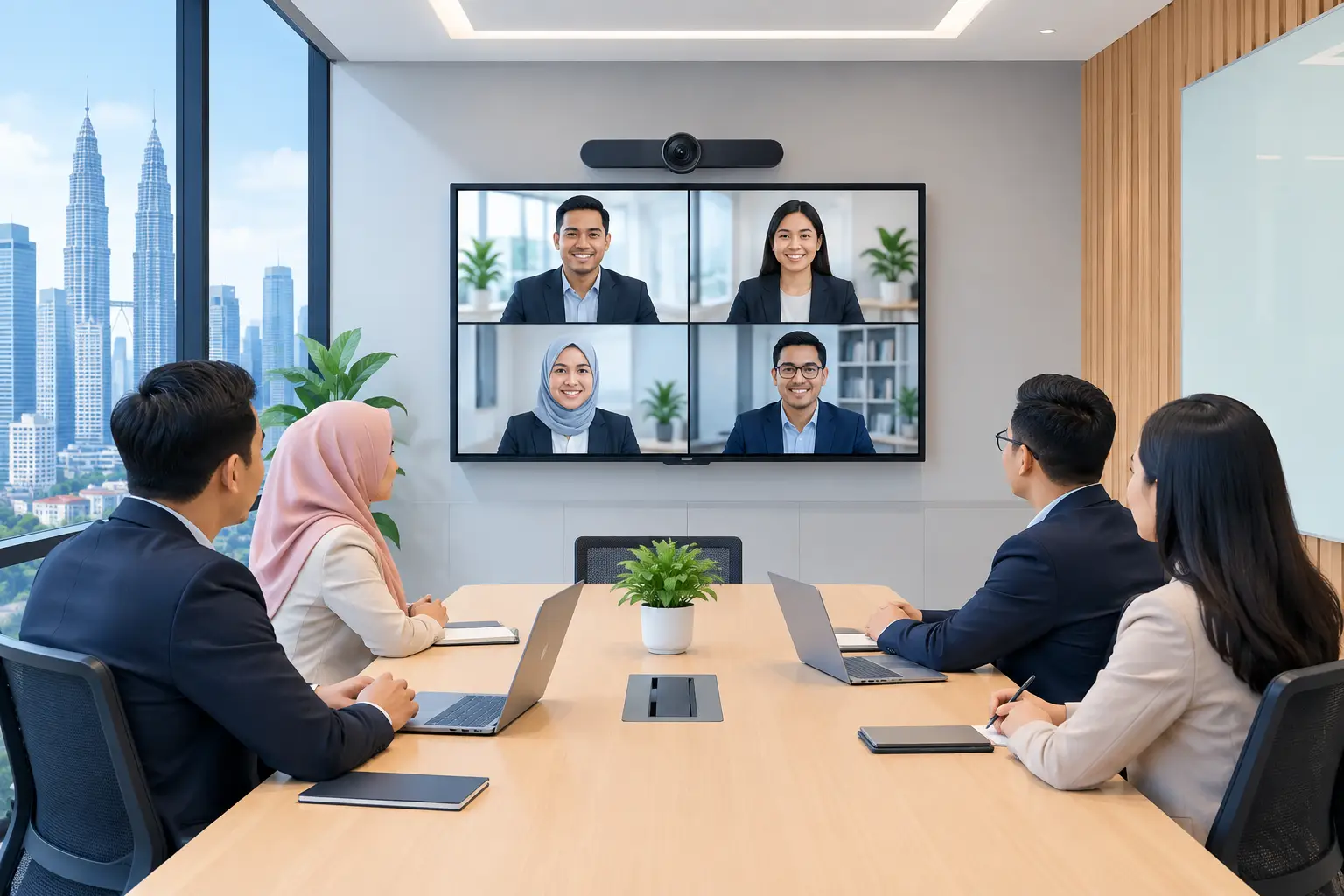
The best meeting room cameras Malaysia organisations buy are matched to the room, not the longest specification sheet. A small huddle space needs a wide-angle USB video bar. A boardroom normally needs intelligent framing, stronger audio and a camera position that lets remote participants see every speaker clearly.
How to choose the best meeting room cameras in Malaysia
A camera that looks good in a product brochure can still fail in a real meeting. The usual problem is not video resolution. It is a camera that misses the person at the far end of the table, audio that picks up air-conditioning noise, or a system that staff cannot start without calling IT.
Start with the room itself. Measure its depth and width, note where people sit, and identify where the display will be mounted. A six-person room with a 55-inch screen has very different requirements from a 16-seat boardroom with a 75-inch display and a long table.
Then decide how people will join meetings. If your team uses laptops for Zoom or Microsoft Teams calls, a USB camera system may be the practical choice. If the room is used heavily for scheduled Teams or Zoom meetings, a dedicated room system gives a more consistent experience and reduces cable clutter on the table.
The goal is simple: people should walk in, start the meeting, and be heard and seen without adjusting equipment every time.
What camera type suits your meeting room?
Most offices do not need the same camera in every room. Standardising the user experience matters, but camera coverage and audio should fit each space.
| Room type | Typical setup | What to prioritise | Watch out for | |---|---|---|---| | Huddle room, 2 to 6 people | All-in-one USB video bar | Wide field of view, built-in microphone and simple laptop connection | A very wide lens can make faces look small in a larger room | | Small meeting room, 6 to 10 people | Video bar with speaker tracking | Clear audio across the table and automatic framing | Check microphone range if people sit far from the display | | Boardroom, 10 to 20 people | Intelligent camera with expansion microphones or a PTZ camera | Speaker tracking, zoom range, flexible camera placement | Built-in audio alone may not cover a long table | | Training room or classroom | PTZ camera or multi-camera setup | Preset views, presenter tracking and coverage of participants | Camera control and installation need to be planned properly |
An all-in-one video bar combines camera, microphones and speaker in one unit under or above the display. It keeps installation tidy and works well when everyone is relatively close to the screen. For many small Kuala Lumpur and Selangor meeting rooms, this is the sensible starting point.
A PTZ camera pans, tilts and zooms. It is useful when a room is deep, when the presenter moves around, or when you need to show a whiteboard and a group of people. It can give better close-up views than a fixed wide-angle camera, but it normally needs separate audio equipment and more careful setup.
Intelligent framing cameras sit between these options. They use software to frame everyone in the room or follow the active speaker. This helps remote attendees feel included, especially when several people contribute. However, tracking features cannot fix poor lighting or weak microphones.
Do you need 4K for Zoom or Microsoft Teams rooms?
For most business meetings, 4K is worthwhile because it provides a sharper image and gives the system more room to crop and frame people. Yet 4K alone should not decide the purchase. A well-positioned 1080p camera with clear audio will often produce a better meeting than a 4K camera installed at the wrong height.
Look at framing and lens coverage before focusing on resolution. A camera placed too close to a long table may capture the nearest faces well but leave those at the back too small. A camera mounted too high can make everyone look as though they are speaking from beneath the screen.
Lighting also matters. Meeting rooms with large windows in Bangsar, KL Sentral or Petaling Jaya can create strong backlight in afternoon calls. Choose equipment with good low-light and backlight handling, but also consider blinds, lighting position and the direction of the table. These practical details cost less to resolve before installation than after staff begin complaining about poor video.
Audio matters as much as the camera
Remote attendees will tolerate a slightly soft image. They will not tolerate a meeting they cannot hear. Before choosing a camera, consider the room's acoustics, ceiling height and noise from corridors, air-conditioning units or glass partitions.
For a small enclosed room, the microphones in a video bar may be enough. For a long boardroom table, add extension microphones or use ceiling or table microphones designed for the room. The correct choice depends on where people sit and whether they tend to speak towards the display or away from it.
Ask for noise reduction, echo cancellation and microphone coverage to be demonstrated in a real room. These features are useful, but their performance changes with the layout. A system should pick up a quieter speaker at the end of the table without amplifying typing, paper shuffling and conversations outside the room.
Should you use a USB camera or a dedicated room system?
A USB camera system is familiar because users connect their own laptop. It is flexible for rooms used by visitors, different video platforms or teams that prefer their own devices. The trade-off is that the meeting experience depends on each laptop, cable and user.
A dedicated Zoom Rooms or Microsoft Teams Rooms system is better for spaces with frequent internal meetings. The room has its own controller, calendar integration and fixed camera and audio setup. Staff do not need to search for the correct cable or share a laptop screen just to start a scheduled call.
Some organisations need both. A dedicated system can handle everyday Teams or Zoom calls, while a guest laptop connection remains available for external presenters. This is worth planning early, particularly where the display is also used for presentations or an interactive flat panel display (IFPD).
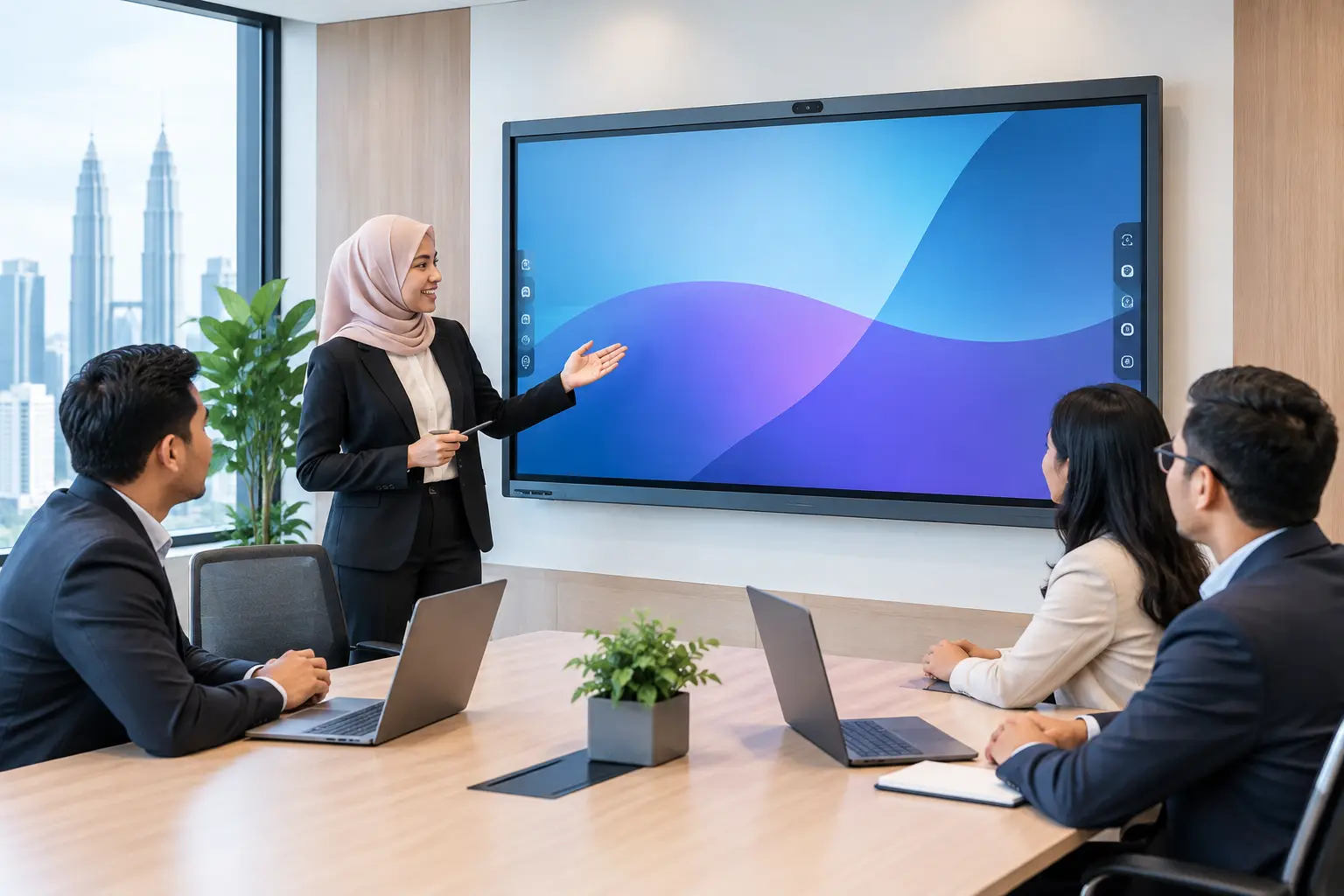
An IFPD can make sense in training rooms and collaboration spaces where teams annotate documents, run workshops and join video meetings from the same screen. In a formal boardroom, a commercial display with a dedicated room system may be the cleaner arrangement. It depends on how the room is actually used, not what looks most impressive on a floor plan.
What should be included in the installation?
Buying a camera is only part of the job. A usable room needs the camera mounted at the right height, display connections managed, microphones positioned correctly and settings tested on the video platforms your teams use.
A proper site survey should confirm sightlines, cable routes, wall strength, power points, network access and whether the camera will block the display or whiteboard. It should also identify glare and echo risks. This avoids the common situation where a good camera is fitted quickly, then moved later at extra disruption to the office.
Training matters too. Reception staff, administrators and meeting hosts should know how to start a call, share content, switch sources and get help. Keep the instructions short and visible in the room. The less people need to remember, the more likely the equipment will be used properly.
Hytech Office Automation provides site surveys, installation and user training for meeting-room systems, with a response within 4 working hours when support is needed. That local accountability is valuable when a board meeting or client presentation cannot wait for a generic helpdesk reply.
Frequently asked questions
What is the best camera for a small meeting room?
A wide-angle all-in-one video bar is usually the right fit for a room seating two to six people. It keeps the table clear and provides camera, microphones and speaker in one device, provided the room is not too deep.
Can one meeting room camera work with both Zoom and Microsoft Teams?
Yes, many USB camera systems work with both platforms when connected to a laptop. A dedicated room system is normally configured for one primary platform, although guest laptop sharing may still be available.
Where should a meeting room camera be mounted?
Mount it near eye level, centred on the main seating area and close to the display where possible. Avoid placing it too high, behind a person who presents often, or directly facing strong window light.
Do we need separate microphones for our boardroom?
Usually, yes, if the table is long or seats more than 10 people. Built-in video bar microphones have limits, so extension, table or ceiling microphones may be needed for consistent speech pickup.
Can we try the equipment before deciding?
Yes. Testing how speaker framing, audio pickup and content sharing work is more useful than comparing specifications alone. It also lets your team check whether the controls make sense for the people who will run meetings daily.
See the room before you decide
Bring your room dimensions, seating plan and preferred meeting platform to a showroom demo at the Maxsmart Experience Centre at Corporate Tower 2, Pavilion Damansara Heights. An Office Solutions Specialist can demonstrate suitable camera and audio options in a real boardroom setting, so your decision is based on how the system works for your people, not just what appears on a quotation.