Interactive Kiosk Malaysia Buying Guide for Offices
Buyers searching for interactive kiosk Malaysia options are usually trying to stop the same bottleneck: visitors queueing at reception while staff repeat directions, collect basic details or point to printed notices. The right kiosk gives people a clear self-service point, but its value depends on location, software, connectivity and content ownership.
What should an interactive kiosk in Malaysia do?
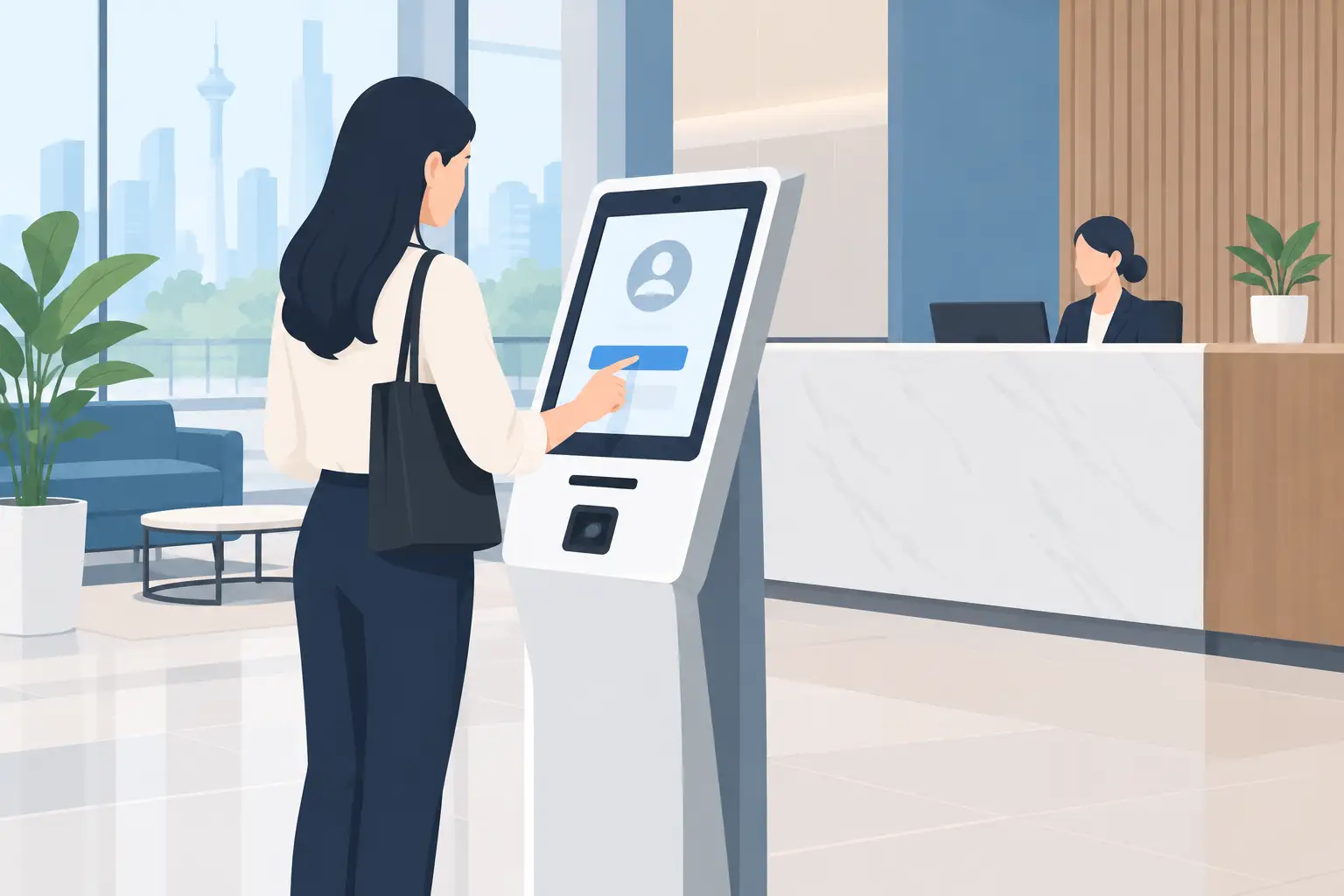
Start with the job, not the screen. A kiosk in a corporate lobby may handle visitor registration, QR check-in and wayfinding. In a school, it may display campus notices, event schedules or room directions. A clinic may use one to guide patients to the correct counter and reduce repeated questions at reception.
The strongest kiosk projects solve one or two defined problems. Trying to turn one screen into a directory, advertising board, feedback station, booking system and payment terminal can make the experience slow and confusing. Decide what a person should be able to complete in under a minute.
For many offices and GLCs, a reception kiosk works best when it asks visitors to select a host, enter basic details and wait for an arrival notification or printed instruction. If the building already uses visitor management software, the kiosk should be checked for compatibility before it is ordered.
Which kiosk type suits your site?
Interactive kiosks are available in several physical formats. The choice affects visibility, accessibility, cleaning and installation work. A wall-mounted screen saves floor space, while a freestanding unit is easier to position in an open lobby or exhibition area.
| Kiosk type | Suitable use | Main consideration | |---|---|---| | Freestanding touch kiosk | Lobbies, showrooms, schools and events | Needs clear floor space and secure fixing | | Wall-mounted touch display | Lift lobbies, corridors and reception walls | Requires a suitable wall, power point and cable route | | Countertop kiosk | Reception desks, registration points and smaller clinics | Has a smaller screen and can be less visible from a distance | | Digital directory kiosk | Multi-tenant buildings and large campuses | Needs regularly updated tenant or room information | | Outdoor-rated kiosk | Entrances, car parks and public-facing locations | Must be specified for heat, rain, glare and security |
A 32-inch screen can suit a compact check-in point where users stand close to the display. A 43-inch or 55-inch kiosk is easier to notice in a busy reception area and gives more room for directories, maps and larger touch buttons. Bigger is not always better. In a narrow entrance, a large freestanding kiosk can obstruct traffic or create an awkward queue.
What software and features do you need?
The hardware is only the visible part of the project. The software determines whether your kiosk remains useful after the first month.
For a straightforward information kiosk, you may only need a managed digital signage platform with touch-enabled pages. This allows an administrator to update notices, directories, promotions or announcements without visiting the site. Ask how content is published, who has access, and whether different locations can show different information.
For visitor registration, the important questions are more practical. Can the system notify a host? Can it capture an acknowledgement of site rules? Is personal data stored securely, and how long is it retained? Can visitors use a QR code or identity document if your process requires it?
Do not assume every kiosk includes a printer, scanner, camera, card reader or access-control integration. These are separate requirements that affect the enclosure, wiring, software and support scope. Specify them at the start, especially if procurement needs to compare proposals fairly.
How do you plan an interactive kiosk installation?
A site survey avoids most expensive mistakes. Your supplier should check the final position, viewing angle, power source, network access, wall condition and the route for cables before delivery. In Kuala Lumpur office towers, building management requirements can also affect delivery timing, goods lift booking and work permits.
Network planning matters. A kiosk that needs to send visitor alerts or receive content updates needs a dependable connection. Wired network access is often preferable for a fixed lobby installation, although Wi-Fi can be suitable where cabling is impractical and coverage has been tested at the exact location.
Security should be considered in layers. The kiosk itself may need floor anchoring or wall brackets. The operating system should limit staff and public access to approved functions. For public-facing units, an administrator should also have a clear process for restarting the device, changing content and reporting faults.
Installation is not the end of the job. Reception staff, facilities personnel or administrators need a short handover on everyday tasks. They should know who updates information, where passwords are held, and what to do if the screen loses connectivity or a visitor cannot complete check-in.
What affects the cost of a kiosk project?
A basic indoor touchscreen is a different purchase from a purpose-built visitor-management kiosk. The final cost is shaped by screen size, touch capability, enclosure design, computer specification, software, peripherals, installation conditions and ongoing support.
A lower upfront figure can become poor value if it excludes site work, configuration or staff training. Equally, a highly specified kiosk is unnecessary if it will only display a simple staff directory. The sensible approach is to write down the daily task, anticipated visitor volume and required integrations before requesting a proposal.
Consider the ongoing workload as well. Someone in your organisation must keep names, room locations, notices and campaign material current. If nobody owns this task, even a well-installed kiosk will soon display outdated information. Content responsibility is often the deciding factor between a useful reception tool and an expensive noticeboard.
How to choose a supplier for an interactive kiosk in Malaysia
Look beyond the equipment list. A suitable supplier should be prepared to assess the location, explain what is included in installation and train the people who will use the system. This is particularly relevant where a kiosk connects to your network, visitor procedure or existing digital signage.
Ask who will support the equipment after handover and whether the same team can coordinate the screen, mounting, software and configuration. Multiple parties can work on a project, but unclear responsibility makes fault resolution slower.
Hytech Office Automation provides site survey, delivery, installation and user training for workplace technology projects, with a response within four working hours for support requests. For buyers, that local accountability is often more useful than comparing screen specifications alone.
Frequently asked questions
Can an interactive kiosk replace a receptionist?
Usually, no. A kiosk can handle repetitive tasks such as basic registration, directions and announcements, allowing reception staff to focus on visitors who need assistance. It is most effective as support for a reception team, not as a complete replacement where hospitality or security checks are required.
Do we need a touch screen for a lobby display?
Not always. If people only need to view announcements, a standard digital signage display may be simpler and more economical. Choose touch capability when users need to search a directory, select directions, register their arrival or complete another action themselves.
Can a kiosk work without internet access?
It can display locally stored content without an internet connection. However, remote updates, host notifications, cloud-based visitor registration and live directories normally require network access. Confirm what should still work if the connection drops.
Is a 55-inch kiosk suitable for a small office reception?
It depends on viewing distance, available floor space and the information being shown. A 55-inch display is highly visible, but a 32-inch or 43-inch unit can be more proportionate for a compact reception counter or narrow entrance.
How often should kiosk content be updated?
Update it whenever visitor instructions, staff names, room locations or promotions change. For a corporate directory, assign one administrator and review it at least monthly. For a school or event venue, weekly or even daily updates may be necessary.
Next step
Before committing to a screen size or software package, arrange a complimentary on-site consult with an Office Solutions Specialist. A short review of your visitor flow, lobby layout and daily tasks will show whether a kiosk is the practical answer, and what it must do from day one.