Visitor Check-In Kiosk Malaysia: What to Specify
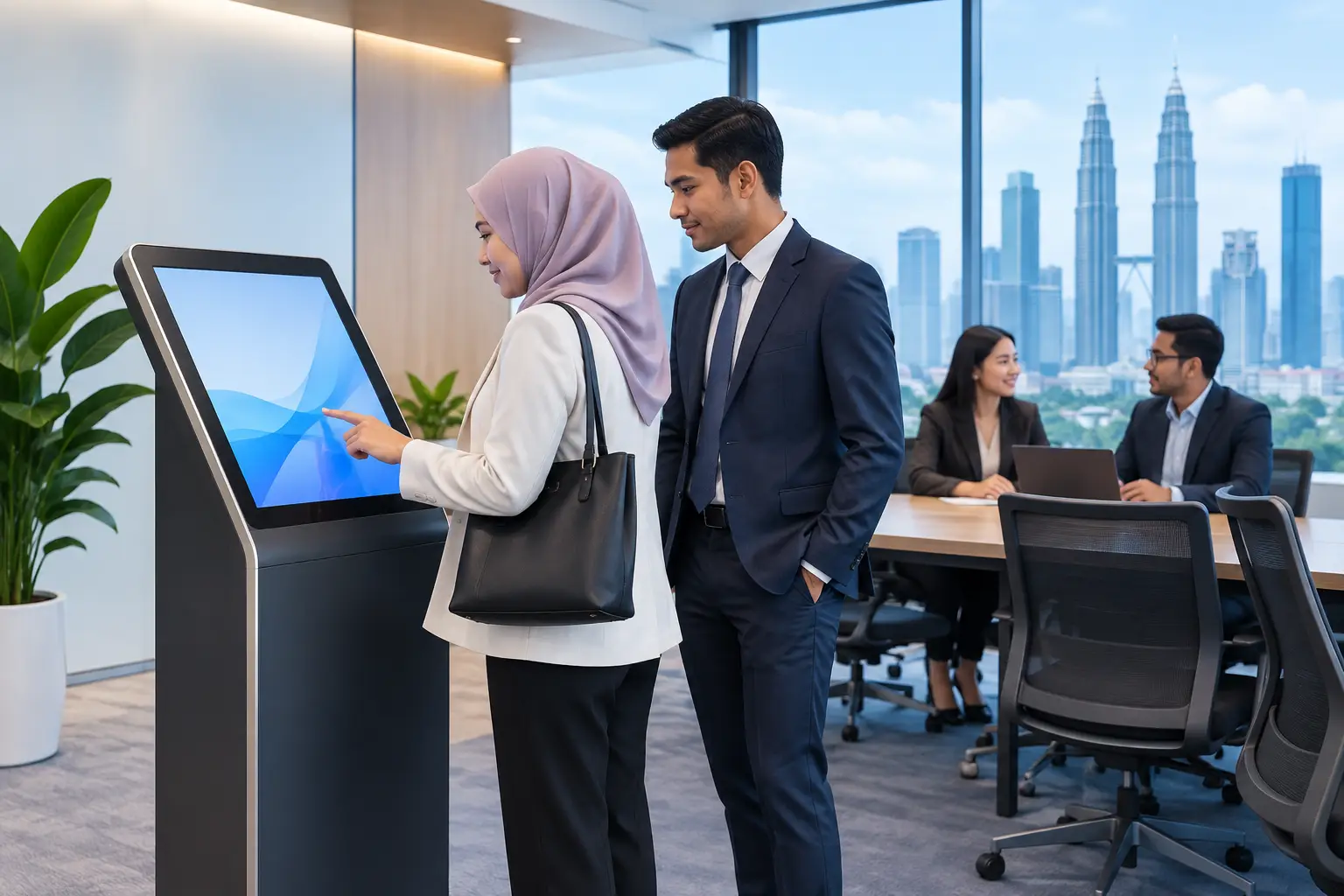
A visitor standing at reception should not have to wait while staff search for a paper logbook, call an employee, or ask the same questions repeatedly. A visitor check-in kiosk Malaysia organisations deploys well can make the arrival process more professional, more traceable and easier for reception teams to manage - without making guests feel processed by a machine.
For offices, education providers, healthcare facilities and other professional premises, the right system is not simply a touchscreen at the entrance. It is a visitor-management workflow designed around your security policy, reception capacity, site layout and the type of people who enter your building each day.
Start with the visitor journey, not the screen
The most effective check-in kiosks are designed backwards from what must happen after a guest arrives. A client attending a boardroom meeting, a contractor reporting for site work and a parent visiting a school may all require different questions, approvals and badges. Treating every visitor exactly the same can create unnecessary queues or leave gaps in your records.
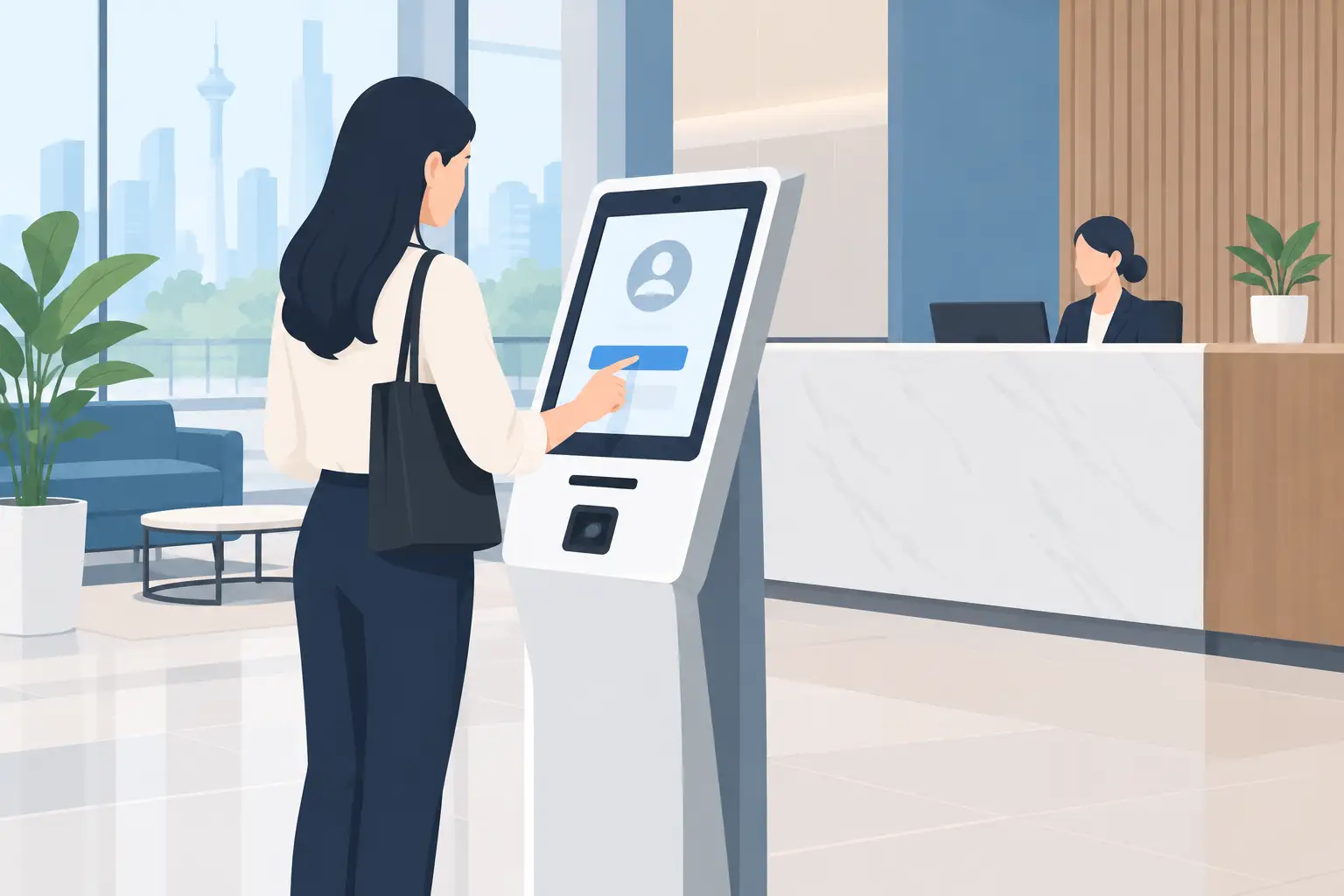
A typical workflow begins with a clear welcome screen. The visitor selects a purpose, searches for their host or enters an appointment reference, and provides the required details. The system can then notify the host, print a visitor badge and record the arrival time. On departure, the same visitor can check out so your team has a clearer view of who remains on site.
That process sounds straightforward, but the details matter. Decide whether visitors should be able to search for hosts by name, whether reception needs to approve arrivals, and what should happen when a host does not respond. A good implementation accounts for these real-world exceptions rather than assuming every appointment runs to schedule.
What a visitor check-in kiosk in Malaysia should handle
Requirements vary by sector, but several capabilities are consistently useful for Malaysian workplaces. The goal is to reduce manual administration while keeping the experience clear for guests and manageable for staff.
Host notifications and arrival records
Instant notifications can prevent receptionists from making repeated calls to meeting organisers. Depending on the chosen platform and policy, a host may receive an alert when their guest arrives, while reception retains a time-stamped record of the visit. This is particularly valuable in multi-floor offices where the host may not be close to the entrance.
For organisations with high visitor volumes, searchable records also make it easier to answer operational questions: who visited, whom they met and when they checked out. Retention periods should be set according to your internal policy and applicable privacy obligations.
Badge printing that works in practice
A badge is useful only if it is readable, durable enough for the visit and issued without slowing the queue. For many offices, a simple label showing the visitor’s name, host, date and visitor status is sufficient. Facilities with controlled areas may need colour-coded badges, a photograph, QR code or more explicit access instructions.
Printer selection deserves attention. It must suit expected daily volume, have accessible consumables and be placed where staff can deal with a label jam quickly if one occurs. Small operational details such as these often decide whether a reception system remains dependable six months after installation.
Policy acknowledgement and contractor controls
A kiosk can present a confidentiality notice, health and safety message, data-use notice or site rules before a visitor completes registration. Where acknowledgement is required, the system can record that it was accepted. This is useful for contractors, suppliers and visitors entering controlled operational areas.
However, do not overload the screen with dense legal text. Present essential information in plain language and direct visitors to fuller policies where appropriate. If the check-in takes too long, guests will need help and the efficiency benefit disappears.
Identity and appointment options
Some sites need only a name and mobile number. Others may require appointment validation, identification checks or integration with an existing access-control process. The correct level of verification depends on risk, not on which feature sounds most advanced.
A corporate office receiving clients for meetings may prefer a quick, welcoming process. A healthcare facility, research site or insurer handling sensitive information may require more formal registration. Clarify this early with facilities, HR, IT, reception and security stakeholders.
Plan for privacy, language and accessibility
Visitor information is personal information. Before selecting a system, establish what data you genuinely need, who may access it, where it will be stored and when it should be removed. Avoid collecting extra fields merely because the kiosk can display them. A shorter form is usually better for both privacy and visitor convenience.
For sites receiving international guests, clear English is often essential, and additional language options may be appropriate. The interface should use large text, direct prompts and a layout that can be understood without staff guidance. Positioning also matters: the screen height, approach space and lighting should accommodate a broad range of visitors.
A kiosk must not remove the human option. Some guests may need assistance, have accessibility needs or prefer not to use a self-service device. Reception staff should be able to check in visitors on their behalf and resolve unusual cases without creating a parallel paper process that undermines reporting.
Choose hardware for the reception environment
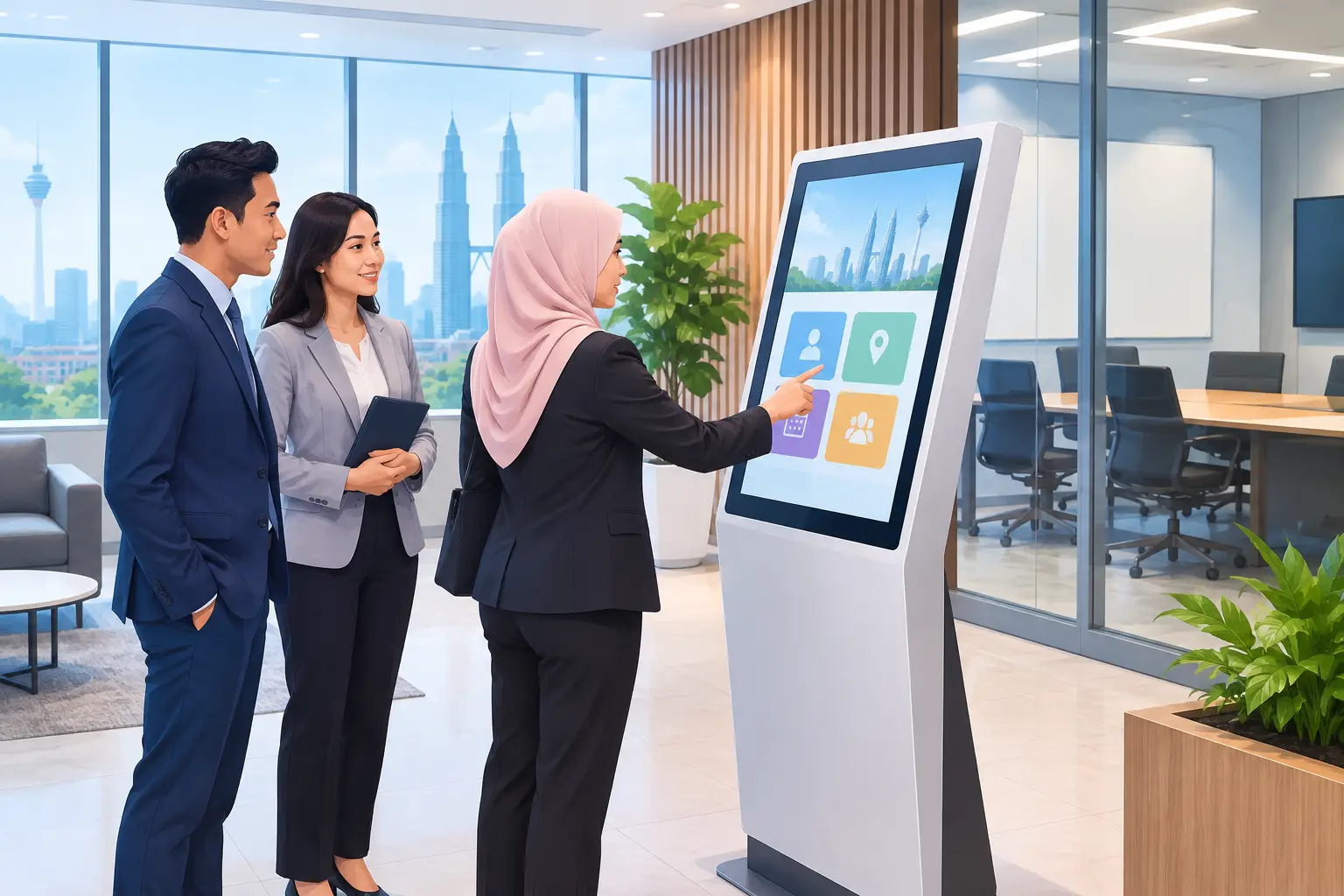
The visitor check-in kiosk Malaysia buyers choose should suit the actual reception area, not just look impressive in a product photograph. A compact countertop unit may be right for a staffed reception desk with limited space. A freestanding kiosk can suit a lobby with regular self-service traffic, provided there is sufficient floor space, power and a safe cable route.
Screen size should make forms easy to read without making the kiosk visually intrusive. A commercial-grade display is generally a more sensible choice than a consumer tablet for shared, daily use, especially where the device will remain on for long business hours. Consider the finish, cleaning requirements and whether the enclosure matches the surrounding office environment.
Connectivity is another practical decision. Wired network access can offer greater consistency at a fixed reception point, while Wi-Fi may be suitable where cabling is difficult. Your IT team should confirm network permissions, device-management requirements and any restrictions affecting notifications, printing or cloud-based visitor records before installation day.
Integration is valuable, but only when it reduces work
A kiosk can operate effectively as a standalone visitor-management point. Integration with calendars, directory systems, access control or meeting-room processes may add value, but it should solve a clear operational problem.
For example, an integration that automatically matches a pre-registered visitor to a host can save time at a busy office. Conversely, a complicated connection requiring constant manual maintenance may create more work than it removes. Ask prospective providers to explain the day-to-day administration, not only the feature list.
It is also worth deciding who will own the system after launch. Reception may manage visitor settings, IT may oversee connectivity and security may define badge rules. Clear ownership prevents simple changes, such as adding a new department or updating a policy message, from being delayed unnecessarily.
Installation and support are part of the purchase
A kiosk project can fail even when the equipment is suitable. Poor placement, unreliable network access, an untested printer or untrained reception staff can quickly affect confidence in the system. That is why site assessment and implementation support should be treated as part of the solution, rather than optional extras.
A capable provider will assess the reception layout, confirm power and network requirements, recommend an appropriate kiosk format, install the equipment and test the complete visitor flow. Staff training should cover normal check-ins as well as practical issues such as replacing badge media, assisting visitors and handling a host who cannot be reached.
Hytech Office Automation supports Malaysian organisations with a consultative approach to workplace technology, from site survey and system design through installation, user training and after-sales support. For decision-makers, having one accountable local partner can reduce the burden of coordinating display, kiosk, network and reception requirements across several suppliers.
Make the decision with a live demonstration
Before committing, test a proposed workflow as if you were a visitor. Can a first-time guest complete it without explanation? Is the badge clear? Does the host receive the right notification? Can reception intervene quickly? Test the busiest likely scenario, not only an ideal demonstration with one visitor and a fully prepared host.
Frequently asked questions
What does a visitor check-in kiosk do?
It lets visitors register themselves at reception, usually by typing their details or scanning a QR code. It shortens the queue at the front desk and keeps a visitor record.
What should we specify for a check-in kiosk?
The screen size, indoor or outdoor use, a badge printer or camera if needed, the check-in software, and how visitor data is stored under Malaysia's Personal Data Protection Act.
Can the kiosk connect to our existing systems?
Often, but it depends on the software. Ask the supplier to confirm the link to your access control or visitor system before you order.
What kinds of kiosks does Hytech supply?
Hytech supplies check-in, wayfinding and queue kiosks for lobbies, malls, clinics and government counters.
A reception kiosk should make every arrival feel more organised while giving your team better control of the building. The best result is not the most feature-packed unit at the entrance, but a well-supported system that staff can rely on and visitors can use with confidence.
Next step: see Hytech's interactive kiosks for check-in, wayfinding and queues, and ask for a complimentary on-site consult for your lobby or counter.