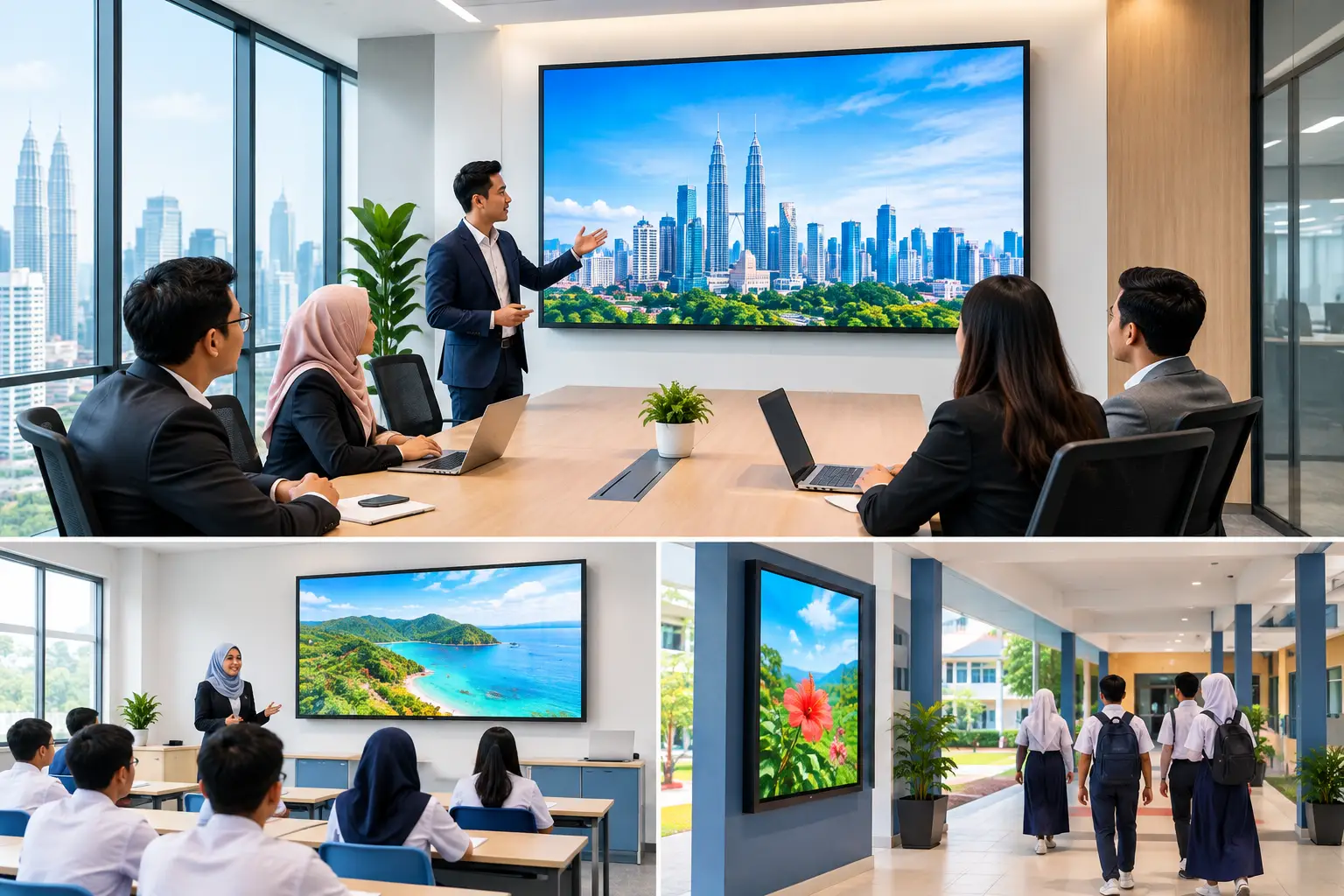
How to Claim HRDC Panels Before Buying
A claim for HRDC panels starts before you place an order, not after delivery. Your organisation must apply through HRD Corp’s Training Facilities and Renovation Scheme (ALAT), receive approval, buy the approved interactive flat panel display (IFPD) within six months, then submit the claim with the required purchase records.
Which panels can you claim under HRDC?
For office and training-room technology, the eligible Hytech product is an interactive flat panel display (IFPD). This is the large touch display used for staff training, workshops, presentations and collaborative sessions. It combines a display, whiteboard and presentation screen in one unit.
Do not assume that every item in a meeting room can be included. Photocopiers, projectors, LED display walls, interactive kiosks, digital signage and video conferencing systems are not HRDC claimable under this arrangement. Installation and delivery by themselves are also not claimable.
The relevant route is HRD Corp’s Training Facilities and Renovation Scheme, commonly called ALAT. The purpose matters. The IFPD must be installed in a venue used for training and used for training activities. A panel bought mainly for a managing director’s boardroom, reception area or general meeting space may not meet the intended use requirement.
How to claim HRDC panels step by step
The order of events is the part most buyers get wrong. A useful panel may still be non-claimable if the purchase happens before HRD Corp approval.
1. Confirm your levy balance and available limit
Start by checking your organisation’s HRD Corp levy balance. Under the ALAT scheme, the yearly cap is 50% of your levy balance as at 1 January. This figure helps you set a realistic budget before choosing screen size, quantity or accessories.
For example, a training department may want one 75-inch IFPD for its main learning room, while a larger organisation may require several panels across Kuala Lumpur and Selangor sites. The available levy limit, training need and room layout should guide the scope.
2. Define the training venue and intended use
Your application should clearly show where the IFPD will be placed and how it supports training. Be specific. “Training room for induction, product knowledge sessions and internal workshops” is more useful than “office display”.
This is also the right point to assess the room. A small training room may suit a 65-inch screen, while a room used for larger groups may need a 75-inch or 86-inch display. Sightlines, wall position, seating layout, power points and Wi-Fi access affect day-to-day usability.
3. Apply through HRD Corp before buying
Submit the ALAT application and wait for the outcome before issuing a purchase order, paying a deposit or arranging delivery. HRD Corp decides each application. Approval is not automatic, even when the equipment appears to fit the scheme.
Keep the application details aligned with the panel you intend to buy. If the approved scope, venue or equipment description differs from the final purchase, ask HRD Corp what amendments or supporting documents are needed before proceeding.
4. Buy within the approval period
Once approval is granted, complete the purchase within six months. Do not treat the approval as open-ended. A delayed renovation, internal budget hold or procurement process can use up that window faster than expected.
An IFPD can be purchased outright or through a 36-month instalment plan from about RM203 a month. For the HRDC process, confirm that the proposed payment arrangement and documents support your approved claim requirements before finalising the order.
5. Install it in the approved training location
Place the panel in the stated training venue and use it for training. This is not just an administrative detail. The scheme is designed to support employee development facilities, so the equipment’s location and purpose should match the application.
Plan installation around actual training use. Mounting height, camera position for hybrid sessions and cable management can determine whether trainers use the panel confidently or revert to a laptop and old projector.
6. Submit the claim after purchase
After the purchase, prepare the claim with the documents requested by HRD Corp. Typically, this means retaining the approval records, quotation, invoice, proof of payment and evidence that the IFPD has been supplied and installed at the training venue.
Document requirements and claim procedures can change. Check the current HRD Corp requirements before submission, and make sure your finance, HR and procurement teams hold the same version of the paperwork.
What happens if you buy the panel first?
If you buy before approval, the purchase is not claimable under ALAT. That includes situations where the panel has not yet been delivered, or where the organisation plans to submit an application shortly after paying.
This is why a quick internal purchase can become expensive. A department may be under pressure to equip a new training room before onboarding starts, but skipping the approval stage removes the option to claim. If timing is tight, begin the room assessment, quotation and application preparation early while keeping the purchase uncommitted.
HRDC panel claim checklist
| Stage | What your organisation needs to do | Common mistake to avoid |
|---|---|---|
| Before application | Check levy balance, yearly limit and training-room requirement | Treating the full levy balance as available for ALAT |
| Application | Apply for the IFPD under ALAT before any purchase | Paying a deposit or issuing a purchase order too early |
| Approval | Review the approved panel, venue and timeframe | Assuming approval covers a different model or location |
| Purchase | Buy within six months of approval | Letting procurement delay the order beyond the validity period |
| Claim | Submit purchase and installation evidence after buying | Claiming delivery or installation as standalone items |
How to choose an IFPD for a training room
The claim process should not force you into buying a screen that is wrong for the room. Start with participants, not specifications. A panel used for 10 people seated close together has different requirements from one used for 30 staff in a classroom-style room.
Consider how training is delivered. If facilitators annotate documents, run whiteboard exercises or compare spreadsheets, touch capability and writing accuracy matter. If remote trainers join on Zoom or Microsoft Teams, camera, microphone placement and the room’s acoustics deserve equal attention.
Budget also needs context. A lower-cost panel can be sensible for straightforward presentation use. A more capable IFPD may be better value where trainers use it daily and need stable touch performance, wireless sharing and familiar meeting controls. The right choice depends on usage frequency, room size and the standard your trainers need to maintain.
Hytech Office Automation can help customers assess the proposed training venue, select a suitable MAXHUB IFPD and prepare the product information needed for their HRDC claim. It does not decide claim eligibility or act as an HRD Corp training provider. HRD Corp remains responsible for application and claim decisions.
Frequently asked questions
Can I claim an IFPD after I have already bought it?
No. The employer must apply and obtain approval before the purchase. A panel bought before approval is not claimable under the ALAT scheme.
Are delivery and installation HRDC claimable?
Delivery and installation alone are not claimable. Keep all purchase and installation documentation, but do not assume these services can be claimed as separate standalone costs.
How much can my organisation claim for HRDC panels?
The yearly ALAT cap is 50% of your levy balance as at 1 January. Your actual approved amount depends on HRD Corp’s assessment of your application and available balance.
Can we put the panel in a normal meeting room?
The panel must be placed in a training venue and used for training purposes. If a room serves both meetings and training, describe its training function accurately in the application and seek HRD Corp’s guidance where needed.
Is a projector or LED wall claimable under this scheme?
No. For Hytech’s workplace technology range, the HRDC claimable item is the IFPD. Do not include photocopiers, projectors, LED walls, kiosks, digital signage or video conferencing systems in this claim assumption.
How long do we have to buy after approval?
You must complete the purchase within six months of approval. Build in time for internal procurement, room readiness and sign-off rather than leaving the order to the final weeks.
A complimentary on-site consult can help you match the IFPD to the training room before you apply, so your proposed screen size, placement and intended use are clear from the start. A well-planned training room gives your team a practical tool they will use long after the claim paperwork is complete.