LED Signage Malaysia for Offices and Schools
LED signage Malaysia buyers choose well is not simply the brightest screen available. It is a display matched to viewing distance, room lighting, content and daily use. For offices, schools and public-facing sites, the right setup makes messages easier to see, update and act on without creating another IT problem.
When does LED signage make business sense?
A printed poster is cheap until the message changes. A projector works until daylight washes out the image, someone misplaces the remote, or the meeting starts with ten minutes of cable checks. LED signage is worth considering when information needs to stay visible, professional and current throughout the day.
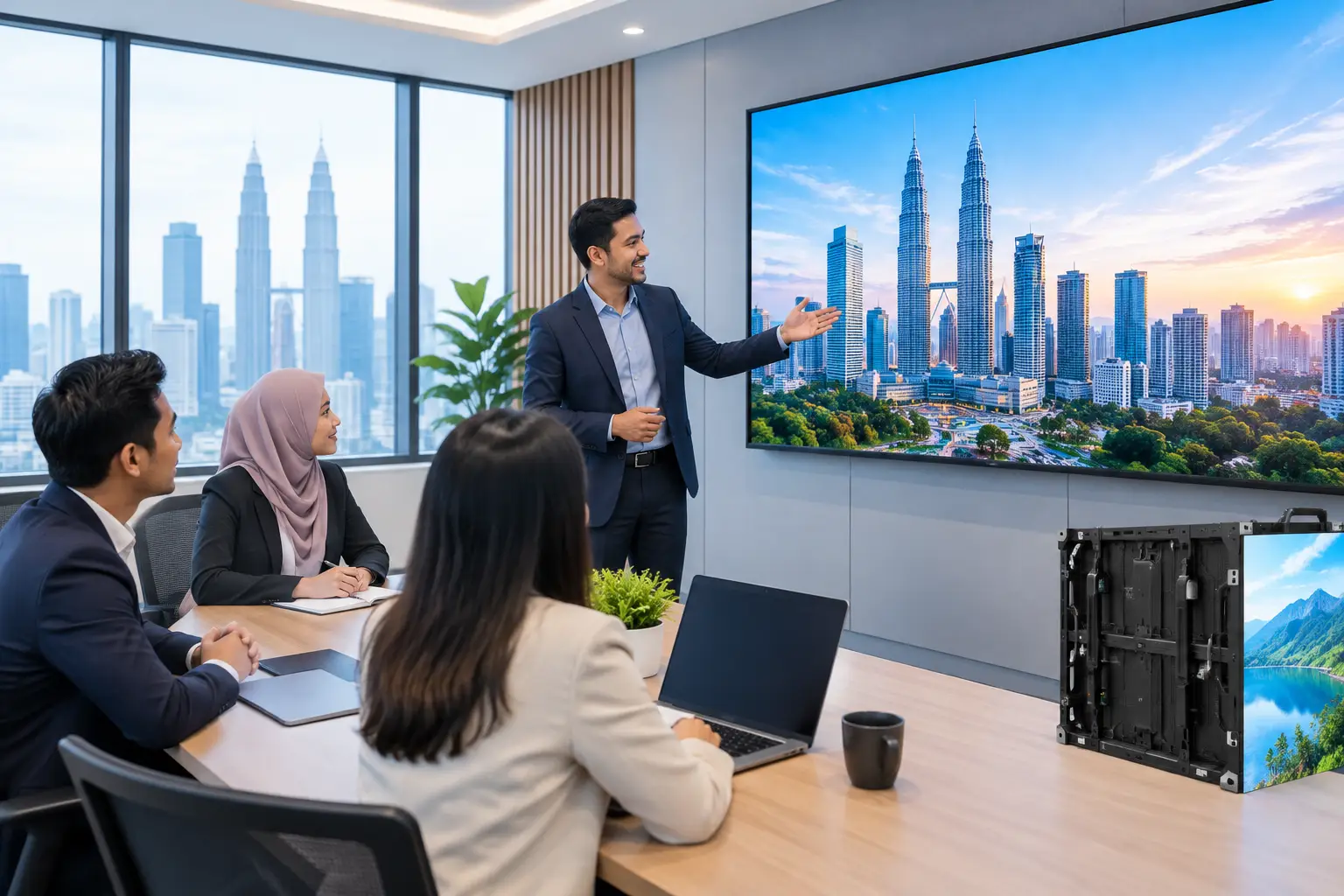
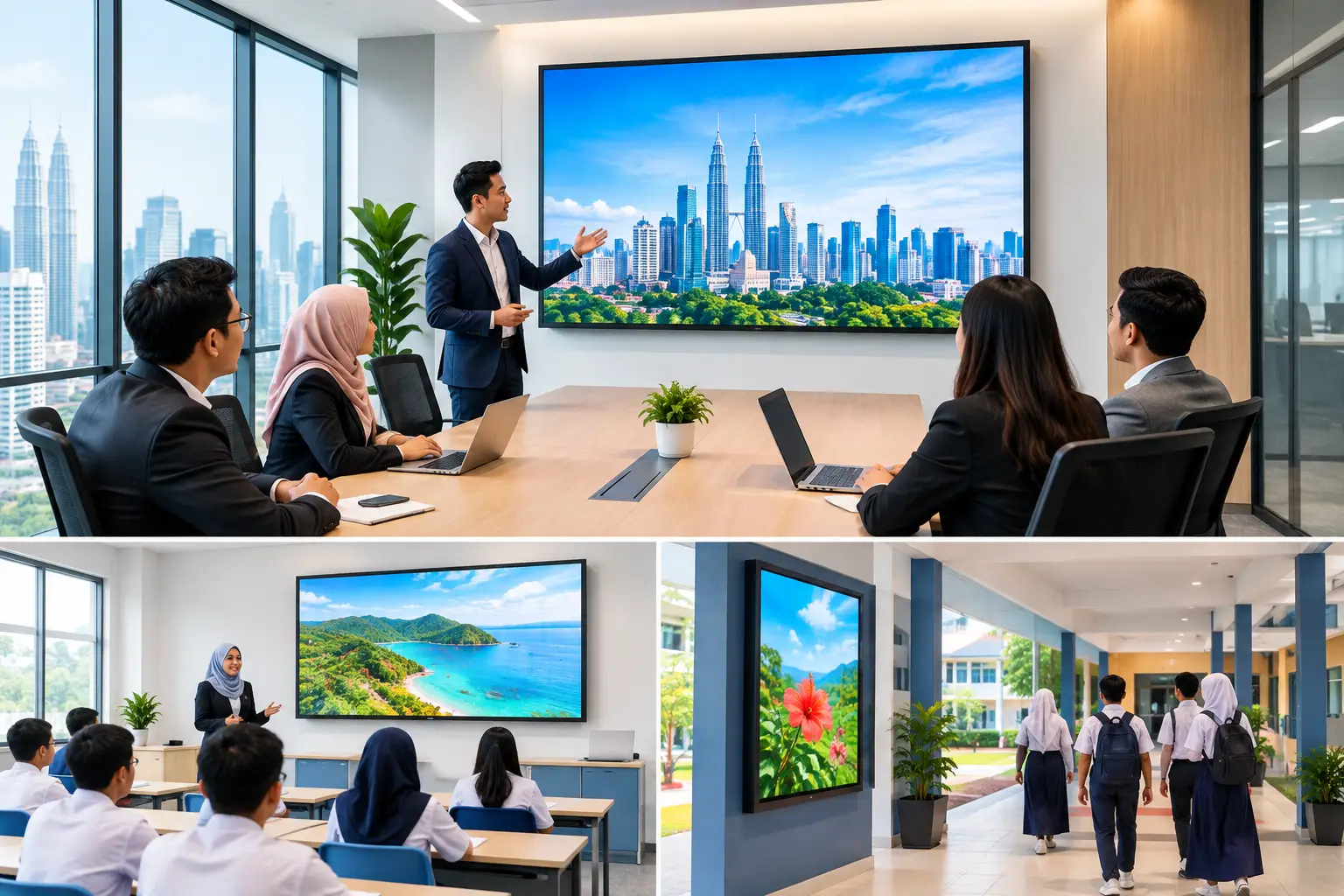
This commonly applies to reception areas, lift lobbies, training centres, showrooms, school halls, operations rooms and large meeting spaces. A corporate office may use an LED display wall to show company announcements and visitor information. A school may use one for assemblies, event schedules and urgent notices. A retail-facing business may need product visuals that can be changed without replacing physical signage.
The business case depends on frequency and visibility. If content changes once a year, printed signage may still be sensible. If several teams need to update messages weekly or daily, a managed digital display is usually easier to justify.
LED signage Malaysia buyers should compare
Not every large screen is an LED wall. Buyers often use LED display, digital signage, television and interactive flat panel display (IFPD) as though they mean the same thing. They do different jobs.
| Option | Best suited to | Main advantage | Consider before buying | |---|---|---|---| | LED display wall | Large lobbies, halls, auditoriums and feature walls | Bright, large-format visuals with no obvious screen bezel | Requires proper site planning, viewing-distance checks and professional installation | | LCD digital signage | Reception counters, corridors, meeting room entrances and menu boards | Clear picture at common screen sizes and practical for close viewing | Screen size is limited compared with a purpose-built LED wall | | IFPD | Meeting rooms, classrooms and training rooms | Users can present, write, annotate and collaborate on screen | Built for interaction, not mainly for all-day public messaging | | Projector | Training rooms and occasional presentations | Suitable where a very large image is needed at a lower initial outlay | Ambient light, lamp or laser choice, mounting position and screen surface matter |
For a reception area where visitors stand two to five metres away, a well-sized digital signage screen may be enough. For a bright lobby where people view content from across an open floor, an LED wall may give a stronger result. Bigger is not automatically better. A display that is too large for its location can feel uncomfortable to view, while one that is too small gets ignored.
What screen size and pixel pitch do you need?
Start with where people will stand, not with a preferred screen size. Viewing distance affects how sharp an LED display appears. Pixel pitch refers to the space between LED pixels. A smaller pitch gives a finer image for close viewing, but it also affects cost.
A boardroom feature wall viewed from several metres away has different requirements from an LED display behind a reception desk. Content matters too. Large text, photographs and video can work well on different specifications. Small spreadsheets, detailed floor plans and dense text need more careful planning.
Ask an Office Solutions Specialist to assess the wall dimensions, sightlines, ambient light and power access. This avoids a common mistake: ordering a display based on a showroom photograph, then finding columns, glass reflections or furniture block the view after installation.
Where should LED signage be installed?
The wall is only part of the decision. A practical installation considers how the display will be used and maintained after it goes live.
In a lobby, check whether sunlight falls directly on the screen at certain times of day. In a school hall, consider whether the display must be visible from the back rows during assemblies. In a meeting space, assess whether the screen will compete with windows, ceiling lights or a projector.
There must also be a sensible route for cabling, network access and future servicing. A clean installation should not leave exposed wires across a reception wall or require facilities staff to dismantle surrounding finishes to access the display. Wall structure matters, particularly for larger LED configurations.
For organisations in Kuala Lumpur and Selangor, an on-site consult can identify these issues before equipment is selected. It is faster and less costly to resolve access, mounting and cable routes at the planning stage than after a display arrives.
Who will update the content?
A display that shows the same outdated announcement for six months does not improve communication. Before choosing LED signage, decide who owns the content and how often it will change.
Reception teams may need simple updates for visitor notices and operating hours. Marketing teams may need campaign images, videos and event announcements. HR may need to publish staff messages, safety reminders or recruitment notices. Each group needs an agreed process, so the screen remains useful without everyone having unrestricted access.
Keep the content readable. A lobby screen is not a noticeboard where every paragraph must fit. Use large type, short messages, strong contrast and enough time for viewers to absorb each slide. If a message needs close reading, place it on a web page, printed handout or email instead.
It also helps to prepare a basic content calendar. Plan recurring messages such as public holidays, town halls, training dates and safety campaigns. Then leave space for urgent updates. The technology is only effective when somebody has a clear reason to use it.
What does installation and support look like?
LED signage should be treated as an installed workplace system, not a boxed product. The process normally begins with a site survey, followed by recommendations on display size, placement, mounting and content use. Delivery and installation come after the agreed design, then users need a practical handover.
Training does not need to be technical. The relevant staff should know how to switch sources, update approved content and report a fault. Facilities and IT teams should also know who to contact if a display stops working or a connection needs attention.
Hytech Office Automation supports this process with site survey, delivery, installation, user training and after-sales service. Customers receive a response within four working hours, which gives facilities and IT teams a clear route when they need help rather than a list of disconnected suppliers.
Frequently asked questions
Is LED signage better than a normal TV?
It depends on the location and purpose. A normal commercial display can suit close-range reception messaging, while an LED wall is more suitable when you need a larger, brighter image that remains visible across a hall or open lobby.
Can LED signage show live presentations?
Yes, provided the inputs and room setup are planned for it. For regular presentations in a boardroom or classroom, an IFPD may be the more practical choice because it adds touch, annotation and collaboration tools.
How often should we change digital signage content?
For active reception or staff communication screens, weekly updates are a reasonable starting point. Time-sensitive notices should be removed promptly, because old messages reduce confidence in every message that follows.
Do we need IT involvement?
Usually, yes. IT should review network requirements, source devices, access control and any content management arrangements, while facilities should confirm the installation location, wall condition and power provision.
Is LED signage HRDC claimable?
No, LED signage is not covered by the HRD Corp Training Facilities and Renovation Scheme allowance described for Hytech customers. Interactive flat panel displays are the Hytech product that may be HRDC claimable, subject to HRD Corp approval and its conditions.
Can we see an LED display before deciding?
Yes. Seeing equipment in use helps buyers judge brightness, size and the practical differences between an LED display, digital signage and an IFPD. It is particularly useful when several departments have different expectations of the same screen.
Book a showroom demo at the Maxsmart Experience Centre in Pavilion Damansara Heights. Bring a photo of your proposed wall, the room dimensions and a few examples of what you want to show. A clearer brief at the start usually leads to a display your staff will still be using properly a year later.