Choosing a Touch Screen Kiosk in Malaysia
A touch screen kiosk is worth buying when it removes a repeated task from your reception, service counter or public area. For most Malaysian sites, the right choice comes down to location, user flow, screen size, software and support. Start with the job visitors must complete, not the largest screen or lowest quotation.
What is a touch screen kiosk used for in Malaysia?
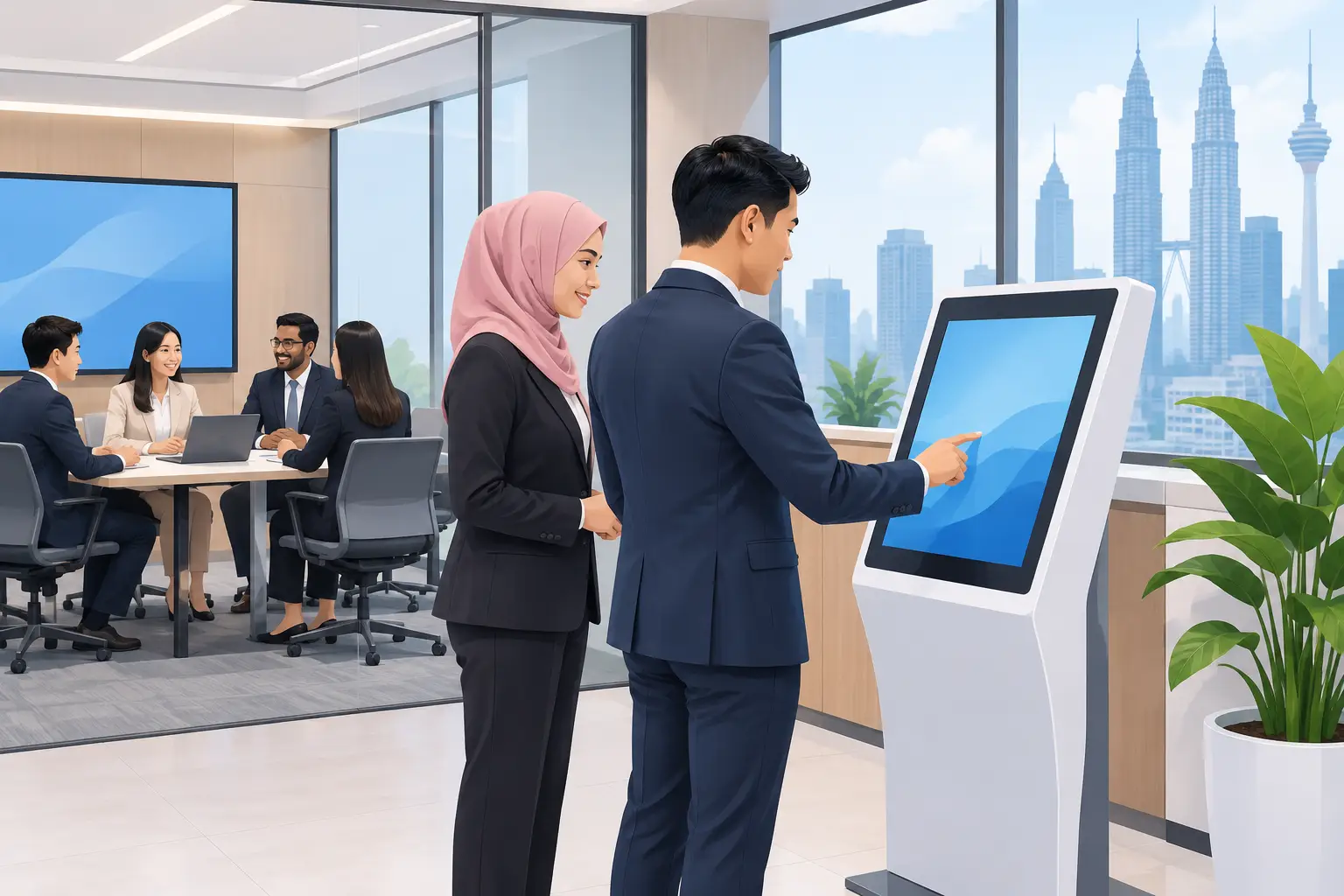
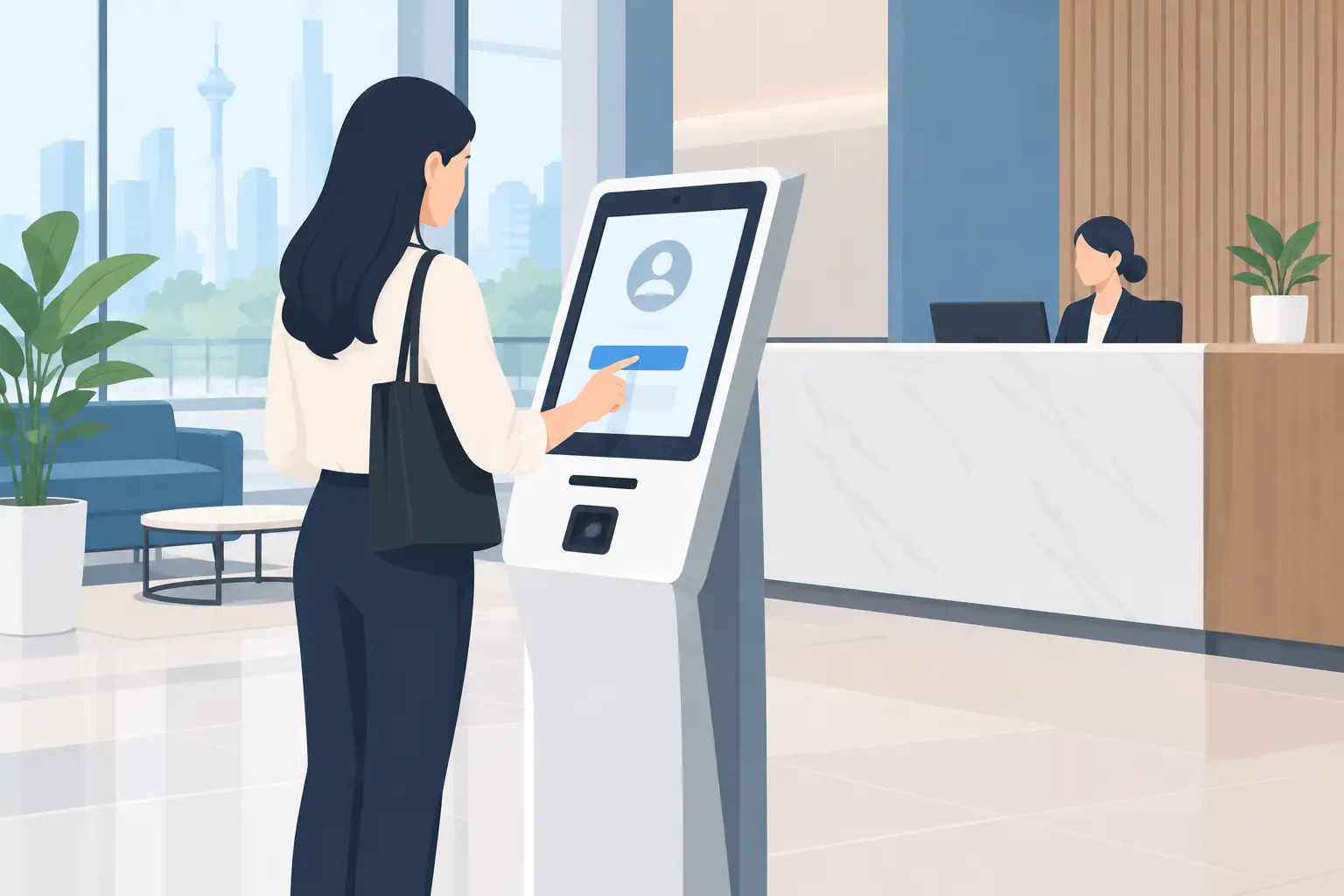
A touch screen kiosk gives visitors a clear task to complete without waiting for a staff member. In a Kuala Lumpur office tower, that may mean pre-registering for a meeting and printing a visitor pass. In a hospital, it may mean finding a clinic floor. In a school or university, it may mean checking event details, campus maps or room schedules.
The useful part is not the screen itself. It is the reduction in small, repeated interruptions. Receptionists spend less time giving directions. Front-desk teams can focus on visitors who need help. Facilities and communications teams can update information without replacing printed notices across the building.
Kiosks are also useful where people arrive outside peak reception hours. A clear self-service screen can direct delivery drivers, contractors and visitors to the correct process. It does not replace a receptionist in every setting, especially where identity checks or sensitive enquiries are involved. It handles the straightforward first step well.
Which touch screen kiosk should you buy?
Buyers often begin by asking for a 43-inch or 55-inch display. Screen size matters, but viewing distance and the amount of information on screen matter more. A 32-inch kiosk can work well for a close-up registration task. A 43-inch screen is often a practical choice for reception and directory use. A 55-inch screen suits larger lobbies, maps and content intended to be read from several metres away.
Choose a portrait layout when the screen will show a check-in form, a building directory or a step-by-step queue process. Choose landscape when the priority is video, a broad floor plan or promotional content. A portrait kiosk usually takes less wall width and can be easier to position near a reception desk or lift lobby.
The kiosk enclosure needs equal attention. A public-facing installation needs a stable base, protected cabling and a finish that suits the location. A lightweight unit may be acceptable inside a supervised training centre. A busy clinic, retail space or government service area may need a more substantial enclosure and a placement plan that prevents crowding.
| Requirement | Suitable kiosk approach | What to check before ordering | |---|---|---| | Visitor registration | Portrait screen with simple touch form | Integration with visitor process, printer need and data handling | | Building directory | 43-inch or 55-inch portrait display | Readability, floor information and update process | | Wayfinding map | Larger screen, often landscape | Map detail, viewing distance and accessible placement | | Queue or service selection | Portrait kiosk near the entry point | Clear choices, queue rules and staff fallback process | | Product or corporate display | Landscape or portrait based on content | Content ownership, scheduling and network connection |
Touch screen kiosk software: do not treat it as an afterthought
A kiosk is only as helpful as the content and software behind it. A polished screen with an unclear menu simply moves the queue from the counter to the display. Before selecting hardware, write down the first three actions a visitor needs to take. If staff cannot explain those actions in one sentence, the interface probably needs simplifying.
For visitor registration, decide whether the kiosk only captures a name and contact number, or whether it needs to notify a host, print a badge or connect to an existing visitor management platform. For wayfinding, ask who will update tenant names, room changes and event information. For digital notices, decide who approves and schedules content.
This is where an Office Solutions Specialist should ask practical questions rather than push a standard model. Network access, power points, mounting position, software compatibility and user permissions can affect the final scope more than the display panel itself.
Keep the user journey short. Large buttons, plain instructions and high-contrast text help every visitor, including those who are unfamiliar with the building or less confident with touch screens. Where Malay, English and Chinese language support is required, plan the screen flow early. Adding extra languages later can make a rushed interface harder to use.
Where should a touch screen kiosk be installed?
Placement changes whether a kiosk is used or ignored. A directory placed behind a queue is hard to reach. A check-in kiosk positioned too close to an entrance can cause congestion during morning arrivals. A wayfinding screen that faces direct sunlight may be difficult to read even if it looks good during a site visit.
Start by watching the arrival path. Where do visitors stop? Where do they look first? Where does a queue form on a busy weekday? The answers will guide the screen orientation and the required footprint.
Allow room for wheelchair users and for people carrying bags or documents. Keep cables out of public walkways. If a printer, scanner or payment accessory is part of the process, make sure it is within comfortable reach and can be serviced without dismantling the entire kiosk.
For offices in older buildings, a site survey is especially useful. Power may not be available where the reception team wants the kiosk. Wi-Fi coverage can vary between the lobby and the IT room. Building management may also have rules about floor loading, drilling, signage and access for delivery. Sorting this out before installation avoids a display arriving before the site is ready.
What support should you expect after installation?
A kiosk is part of daily operations, not a decorative purchase. Ask who installs it, trains the users and responds when the screen, software or connectivity needs attention. It is sensible to separate the hardware warranty from software subscriptions, content updates and network responsibility so there is no confusion later.
Hytech Office Automation can carry out a site survey, delivery, installation and user training for suitable kiosk projects in Kuala Lumpur and Selangor. After-sales enquiries receive a response within 4 working hours. That matters when a reception screen is central to visitor handling or public information.
Your internal team should still assign an owner. This person does not need to be an IT specialist, but someone must be responsible for checking that content is current, reporting faults and approving changes. The most successful kiosk installations have a clear owner and a simple process for keeping information accurate.
Frequently asked questions
How much does a touch screen kiosk cost in Malaysia?
Cost depends on screen size, enclosure, touch technology, software, accessories and installation conditions. A basic information kiosk and an integrated visitor registration kiosk can have very different requirements, so a site-based quotation is more useful than a generic package price.
Is a touch screen kiosk suitable for an office reception?
Yes, particularly for visitor registration, meeting directions and company information. It works best when the receptionist remains available for exceptions, VIP guests and visitors who need personal assistance.
Can a kiosk work without an internet connection?
It can display locally stored content without an active connection. However, live directories, host notifications, cloud content updates and integrations usually require a reliable network connection.
What screen size is suitable for a lobby kiosk?
A 43-inch screen is a common starting point for a reception directory or visitor check-in point. Use 55 inches when people need to read information from farther away or view detailed maps, but confirm there is enough space around the unit.
How often should kiosk content be updated?
Update it whenever tenant details, room allocations, promotions or visitor instructions change. For most organisations, a monthly check is a sensible minimum, with immediate updates for temporary events and building notices.
Can one kiosk show both directions and company messages?
Yes, if the navigation remains easy to find. Keep wayfinding and check-in actions visible at all times, then use idle-screen content for corporate messages, announcements or campaigns.
A kiosk should make the first five minutes of a visitor's experience easier, not give them another screen to figure out. Arrange a complimentary on-site consult with an Office Solutions Specialist to assess the user flow, installation point and kiosk setup before you commit.