Choosing a MAXHUB Official Distributor in Malaysia
A MAXHUB official distributor in Malaysia should do more than supply a screen. They should assess the room, recommend a suitable panel, install it properly, train your users and remain accountable when help is needed. That matters when meetings, teaching and training depend on the equipment working first time.
Why buy MAXHUB through an official distributor?
An interactive flat panel is not simply a larger television. It becomes the shared working surface for board meetings, staff briefings, training sessions and hybrid calls. If the screen is too small for the room, mounted at the wrong height or connected poorly to the room system, staff will quickly return to laptops and whiteboards.
Buying through a MAXHUB official distributor Malaysia organisations can work with gives you a clearer route from requirement to daily use. You should be able to discuss room size, seating layout, existing cameras and microphones, network access, and whether users need Zoom or Microsoft Teams rooms. Those details determine whether a 65-inch, 75-inch, 86-inch or larger display is appropriate.
The distributor should also be able to explain what is included in the proposed system. A panel may suit a small meeting room on its own, while a boardroom may need a video conferencing camera, wireless presentation tools and professional installation. The right answer depends on the room and how people actually meet.
What should an official MAXHUB distributor provide?
Start with practical advice rather than a specification sheet. Your Office Solutions Specialist should ask who uses the room, how many people normally attend, where remote participants appear on screen, and what devices staff bring into meetings.
A proper process also covers a site survey before delivery. This helps identify wall structure, power points, cable routes, lift access and any restrictions for a Kuala Lumpur office tower or school campus. It is far easier to resolve these points before the equipment arrives than on installation day.
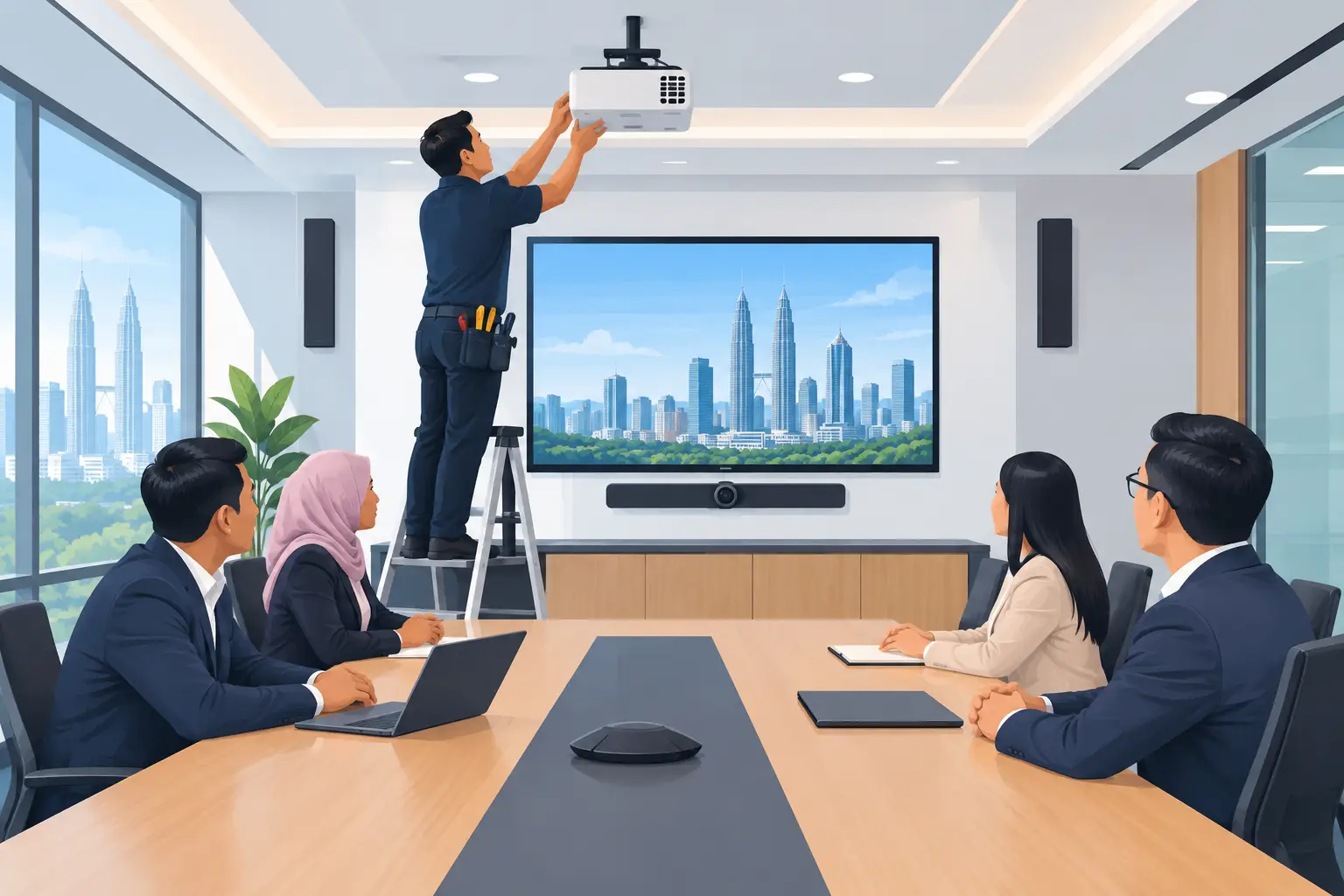
Hytech Office Automation is a MAXHUB Authorised Business Partner and Official Distributor in Malaysia. Its process includes site survey, delivery, installation, user training and after-sales service, with a response within 4 working hours. For busy facilities and IT teams, this reduces the need to coordinate separate suppliers for the screen, installation and user handover.
MAXHUB interactive flat panel or a lower-budget option?
MAXHUB is often selected where meeting quality, collaboration features and room integration are priorities. For organisations with tighter budgets, a Hikvision interactive flat panel can be a sensible alternative. The decision should not be based on purchase price alone. Consider how often the room is used, how much video conferencing it handles and how much support your staff will need.
| Buying situation | Suitable direction | What to check | |---|---|---| | Executive boardroom with frequent hybrid meetings | MAXHUB interactive flat panel with video conferencing system | Camera framing, microphone coverage, Teams or Zoom room requirements | | Training room used by HR and department heads | MAXHUB interactive flat panel | Screen size, annotation needs, trainee visibility and HRDC eligibility | | Classroom or presentation room with limited budget | Hikvision interactive flat panel | Viewing distance, teaching software needs and installation scope | | Reception or visitor area | Digital signage, kiosk or LED display wall | Content updates, viewing angles and operating hours |
There is no benefit in paying for functions your team will not use. Equally, a lower-cost setup can become expensive if it creates repeated meeting delays, unclear audio or a screen that nobody knows how to operate. A live demonstration helps buyers see the difference before committing.
Can MAXHUB panels support Zoom and Microsoft Teams rooms?
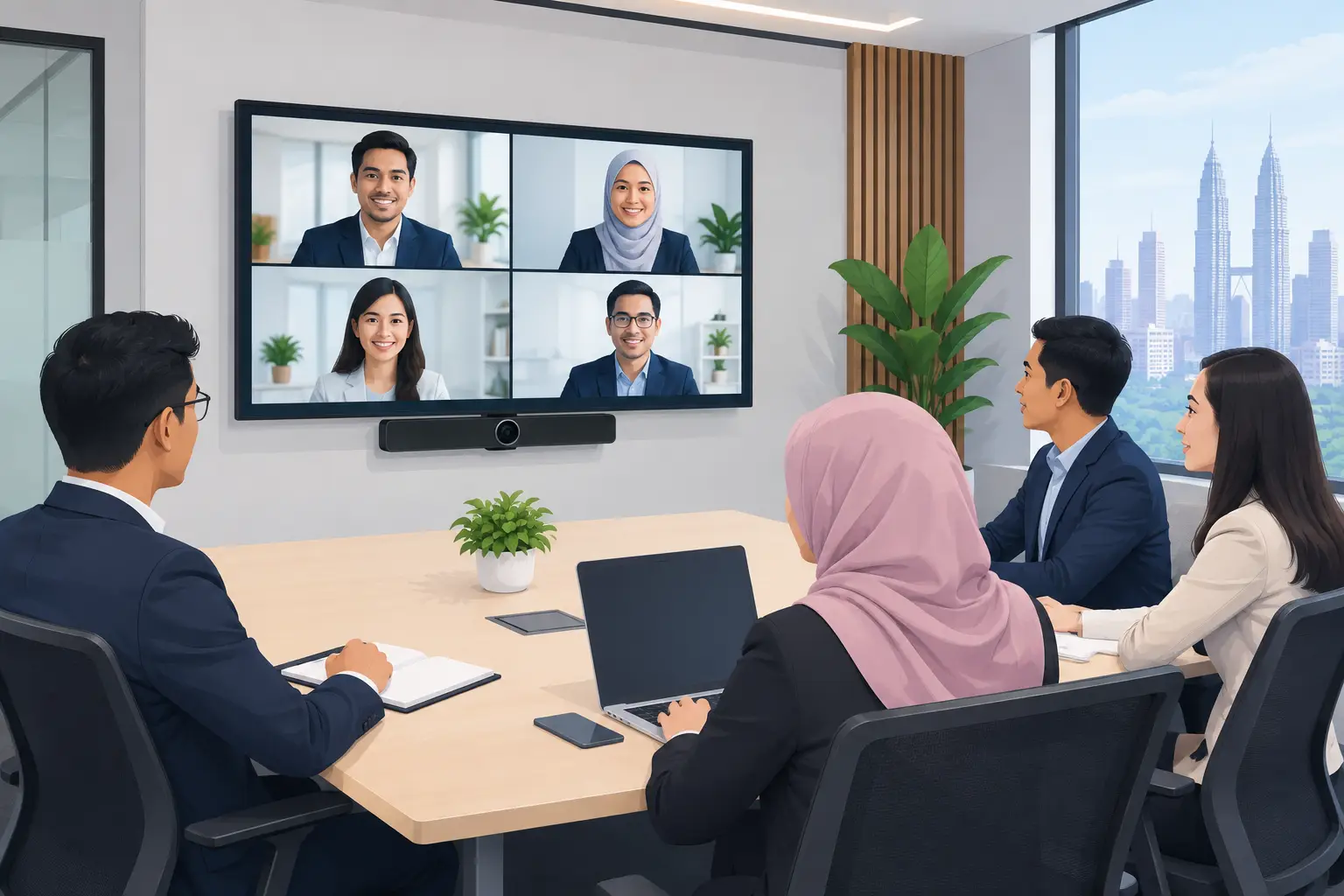
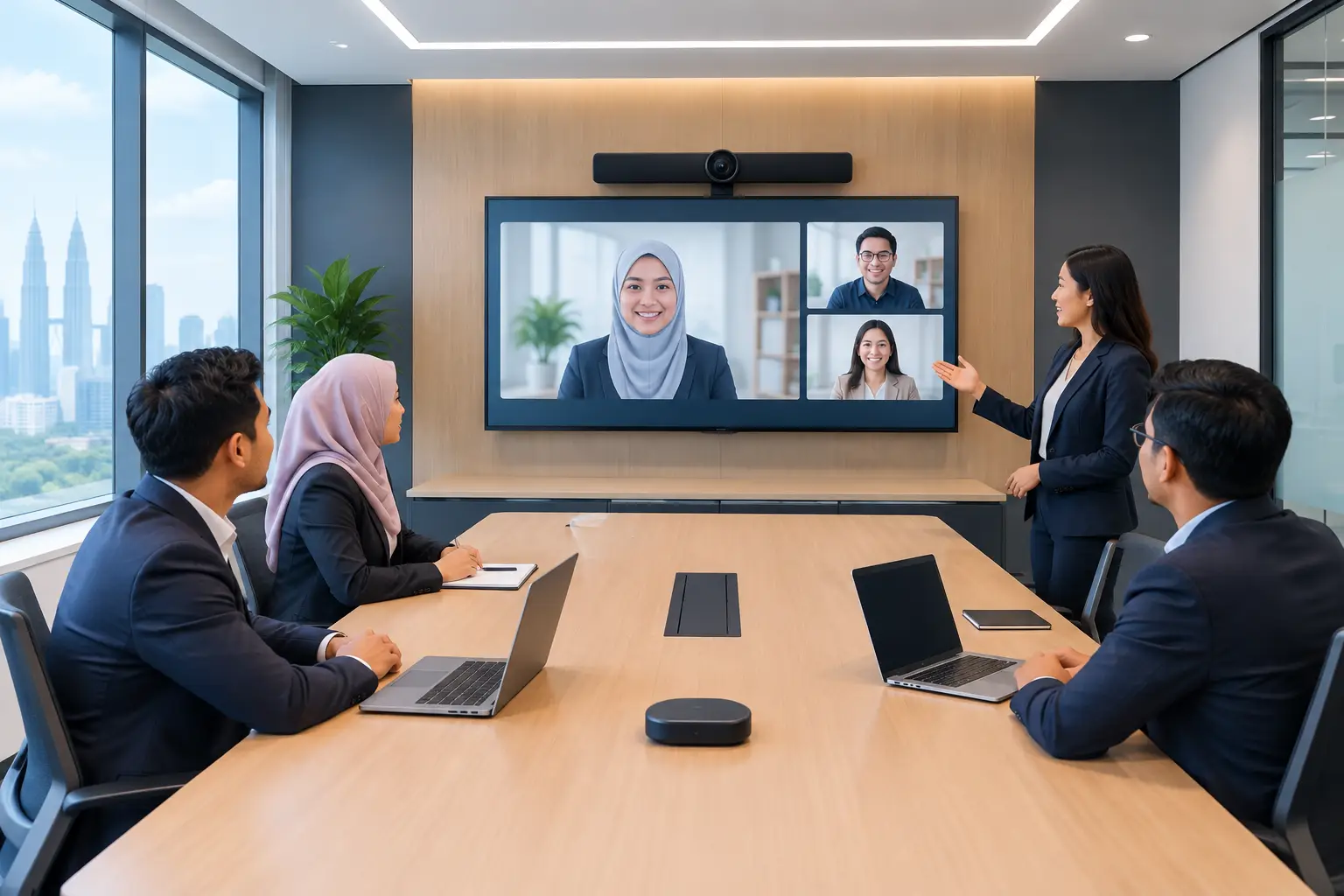
Yes, but the panel is only one part of the meeting-room setup. A productive hybrid room needs a display that everyone can see, a camera positioned for the room layout, microphones that pick up natural speech and controls that are simple enough for any employee to start a call.
For a four-person huddle room, the system requirements are different from a 14-seat boardroom. Larger rooms may need wider camera coverage and more considered microphone placement. An Office Solutions Specialist can recommend the right arrangement after reviewing the room rather than assuming one package fits every space.
User training matters here. Staff should know how to join a call, share a laptop screen, use the panel for annotation and end a session without leaving private content visible to the next group. These are small details, but they protect meeting time and user confidence.
Is an interactive flat panel HRDC claimable?
Interactive flat panels are the only Hytech product category that may be claimed through HRD Corp's Training Facilities and Renovation Scheme, known as ALAT. This can be relevant for employers fitting out a dedicated training venue, but the conditions need to be checked before purchase.
The employer must apply before buying. A panel bought before approval is not claimable. Once approved, the purchase must be made within six months, and the panel must be placed in the training venue for training use only. The annual cap is 50% of the levy balance as at 1 January.
Delivery and installation by themselves are not claimable. HRD Corp decides each application, so approval cannot be assumed. Hytech is not an HRD Corp training provider, but its team can help customers understand the claim process and prepare for the purchase after approval.
For organisations that prefer to spread the cost, interactive flat panels are available to buy outright or on a 36-month instalment plan from about RM203 a month. Confirm the equipment scope and HRDC conditions before selecting the payment approach.
How do you compare quotations fairly?
Two proposals can show the same screen size yet deliver very different outcomes. Ask whether the quoted price includes delivery, wall mounting, cables, installation, testing and user training. Also ask who handles faults after handover and what response commitment applies.
It helps to provide each supplier with the same information: room dimensions, photographs, intended seating, number of regular users, preferred video platform and any building access rules. This gives procurement teams a more meaningful comparison than looking at screen size and headline price alone.
For larger projects, ask for a room-by-room proposal. A 65-inch panel may work well in a compact discussion room, while an 86-inch panel may be needed where participants sit further back. Standardising every room at one size can look simpler on paper but may not serve users equally well.
Where can you try MAXHUB before buying?
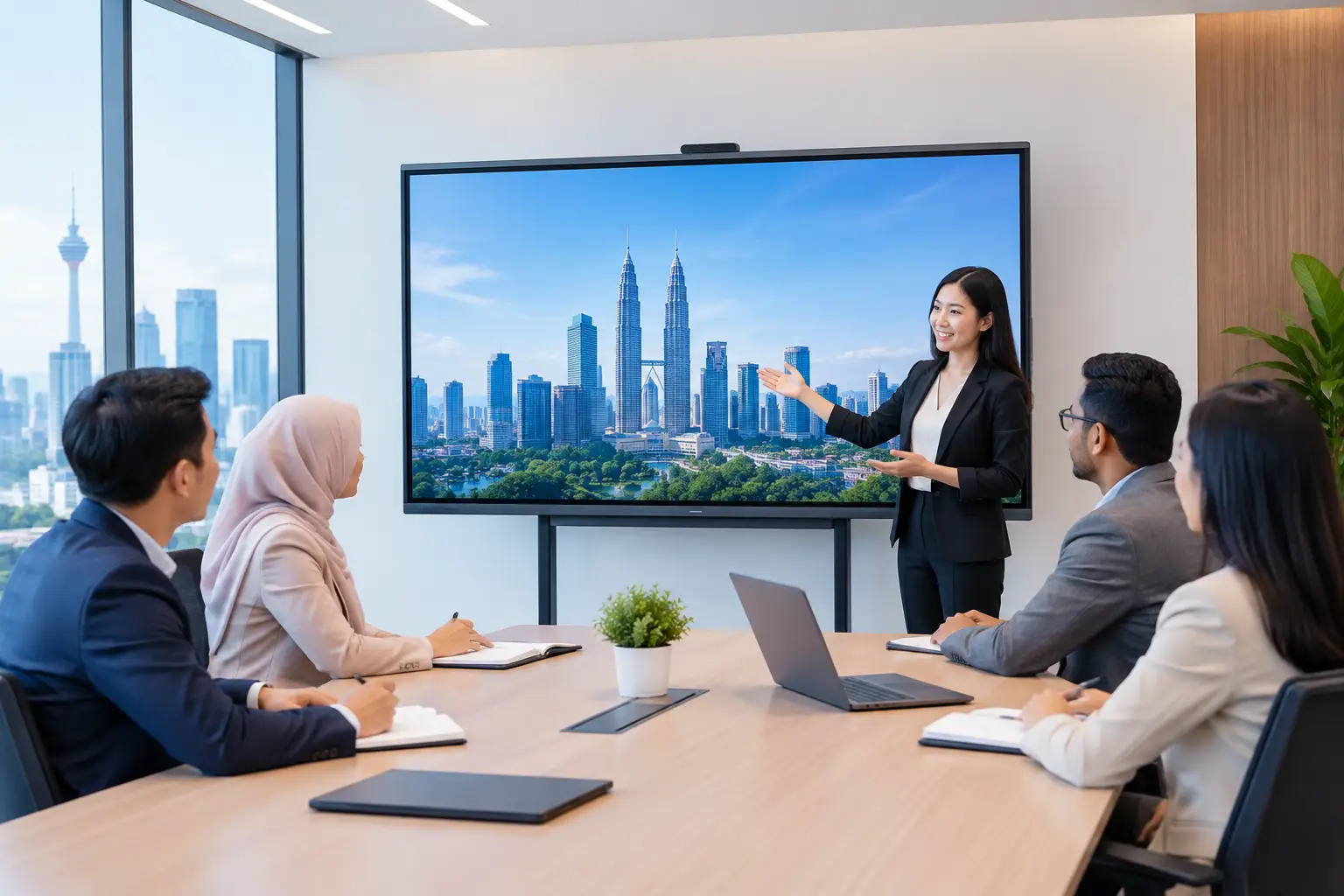
A boardroom demonstration is more useful than a catalogue because your team can test the activities they do every week. Bring a laptop, try wireless sharing, write on the panel and join a video call. Check whether the text is readable from the back of the room and whether the controls feel straightforward for non-technical users.
The Maxsmart Experience Centre at Corporate Tower 2, Pavilion Damansara Heights in Kuala Lumpur is set up as a real boardroom. This gives decision-makers a practical way to compare meeting-room equipment before a site survey or final quotation.
Frequently asked questions
Is MAXHUB suitable for schools as well as offices?
Yes. Schools can use interactive flat panels for teaching, collaborative activities and staff training. The recommended screen size and accessories should reflect classroom dimensions, student numbers and how lessons are delivered.
Do we need IT staff to run a MAXHUB panel?
Not for normal meeting and presentation use after proper setup and training. IT staff may still need to manage network access, user policies and room-platform settings, particularly for Teams or Zoom rooms.
How long does installation take?
It depends on the room, wall condition, cable routes and whether video conferencing equipment is included. A site survey allows the installer to plan access, mounting and testing properly before confirming the work scope.
Can we use our existing laptop with the panel?
Usually, yes. The exact connection method depends on your devices and chosen room setup. During a demonstration, test the laptops and sharing methods your staff use so there are no surprises after installation.
What support should we expect after installation?
Ask for a clear contact process, the support coverage and the response commitment. Hytech provides a response within 4 working hours, giving facilities and IT teams a defined point of contact when assistance is required.
Before choosing equipment from a brochure, arrange a showroom demo at the Maxsmart Experience Centre. Seeing your meeting workflow on a working MAXHUB setup is the clearest way to decide what your people will actually use.