Best Photocopier for Small Office Malaysia
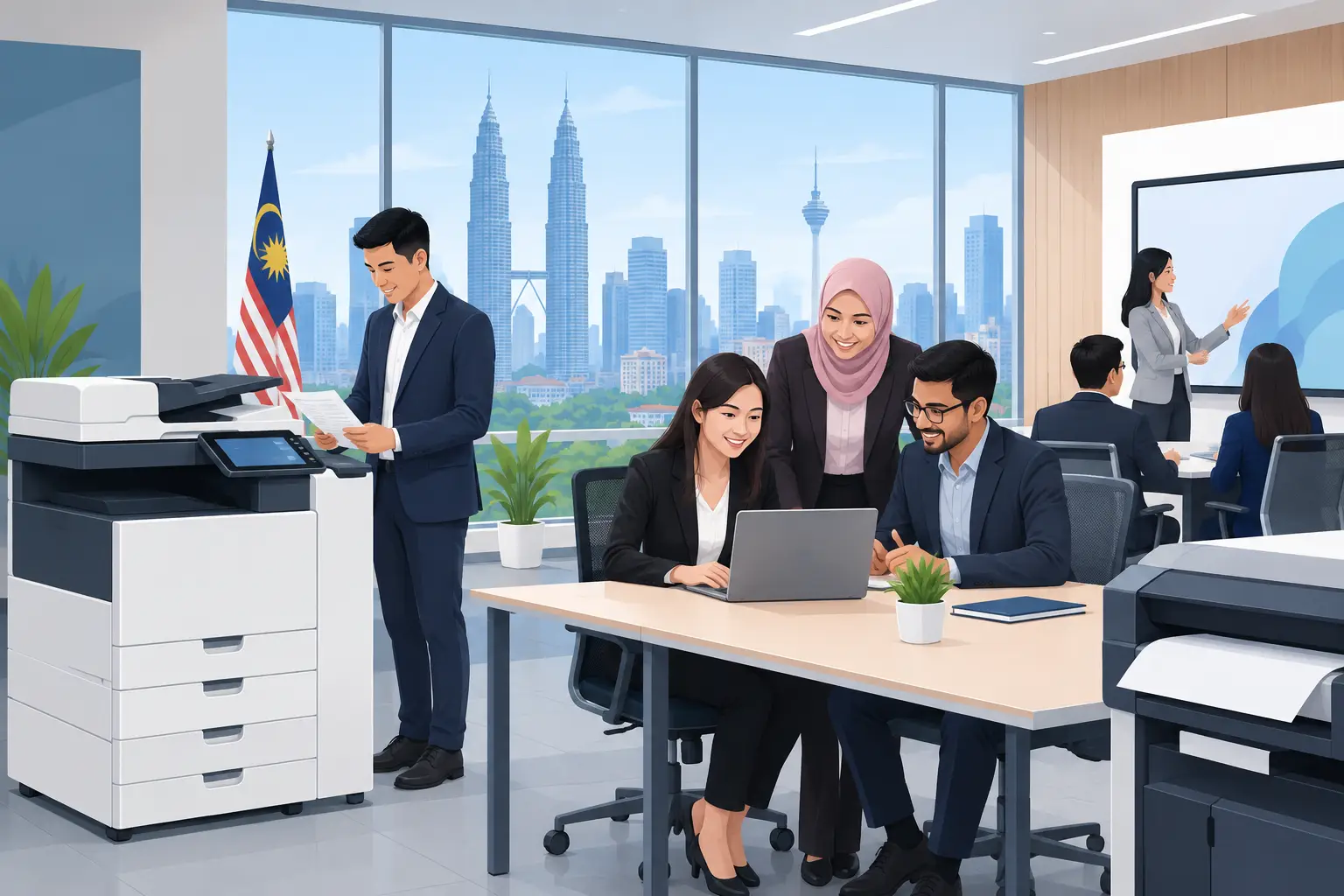
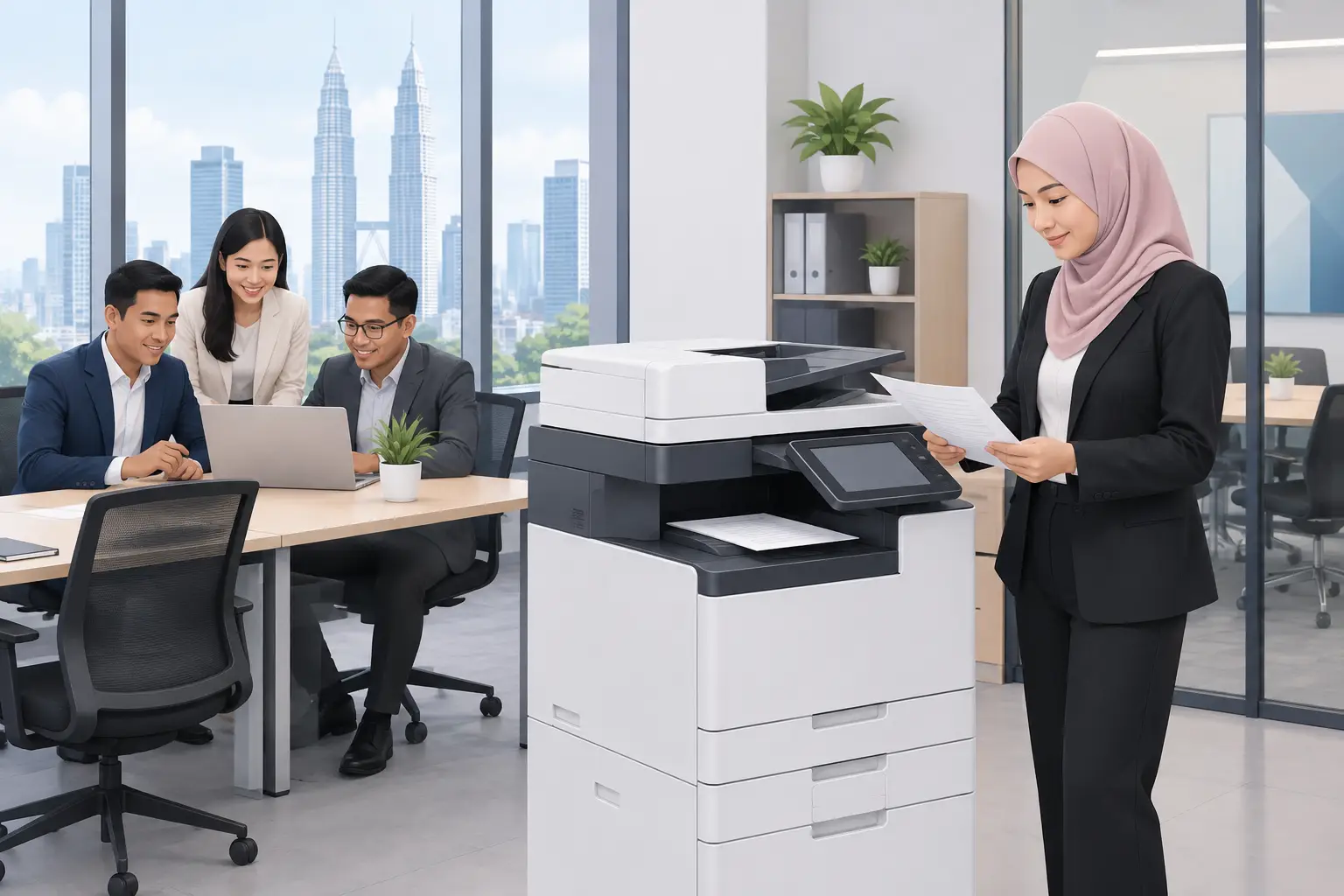
The best photocopier for small office Malaysia buyers is usually a compact multifunction machine matched to your real monthly print volume, colour needs and support expectations. For most teams, a meter-based rental is more practical than buying a machine based only on its advertised speed.
A copier that looks economical can become a daily frustration when staff queue for prints, toner runs out unexpectedly, or scanning takes too many steps. The right decision starts with how your office actually works, not with the biggest specification on a brochure.
What is the best photocopier for a small office in Malaysia?
For a small office of five to 30 people, the best photocopier is normally an A4 or A3 multifunction printer that prints, copies and scans reliably, with automatic double-sided printing and a document feeder. It should handle your busiest day without being oversized for the rest of the month.
The word “best” depends on your workload. A legal firm printing contracts has different needs from an insurance office scanning customer forms, or a tuition centre producing colour worksheets. Buying a high-volume machine for light use wastes budget. Choosing a basic desktop printer for a growing team creates delays and inconsistent running costs.
A practical starting point is to review the last three months of print bills or meter readings. If nobody has this data, estimate by department. Finance, administration and customer service usually generate more pages than management.
Should a small office rent or buy a photocopier?
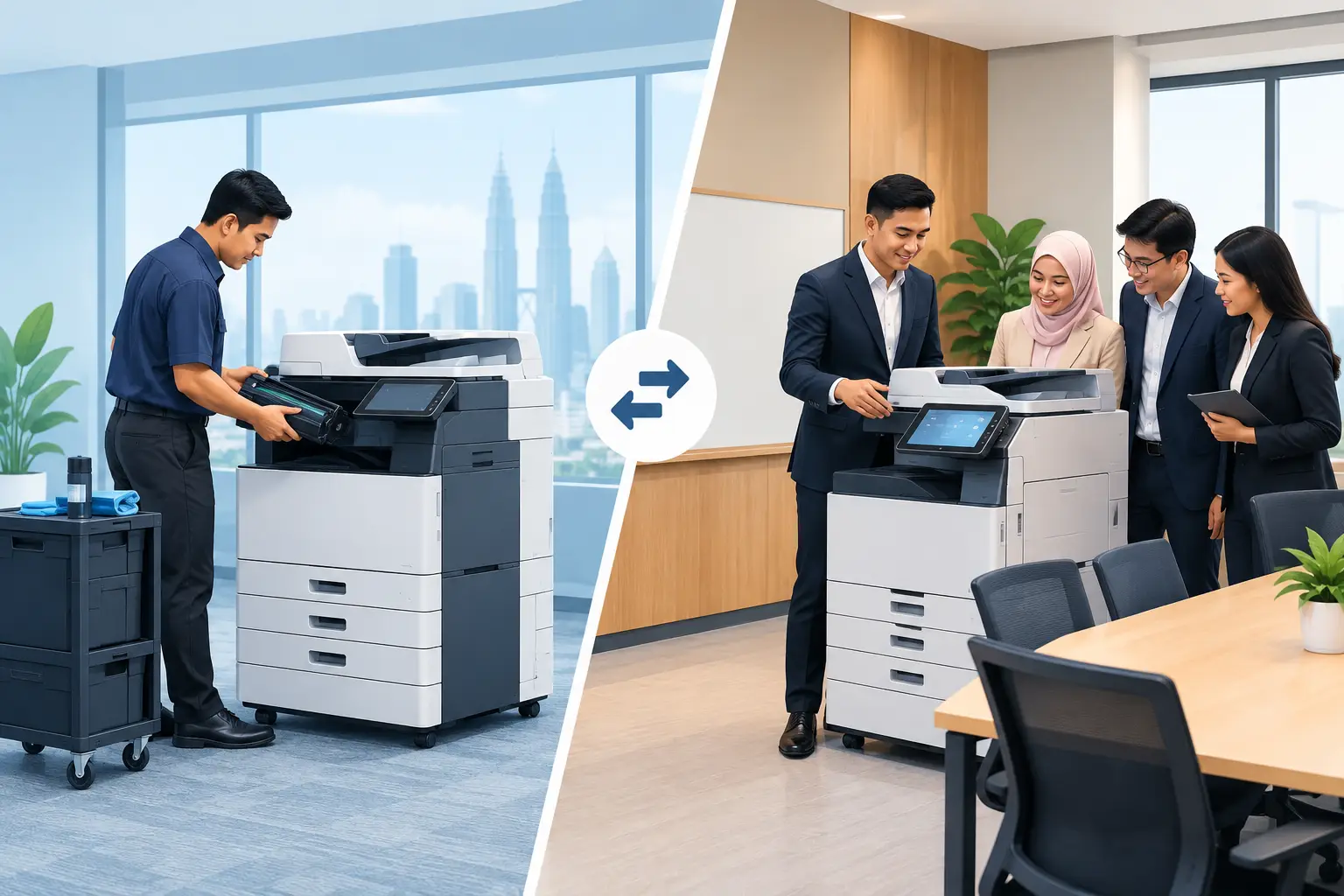
Many small businesses prefer photocopier rental because it keeps the initial commitment lower and makes monthly printing costs easier to track. Rental is meter-based: you pay a base rental plus a per-copy charge. Packages are available from RM48 a month, with the final arrangement depending on machine type, volume and colour requirements.
This approach suits offices that want maintenance support and predictable oversight without assigning someone internally to source toner, arrange repairs and chase separate suppliers. It is also useful where headcount or print volume may change over the next one to three years.
Buying can make sense if your office has stable, low-volume printing and plans to keep the same machine for many years. However, the purchase price is only part of the cost. Toner, parts, servicing, downtime and replacement planning still need to be considered.
| Your office situation | Usually the more suitable approach | Why | |---|---|---| | New office with uncertain print volume | Meter-based photocopier rental | Lets you match the machine to actual usage without a large upfront purchase | | Five to 15 staff printing mostly invoices and documents | Compact A4 multifunction copier | Takes up less space while handling everyday copy, print and scan work | | Office prints proposals, plans or training packs | A3 colour multifunction copier | Supports larger paper sizes and colour output when required | | Team scans signed forms or multi-page files daily | Copier with automatic document feeder | Reduces manual page-by-page scanning | | Busy administration department | Higher-capacity multifunction copier | Helps prevent queues, paper refills and slow print jobs at peak times |
How many pages should a small office photocopier print?
Do not select a machine by its maximum monthly duty cycle alone. That figure shows what a device may tolerate at an absolute limit, not the volume it should comfortably produce every month.
Instead, look at the normal monthly volume and the peak periods. A business may average 3,000 pages a month but print twice that amount during month-end, enrolment, audits or tender submissions. Your copier should cope with those spikes without slowing down staff work.
Colour volume needs separate attention. Colour pages generally cost more than black-and-white pages, so a company that prints mainly internal drafts may want user controls. Setting colour printing for approved users or specific departments can prevent unnecessary spending without stopping essential work.
Which photocopier features matter most for a small office?
Start with the functions your staff will use every day. Print speed matters, but it is not the only measure of productivity. A machine that scans quickly to email or network folders may save more time than one that only produces pages a few seconds faster.
Automatic double-sided printing should be standard for most offices. It reduces paper use and makes reports easier to carry and file. An automatic document feeder is equally useful when staff scan supplier invoices, HR documents or signed agreements in batches.
Paper capacity is often overlooked. If the tray holds too little paper, someone will be topping it up repeatedly, usually when the office is busiest. For offices using letterheads, plain paper and different paper sizes, multiple trays can prevent staff from manually changing paper settings.
Security also matters, particularly for finance, healthcare, education and professional services. Ask about user authentication, secure print release and scan destinations. These features help ensure confidential documents are collected by the right person rather than left on the output tray.
What support should come with a photocopier rental?
A photocopier is an operational tool. When it stops working, invoices are delayed, meeting packs cannot be prepared and administrative teams lose time. For this reason, judge the supplier on service arrangements as carefully as the machine itself.
Ask who handles delivery, installation, user training, meter readings, toner supply and fault reporting. You should also ask what happens when the machine requires attention and how quickly the supplier commits to respond. Hytech Office Automation provides a response within four working hours, helping Kuala Lumpur and Selangor offices avoid long periods of uncertainty when a device needs support.
Training is not a minor detail. A well-configured copier can scan directly to the right email address or shared folder, print double-sided by default and give different access levels to different users. A short handover helps the office use these functions from the first day.
How to compare photocopier quotations properly
Two quotations can appear similar while covering very different services. Check the base rental, black-and-white and colour per-copy charges, included functions, service coverage and any assumptions about monthly volume. A lower starting figure is not automatically the lower operating cost.
Confirm whether the proposal includes the equipment that your workflow needs. For example, an A3 copier may be necessary for drawings, certificates or larger-format notices, while an A4 machine may be enough for a business that only handles standard documents.
It is also worth asking whether the suggested model is sized for your current usage or for anticipated growth. An Office Solutions Specialist should be able to explain the recommendation in plain terms: expected volume, paper sizes, scan workflow, colour use and support arrangements.
Frequently asked questions
Is an A4 or A3 photocopier better for a small office?
An A4 copier is suitable when your work is mostly letters, invoices, reports and scanned documents. Choose A3 if your office regularly prints larger forms, drawings, certificates or presentation materials.
How much does photocopier rental cost in Malaysia?
Photocopier rental is available from RM48 a month, but it is not one fixed monthly fee. It is meter-based, combining a base rental with a per-copy charge based on the machine and your printing requirements.
Can a small office photocopier scan to email?
Most business multifunction copiers can be configured to scan to email, and some can send files to selected folders or other approved destinations. Confirm the setup needed for your organisation before installation, especially if your IT policies restrict email or network access.
How long should a photocopier last in an office?
The useful life depends on its print volume, servicing and whether it remains suitable for your team’s workflow. A properly matched machine with ongoing support will generally serve an office better than an undersized device pushed beyond its intended workload.
Do we need colour printing in our office?
You need colour if client-facing documents, training materials, charts, marketing items or visual reports are part of regular work. If colour is occasional, control access to reduce unnecessary colour-page charges while keeping the capability available.
Try the right machine before you decide
Bring your typical print and scan requirements to a showroom demo at the Maxsmart Experience Centre in Corporate Tower 2, Pavilion Damansara Heights. An Office Solutions Specialist can show you suitable copier options, explain the meter-based charges and help you choose a machine your staff can use confidently from day one.