What Office AV Maintenance Services Should Cover
Office AV maintenance services should stop small room faults becoming cancelled meetings, delayed training and frustrated staff. The right service covers preventive checks, a clear support route and practical user guidance, so your screens, cameras, audio and room controls are ready when people need them.
Why meeting room AV problems keep returning
A meeting room can look complete on handover, then become unreliable months later. A loose HDMI cable, a changed Zoom or Microsoft Teams setting, a flat remote-control battery or an untrained new staff member can all create the same outcome: people cannot start on time.
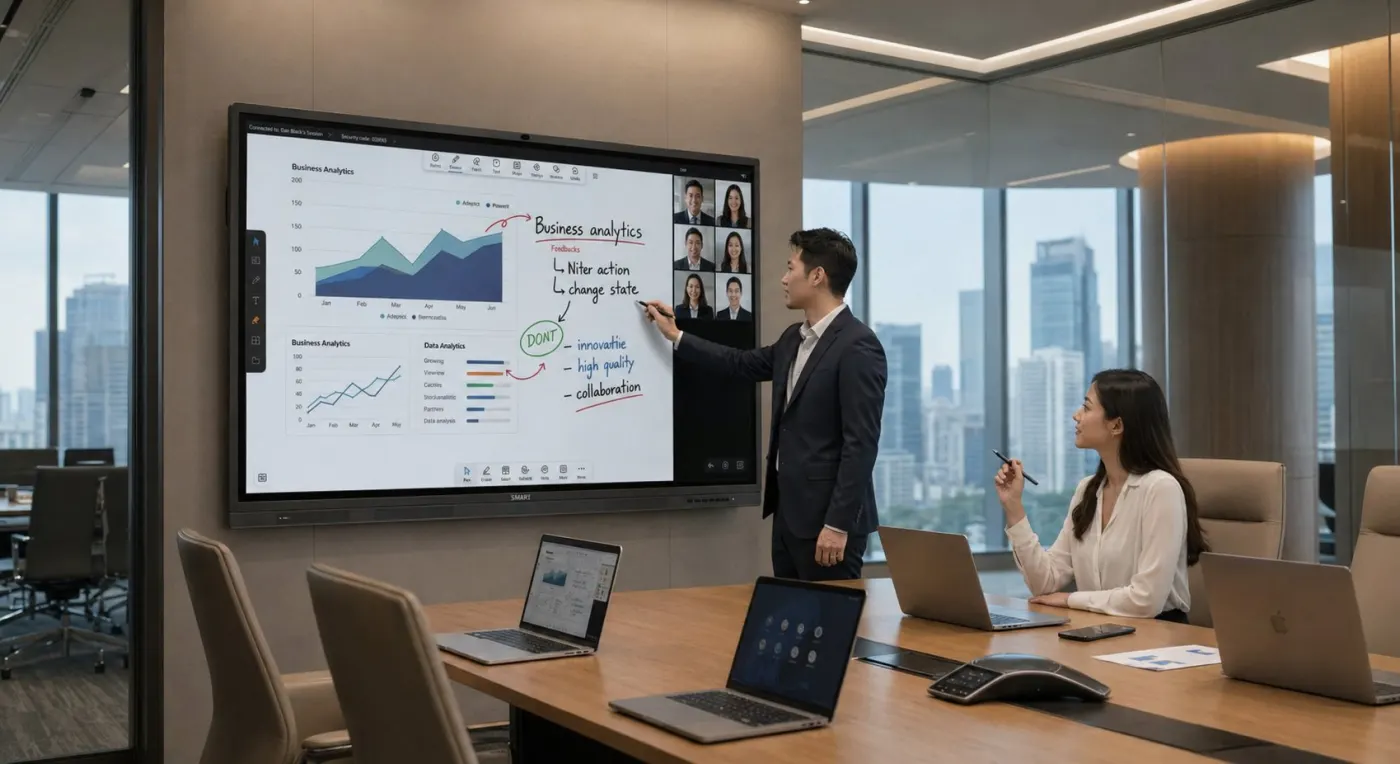
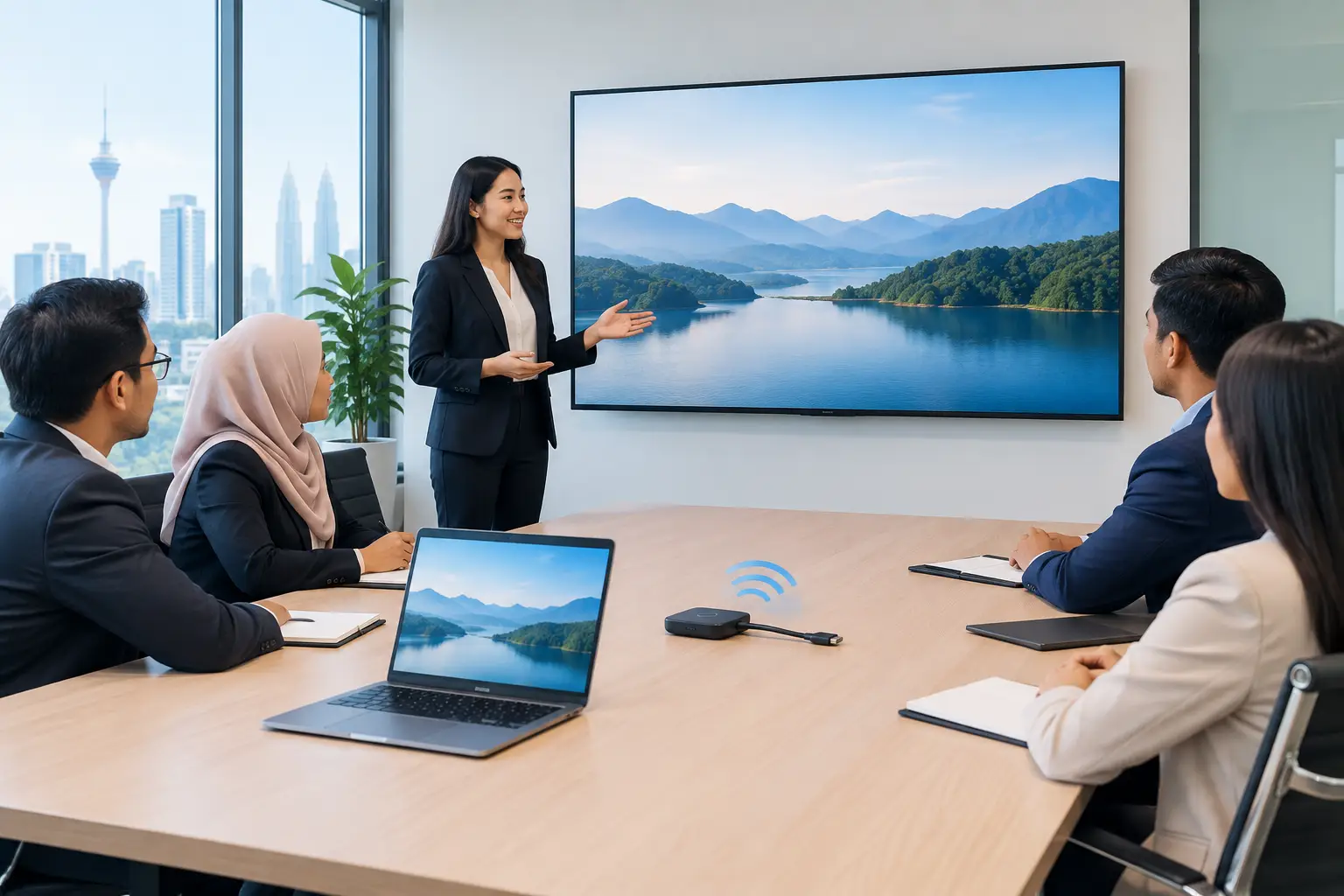
The issue is rarely one device in isolation. A typical boardroom may combine an interactive flat panel or projector, wireless presentation, video camera, microphones, speakers and a Teams or Zoom room PC. When several suppliers installed different parts at different times, finding the responsible party becomes a task in itself.
For an office manager or IT manager, the cost is not just repair work. Senior staff lose meeting time. External visitors see an unprepared room. Training sessions fall back to printed handouts because the display is not working as expected.
What should office AV maintenance services include?
Good office AV maintenance services begin with an accurate record of what is in each room. That means the display model and size, camera, audio equipment, cabling, control devices, software platform and who uses the space. Without this baseline, a service team is diagnosing blind.
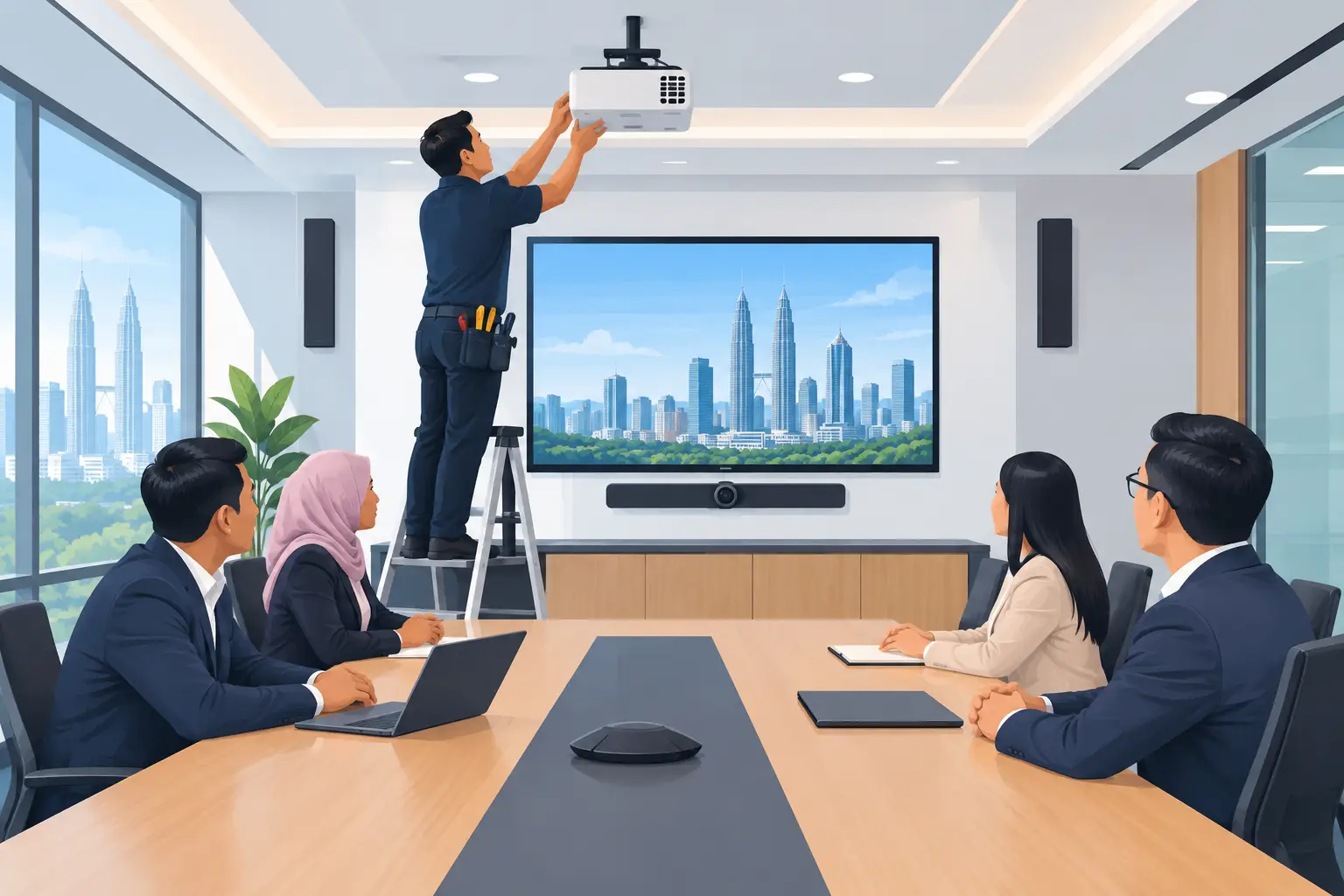
Preventive maintenance should then focus on the points that commonly affect daily use. This can include checking image quality, touch response on interactive panels, camera framing, microphone pickup, speaker output, connection ports and wireless sharing. For projector rooms, lamp or laser performance, filters and alignment matter. For LED display walls, visual consistency and control hardware need regular attention.
Software and room settings also deserve attention. A video conferencing room may fail because a user account, device update or network setting changed, not because the camera has failed. Your AV provider should be able to separate an equipment issue from a network or platform issue, then work with your internal IT team where necessary.
Just as important, staff need a simple route to help. A support request should not be passed around facilities, IT and multiple equipment vendors. Hytech provides a response within 4 working hours, giving organisations a named route to begin resolving a fault.
Planned maintenance versus call-out support
Both have a place, but they solve different problems. A small office with one simple meeting room may only need responsive support and occasional checks. A headquarters with several boardrooms, training rooms, visitor displays and hybrid meetings will usually benefit from scheduled maintenance.
| Support approach | What it is for | Best fit | |---|---|---| | Planned preventive checks | Finding wear, configuration issues and poor performance before a room is needed | Busy offices, schools, training centres and multi-room sites | | Reactive fault support | Investigating a reported issue after equipment stops working properly | Smaller setups or isolated faults | | User refresher training | Helping staff use room equipment correctly after turnover or process changes | Offices with frequent new starters or shared meeting spaces |
Planned checks reduce avoidable interruptions, but they do not remove every risk. A network outage, a damaged cable or a third-party platform issue can still affect a meeting. The value is that the room is documented, the likely causes are narrowed down quickly and responsibility is clearer.
Which AV equipment needs regular attention?
Interactive flat panels are often treated like oversized televisions, but they are collaboration devices. If they are used for training or workshops, touch calibration, annotation tools, wireless sharing and front-facing ports should be checked. A 65-inch panel in a small huddle space has different use patterns from an 86-inch panel in a training room.
Video conferencing equipment needs the closest attention because it combines audio, video and software. A room may appear fine to people sitting at the table while remote participants hear echo, see a poorly positioned camera or cannot read the shared screen. Testing should reflect the remote participant experience, not only what is visible in the room.
Digital signage, interactive kiosks and LED walls have a different maintenance priority. They are often customer-facing, so screen brightness, playback schedules, content updates and physical condition matter. A blank kiosk in a reception area or a display wall with inconsistent panels affects how visitors view the organisation.
How to choose an AV maintenance provider in Malaysia
Start by asking whether the provider can support the whole room, not just the screen they supplied. If your meeting room contains a MAXHUB interactive flat panel, Epson projector, video conferencing system and audio equipment, you need clarity on where the provider's responsibility starts and ends.
Ask how faults are logged, what information users should provide and when you can expect a response. “Support available” is too vague for a busy office. You should know whether assistance starts remotely, whether a site visit may be needed and how the provider will keep your team informed.
Local capability matters when equipment is installed across Kuala Lumpur and Selangor. Remote troubleshooting can resolve simple settings and connection problems quickly, but it cannot replace a physical inspection when cabling, mounting, audio hardware or a damaged port is involved.
Also ask about training. A well-designed room still causes trouble if staff do not know the correct start-up sequence or how to share content from their own laptops. Brief refresher sessions can be more useful than repeated fault calls, especially after a move, new system rollout or staff changes.
When is replacement better than maintenance?
Maintenance is not always the economical answer. Equipment may be technically repairable but no longer suitable for how the room is used. For example, an older projector may struggle in a brighter redesigned training room, or an outdated video conferencing setup may not support the camera and audio quality expected for regular hybrid meetings.
Replacement should be considered when faults repeat, spare parts are difficult to obtain, image or audio quality affects the meeting outcome, or the room requires features the current setup cannot provide. This is a business decision, not simply a technical one.
A site survey helps distinguish between a repairable fault and a system that no longer fits the room. Hytech Office Automation can assess existing AV equipment, recommend practical improvements and provide installation, user training and after-sales support for new setups.
Frequently asked questions
How often should AV equipment be checked?
It depends on use. A boardroom used for daily hybrid meetings needs more regular attention than a presentation room used once a month, while customer-facing displays should be checked often enough to catch visible faults before visitors do.
Can AV maintenance cover Zoom and Microsoft Teams rooms?
It can cover the room equipment used with Zoom and Microsoft Teams, including displays, cameras, microphones, speakers and room controls. If the cause sits with your network, user account or platform service, your AV provider and internal IT team may need to work together.
What should staff report when a meeting room fails?
They should state the room name, meeting platform, device being used and what happened on screen or through the audio. A photograph of an error message and the time of the issue can help identify whether the problem is a cable, hardware, settings or network matter.
Do interactive flat panels need user training?
Yes, particularly where teams use touch tools, annotation, wireless sharing or video conferencing. Short training helps users start meetings with less delay and reduces calls caused by incorrect connections or settings.
Can an old room be maintained without replacing everything?
Often, yes. A site assessment can identify whether the issue is limited to cabling, audio, camera placement or one failing component, although replacement may make better commercial sense when the system no longer meets current meeting needs.
See the equipment working in a real boardroom
Book a showroom demo at the Maxsmart Experience Centre in Corporate Tower 2, Pavilion Damansara Heights, Kuala Lumpur. An Office Solutions Specialist can show how meeting-room displays, video conferencing and collaboration tools work together, then help you plan the maintenance and support your rooms actually need.