FUJIFILM Copier Review: Is It Right for You?
A FUJIFILM copier is a sensible choice for offices that need dependable daily printing, copying and scanning without overcomplicating the setup. This FUJIFILM copier review finds that the right result depends less on the badge and more on your monthly volume, colour use, document finishing needs and local service arrangement.
What is a FUJIFILM copier like in daily office use?
Most copier problems do not start with a breakdown. They start when staff queue at one small printer, scan files to the wrong place, or discover that a 40-page proposal needs stapling just before a client meeting.
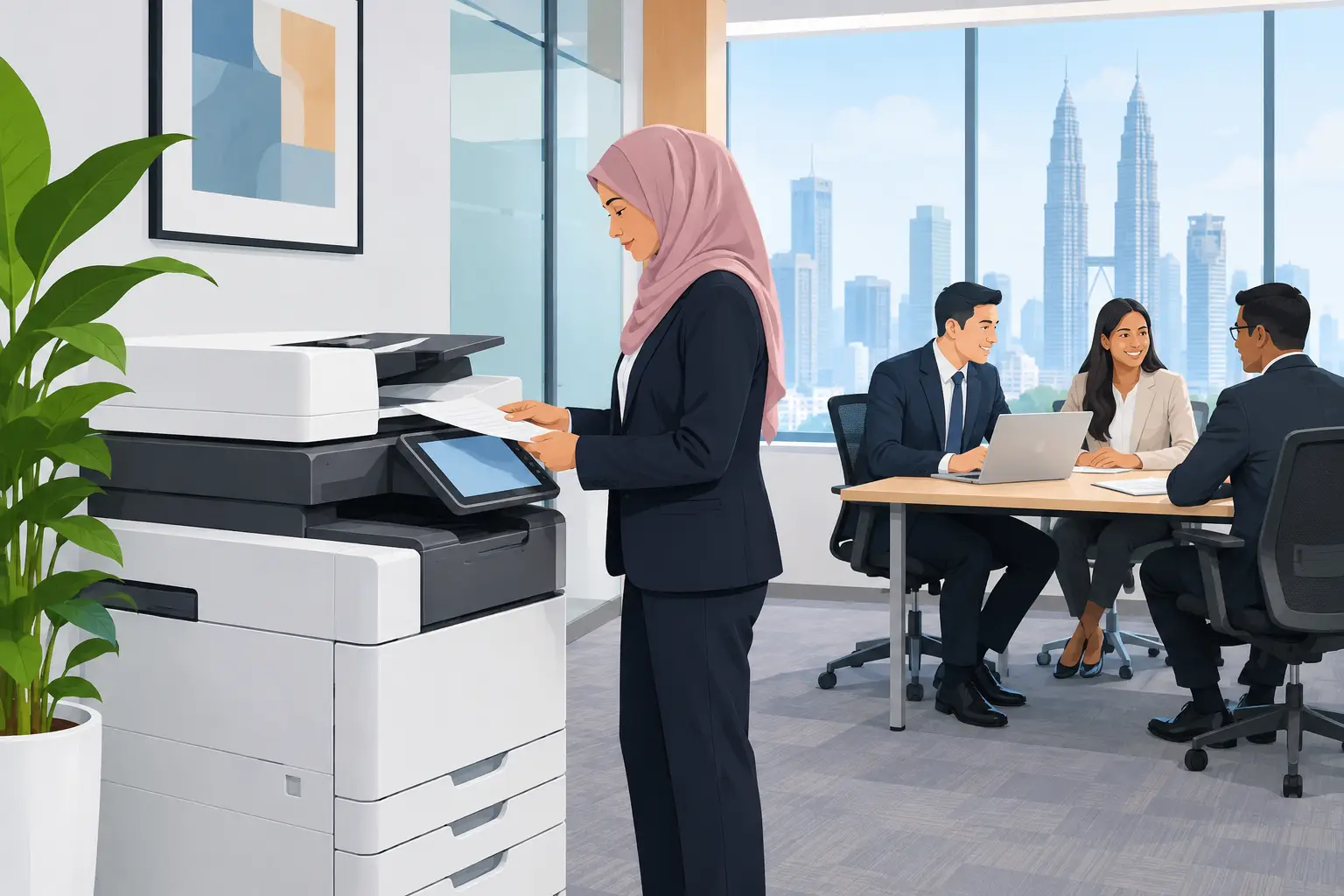
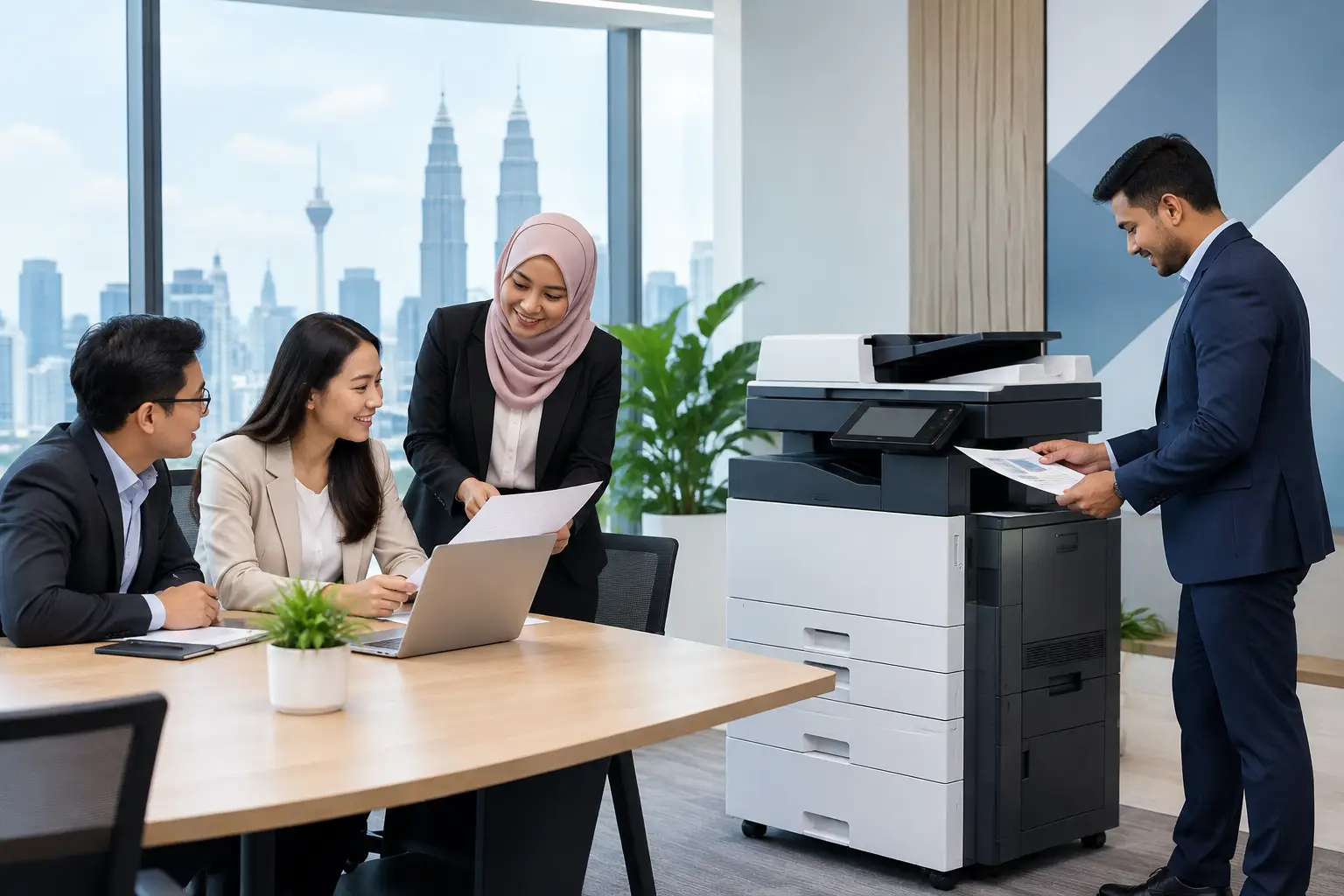
A properly specified FUJIFILM multifunction copier brings printing, copying and scanning into one shared device. For a typical Malaysian office, the practical benefit is consistency. Staff use the same machine for invoices, HR forms, meeting packs and scanned records rather than relying on several desktop printers with different consumables and settings.
The user experience will depend on the configuration. A basic monochrome unit may be enough for an accounts department printing high volumes of black-and-white documents. A colour A3 machine is more suitable where teams regularly produce tender documents, training material, property brochures or board papers.
The strongest point is usually the machine’s role in an organised print workflow. Set up correctly, it can scan to selected folders or email addresses, apply sensible access controls and reduce wasted pages. The copier itself cannot fix unclear printing rules, but it gives your organisation a more manageable starting point.
FUJIFILM copier review: strengths and trade-offs
FUJIFILM copiers suit many workplaces, but they are not automatically the right answer for every site. A small office that prints only occasional invoices may not need a floor-standing multifunction device. Equally, a busy school administration office may need more paper capacity and finishing options than a basic model provides.
| Buying consideration | Where a FUJIFILM copier can fit well | What to check before deciding |
|---|---|---|
| High black-and-white volume | Shared printing for finance, administration and operations teams | Your real monthly page count and peak periods |
| Colour documents | Proposals, reports, course materials and internal communications | How often colour is genuinely required, as colour pages cost more |
| A3 printing | Plans, spreadsheets, posters and larger-format meeting papers | Whether A3 is a regular need or an occasional exception |
| Scanning workflow | Digitising signed forms, supplier documents and staff records | File destinations, permissions and document naming practices |
| Multiple departments | One central device for a medium-sized office or school | Location, network access and who manages user access |
Print quality is generally a practical strength when the device is matched to the work. Text needs to be crisp, fine lines need to reproduce clearly, and colour should be consistent enough for normal business documents. If your work involves high-end design proofs or colour-critical marketing production, ask for samples from the exact device being considered. A business copier is not a substitute for specialist production print equipment.
Speed also needs context. A fast quoted pages-per-minute figure is useful, but it does not tell you how the machine performs when several people send jobs, a large scan is running, or the paper tray needs changing. For most offices, paper capacity, reliable feeding and an easy-to-use panel matter as much as headline speed.
How much does a FUJIFILM copier cost to run?
The cost question should be answered over months, not at the point of delivery. A low-cost device can become expensive if it is too small for the workload, needs frequent intervention or encourages staff to use colour for documents that could be black and white.
Photocopier rental is normally meter-based. You pay a base rental plus a per-copy charge, rather than one fixed monthly fee. At Hytech Office Automation, photocopier rental starts from RM48 a month, with the final arrangement based on the device and expected usage.
This approach can be easier for organisations that want to protect cash flow and avoid guessing the full servicing requirement upfront. It also makes the cost of printing visible. Your Office Solutions Specialist should ask for current meter readings or estimated volumes, the split between colour and monochrome pages, paper sizes, and whether you need scanning or finishing features.
Do not select a copier only because its base rental is low. A device that is undersized for a 40-person office can lead to bottlenecks and premature wear. On the other hand, paying for high-volume capacity that your team will never use is unnecessary expenditure.
What features should your office ask for?
Start with the documents your staff handle every week. For many offices, automatic double-sided printing and scanning are essential because they reduce paper handling and keep scanned files moving. A document feeder matters when an administrator needs to scan signed contracts or enrolment forms in batches.
Paper handling deserves careful attention. If your office prints on letterheads, plain paper and different sizes of forms, separate trays prevent staff from repeatedly changing paper. An A3 requirement should be confirmed early, particularly for construction, property, education and management reporting.
Finishing options are worth considering if staff regularly prepare sets of documents for meetings. Stapling and sorting can save time, but they are not necessary for every workplace. A small office that mainly scans and prints invoices may get better value from a simpler setup.
Security should be discussed as part of the installation, not as an afterthought. Ask who can print, whether users need to release jobs at the device, and where scans will be sent. This is especially relevant for HR, healthcare, insurance and professional services teams handling personal or commercially sensitive information.
Is a FUJIFILM copier suitable for schools and growing businesses?
For schools, the question is often about demand spikes. Administrative printing may be steady, then rise sharply around registration, examinations, events and parent communications. The right machine needs adequate capacity for those periods, while staff need simple controls that do not require daily IT support.
Growing businesses face a different issue. They may start with one device in a central area, then discover that sales, finance and operations all depend on it. Before choosing, consider where the machine will sit, whether staff on different floors can access it conveniently and whether the expected volume will change over the next 12 to 24 months.
A site survey is useful here because practical details affect performance. These include floor space, power points, network access, delivery routes and the distance staff need to walk to collect documents. A large copier should make office work easier, not become another facilities problem.
Why local copier support matters after installation
A copier is only productive when people can use it and help is available when they cannot. Delivery alone is not enough. Your team should receive clear user training for everyday tasks such as copying, scanning, loading paper and reporting an issue.
Ask what happens after installation. You need a clear route for service requests, a realistic response commitment and someone who understands the original configuration. Hytech Office Automation provides a response within four working hours, which gives offices a defined service expectation rather than an open-ended wait.
It is also sensible to assign one internal contact for routine questions. This person does not need to be an IT expert. They simply need to know which trays hold which paper, who approves settings changes and how to report faults with useful details such as error messages and the type of job affected.
Frequently asked questions
Are FUJIFILM copiers good for small offices?
They can be, if the office prints often enough to justify a shared multifunction device. A small team with very light printing may be better served by a simpler machine, so assess real monthly use before committing.
Should we choose a colour or monochrome copier?
Choose monochrome where most work is invoices, forms and internal records. Choose colour when proposals, training packs, presentations or customer-facing documents are part of normal weekly work.
Can we rent a FUJIFILM copier instead of buying one?
Yes. Photocopier rental can be arranged on a meter-based basis, made up of a base rental and a per-copy charge. It is worth checking what volume allowance, service coverage and colour-page pricing apply to your proposed setup.
How long does copier installation take?
The timing depends on delivery access, network readiness and the required setup. Confirm these points during the site survey so user training and testing can take place once the device is in position.
What information should we prepare before requesting a quotation?
Prepare your monthly black-and-white and colour page counts, number of users, preferred paper sizes and main scanning requirements. If you have a current copier, recent meter readings provide the most useful starting point.
See the workflow before you decide
Bring a few typical documents to a showroom demo at the Maxsmart Experience Centre in Corporate Tower 2, Pavilion Damansara Heights. An Office Solutions Specialist can show you a suitable FUJIFILM copier in a real boardroom setting, so your decision is based on the work your staff actually need to complete.