Office Projector Installation Malaysia: What Matters
A projector that looks impressive in a product brochure can still disappoint on the first client presentation. The usual causes are practical: daylight has not been considered, the screen is too small for the room, cables are visible, or staff cannot connect their laptop without calling IT. Effective office projector installation Malaysia businesses can rely on starts with how people use the room, not with a projector model number.
For meeting rooms, training suites and presentation areas, the objective is straightforward: clear content, simple operation and dependable performance every working day. Getting there requires a properly assessed package of display, mounting, cabling, control and user support.
Start with the room, not the projector
A site survey should establish more than room dimensions. It should consider seating positions, viewing distance, ceiling height, window placement, lighting controls, wall construction and the location of power and network points. These details determine whether a ceiling-mounted projector, short-throw model or interactive display is the better fit.
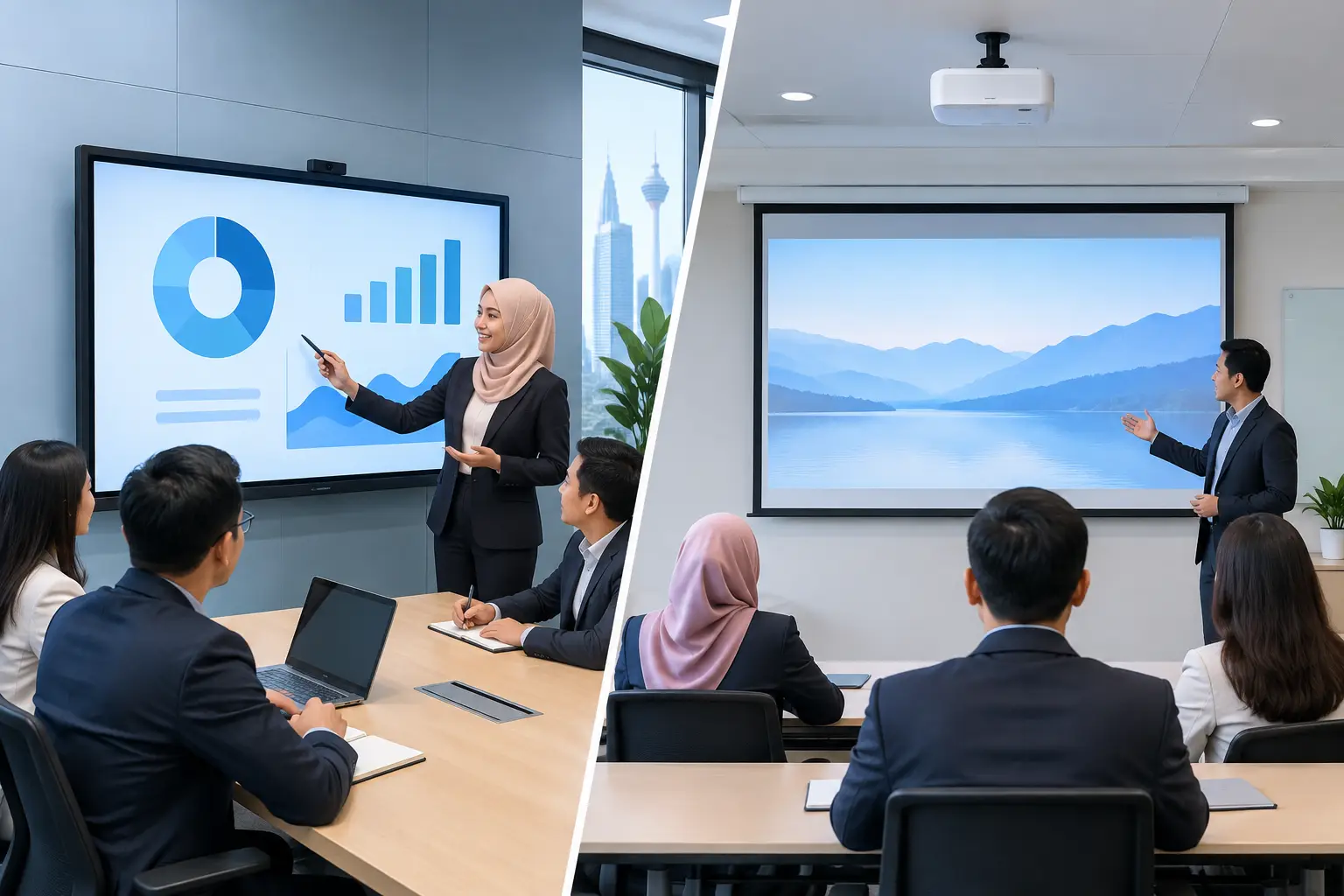
A boardroom with eight people may need a different solution from a training room for 30 staff. In a smaller room, a short-throw projector can create a large image from close to the wall or screen, reducing the chance of presenters casting shadows. In a deeper room, a conventional ceiling installation may provide better coverage and a cleaner layout.
Ambient light deserves particular attention in Malaysian offices. Meeting rooms with large windows can be excellent working spaces, but strong daylight can wash out a projected image. Window treatment, room lighting and projector brightness need to be planned together. Buying a brighter unit may help, but it is not always the most cost-effective answer if glare remains unmanaged.
What a complete office projector installation includes
A professional installation is an operating system for the room, rather than a projector fixed to the ceiling. The display surface, source connections and controls affect the user experience as much as the projector itself.
The screen must suit the room and the content. A dedicated projection screen usually gives more consistent image quality than a painted wall, particularly for presentations with fine text, spreadsheets or detailed diagrams. The screen size should allow participants at the back to read comfortably without overwhelming those seated nearest the front.
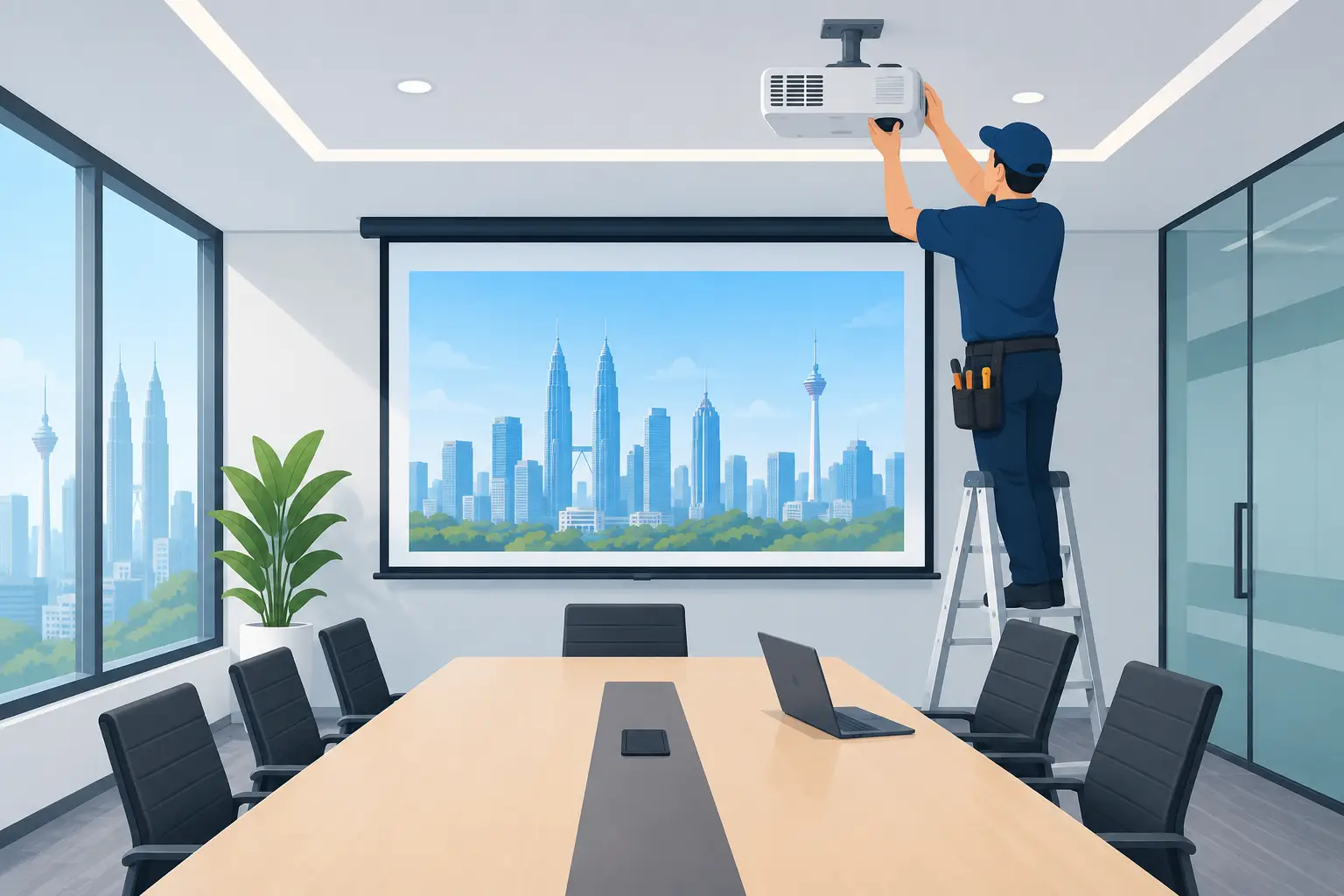
Mounting is equally important. The projector needs accurate alignment, secure fixing and enough access for future maintenance. Ceiling structure, ventilation and service access all matter. A poorly positioned unit can produce an uneven image, obstruct sightlines or make basic servicing unnecessarily difficult.
Cabling should be planned for present and future use. Most business rooms require HDMI or USB-C connectivity, while some also need wireless sharing, network access, audio output or camera integration for hybrid meetings. Neat cable routing protects the professional appearance of the space and reduces the risk of loose connections becoming a recurring support issue.
Where appropriate, simple controls can bring the projector, screen and audio together. Staff should not have to manage several remote controls before a meeting begins. A well-designed room lets a user walk in, connect, present and finish without technical friction.
Choosing the right projector for the working environment
There is no single best projector for every office. The correct choice depends on room conditions, expected usage and the level of image quality required.
Brightness should be selected according to the amount of ambient light and the intended screen size. A dimmer meeting room may not need the same output as an open training area with glass partitions. Higher brightness can improve visibility, but it can also affect price, power use and operating noise. The right balance is more valuable than simply choosing the highest specification.
Resolution matters most when people need to read detailed content. For standard presentations, a suitable business-grade resolution may be entirely adequate. For financial dashboards, design work, engineering drawings or side-by-side document review, higher resolution can make meetings easier to follow and reduce the need for participants to lean forward or ask for enlarged text.
Laser projectors are often a sensible option for spaces used heavily throughout the week. They typically offer longer operating life and reduce the disruption associated with lamp replacement. However, a lamp-based projector can still suit a room with lighter usage and a controlled budget. The decision should reflect the total cost of ownership, not just the purchase price.
Audio is another area where assumptions cause problems. A projector's built-in speaker may be sufficient for a compact room, but it rarely provides even, clear sound in a larger training space. If video, remote participants or presentations with sound are common, separate speakers and the right audio setup should be considered from the outset.
Design for meetings people actually run
The best meeting-room technology is easy to use under pressure. A director arriving late for a client call should not need to search for adapters, change display settings or contact three different suppliers.
For this reason, the installation should account for the laptops and platforms used across the business. A room may need USB-C charging and display, HDMI input for visiting presenters, wireless sharing for quick huddles, and a conferencing camera for remote attendees. These elements should work together, with clear labels and a straightforward handover process.
It also helps to decide who will own the room once it is operational. Facilities teams may manage physical access and room bookings, while IT teams oversee networked devices and user support. Establishing this responsibility early avoids the common gap where equipment is installed but nobody is prepared to manage updates, replacements or recurring user queries.
For interactive training, an interactive flat panel may be preferable to a projector. It provides high visibility in brighter rooms and allows writing directly on screen without concerns about shadows or projector alignment. A projector remains a strong choice where a very large image is required, where room layout supports it, or where the budget calls for a practical presentation solution. A site assessment makes the trade-off clear.
Why installation quality affects long-term value
Projectors are often treated as simple plug-in equipment. In an office, that approach can create avoidable downtime. Incorrect installation can lead to image distortion, cable failures, overheating, insecure mounting and difficult access for maintenance.
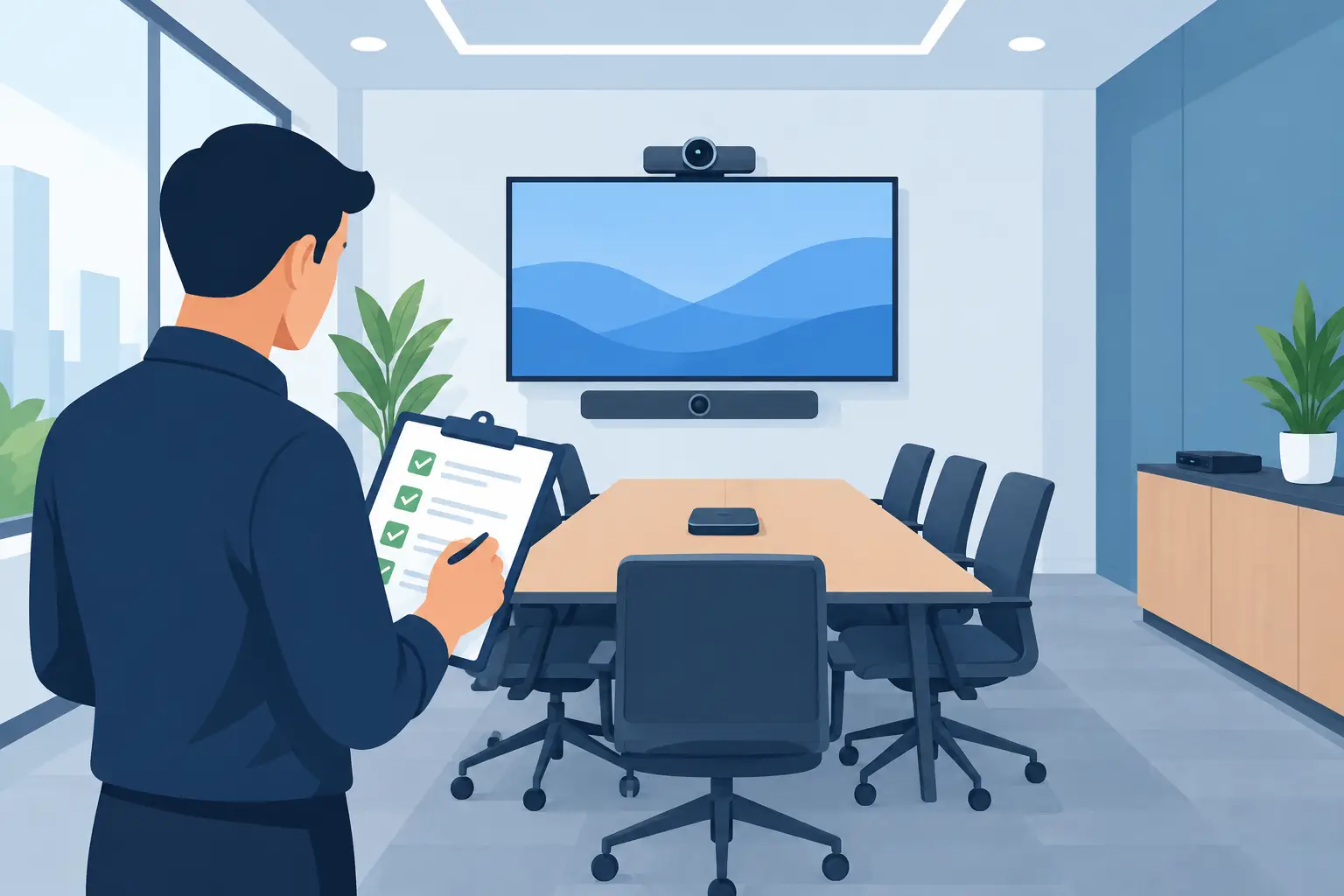
A complete commissioning process should test image focus and alignment, source connections, audio, controls and network functions where included. It should also confirm that the screen and projector work reliably under the room's normal lighting conditions. Testing only in an empty, darkened room does not reflect how staff will use the space at 10am on a busy weekday.
User training is a practical part of the project, not an optional extra. Even a short session can show staff how to connect devices, select inputs, use wireless sharing, handle common connection issues and switch the room off correctly. This helps protect the equipment and reduces unnecessary support calls.
After installation, warranty coverage and responsive technical support matter. Meeting spaces are business-critical when they are hosting client discussions, management reviews or staff training. Organisations benefit from one accountable partner that can assess the room, supply the equipment, install it properly and provide support when required, rather than leaving the office manager to coordinate separate hardware, cabling and service providers.
Planning an office projector installation in Malaysia
Before requesting a quotation, prepare a clear outline of the room's purpose, typical number of users, key devices and any current frustrations. Photographs, a simple floor plan and information about existing cabling can speed up the assessment. It is also useful to identify whether the project is for one room or part of a wider office upgrade involving video conferencing, interactive displays, digital signage or printing infrastructure.
Package pricing can provide better visibility of costs when it covers the projector, screen, mount, cabling, installation and training together. The lowest equipment-only figure is not always the lowest operational cost once additional work, accessories and later call-outs are considered.
Hytech Office Automation supports Malaysian organisations through consultation, site surveys, system design, installation, training and after-sales support. For decision-makers comparing options, a showroom demo at the Maxsmart Experience Centre in Damansara Heights can also make it easier to judge image quality, room controls and collaboration tools in a working setting.
Frequently asked questions
How bright does an office projector need to be?
It depends on the room light and the screen size. A room with daylight or the lights on needs a brighter projector than a dark training room, so measure the room before you choose a model.
Should we choose a laser or a lamp projector?
Laser projectors keep their brightness longer and need no lamp changes, which suits rooms used every day. Hytech supplies Epson laser projectors for halls, auditoriums and training rooms.
What does projector installation cover?
Ceiling or wall mounting, screen alignment, cabling to the presenter's position and a test with the laptops and video call tools the room uses.
When is a projector better than an interactive flat panel?
A projector suits large halls and auditoriums that need an image bigger than a 98-inch panel. In meeting rooms and classrooms, an interactive flat panel stays sharper in daylight and adds touch and video calls.
A good projector room should fade into the background of a productive meeting. When the image is clear, connections work first time and staff know what to do, the technology has done its job - leaving people free to focus on the decision, presentation or training in front of them.
Next step: see Hytech's Epson laser projectors and ask for a complimentary on-site consult, so brightness and screen size are measured in your room.