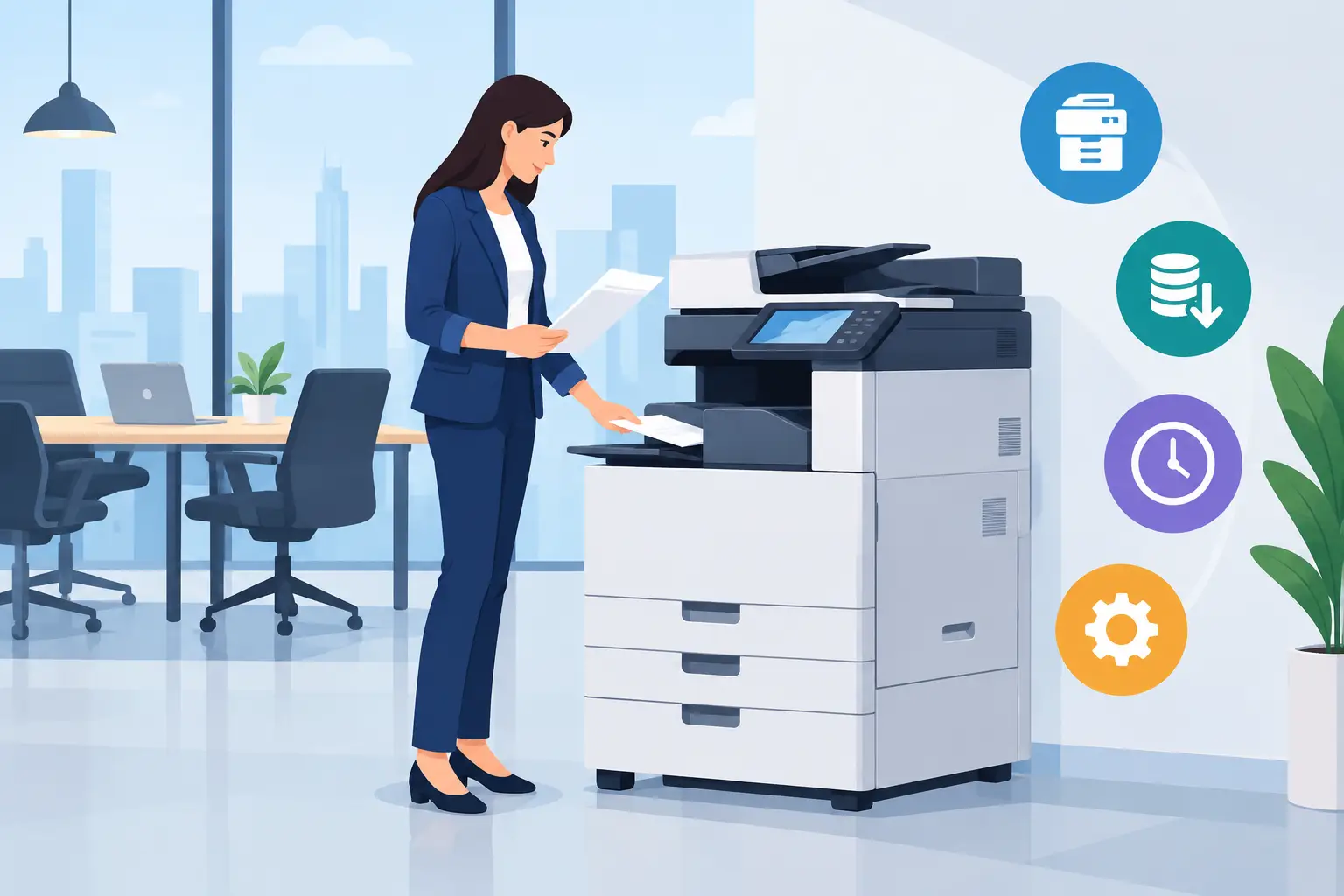
When Photocopier Rental for Offices Works
A photocopier rental for offices can solve a very practical problem: the team needs dependable printing now, but buying a machine outright would tie up cash, create an uncertain maintenance burden and leave the business responsible if demand changes. For many Malaysian organisations, rental turns printing from a capital purchase into a managed monthly operating cost.
That does not mean rental is automatically the lowest-cost option. Its value depends on print volume, contract terms, required functions and, above all, the quality of service behind the equipment. A copier that is inexpensive on paper but unavailable when invoices, training materials or tender documents must be produced is not a cost saving.
Why offices choose photocopier rental
Office printing is still operationally critical. Finance teams print payment records and reports. HR teams prepare onboarding packs. Administrators handle forms, correspondence and signed documents. Schools, clinics and professional firms often have periods where printing volume rises sharply with little warning.
Rental gives organisations access to a suitably specified multifunction photocopier without paying the full purchase price at the outset. A monthly arrangement can be easier to budget for, particularly when it includes maintenance, toner supply and technical support. Instead of assigning staff to compare consumables, chase repair providers and diagnose faults, the office has one accountable service arrangement.
This is especially useful for growing companies, new branch offices and project teams. A business may know it needs reliable A4 and A3 printing, copying and scanning, but not yet know its long-term volume. Renting provides room to assess real usage before committing to ownership.
There is also a technology benefit. Copier requirements are rarely static. A small office may begin with basic black-and-white documents, then need secure printing, scan-to-email, network folders or colour brochures as its operations develop. A rental package can be reviewed at the right point rather than forcing the business to keep an unsuitable machine simply because it has already been purchased.
When rental makes commercial sense
Rental is often a sensible choice where cash preservation matters more than owning an asset. Rather than placing a large sum into one machine, an organisation can keep capital available for staffing, fit-out, inventory or wider workplace upgrades.
It also suits offices that need predictable support. A copier has moving parts, consumables and software settings that need attention over its working life. When a service plan includes preventive maintenance, breakdown response and toner management, the internal workload is reduced. For IT and facilities teams already managing networks, meeting rooms and security systems, that matters.
Shorter-term needs are another clear case. A temporary project office, training centre, event administration team or newly opened site may require printing capacity without a long ownership commitment. The right rental period should match the real operational requirement, not just the lowest advertised monthly figure.
However, organisations with very stable, high-volume printing over several years may find that purchasing delivers better value over the full equipment lifecycle. The calculation must include maintenance, toner, repairs, downtime risk and replacement planning, not only the machine’s sticker price. Rental trades some potential long-term ownership savings for flexibility, support and lower upfront exposure.
Match the copier to the actual workflow
The first question is not, “Which copier is cheapest?” It is, “What must this office produce every working day?” A receptionist printing visitor documents has a different requirement from a legal practice producing large document sets, or a learning department preparing colour training materials.
Start with expected monthly print volume. Under-specifying a copier leads to slow output, frequent service calls and worn components. Over-specifying it means paying for capacity that the organisation may never use. A review of existing meter readings, paper orders and departmental requirements usually gives a more accurate picture than estimates alone.
Next, consider whether colour is genuinely needed. Colour improves client-facing proposals, internal communications and training collateral, but colour pages typically carry a higher cost. Some businesses benefit from a colour multifunction device in a central area and controlled black-and-white printing for routine work.
Scanning deserves equal attention. Modern offices often need to convert signed paperwork into searchable files, route documents to email or network folders, and reduce the time spent at the machine. An automatic document feeder, duplex scanning and sensible destination settings can make a measurable difference to administration.
What to check in a photocopier rental for offices
A clear proposal should show more than the monthly rental figure. Decision-makers should understand what is included, what is billed separately and how issues will be handled after installation. Vague terms can turn a seemingly attractive package into a difficult procurement decision later.
Ask for the included monthly print allowance and the charge for additional pages. Confirm whether black-and-white and colour pages are measured separately, whether unused pages carry forward, and how meter readings are collected. These details affect the real monthly cost far more than a headline rental rate.
Also establish whether toner, drums, parts, labour and routine servicing are covered. Paper is normally an office expense, but the consumables needed to keep the copier operating should be clearly defined. If a component fails, the organisation should know whether the provider repairs the unit, provides a replacement device or offers a temporary workaround.
Response time is equally important. A copier supporting a small department may tolerate next-business-day attention. A central machine serving a busy office may require a faster commitment. The service standard should reflect the consequences of downtime, particularly where the device supports customer documents, claims processing, admissions or daily dispatch work.
Finally, review the contract period, upgrade options and end-of-term process. The arrangement should state what happens if the business relocates, grows, reduces headcount or needs a different specification. Flexibility has value only when it is written into practical terms.
Installation and user adoption matter
A capable photocopier will still frustrate staff if it is poorly installed. Network configuration, print drivers, scanning destinations, user permissions and secure-print settings should be set up before the device becomes part of daily work. This prevents the familiar situation where one employee knows how to scan while everyone else queues for help.
Basic user training should cover copying, scanning, paper loading, common error messages and who to contact for support. Teams do not need a technical lecture. They need confidence that routine tasks can be completed quickly and that support is available when something does go wrong.
For organisations updating meeting rooms, training spaces or front-of-house displays at the same time, it is useful to coordinate the copier plan with the wider workplace technology programme. One partner can assess site conditions, organise installation and provide a clearer support route across connected office systems. Hytech Office Automation applies this end-to-end approach from consultation and site review through installation, user training and local after-sales support.
Control costs after deployment
Rental provides a predictable framework, but print costs still need management. Set sensible default rules, such as duplex black-and-white printing for everyday internal documents. Use secure release printing where confidential papers are common, so uncollected jobs do not sit in output trays or waste toner.
Departmental usage reports can also reveal avoidable printing. The purpose is not to police staff. It is to identify whether a process should be digitised, whether a team needs easier scan workflows, or whether a high-volume user requires a different print setting. Good reporting turns copier data into a practical operational decision.
Review the arrangement after the first few months. Actual page volumes, peak periods, service history and staff feedback will show whether the specification remains right. This is the point to adjust allowances or consider a different machine, before an unsuitable setup becomes accepted as normal.
The best rental arrangement is one that lets staff print, copy and scan without giving the copier a second thought. Before signing, compare the full service commitment, confirm the real per-page costs and make sure the provider can support the office when work cannot wait.